
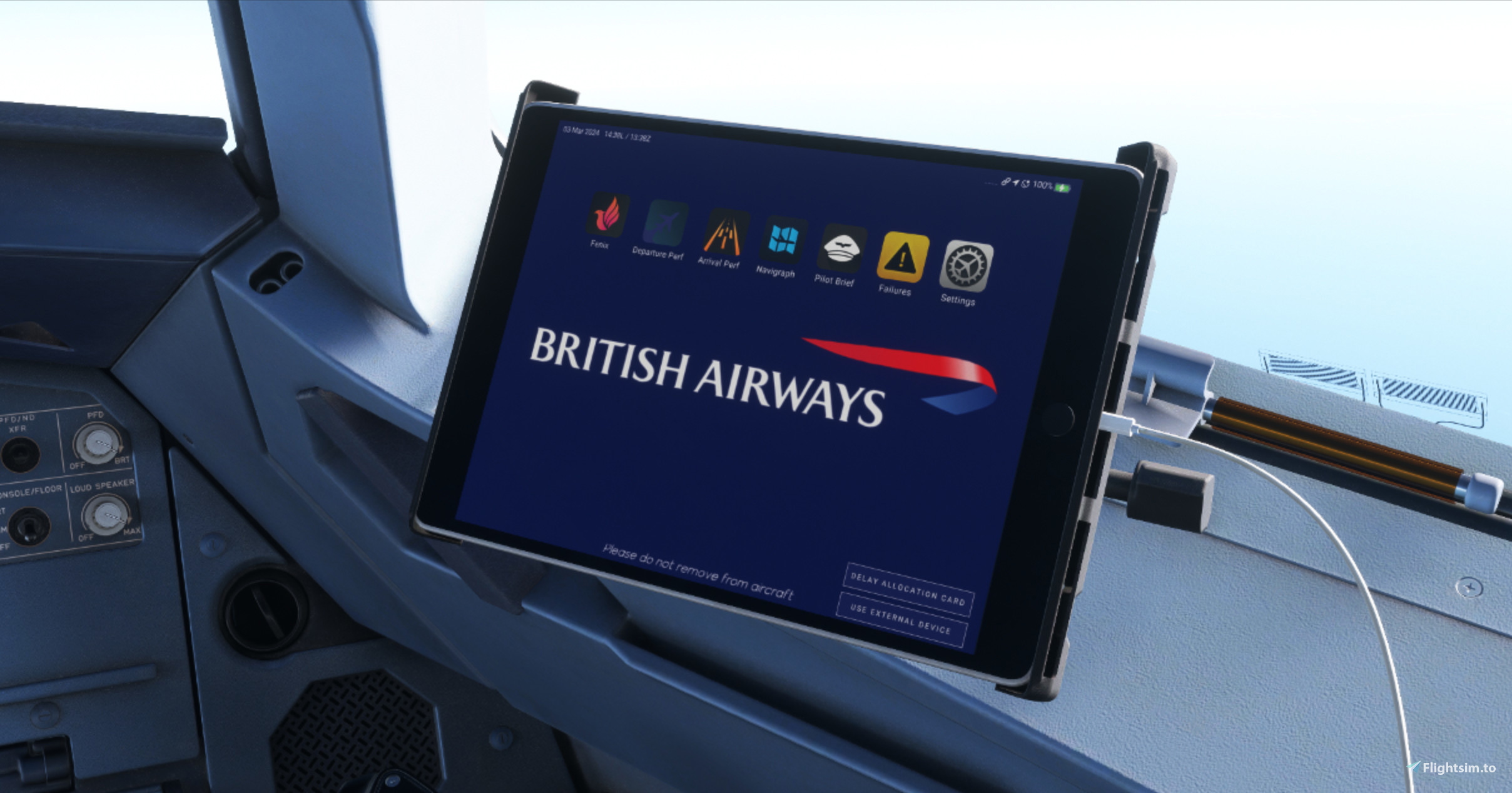
Description
1. Open your simulator and load a flight in the Fenix A320 Block 2
2. Open your browser and go on this website: http://localhost:8083/
3. Open the "Settings" app on the website
4. Press "Select image or drop it here" - either drop the image or browse it
5. If you wish to remove the background, press "reset background"
Further informations available on the Fenix knowledge base - block 2 - How to change the EFB background image and access the WEB MCDU
https://kb.fenixsim.com/change-efb-image-web-mcdu
Request a background for another airline in the comments : )
British Airways EFB Background - Fenix A320 Block 2
Customize your flight experience by changing the EFB background image on the Fenix A320 Block 2. Access the WEB MCDU and easily personalize your simulator with just a few simple steps. Explore more options and details on the Fenix knowledge base. What background would you like to see next? Share your request in the comments!

Historique des versions
Aucun historique de version disponible.
Similaires
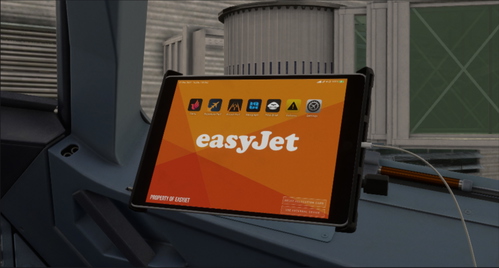
FICTIONAL - easyJet EFB Background - Fenix A320 Block 2
Customize the background of your easyJet Electronic Flight Bag for the Fenix A320 Block 2 with this add-on. Easily change the EFB background image by following simple steps provided in the Fenix knowledge base. Visit the link for more information on how to enhance your simulation experience with a personalized touch. Request backgrounds for other airlines in the comments section!
par alexx_7775
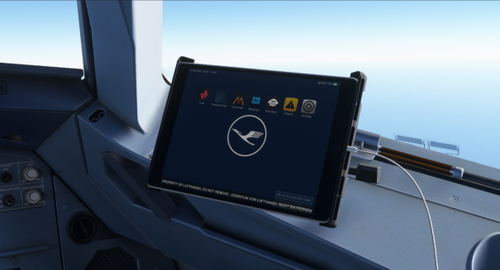
Lufthansa EFB Background - Fenix A320 Block 2
Customize your Lufthansa Electronic Flight Bag (EFB) background easily with this add-on for the Fenix A320 Block 2. Access step-by-step instructions on how to change the EFB background image and utilize the WEB MCDU on the Fenix knowledge base. Take your flight simulation experience to the next level with personalized airline backgrounds.
par alexx_7775
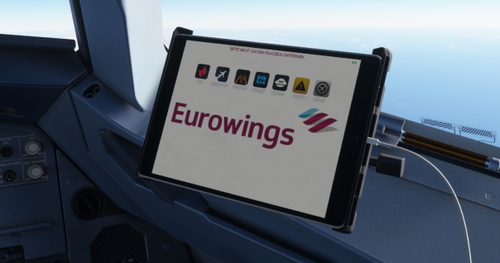
Eurowings EFB Background - Fenix A320 Block 2
Customize your Eurowings Electronic Flight Bag (EFB) background with this add-on for the Fenix A320 Block 2. Easily change the image displayed on your EFB by following simple steps on the provided website. Explore more customization options and tutorials on the Fenix knowledge base. Get ready to enhance your cockpit experience!
par alexx_7775
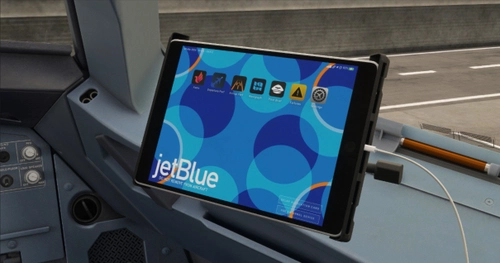
JetBlue EFB Background - Fenix A320 Block 2
Customize the background of your Electronic Flight Bag in the Fenix A320 Block 2 with this add-on. Access a step-by-step guide on changing the EFB background image and utilizing the WEB MCDU on the Fenix knowledge base. Request backgrounds for other airlines in the comments section.
par alexx_7775
Connectez-vous pour participer à la discussion
Se connecterCommentaires(1)
about 1 year ago