
Description
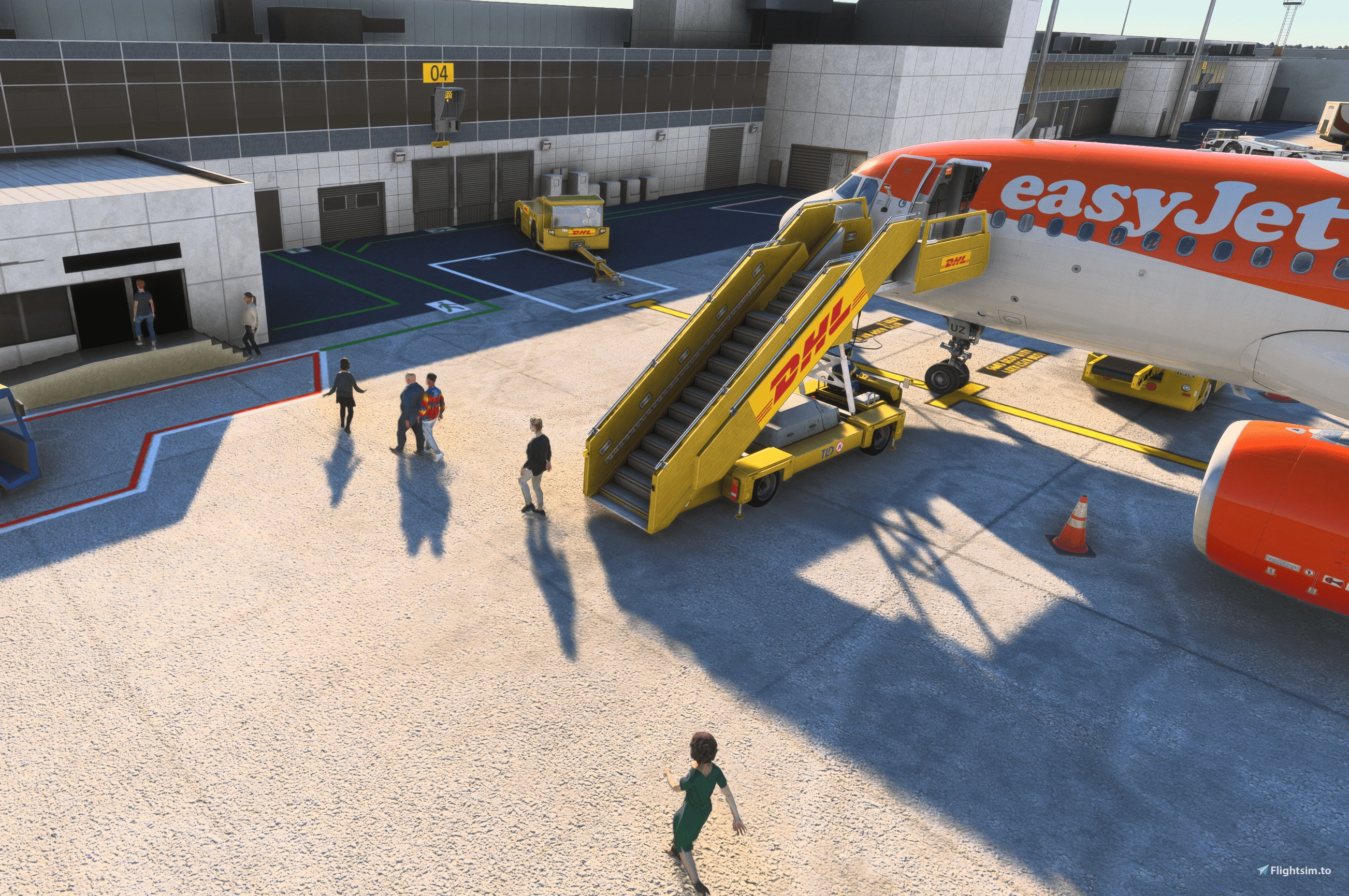
GSX Profile for TAIMODELS Manchester EGCC with equipment tidy up and walking paths
All gates have been edited and where appropriate walking paths added.
Cargo loader positions have been added for the remote stands at the cargo area only.
PLEASE NOTE - If you are having issues with GSX recognising aircraft on stand, select customize this aircraft position, chose the stand and change the distance threshold. The default is 25.
Place file in C:\Users\XXXXXXX\AppData\Roaming\Virtuali\GSX\MSFS
TAIMODELS Manchester (EGCC) GSX Profile
Enhance your experience at TAIMODELS Manchester (EGCC) with this GSX Profile add-on. Featuring updated gate equipment arrangements and walking paths throughout the airport, including cargo loader positions for remote stands. Simply place the file in the specified directory to enjoy these improvements.


Avis des utilisateurs
3 avis
Historique des versions
1. Corrected positioning of safe-docks 2. Decreased threshold distance and stand position to try to enable better use of L and R stands. PLEASE NOTE - If you are having issues with GSX recognising aircraft on stand, select customize this aircraft position, chose the stand and change the distance threshold. The default is 25.
Similaires
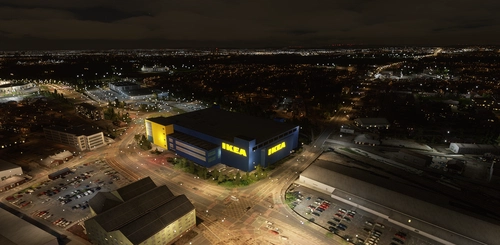
Ikea Manchester/Ashton
Explore the handcrafted IKEA Manchester/Ashton add-on, bringing detailed IKEA locations to Microsoft Flight Simulator.
par jacobcreates

Jet2 Hangar Manchester
Explore a meticulously detailed replica of the Jet2 Hangar located in Manchester with this add-on.
par jacobcreates
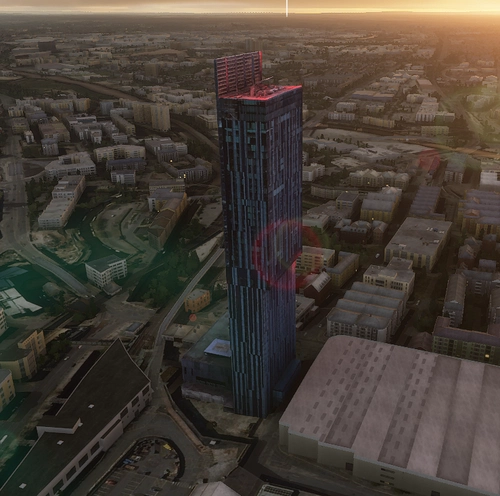
Beetham Towers Manchester
Experience the iconic Beetham Towers/Hilton Hotel in Deansgate, Manchester with this free creation based on Google Maps data. Explore this detailed rendition of the famous landmark with accurate 3D data and textures, created with a focus on artistic application of Google Earth content.
par jacobcreates
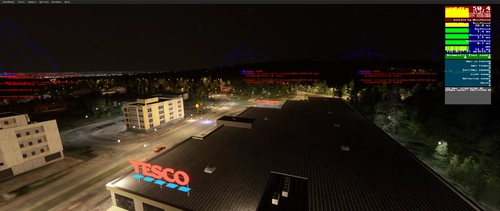
Tesco/McDonalds Signs for MAN Approach
Enhance your approach to Manchester Airport with custom Tesco and McDonalds signs. These hand-developed signs are available for commercial and free use with proper credit given to the developer.
par jacobcreates
Connectez-vous pour participer à la discussion
Se connecterCommentaires(19)
6 months ago
5 months ago
4 months ago
about 1 year ago
about 1 year ago
about 1 year ago
about 2 years ago
about 1 year ago
over 2 years ago
over 2 years ago
over 2 years ago
Stand 41 has a jetway that goes down. And the people are walking in a straight line, which makes them float in the air hahaha. Is that something you can fix, or GSX that just doesn't support this.
Furthermore, I like it :D
over 2 years ago
over 2 years ago
over 2 years ago
over 2 years ago
over 2 years ago
over 2 years ago
over 2 years ago
over 2 years ago