
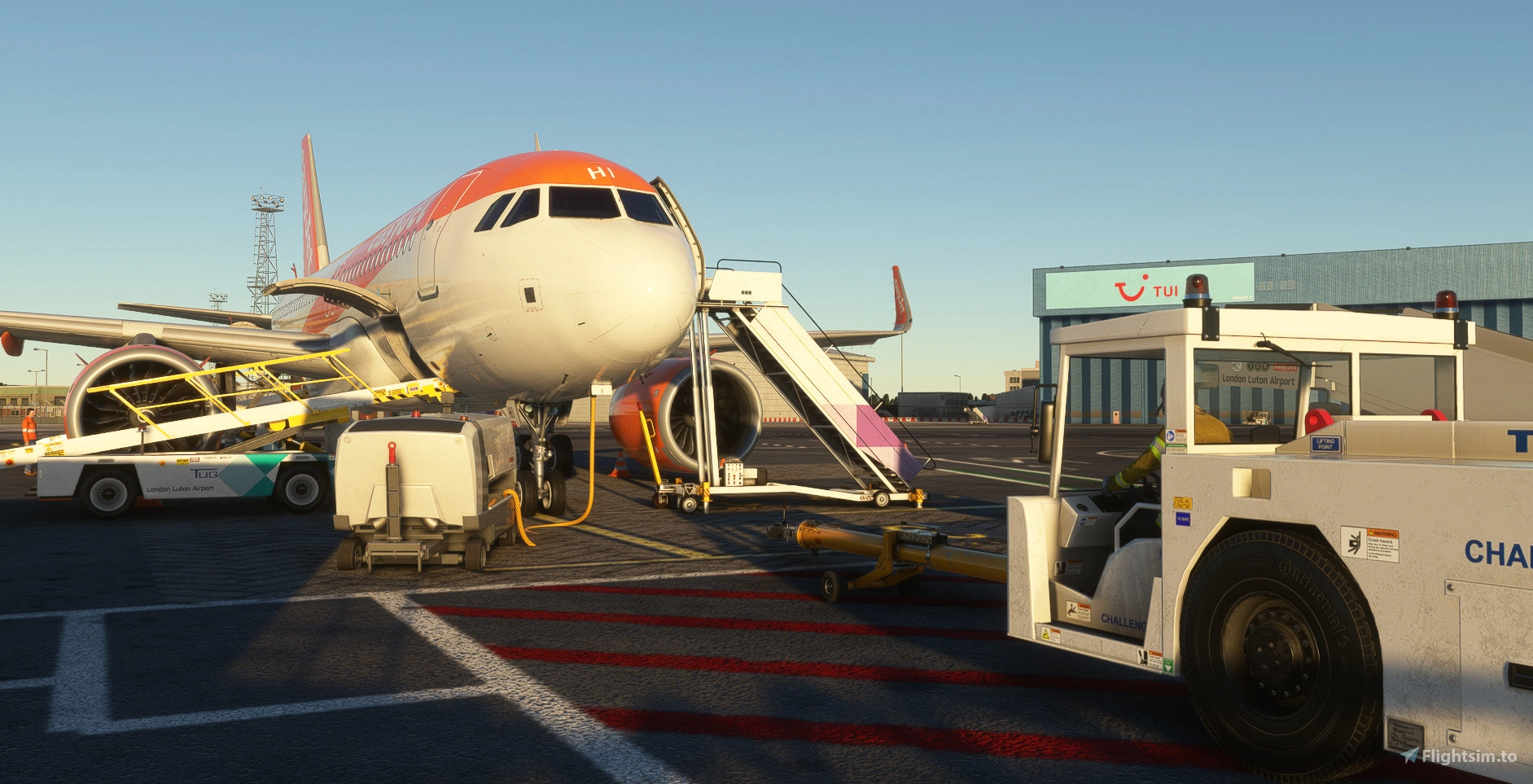
Description
This profile includes:
- Accurate ground handlers & catering.
- True to life stands dependant on aircraft sizes.
- Accurate gate allocation for airlines.
- True to life pushback procedures. (Including non-standard to assist when simming online).
- Accurate custom vehicle spawn locations.
- Custom walk-in gate walkways.
- Remote de-icing areas according to the charts.
- Custom liveries on ground handling equipment.
- Custom nosewheel stop positions depending on aircraft types.
- Custom parking names & listings on the GSX menu.
- Added stand 29 as the easyJet Hangar & stand 200 as stand 73. (Just open the GSX menu and reposition at gate).
TO INSTALL:
1. Locate your %appdata%\roaming\virtuali\GSX\MSFS folder and delete any .ini/.py file with EGGW in the name.
2. In the same folder, place EGGW-KT-Inib.ini, EGGW-KT-Inib.py & EGGW-KT-Inib_handler.py in there.
3. Locate your MSFS Community folder, and place the folder named kt-gsx-luton-textures in there.
4. Download the Shell fuel trucks livery made by Saurer01 here & follow instructions there to install: https://flightsim.to/addon/113548/gsx-fuel-livery-pack-truck-hydrant-shell
5. That's it! Go and enjoy!
Things to note:
I have changed stand 29 (originally in the 80s area) to now be the right side of the inside of the easyJet hangar.
I have also changed stand 200 (again, originally in the 80s area) to now be stand 73.
If you spawn in either of these and want to go to their new positions (easyJet hangar or stand 73), then just open the GSX Menu and reposition at gate.
GSX Profile - Inibuilds Luton (EGGW)
Enhance your ground handling experience at Inibuilds Luton (EGGW) with this GSX Profile add-on. It brings accurate ground operations, gate allocation, pushback procedures, and custom liveries to MSFS. Follow simple installation steps to enjoy a more realistic airport environment. Optional adjustments for the B737/A32X family are also included in this comprehensive package.


Contributeurs


Avis des utilisateurs
6 avis
Historique des versions
- Corrected easyJet (EZY AOC) to be fuelled by WFS again. (Accidentally left Shell fuelling while testing). - At all stands, if baggage load is 1500kg or less, GSX will only load your aircraft at the forward baggage hold. - At all stands, a message will now appear for you to read and accept regarding de-icing and how you need to taxi to the remote deicing area (Taxiway F). - All stands now setup with a maximum aircraft length that works alongside maximum wingspan length. For example: Stand 1 - A321. Stand 15 - B789. Stand 30 - A306. - On the Main apron (1R-60), North Apron (61, 72-76), East Apron (43-49) between the hours of 2200-0300 local time & have 30 passengers of less, GSX will only serve you the forward steps. I have also removed the shell fuel livery out of the file as it was causing issues for some users not using winrar/7zip. The LTN Bus textures are inside the main kt-gsx-luton-textures folder now. Please download this manually as suggested in the description.
Similaires
GSX Profile - EGKK Gatwick (MKVY)
A highly detailed and precise gatwick airport GSX profile. Complete with fully working VDGS, passenger walk-in/out gates, as well as true-to-life pushback procedures & ground handlers/catering. Accurate vehicle spawn locations & stand sizes depandant on aircraft size!
par Krake802
GSX Profile - UK2000 Luton (EGGW)
This is an accurate GSX Pro profile for UK2000's Luton 2020 (EGGW) which includes custom made parking spots, vehicle spawn locations, walk-in gates. Also including accurate gate allocation for airlines, and accurate ground handling and catering companies.
par Krake802
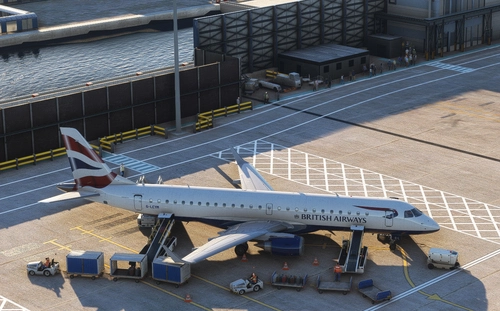
GSX Profile - EGLC London City Airport (ORBX V2)
GSX Profile - EGLC London City Airport (ORBX V2) enhances ground operations at the airport with accurate ground handlers, gate allocations for airlines, and custom vehicle spawn locations. This profile offers disabled pushback for straight-out departures, custom walkways, and nosewheel stop positions based on aircraft types. Simply delete old files and install the new ones in your GSX folder for a seamless experience.
par Krake802
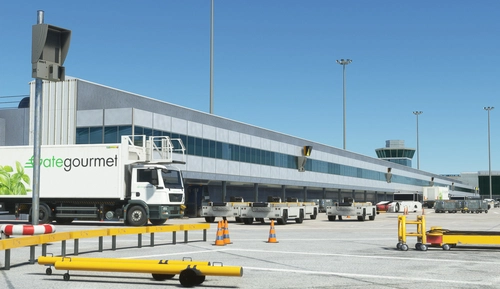
GSX Profile - EGCC Manchester (Maccosim)
A highly detailed and precise Manchester airport GSX profile. Complete with fully working VDGS, passenger walk-in/out gates, as well as true-to-life pushback procedures & ground handlers/catering. Accurate vehicle spawn locations & stand sizes depandant on aircraft size!
par Krake802
Connectez-vous pour participer à la discussion
Se connecterCommentaires(24)
about 3 hours ago
28 days ago
27 days ago
You can download the same mod here, give this a try:
https://flightsim.to/addon/113548/gsx-fuel-livery-pack-truck-hydrant-shell
about 2 months ago
I am slowly working my way through updating, which includes: Automatic fuelling companies that'll fuel you depending on airline. Custom vehicle paths & adding in stand 101/102/103 that have been added to the 1.1.1 update.
The vehicle paths are the longest part of this, as I have to do about 24 paths, per stand, and with 77 stands at the airport... That's 1848 paths to do!
The good news, however, is I've done 33 stands so far...
So bare with me, it's active, and it's coming and it will be great!
28 days ago
2 months ago
2 months ago
As this is an airport with 74+ stands, it's taking me a little while to go through and do all the custom vehicle paths.... but it is being done... Just bare with me until the next update
3 months ago
3 months ago
4 months ago
4 months ago
Probably because of the GSX GHA & Bus textures
5 months ago
5 months ago
about 1 year ago
Thanks for this Profile :)
about 1 year ago
I wouldn’t be able to add these as stands either, unless the scenery developer made them stands.
10 months ago
over 1 year ago
over 1 year ago
over 2 years ago
over 2 years ago