
Description
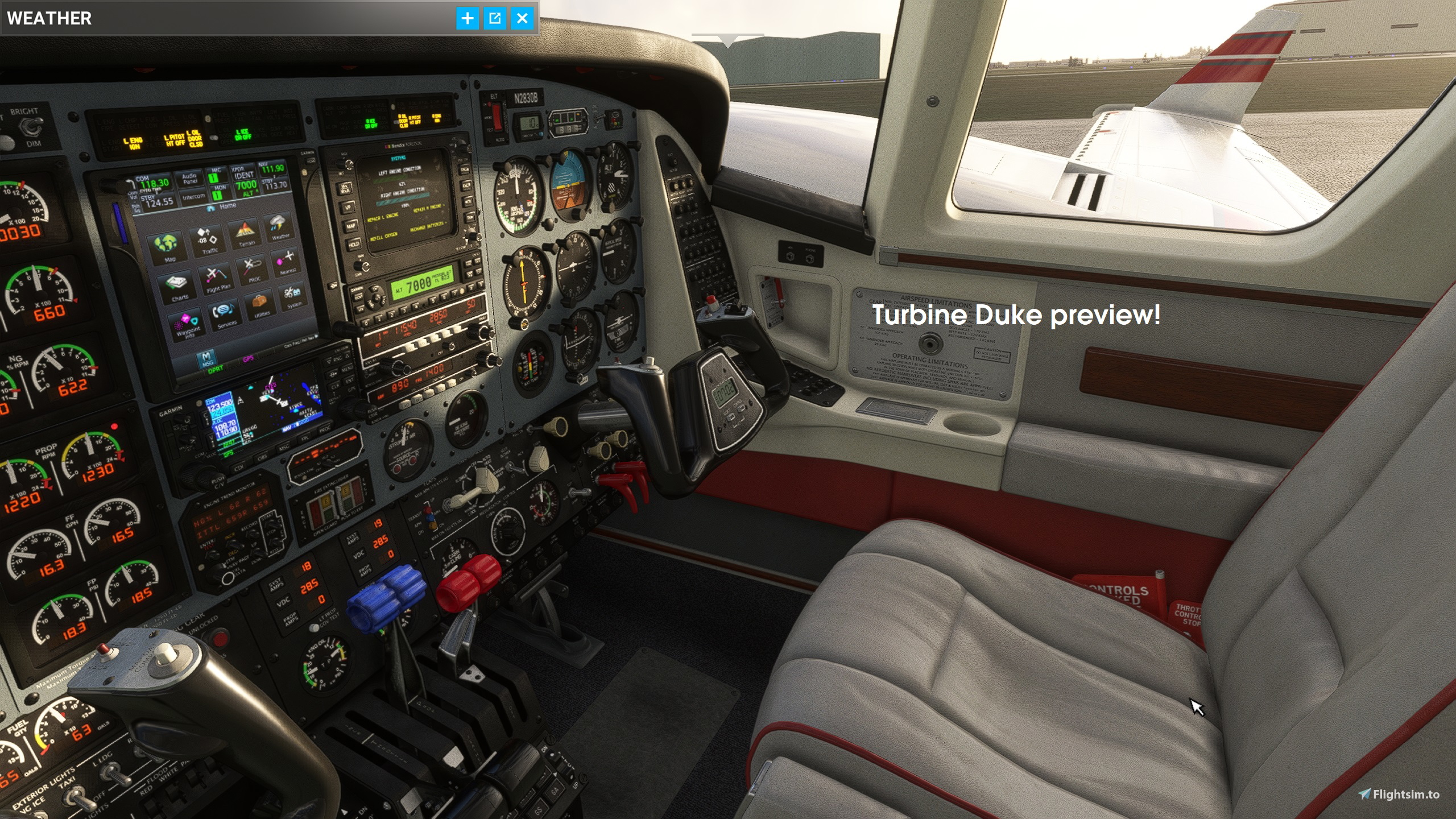
The Piston Duke fans are in for a real treat now ;)
Thanks to gaining more knowledge in graphics design by also modding my beloved Apache in the DCS flight simulator I have now learned a few tricks. Who said an old dog cannot learn new tricks? Well the good news is, everything is now fixed, and the night lighting is now also perfect.
The small glitches on the weather radar (some dirty shine around the turn knobs when the cockpit integral light is fully ramped up and the panel floodlight fully down) are now fixed.
The textures go into the Grand Duke files, but they are for the classic Duke version too (including interior.)
Install guide is in the download file.
P.S. These files are not "AI-generated" I have only used an AI picture enhancer for the file DUKE_DECALS_2K.PNG.DDS to get maximum sharpness and quality of all cockpit labels. That would be too awesome if an AI would make all the textures huh? Hmmm maybe in ten years... who knows ;)
Black Square Piston Duke enhancement
Enhance your experience with the Piston Duke enhancement for Duke fans! Simply follow the install guide included in the download file. Feel free to explore the Photoshop making-of files for additional modding options.
Avis des utilisateurs
2 avis
Historique des versions
Made some nice bugfixes and texture enhancements for the newest Turbine Duke version. (Carpet, panel...) If you go full retro and choose the KMA 24 TSO radio panel in the Turbine Duke please note that this panel is not illuminated. Unfortunately I cannot fix this because this requires some changes in the 3D model and programming of the radio stack gauges. Fixed an illumination bug in the build-in weather radar and enhanced the night lighting a bit more in the RGB and Alpha-channel. Enjoy your Turbine Duke, the best simulated aircraft ever made :)
Similaires
Fenix Airbus A320 cockpit overhaul
A nice Fenix cockpit retexturing for the Airbus enthusiasts. All texture glitches I found are fixed, and I took special care of all the interesting details inside the flight deck. The Fenix is the best airplane simulator that has been ever made that´s why it deserves only the finest cockpit for the true flight deck conaisseurs.
par GamingCat
PMDG Boeing 737-XXX cockpit overhaul
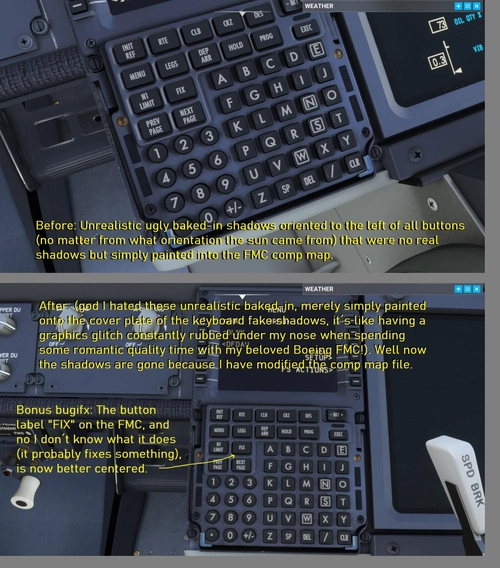
PMDG Boeing 737 series full cockpit overhaul. Some optional textures are available depending on the own taste. These textures can be used for the Boeing 737-600, the Boeing 737-700, the Boeing 737-800, and I am going to make more stuff when the new Boeing 737-900 is getting released.
par GamingCat
Carenado Mooney M20 Cockpit Overhaul and texture-bugfixes
Enhance your Mooney M20 experience with this cockpit overhaul mod featuring texture fixes and improvements. Enjoy corrected EDM 800 gauge textures, improved footrests and cleaned upholstery. Simply backup and replace the TEXTURE.BASE folder in your Carenado M20 aircraft directory for a more realistic cockpit environment.
par GamingCat

BlackSquare TBM 850 cockpit fixes
Enhance your GA flying experience with BlackSquares TBM 850 cockpit fixes. Say goodbye to ugly scratches and enjoy crisp and clear gauges, along with color changes on Bendix/King RMI needles. Experience perfectly aligned GPS screens and sharp cockpit labeling, all thanks to the CatPaw-Magic AI treatment. This overhaul package is also available for BlackSquares Beechcraft Bonanza and Beechcraft Baron, promising the ultimate cockpit upgrade for your fleet.
par GamingCat
Connectez-vous pour participer à la discussion
Se connecterCommentaires(7)
over 2 years ago
Anyone who knows anything about image editing knows that a graphic does not get better if you upscale it afterwards. The anti-aliasing of objects and fonts becomes a little more blurred and therefore softer, but the file size increases dramatically.
Let's take your statement "all labels are AI-enhanced" and look at the only file that is responsible for this. The DUKE_DECALS_2K.PNG.DDS
A graphical improvement only takes place if this file is completely recreated in a higher resolution. BKSQ did not create this file “only” in 2K for no reason. As it only concerns the lettering in the cockpit, this resolution is completely sufficient. Nobody will recognize a difference with a higher resolution. The manufacturers are keen to keep the total size of all files as small as possible and still achieve the best result. It would be easy for BKSQ to create all texture files in 10K, but that's not the point.
This BKSQ original decals-file has a resolution of 2048px (pixel) and a file size of 5MB (megabyte). Your file has 8380px and 267MB! The file size has increased by more than 50 times. Is the visual impression of the decals also 50 times better?
Where higher resolutions make sense is with gauges, for example. This makes it easier to read the instruments in VR flight. Or when very small details in textures should still be displayed sharply on the aircraft model. But you should always consider the balance between visual improvement and increasing the file size.
Due to the fact that you have not yet understood the purpose of the alpha channel in the textures or that you cannot put together an installation package but ask the users to overwrite the files in the original BKSQ installation, I can only give you 1 star.
But because you are very passionate about your work and trying to bring improvements to the community, I will give you another star.
Keep working on improvements, keep learning more and take advice from others.
over 2 years ago
over 2 years ago
over 2 years ago
Its amazing for the turbine duke, but this download for the piston duke does not work.
over 2 years ago
over 2 years ago
over 2 years ago