
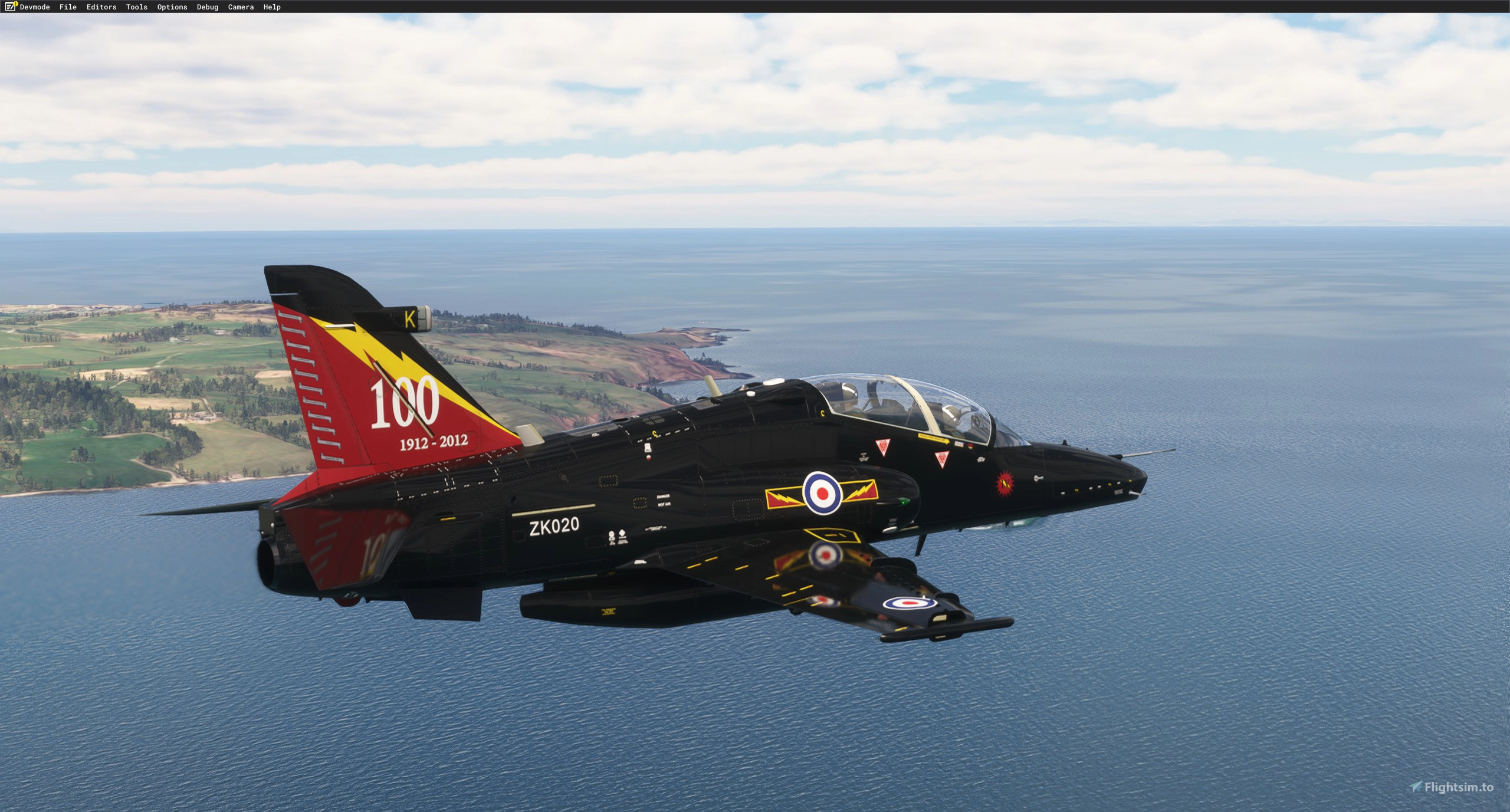
Description
Currently, it uses the IndiaFoxtEcho T-45 for the Cockpit and the Just flight Hawk T.1 for the sounds so you need to own these in your Community folder for the T.2 / 127 to show in sim.
IFE have given us permission to modify and distribute their T45 HUD code for this freeware.
!!!!! IMPORTANT !!!!!
If you have the marketplace version or pirated version of the T-45C, it will not show up in the sim!
For the installer to work, extract the files and drag the installer and the BAE-HAWK-T2.zip into your downloads folder!
Run the installer and select your community folder where your T-45C is as the installer needs to look for that aircraft.
If you have addon linker, place the Full T-45C back into the community and once the installer has finished, you can move them in your custom addon linker folder.
******If you have the T-45C from the marketplace, I'm afraid the installer won't work since IFE & ASOBO have encrypted the files!*******
There are two Aircraft included , the T.2 and the Australian MK.127. with Liveries for the RAF, RAAF and RCAF included. All the Liveries have been created in 8K resolution and have no affect on performance. The Package contains all the Zip files and an installer .exe file which will automatically unzip the files from your Downloads folder and install them in the correct places in your Community Folder. It will also insert some Custom HUD files into the T-45C, and copy the Cockpit XML's from your T-45C into your T.2 / 127 to allow the cockpit to function. The sounds are linked to the Just Flight Hawk T.1 but if demand asks for it I can make a version to use the T-45's sound pack instead.
Features of the BAE Hawk T.2 :
- New 8k textures
- Custom animations
- Custom HUD
- Functioning Drag chute (Thrust Reverser)
- Custom Lights
- Custom loadout using the weights tab - Covers , pylons, GBUs, AIM-9s, Acquistion Rounds, ADEN Gun pod , External Wing tanks
- Paintkit
- Custom flight model tested and approved by multiple well known developers
- Custom effects / wing vapour
- Uses the Asobo Military Pilots or Don Fanucci's great RAF Pilot Mod (link below)
Keybinds:
- Logo light = nose light
- Recognition lights = Formation lights
- Strobes
- Beacons
- Thrust reverse = Drag chute
T.2 Liveries:
- RAF 4 SQN
- RAF 4 SQN 100th Anniversary
- RAF 25 SQN
- RAF unmarked
- RAF Primer
- Hawk 100 Demonstrator
MK.127 Liveries:
- RAAF 76 SQN
- RAAF 79 SQN
- RAAF Primer
- RCAF CT-155
- RCAF CT-155 75th Anniversary
ISSUES :
- Throttle may be a issue as during testing it seems that for a handful of people with custom settings on their throttle it reduced the range from 0 - 100%.
- Not all lights are bound to switchs in the T-45C Cockpit.
- CT-155 model isn't technically accurate since it has formation lights in sim when the real one doesn't but I may add the CT-155 as another seperate airframe in the future so that it can be more accurate.
I understand some people may be upset from the use of the T-45C cockpit but it has saved time and allowed me to get it out quicker. I am considering adding a custom T.2 cockpit at a later date but it may still require the need for the T-45C for displays.
This is my first aircraft for the sim that I've handled most of the project for (modeling, animating, textures and coding) so I do apologise for any issues. I Can't thank "Biscuit" enough for creating the custom HUD for me and the help from "Don Fanucci" for the design of the paintkit. Big thanks to "Old fart" who created the custom installer for us.
If anybody creates any fixes for issues with the flight model or engine, if you contact me I will happily take a look at making it part of the base aircraft :)
Please let me know of any issues ! Links
India Fox Techo T-45C
https://secure.simmarket.com/indiafoxtecho-t-45c-goshawk-msfs.phtmlJust Flight T.1
https://www.justflight.com/product/hawk-t1a-advanced-trainer-microsoft-flight-simulatorRAF Pilot by the fantastic Don Fanucci
https://flightsim.to/file/74772/raf-pilotYouTube Trailer
https://youtu.be/jZ-XV7ShkKoBAE Systems Hawk T.2 / MK.127
Discover the BAE Systems Hawk T.2 / MK.127 add-on featuring high-resolution liveries for RAF, RAAF, and RCAF. Enjoy new textures, custom animations, drag chute, and more in this freeware release. Note that installation requires owning specific aircraft and the package includes an installer for seamless setup. Explore the detailed features and liveries of this meticulously crafted aircraft model.

Soutiens

Avis des utilisateurs
33 avis
Historique des versions
- Removed Some files that had been accidently included - fixed error in installer due to extra files
Présent dans des collections(1)

Similaires
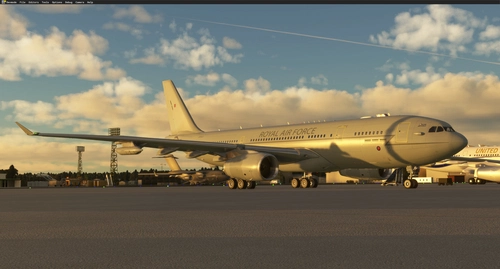
A330-243 MRTT " Voyager"
The A330-243 Multi Role Tanker Transport (MRTT) adds a detailed and functional military aircraft to MSFS2020. Featuring an exterior model adapted from Thomas Ruth, with enhanced animations and 8K textures, this add-on includes both the KC.2 and KC.3 variants. It boasts realistic flight control animations, functioning lights, and accurately modelled drogue systems for multiplayer operations. Currently focused on the RAF variants, future updates are planned to introduce more features and additional national configurations.
par Nattani
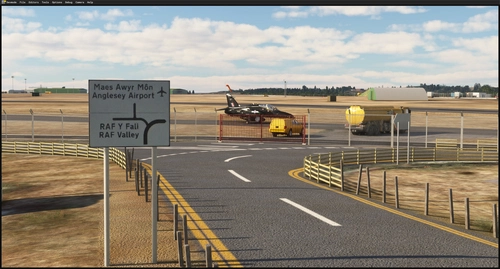
EGOV - RAF Valley (UK)
This updated rendition of RAF Valley for Microsoft Flight Simulator features newly modeled aircraft, improved buildings, and accurate crash barriers. Runway textures, markings, and lighting have been refined to match real-world specifications. The update includes the addition of Typhoon and F-35B models, new satellite imagery, and improved ground assets. Some areas, such as taxiway lines on the new service apron, are marked for future updates.
par Nattani
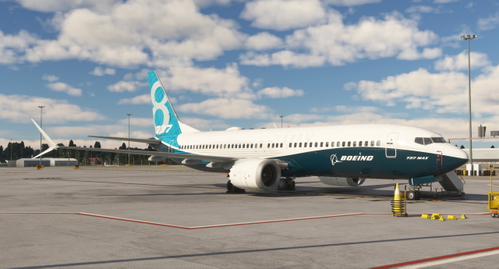
Boeing 737 MAX 8 " Boeing House Livery" N8701Q
This add-on features a custom livery for the IFLY Boeing 737 MAX 8, designed to replicate the airframe "N8701Q," also known as "The Spirit of Renton." The livery reflects its time as a test aircraft for Boeing prior to its delivery to Southwest Airlines. Installation is straightforward, requiring users to add the livery folder to their community directory.
par Nattani
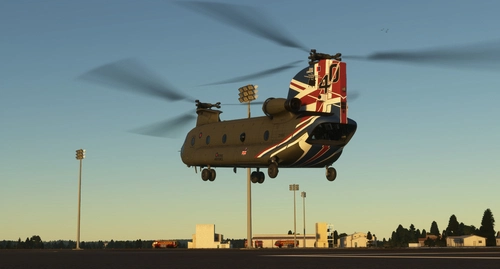
RAF CH-47D 40th Aniversary Scheme ZD984
Celebrate the 40th anniversary of the RAF Chinook ZD984 with this livery, a tribute to the iconic aircraft. Created in Blender, this livery may have some imperfections, but feedback is welcome for improvements. Enjoy this special design and keep an eye out for more projects to come. Simply unpack and place the file into your community folder to experience this unique livery.
par Nattani
Connectez-vous pour participer à la discussion
Se connecterCommentaires(164)
6 months ago
about 17 hours ago
about 11 hours ago
10 days ago
about 11 hours ago
2 months ago
2 months ago
about 1 month ago
3 months ago
3 months ago
3 months ago
Ce commentaire a été supprimé
4 months ago
MSFS2024
HAWKT1
HAWK T45
Already in marketplace
Any help would be greatly received on this please.
thanks
5 months ago
5 months ago
Later on you mention "If your T45 is from the Marketplace instead of community find the official\onestore folders and then find the Indiafoxtecho-t45c folder and go from there." I did find the "official" folder but "model" folder is empty so is "gauges" folder mentioned in the instructions.
if you could help i would be very grateful.
6 months ago
6 months ago
I would be happy just to have the T2 replace the T-45C 3d model if that's at all possible?
6 months ago
If it's in 2024, that will be the flight sim culling parts to save performance.
6 months ago
6 months ago
6 months ago
This worked perfectly. The cockpit and landing gear are back, what a good looking aircraft.