
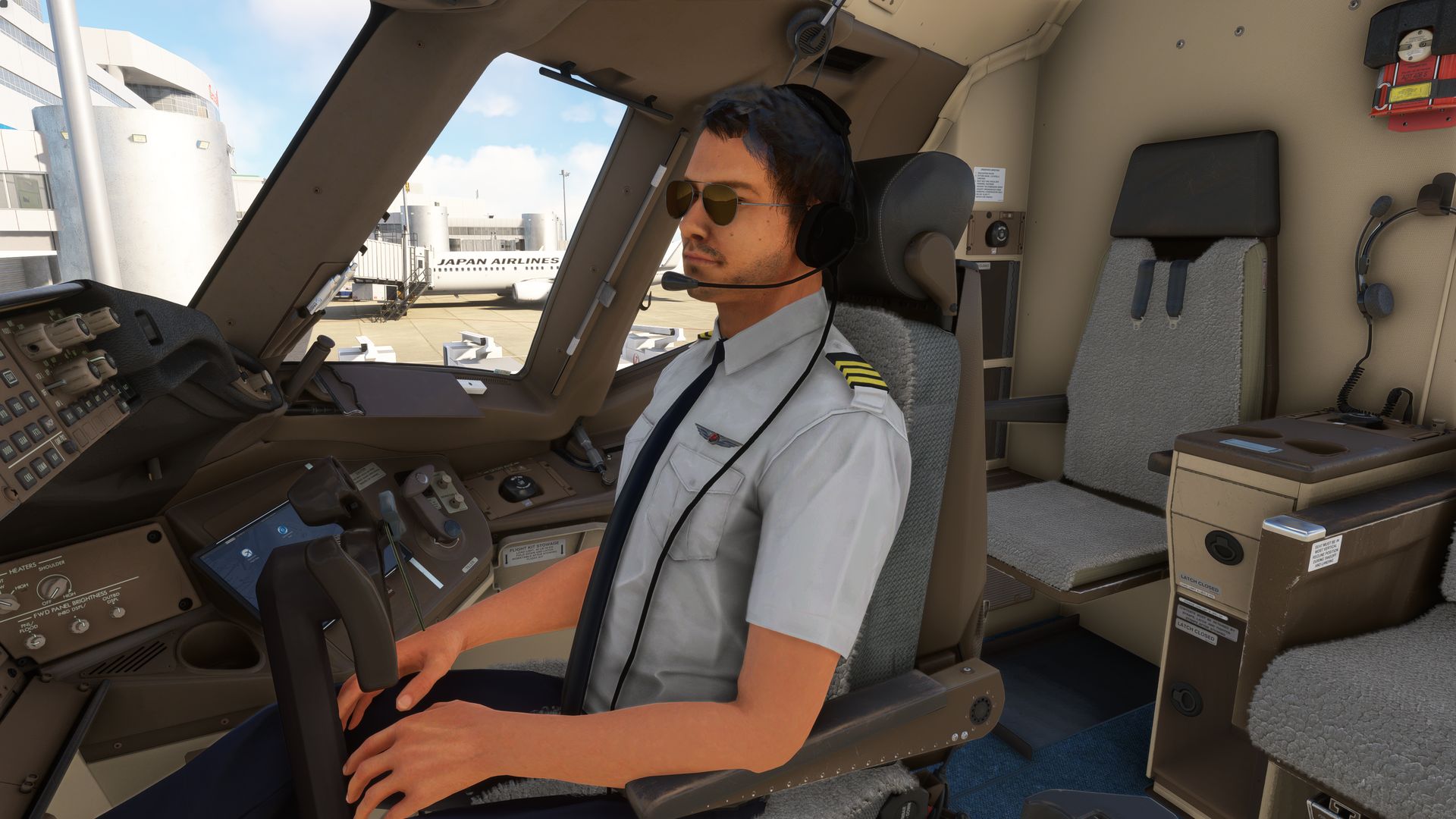
Description
PMDG 777-300ER Co-Pilot
This is specifically for v2.0.37. If you plan to update the aircraft in the future, either wait for another author to create a Co-Pilot MOD for you or follow the provided guide to edit the files yourself and perform the update.
By following the attached guide, you should be able to understand the instructions in about 2 minutes and update it yourself.
For v2.0.37, simply replace the attached PMDG773ER_VC.gltf file in the following folder (don't forget to make a backup):
\pmdg-aircraft-77w\SimObjects\Airplanes\PMDG 777-300ER\model.300ER
Note:If you prefer a female co-pilot, please follow the provided guide to make the necessary changes to the values.
If the aircraft is updated,
You cannot use this "PMDG773ER_VC.gltf" file. Please follow the attached guide to update it.
If you want to display the co-pilot immediately after the aircraft version has been updated, please refer to the accompanying guide and enjoy adding the necessary code yourself.
Please note that we cannot be held responsible for any issues that may arise from following the guide. Therefore, please proceed at your own risk and take full responsibility for the execution.
PMDG777-300ER Co-Pilot
Don't you feel like the immersion is compromised when you're flying without a pilot in the co-pilot seat? Let's resolve that with this MOD. Please note that the attached file will become incompatible if the aircraft version changes. However, even if the aircraft version is updated, you will be able to easily install a co-pilot yourself with the help of a comprehensible guide provided.

Avis des utilisateurs
8 avis
Historique des versions
The attached .gltf file has been updated to support version 2.0.37
Similaires
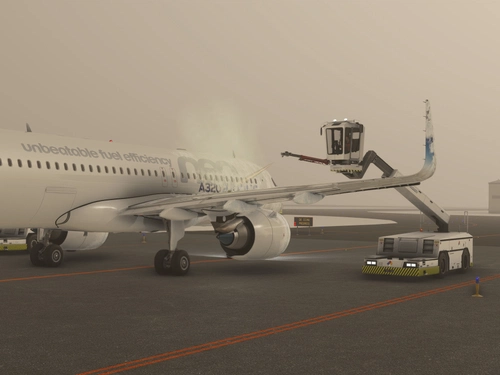
RJCC Sapporo New Chitose intel, GSX-Profile (kapi's Scenery)(japan)
Ensure a smooth and realistic airport experience at RJCC Sapporo New Chitose with this GSX-Profile mod by Mr. Kapi. Avoid disappointment by parking at gates with working jetways and access detailed pushback information at compatible locations. Additionally, discover the location of remote de-icing pads as a bonus feature. Simply install the provided files for an enhanced airport experience.
par urack
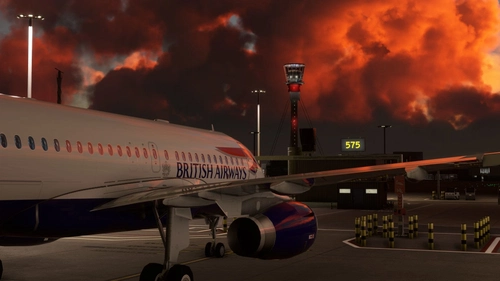
Remote Stand Static Aircraft,EGLL London Heathrow intel.
Enhance your London Heathrow Airport experience with Remote Stand Static Aircraft add-on, featuring positioned static aircraft at non-terminal parking areas. Ensure realistic visuals with FSLTL compatibility and easy installation into your Community folder. Note that occasional AI aircraft overlap may occur, depending on usage of injection tools. Feedback regarding airline diversity and SDK parking spot manipulation is welcomed.
par urack
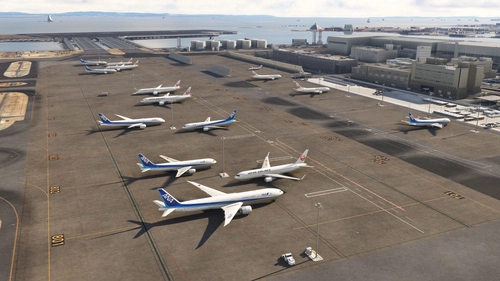
Remote Stand Static Aircraft,RJTT Tokyo Haneda intel
Enhance Tokyo Haneda Airport with Remote Stand Static Aircraft, ensuring a lively atmosphere at non-boarding gate parking areas. This add-on integrates static aircraft specifically at remote stands, complementing FSLTL and FsHud AI aircraft injection tools. Simply place the folder in your Community folder for installation. Please note that the RJTT Tokyo International Airport add-on by karuchie is required for optimal functionality.
par urack
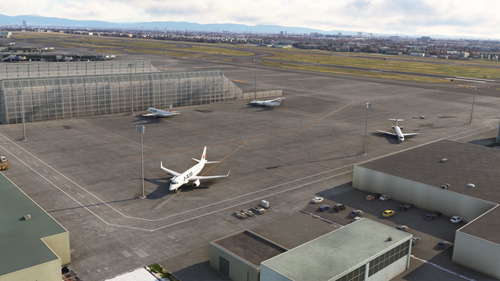
Remote Stand Static Aircraft,RJOO osaka Itami
Enhance your AI aircraft environment at Osaka Itami Airport with this add-on featuring static aircraft at remote stands. Avoid deserted parking areas with carefully placed static aircraft, mainly at the northwest remote stands. Compatible with FSLTL and FsHud, additional airport objects are included for added realism. Installation is simple - just place the decompressed folder into your community folder.
par urack
Connectez-vous pour participer à la discussion
Se connecterCommentaires(37)
almost 2 years ago
about 2 years ago
about 2 years ago
about 2 years ago
Also man the fix for the pilot model from man to woman is so simple that one must wonder just why you cannot simply upload both I you want to upload it that is. I mean if you're good you have automated the process of editing with python anyway
about 2 years ago
about 2 years ago
about 2 years ago
about 2 years ago
good job… Merci beaucoup.
about 2 years ago
not working on my side, is it compatible dx12?
thx
about 2 years ago
about 2 years ago
about 2 years ago
https://www.youtube.com/watch?v=vcP1H2qfLwU
about 2 years ago
about 2 years ago
For what it's worth, if you use PILOT_1, the avatar is controlled by your copilot selection in the misc options in the UI, which will make it match the copilot avatar on the external view as well.
about 2 years ago
about 2 years ago
about 2 years ago
thank you so much your work and time. The avatar is the only think keeping the 777 from being perfect. I know, you have moved on, but I also am Having ther same problem. I haver version 2.0.36 and when I placee the file in the airplane/pdmg folder to replace the older file, it works great and the pilot/copilot show up... But all the cockpit buttons are dead, and wont even light up. just black buttons. Also, without making any changes to the file, my avatars are the default female crew I set as default in the simulator. I dont know if that has any bearing.
Any suggestions? If not, I still appreciate your doing this in such a short time after release.
.....
Skylass.....
about 2 years ago
about 2 years ago
I've try to follow the guide by adding +1 to the string of number (mine is ending with a four digit 2139) no luck cockpit button are unusable???
could provide more indication or share the updated file that will work with newly updated PMDG 777
THX
about 2 years ago