
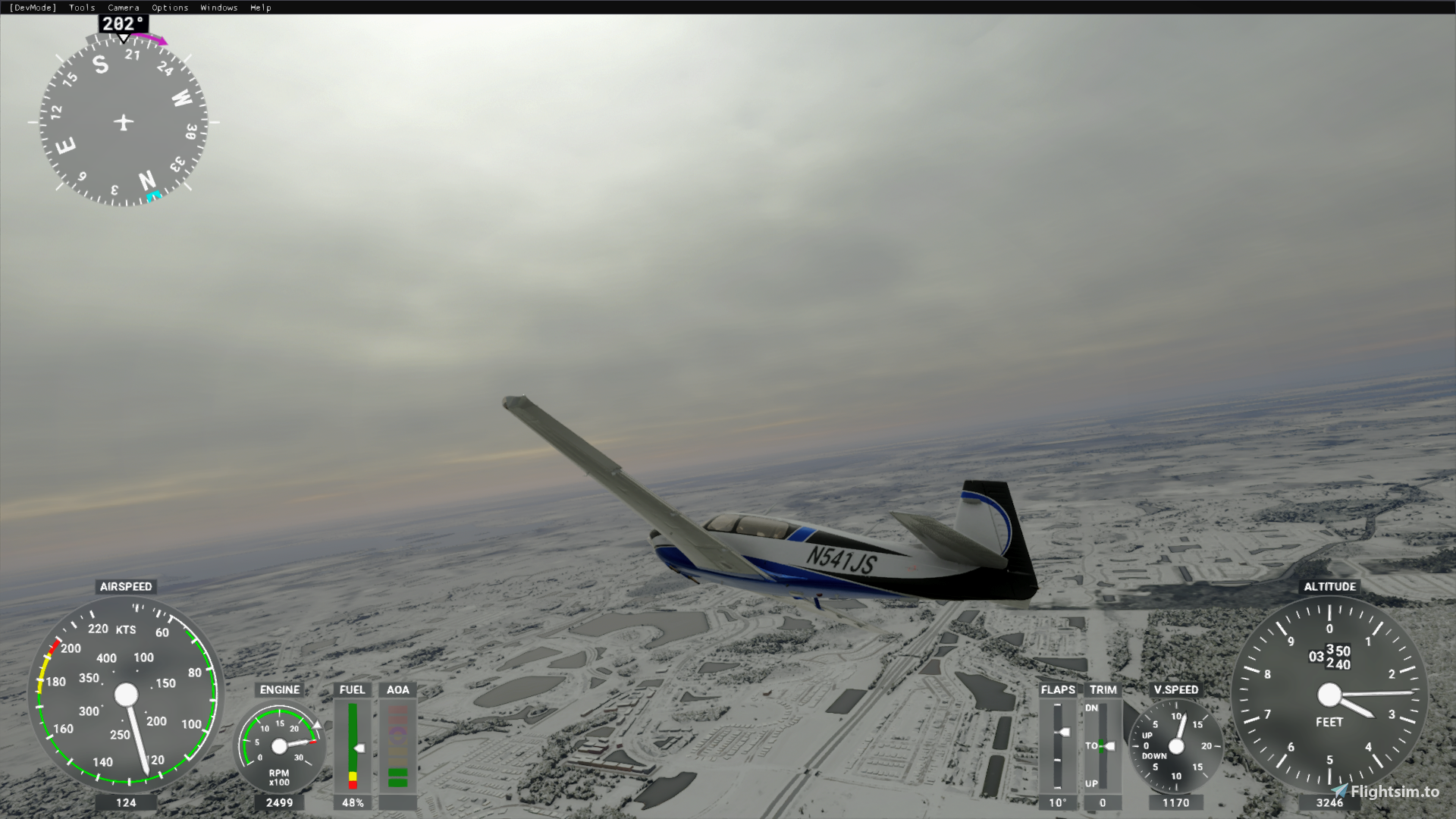
Description
I have not posted photos for consistency reasons. My monitor settings may and probably are different than yours. But these are good settings to start with. Enjoy!
IMPORTANT: If you are downloading this from another domain, I've noticed some have not been updated with the new file. If you download and get the instructions 7zip file instead of the shaders 7zip, go to this link instead..
https://flightsim.to/file/782/pilots-perspective-settings-nvidia-freestyle
All of these photos on here now are the baseline settings (without updates). Updated things won't transform the image, only improve on what the basline offered.
Be sure to check out this description for any new updates. They will include optional new values that may improve your image quality. I kept the originals as well below in case you weren't a fan of an update.
Lastly, message me at any time on flightsim.to if you have any suggestions or requests regarding this mod, and I will do my best to make things right! Although the mod is free, I gratefully accept msfs gifts or $ as a donation. :D If you're feeling generous, just send me a pm. Thank you!
I can't wait to see what gold this positive flight sim community continues to make! Kudos to all of you.
Enjoy and happy flying!
Asobo and Microsoft already made this simulator absolutely jaw dropping with it's stunning new-gen graphics. My goal with this mod is to enhance what's already amazing. I could name a bunch of ReShade mods that exaggurate visuals and effects.. These settings only enhance what's already there, and bring out more color, clarity and subtle effects. This is just a 'Re-Master' of the visuals, if you will.. I felt the colors, brightness, contrast and general feel were lacking in clarity and contrast; just a little washed out in some scenes; too present in others. I strived for balance no matter the time/season/weather. The settings I've created (and update) aim to:
-Make lighting and shadows more natural.
-Make colors less washed out and more natural looking.
-Increase the clarity of the image without distorting or overdoing sharpness.
-Diminish the appearance of the scenery LOD box.
-Bring out the most in atmospheric visual effects.
-Provide similar frame rates with the mod vs. without.
Notes and Instructions:
NOTE: Do not put into community folder; nothing will happen. In order to use this modification accurately, an Nvidia video card is required.
If you do not have Ansel enabled and shaders added, follow the instructions below (if so, skip to the next set of steps):
1) Update Nvidia drivers and Download Shaders below (the download available).
2) Open GeForce Experience
3) Go to the 'settings' cog at the top right next to your profile name.
4) Under 'About' section, check the 'Enable experimental features. A GeForce Experience update may be required.'
5) Close the GeForce Experience window.
After drivers have been updated, shader pack has been installed and experimental features for Nvidia GeForce Experience are enabled...
1) When Microsoft Flight Simulator launches to the main menu, press alt+f3 to enable Freestyle.
2) When the window opens, pick any preset (1, 2 or 3; doesn't matter).
3) Click 'Add Filter' and add all the following with the settings in the .png photos that you download from this mod:
MY GAME GRAPHICS SETTINGS:
Resolution: Full Resolution/Full Screen
V-Sync: OFF (enable with Nvidia control center instead; limit framerate to 20-30 fps... we want smoothness, not a choppy 40-60 fps)
Render Scaling: 110 (on 1680x1050 monitor; I reccommend 100 on anything higher)
Anti-Aliasing: TAA
Terrain Vector Data: Ultra (High is nice, too, but I really like to see detailed mountains and such in the distance)
Buildings: High (Ultra just adds a touch of shading and draw distance.. nothing worth losing the fps for, though.)
Trees: Ultra (I like the puffy trees... sue me!)
Grass and Bushes: Medium (I'm not mowing the runway lawn man.. I'm flying planes)
Objects Level of Detail: 75 (Most people reccommend 100... idk, for me, it helped balance some of the GPU and CPU loads; smoothness without any virtual change in quality)
Volumetric Clouds: High (Ultra will put your PC into the fryer and Medium will turn your clouds into blobs of grey... bleh)
Texture Resolution: High (Low-Ultra.. not much of a difference except for the cockpit really. If you have enough vRAM, go for ultra, who cares... use that vRAM you paid for! Medium/High is a good starting point, though.)
Anisotropic Filtering: 16X (We are in 2020, not 1999)
Texture Supersampling: 8x8 (No real performance impacts; reduces blurs of the runway: a pete peve of mine)
Texture Synthesis: Ultra
Water Waves: High (Who doesn't want to see the crazy awesome detail of the waves crashing on ocean shores during a storm?)
Shadow Maps: 768 (I only have a 1050ti)
Terrain Shadows: 512 (Anything higher if you dare.. honestly, I think 512 is the most realistic looking setting. Any more seems a little overexaggurated to me.)
Contact Shadows: Ultra
Windshield Effects: Ultra
Ambient Occlusion: Ultra
Reflections: Low
Light Shafts: Low
Bloom: On (The bloom in the Asobo engine is superb).
Depth of Feild: Ultra
Lens Correction: Off
Lens Flare: On
Use Generics: On (Greatly reduces load on CPU).
Glass Cockpit Refresh Rate: High (Turning any lower takes away from the immersion in my opinion.)
TRAFFIC:
Aviation Traffic (Real-Time Online)
Airport Life (ALL 40)
Land And Sea Traffic (ALL 50)
These in game graphics settings are all inspired by some in depth research and others studies of the sim.
MY SYSTEM SIMPLE SPECS:
ACER NITRO 5 LAPTOP (Connected to Acer 1680x1050 monitor)
Intel Core i5-8300H @ 2.30GHz
16GB RAM
Nvidia GeForce GTX 1050ti
Installed on SSD (I Strongly Reccommend This!)
With Everything I mentioned, I'm running around 24-30 fps. Very smooth, especially with the new update Microsoft released!
FEEL FREE TO CONTACT ME WITH ANY QUESTIONS. I WISH TO THANK EVERYONE IN THIS WONDERFUL MSFS COMMUNITY! PLEASE MESSAGE ME IF YOU REALLY ENJOYED THIS MOD AND WISH TO DONATE! :)
Pilots Perspective Settings (Nvidia Freestyle)
Enhance your Microsoft Flight Simulator visuals with the Pilots Perspective Settings (Nvidia Freestyle), a mod designed to bring out more color, clarity, and subtlety in your flight experience. These settings aim to make lighting and shadows more natural, improve color vibrancy, and enhance overall image clarity without compromising performance. Follow the instructions to optimize your graphics with this mod, tailored for Nvidia video cards. Upgrade your simulator visuals for a more immersive flying experience.


Avis des utilisateurs
1 avis
Historique des versions
Similaires
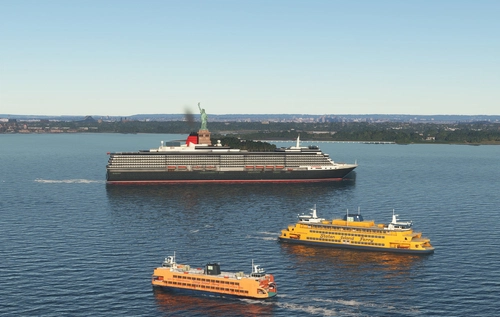
Global AI Ship Traffic Version 7.
Global AI Ship Traffic Version 7 enhances Microsoft Flight Simulator with over 1,000 unique ship models and more than 2,400 liveries, alongside 80,000 programmed ship movements. Compatible with both MSFS 2020 and MSFS 2024, this add-on includes a wide variety of vessels, ranging from cargo ships and fishing boats to luxury cruise liners and military ships. Users can experience a realistic global shipping simulation by utilizing preprogrammed traffic or real-time AIS data in MSFS 2024. The project is the result of collaboration among international developers and enthusiasts, providing an immersive maritime experience.
par Henrik Nielsen, KL791
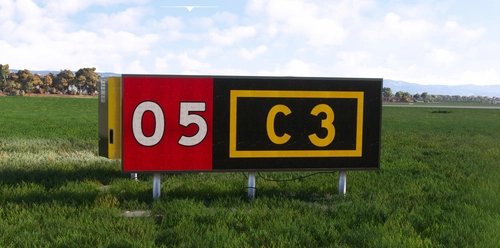
Realistic Taxi Signs Texture Pack
Enhance your taxiing experience with this Realistic Taxi Signs Texture Pack. This add-on provides higher resolution and realistic textures for taxiway signs in Microsoft Flight Simulator. Replace the original files in your Community folder for an improved visual experience. Remember to remove any other mods for taxi signs before installing this pack. Created by Pretzed, this pack aims to enhance the realism of your taxiing operations in the sim.
par PretZed

AirHispania - Libraries
Essential libraries containing objects necessary for displaying AirHispania sceneries. Required for enhancing the overall visual experience of AirSpain scenery addons.
par AirHispania
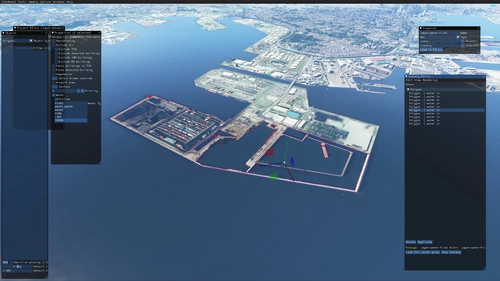
Japan world update scenery enhancement (no google imagery and no performance impact)
Enhance your Japan flying experience with this ongoing scenery update, featuring fixes for dark lines on river entrances, addition of cargo ships, and uncovering hidden features underwater. With no reported impact on performance, this add-on brings a more detailed and realistic landscape to explore in Microsoft Flight Simulator.
par DOR RAGER
Connectez-vous pour participer à la discussion
Se connecterCommentaires(16)
over 2 years ago
Cube Map Reflections
Raymarched Reflections
over 4 years ago
Hello, Although I put all the ansel folder in the NVIDIA corporation folder, I cant find all the filters on the drop menu
over 4 years ago
There is 2 Nvidia folders, 1 in Program files and 1 in program files (x86)
Try to put the folder in the second and you should have them in the list
about 5 years ago
Im trying to enable SMAA through Nvidia freestyle and I get an error that it can't read the smaa.fx file. Anyone experience this before for MSFS2020?
about 5 years ago
about 5 years ago
meme soucis !
over 5 years ago
i'm run core i5-8300 GTX 1050
over 5 years ago
almost 6 years ago
For the atmospheric look in the distance, try reducing the 'alint' setting under 'ambientlight'. I also run my sim with my depth of field on low. That may make a difference.
Every monitor is going to respond differently. Your monitor's colors could naturally be more on the blue light spectrum. The goal of these settings is provide a good starting point and provide you with the shaders to edit with.
almost 6 years ago
almost 6 years ago
about 6 years ago
about 6 years ago
about 6 years ago
about 6 years ago
about 6 years ago