
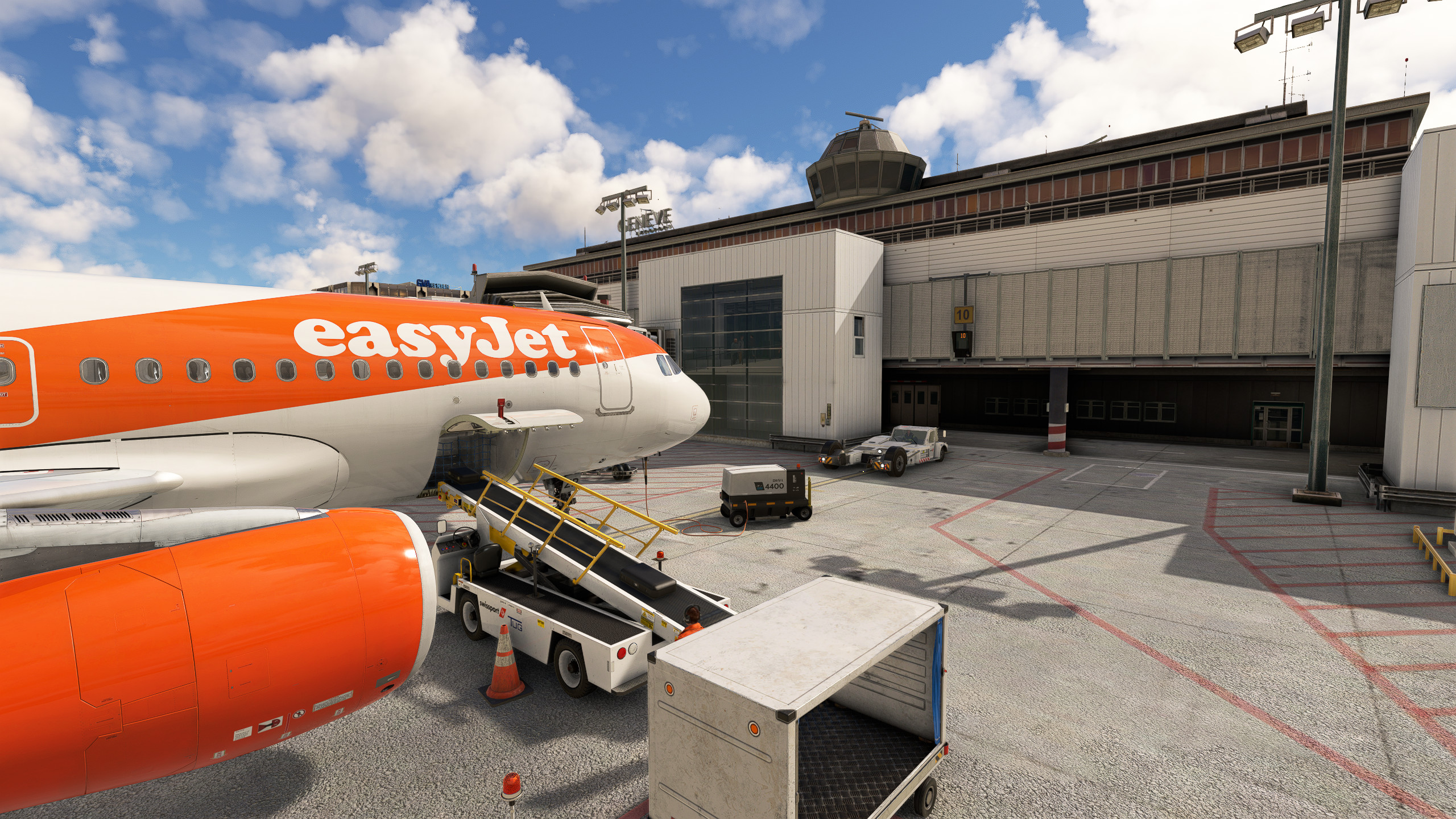
Description
Our LSGG GSX Pro profile for Jetstream Designs LSGG scenery
Based on real operations
Enjoy !
This profile includes following gates/positions:
✔️ Main gates 1 to 11
✔️ East Wing 15 to 191/192
✔️ Satellites 20, 30, 40
✔️ Open stands 54 to 58, 61 to 70, 85 to 89
✔️ Walk-in stands 83 and 84
Additionnal features:
⚠️ VDGS system by Nool OR GSX, both are included
⚙️ All gates/positions are accurately customized according to real world operations, including custom pushback positions.
🔧 Some gates also have variable stop positions (GSX & Nool VDGS compatible), which is depending on the aicraft type you are flying.
👤 East Wing gatescan be used by both shorthaul and longhaul aircraft types.
⚠️ Good to know:
- Not all stop positions have a marshaller, most of the remote stands are self-manoeuvring. The reason is that at Geneva Airport you have to refer to the stop bar positions which are on the left hand side of your aircraft when taxiing in your stand. You need to align your left shoulder with the stop bar. (stop line 1 or 2 depending on your aircraft length).
- Stand 10 is limited to A320 / B738 / A220 or smaller due to scenery jetway limitation. You can use a A321 on these positions but the jetway will attach to door 2L. The tail of the aircraft will probably be beyond the red stand marking. This was a necessary choice in order to keep the jetways working for A320 / B738 / A220.
- Stand 11 is limited to A320 / B738 / A220 or smaller due to scenery jetway limitation. You can use a A321 on these positions but the jetway will attach to door 2L. The tail of the aircraft will probably be beyond the red stand markings. This was a necessary choice in order to keep the jetways working for the A320 / B738 / A220.
- Stands 151 / 181 and 191 are modelled, but not usable with a jetway (stairs ONLY, with passenger walk-in path modelled). This is due to a MSFS limitation that restricts the usage of a jetway to 1 stand only. I decided to use the primary jetway for the HEAVY gates 15 / 16 / 17 / 18 and the secondary jetway for the MEDIUM gates 152 / 182 / 192.
How to install / Comment installer :
For Nool Aerosystems VDGS System:
- Drop the 3 files "lsgg-js-LimaTangoCH-NoolVDGS.ini" and "lsgg-js-LimaTangoCH-NoolVDGS_handler.ini" and "lsgg-js-LimaTangoCH.py" in %AppData%\Roaming\virtuali\GSX\MSFS
- Drop the content of "jetstream-lsgg" into the LSGG Jetstream Designs base scenery package. Overwrite when asked.
For GSX VDGS system with Nool 3D model:
- Drop the 3 files "lsgg-js-LimaTangoCH-GSXVDGS.ini" and "lsgg-js-LimaTangoCH-GSXVDGS_handler.ini" and "lsgg-js-LimaTangoCH.py" files in %AppData%\Roaming\virtuali\GSX\MSFS
⚠️ WARNING for MSFS2020 ! Remember to disable "LSGG_jetways.bgl" in FSDT Installer - this profile is not compatible with GSX Jetways.
Changelog :
22/09/2024: initial release
23/09/2024: added profile for GSX VDGS system with Nool 3D model, and fixed gate 3
26/09/2024: fixed gate 3 passengers walking waypoints
05/11/2024: corrected stop positions on stand 9 / 10 / 11, corrected naming of some custom pushbacks
26/01/2025: various fixes and adjustments following the scenery update by Jetstream Designs, mainly stand 11 which is now usable
21/01/2026: Big update !
- Corrected stands 9 / 10 and 11. Due to scenery limitations stand 11 jetway is INOP, and stairs have been put as alternative
- Stand 10 is limited to A320 / B738 or smaller as otherwise the tail overlaps too much on the taxiway behind
- For Nool VDGS users, custom stop positions for the Nool VDGS have been added, overwriting the default stop positions of the scenery which were not accurate
- Stands 15 / 16 / 17 / 18 / 19 customized for various HEAVY Airplanes (A350, B777, MD11, A340, etc...)
14/08/2026:
- corrected various stands to accomodate the A220
- corrected Nool VDGS capturing angle for stands 1-11
- stands 10 / 11 have new stop positions in order to get them working with most medium aircrafts
- stands 151 / 181 / 191 added walk-in paths for passengers
- added handler.py for automatic vehicle selection
LSGG GSX Pro - Jetstream Designs
This add-on provides a GSX Pro profile for the Jetstream Designs Geneva Airport (LSGG) scenery, meticulously tailored to reflect real-world airport operations. It features numerous customized gates and positions, including main gates, open stands, and walk-in stands, with additional functionalities like custom pushback positions and variable stop positions based on aircraft type. Users should note specific considerations for stop positions and jetway usage for an optimal experience.

Avis des utilisateurs
12 avis
Historique des versions
Fixed a parsing error in the GSX version of the profile. Thanks to the users who reported it, sorry for the broken file !
Similaires
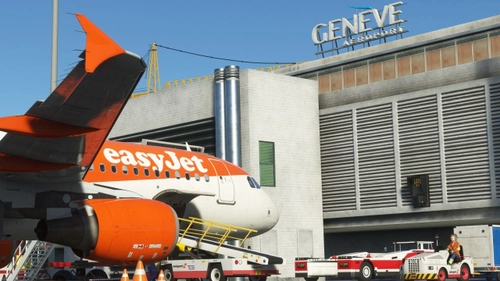
LSGG GSX Pro - Redwingsimulations
LSGG GSX Pro by Redwingsimulations offers a detailed profile for Geneva Airport, featuring accurately customized gates and positions based on real-world operations. The add-on includes custom pushback positions and variable stop positions tailored to different aircraft types, enhancing your airport experience in Microsoft Flight Simulator.
par LimaTangoCH
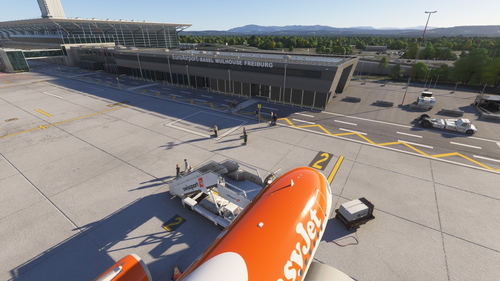
LFSB GSX Pro - FS Dreamteam
This add-on provides a GSX Pro profile specifically designed for the FS Dreamteam LFSB scenery, reflecting real-world airport operations at EuroAirport Basel-Mulhouse. It includes detailed configurations for all designated gates and stands, including cargo and maintenance positions, along with customized pushback operations. Additional features such as walk-in gates and a provided Python file for optimal naming and sorting of stands enhance realism and usability in Microsoft Flight Simulator 2020.
par LimaTangoCH
Connectez-vous pour participer à la discussion
Se connecterCommentaires(119)
about 1 month ago
about 1 month ago
about 1 month ago
about 1 month ago
about 1 month ago
about 1 month ago
Regarding stand A3, are you talking about Stand 3 on the main terminal or stand A3 at the Business Jet area ?
about 1 month ago
about 1 month ago
about 1 month ago
Customization file C:\Users\ollie\AppData\Roaming\Virtuali/GSX/MSFS\lsgg-js-LimaTangoCH.ini ignored: parsing error (While reading from AppData\\Roaming\\Virtuali/GSX/MSFS\\lsgg-js-LimaTangoCH.ini' [line 2627]: option 'parkingsystem_objectposition' in section 'parking 83' already exists)
about 1 month ago
Update is now online, enjoy the profile