
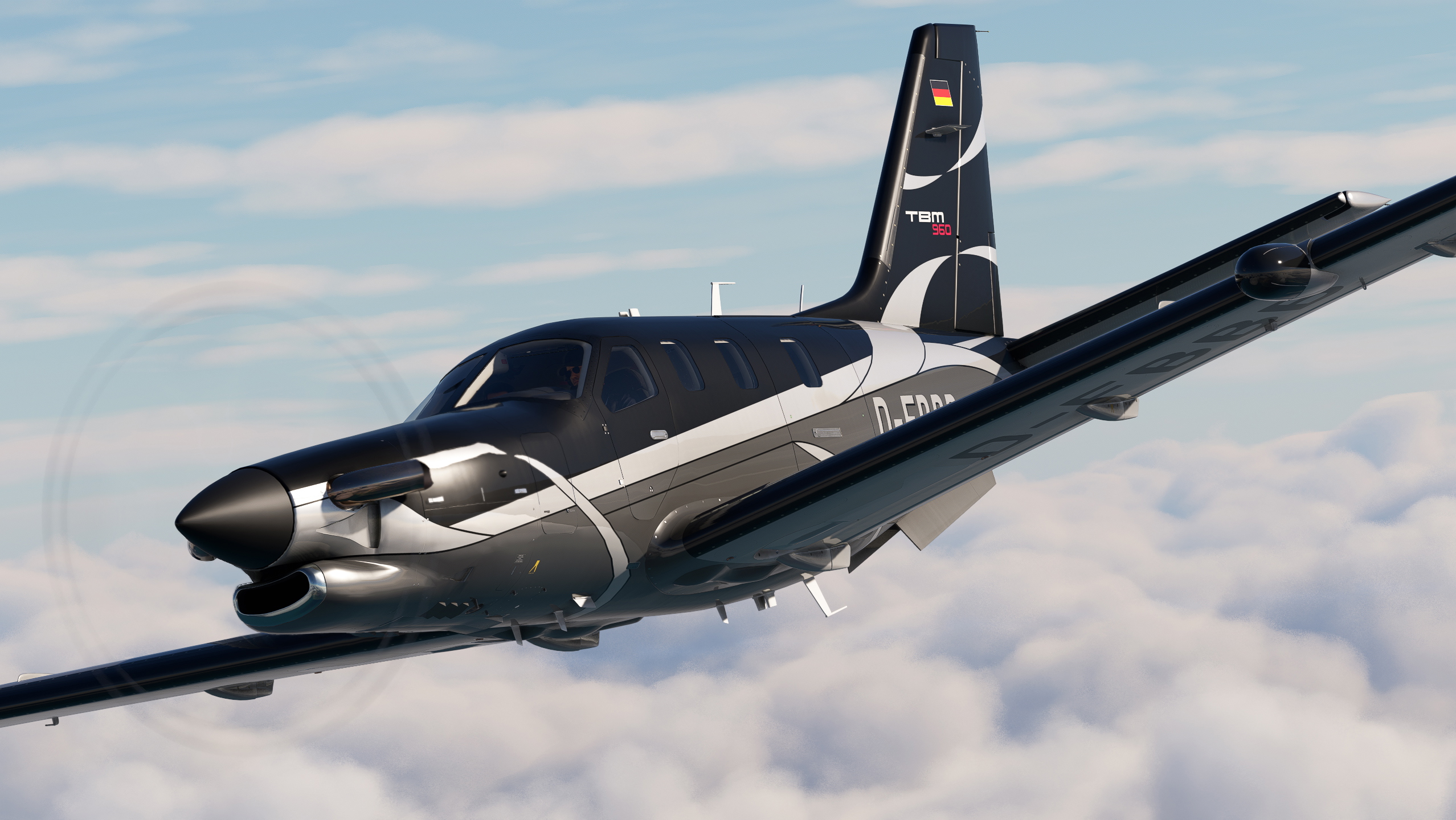
Description
This is a repaint for the Asobo TBM 930. D-FBBB is a 2022 Daher TBM 960 (Serial #: 1474). Of course we only have the TBM 930 in the sim. But the TBM 930 and 960 are visually identical. I've included a version with a painted registration number for maximum accuracy and a version with a dynamic registration number. The latter one also does not have the German flag.
Installation
Simply drag and drop the 'livery-tbm930-d-fbbb' folder into your MSFS Community folder.
Credits
Thanks to Bert Pieke for allowing me to include his tail number fix.
Many thanks to ryanbatc for providing the incredible screenshots!
Livery created by Tim-HH using Adobe Substance 3D Painter and Adobe Photoshop.
Asobo TBM 930 D-FBBB (Dynamic Registration)
This add-on provides a detailed repaint for the Asobo TBM 930, featuring the livery of the 2022 Daher TBM 960 (D-FBBB). It includes two versions: one with a painted registration number for accuracy and another with a dynamic registration number that omits the German flag. Installation is straightforward by placing the folder into the MSFS Community directory.

Avis des utilisateurs
4 avis
Historique des versions
Aucun historique de version disponible.
Similaires
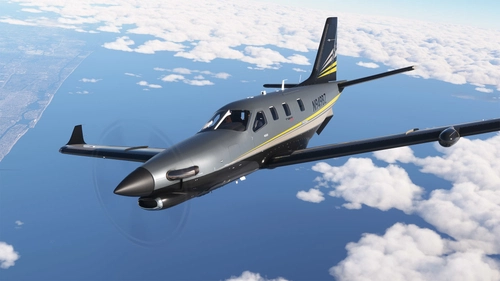
Asobo TBM 930 - N949BZ (steveo1kinevo's new TBM)
Repaint of Asobo TBM 930 as N949BZ, flown by Youtuber Steveo1kinevo. Enjoy this new livery inspired by his real-world TBM 940. Installation is simple, just drag and drop the folder into your MSFS Community folder. Created by Tim-HH using Adobe Substance 3D Painter and Adobe Photoshop.
par TimHH
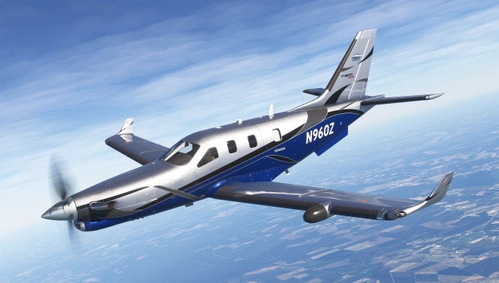
Asobo TBM 930 N960Z (Dynamic Registration)
This add-on provides a repaint of the Asobo TBM 930 to showcase the Daher TBM 960 in the livery of N960Z (Serial #: 1527). The visually identical models allow for a dynamic registration number feature, enhancing realism. Included are both a version with a painted registration number and one with a dynamic option. Installation is straightforward, requiring a simple drag and drop into the Community folder.
par TimHH
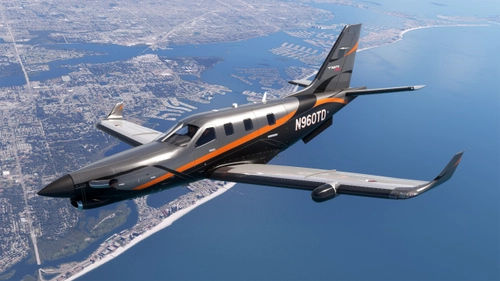
Asobo TBM 930 N960TD (Dynamic Registration)
This add-on features a repaint for the Asobo TBM 930 based on the 2022 Daher TBM 960 (Serial #: 1453), which is visually identical to the TBM 930. It includes both a version with a painted registration number and a dynamic registration number option for enhanced realism. Installation is straightforward by placing the provided folder into the MSFS Community directory.
par TimHH
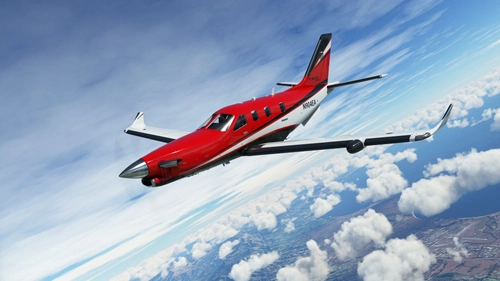
Asobo TBM 930 N904EA (Dynamic Registration)
Asobo TBM 930 N904EA repaint featuring dynamic registration and modified cabin seats for a realistic experience. Easily install by dragging the folder into your MSFS Community folder. Credits to Tim-HH and Bert Pieke for their contributions.
par TimHH
Connectez-vous pour participer à la discussion
Se connecterCommentaires(6)
about 1 year ago
over 1 year ago
over 1 year ago
almost 2 years ago
almost 2 years ago
almost 2 years ago