
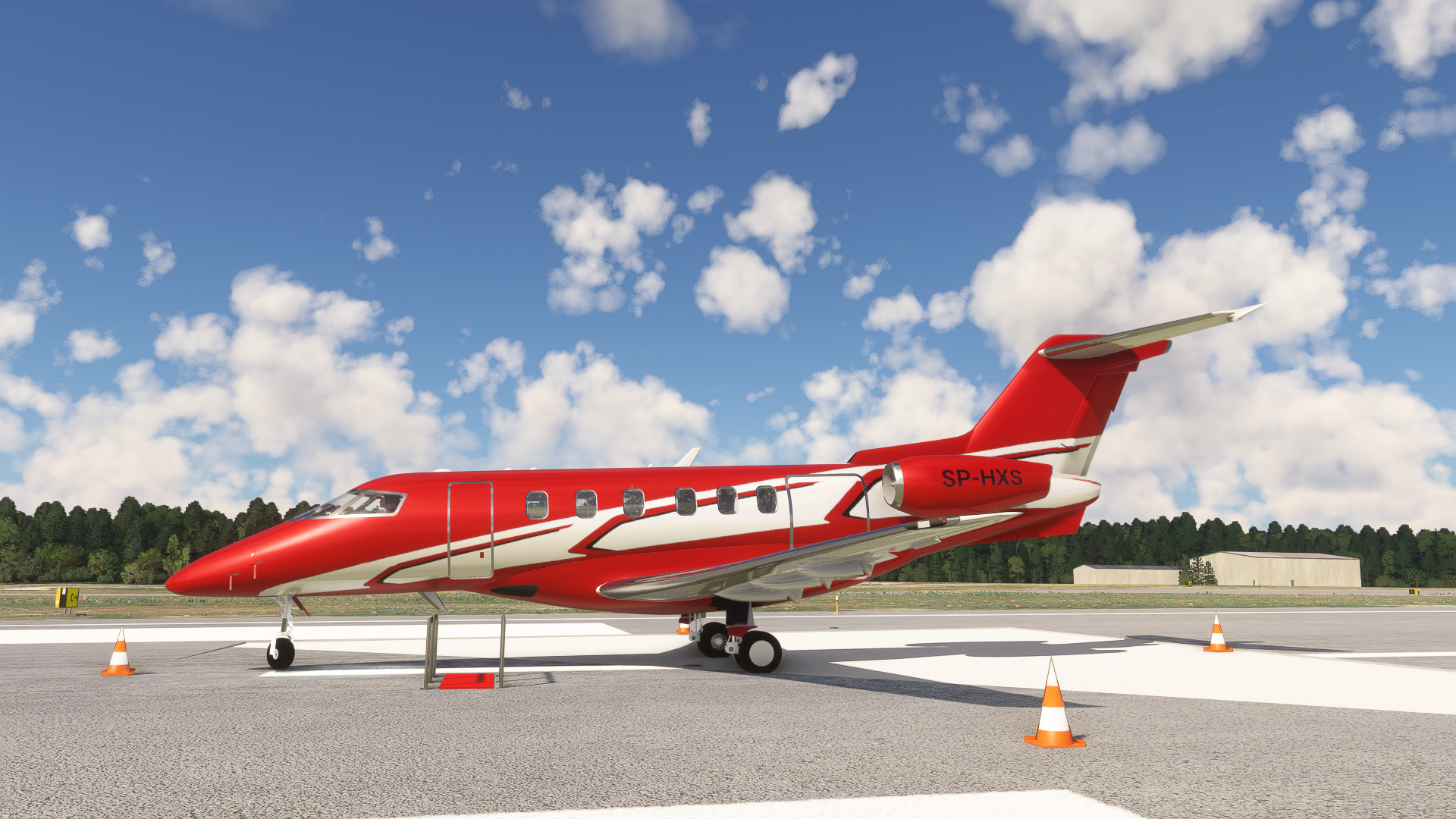
Description
JetPol P-24 is a fast, luxurious and flexible jet. With the wide speed range (from as low as 81kt up to 440kt), ability to land on unpaved runways it's one of the most flexible jets on the market. Jetpol P-24 contains several amazing features:
- Hand-made realistic 3D model
- Toggleable external equipment: chocks, cones, engine covers, red carpet etc.
- Animated internal equipment: cabin & cargo doors, tables, lavatory, blinds
- Toggleable internal equipment: cushions, cups, wine bottles, baggage
- Integration with default MSFS checklist system
- Interactive checklist in pilot’s armrest
- Rain & ice effects
- Custom WT G3000 integration
- Custom EFB
- PDF manual with description of most aircraft’s equipment
_____________________________
This aircraft was done by Jetpol Studios
______________________________
Installation
Copy both jetpol-aircraft-p24 and sal1800-instruments-easy-tablet folders to your Community folder
______________________________
Credits
Many thanks to sal1800, who created Easy_Tablet framework used by our EFB.
Jetpol P-24 Private Jet
The JetPol P-24 Private Jet add-on for Microsoft Flight Simulator features a meticulously crafted 3D model designed for performance and luxury. It offers a versatile speed range, the capability to land on unpaved runways, and includes interactive features such as toggleable external and internal equipment. The aircraft also integrates with MSFSs checklist system, boasts custom G3000 integration, and provides a detailed PDF manual for user guidance.


Avis des utilisateurs
20 avis
Historique des versions
Fixed in v1.2: - fixed right chocks not hiding - added heading sync option to autopilot heading knob - fixed some holes in the fuselage
Similaires
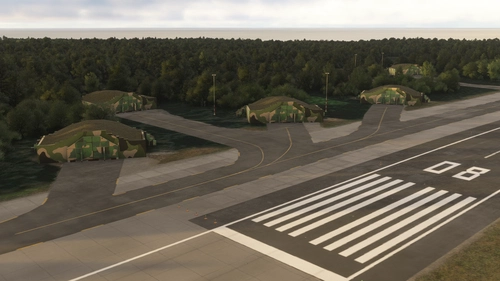
EPOK Gdynia-Kosakowo airport
EPOK Gdynia-Kosakowo airport is a military facility situated in northern Poland, featuring two concrete runways and a passenger terminal designed for civil aircraft. This add-on provides realistic textures, detailed buildings, and hand-made scenery that faithfully represents the airport. Additionally, it includes a real-life taxiway layout to enhance the simulation experience.
par Jetpol Studios
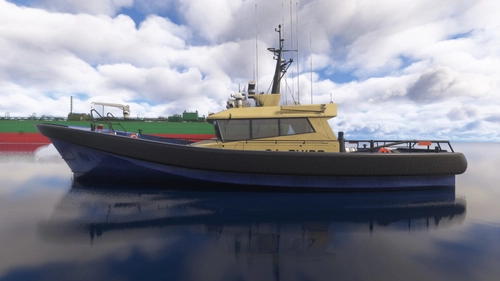
Default ship objects visual reference guide
This add-on provides an illustrated reference guide of all default ship objects in Microsoft Flight Simulator 2024. It serves as a valuable resource for scenery developers seeking to incorporate accurate ship elements into their projects. The guide features detailed visuals to assist in the identification and selection of these assets.
par JetpolStudios
Little NavMap POIs for World Update 16 (Caribbean)
Discover custom Little NavMap POIs created specifically for World Update 16 (Caribbean), enhancing your navigation experience in Microsoft Flight Simulator.
par Zajcek100
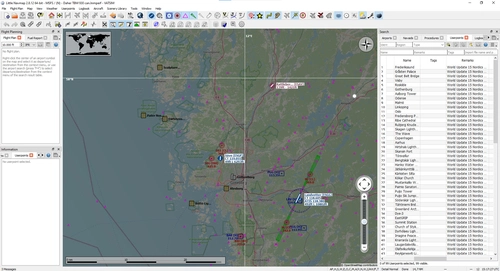
Little NavMap POIs for World Update 15 (Nordics and Greenland)
Explore the custom Little NavMap POIs designed specifically for World Update 15 featuring the Nordics and Greenland.
par Zajcek100
Connectez-vous pour participer à la discussion
Se connecterCommentaires(62)
about 1 month ago
about 1 month ago
{
"path": "SimObjects/Airplanes/JetPol_P24/texture.green/thumbnail.JPG",
"size": 44687,
"date": 133603582126286193
},
{
"path": "SimObjects/Airplanes/JetPol_P24/texture.green/thumbnail_small.JPG",
"size": 11374,
"date": 133603582126512188
},
3 months ago
3 months ago
over 1 year ago
about 1 year ago
over 1 year ago
How do you open the doors?
over 1 year ago
almost 2 years ago
almost 2 years ago
- the cockpit appears empty when seen from an outside camera
- the MFD has a black column to the left that should display engine, throttle, fuel and other flight data information
- the buttons should be functioning
- Better graphics of the cockpit
almost 2 years ago
almost 2 years ago
almost 2 years ago
almost 2 years ago
almost 2 years ago
almost 2 years ago
almost 2 years ago