
Description
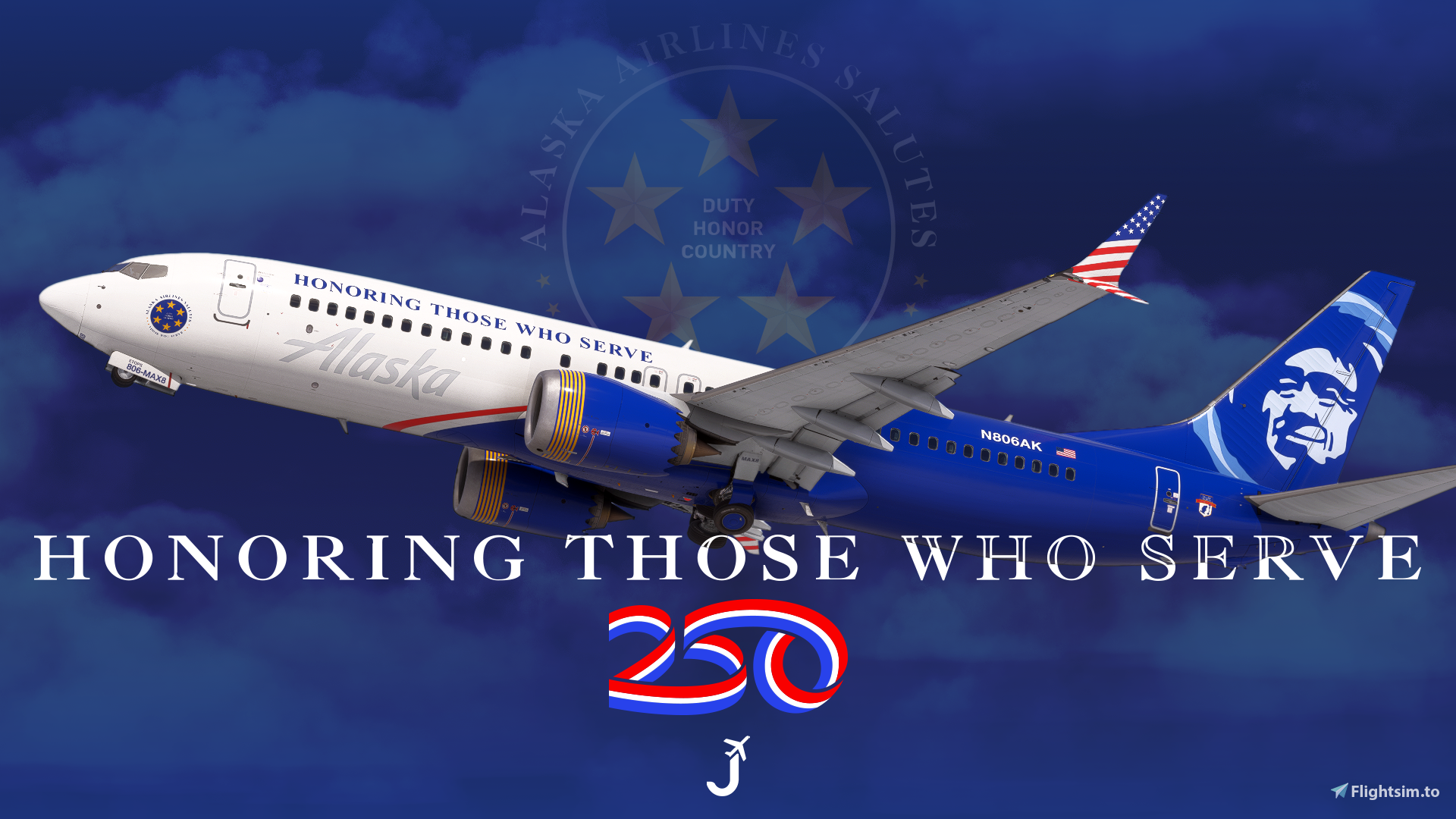
Alaska Airlines 'Honoring Those Who Serve' N806AK for the iFly 737 MAX 8 (SP1).
Features:
- Custom Alaska Airlines cabin
- Accurate ASA-specific stencils
- English and Spanish stencils and decals
- Realistic ASA-aircraft/equipment configuration pre-installed
- Alaska cockpit decals and placards (B38M Performance and Weights, Airworthiness/Registration, etc.)
- Improved textures, metallics, and normal maps
LIVERY INSTALLATION – 2020/2024
- 1. Extract the .zip
- 2. Select the "ifly-aircraft-737max8-XXX-XXXXX" livery you'd like to install and drag and drop into your community folder
To Install Configurations:
- 1. Load the iFly Manager.
- 2. Click on “Manage Product.”
- 3. Under the “Manage Product” page that appears, click on “Data Folder.” This will redirect you to
the work folder we need to access.
- 4. Hit “Yes” when the Data Folder Access warning appears. We won’t be modifying anything important, just telling the addon to use these configurations.
- 5. A file explorer window will open. Click on the “work” folder that should be at the top.
- 6. Drag and drop the .ini file (e.g., “iFly 737-MAX8 Alaska Airlines "Honoring Those Who Serve" N806AK (166Seats).ini”) file into this folder.
To Install iPad/EFB Background:
- 1. Extract the .zip
- 2. Drag and drop the "wallpaper_ASA.png" file into "...\Community\ifly-aircraft-737max8\Data\Tool\EFB\wallpaper"
Notice: This livery is the same version available through the iFly Manager. However, updates may be released here sooner than they appear in the iFly Manager, as manager updates must go through an additional review and distribution process. This package also includes optional downloads such as a matching EFB background and configuration files for users who prefer them.
Feel free to join the Canvas Corner discord server where you can download other liveries from myself and good friends of mine: Canvas Discord
If you like my work and would like to support me, you can donate via this link: My PayPal
Please do not modify, redistribute, or reupload this livery or the contents of this livery without permission. I've redone nearly the entire external model art in some capacity. Please be mindful about simply copying and pasting elements of my livery.
Alaska Airlines 'Honoring Those Who Serve' | w/Cabin | iFly 737 MAX 8
This add-on features the Alaska Airlines Honoring Those Who Serve livery for the iFly 737 MAX 8, specifically designed for aircraft N806AK. It includes a custom cabin, accurate ASA-specific stencils, and realistic pre-installed aircraft configurations. Enhanced exterior textures, weathering effects, and cockpit decals further improve the aircrafts authenticity, making it a detailed addition for flight simulation enthusiasts.

Avis des utilisateurs
1 avis
Historique des versions
- SP1 compatiblity - Completely reworked COMP, NORM materials - Overhauled aircraft art and textures - Redone cabin with new SP1 features - Improved cockpit materials - Improved colors - Added 'America 250' boarding decals - Tested in both FS2020 and FS2024 - Added cockpit registration details - Added custom ASA EFB wallpapers - Improved nose gear stencils
Similaires
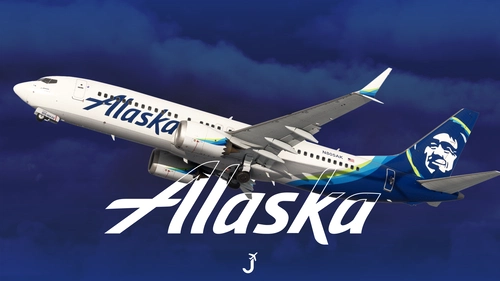
Alaska Airlines | w/Cabin | iFly 737 MAX 8
This add-on provides an Alaska Airlines N805AK livery for the iFly 737 MAX 8, featuring a custom cabin, accurate Alaska Airlines stencils, and bilingual decals. The package includes a realistic equipment configuration, cockpit placards, and improved textures. Optional downloads such as a matching EFB background and configuration files are included. Updates may be available here ahead of the iFly Manager.
par Jviation
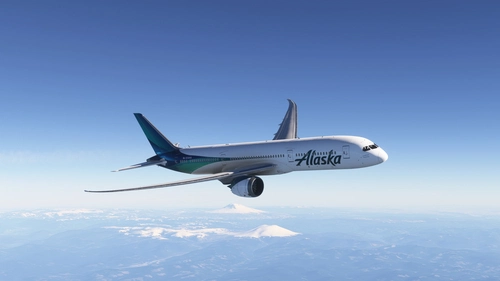
Boeing 787-9 Alaska Airlines (N784HA)
This add-on features a detailed livery for the Alaska Airlines Boeing 787-9, specifically the aircraft registered as N784HA. The "Global Livery," introduced in 2026, showcases a design inspired by the Northern Lights and is a part of the airlines international expansion. It is compatible with Microsoft Flight Simulator 2020 and 2024, and designed in 8K with high-definition textures for an authentic simulation experience.
par LiveryLab
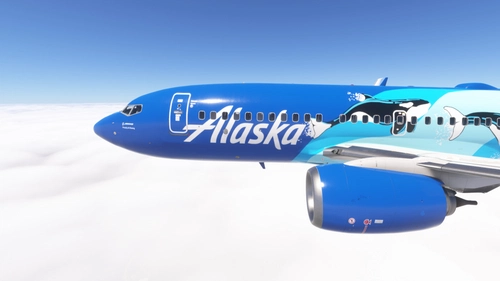
PMDG 737-700 w/ cabin Alaska Airlines - West Coast Wonders (N932AK)
Customize your PMDG 737-700 with this fictional Alaska Airlines repaint based on the 737-MAX9, featuring unique cabin details and two versions to choose from. Follow simple installation steps via PMDG Operations Center and start your virtual flights in style.
par alxcpt
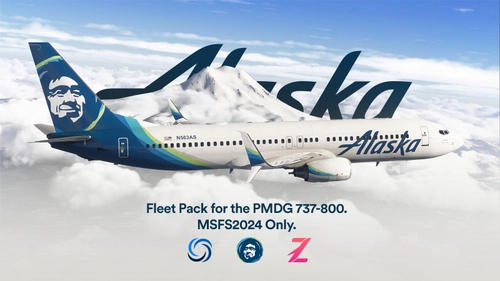
Alaska Airlines Fleet Pack | Lite Custom Cabin | Smart Decals | PMDG B737-890
The Alaska Airlines Fleet Pack for the PMDG Boeing 737-890 enhances the simulator experience with custom cabin features and smart decals. It includes specific aircraft registrations and is designed for personal use, adhering to PMDGs EULA and Microsofts content policies. The installation process is user-friendly, requiring a simple drag-and-drop method to the community folder. Note that some details may not be fully represented due to model constraints.
par zaph
Connectez-vous pour participer à la discussion
Se connecterCommentaires(3)
3 months ago
almost 2 years ago
almost 2 years ago