
Description
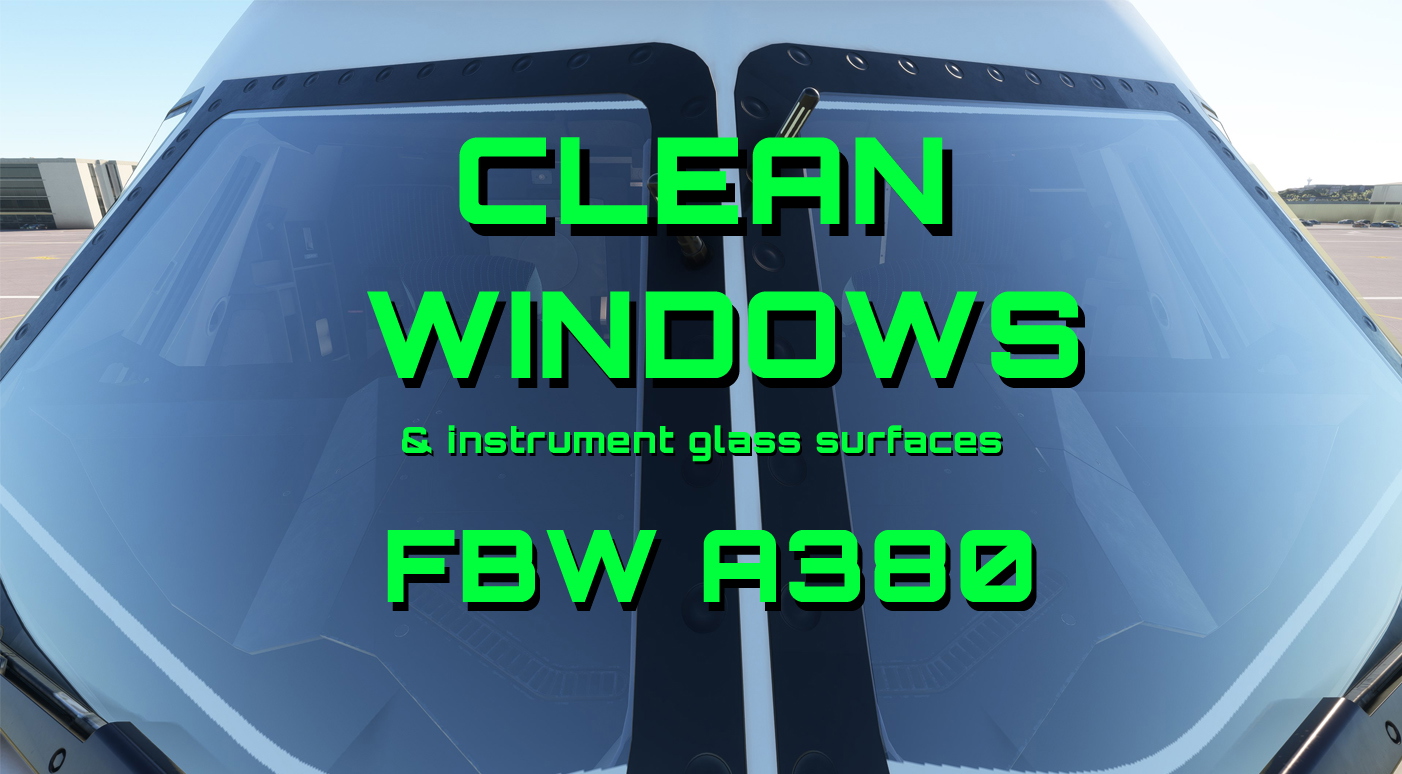
Clean windows and instrument glass surfaces for the FBW A380X
MSFS 2020 and MSFS 2024 4K versions only!
This is the second version of the clean windows for the FBW A380. Since the required files for MSFS 2024 have changed slightly and the "one-set-fits-all" solution no longer works, I had to create separate folders. The MSFS 2020 version remains unchanged, so there's no compelling reason to update.
However, if you encounter any problems, please leave a comment. I'll try to help as best I can. I still recommend making a backup copy of the existing livery folder before installation - just in case...
The zip file contains - in addition to the required texture files - a step-by-step instruction as a PDF file, with which the installation can be carried out in just a few minutes.
The cockpit windows and all instruments with glass surfaces will then be cleaned of dirt, smudges, scratches and fingerprints, so that your next flight will be a really clean experience :))
And as always - Happy landings everyone!
Note: I tested the "Clean Windows" modification with both the development and stable versions following the texture update on May 19, 2026. After applying the "layout.json" file update mentioned in the description, the effect functions as intended.
Clean windows for the FBW A380 (Native Version) - published by FBW in June 2026 - is available here!
Want clean sunshades in your A380 as well? Get them here!
Link to my Clean windows mod for the Headwind A330-900
Link to my Clean windows mod for the FBW A320
A general note on the use of liveries or other modifications:
A livery often does not contain all of the aircraft’s textures. In most cases, it contains only the files that have been modified for that particular livery.
When loading, MSFS first searches the texture folder of the selected livery.
If MSFS finds a file there, it uses that exact file.
If the file is missing from that location, MSFS checks the so-called fallback folder via the texture.cfg file. This is usually the aircraft’s base or original folder.
For the A380 "Clean Windows", this means:
If the “Clean Windows” files are located in the shared FBW-A380 texture folder (flybywire-aircraft-a380-842), all A380 liveries can use these clean windows. However, there is one requirement: The respective livery must not contain a window file with the same name.
If a livery contains a file with the same name, that file takes precedence. In that case, the clean window file from the FBW folder will not be used!
This is one of the main reasons why a modification might (allegedly) not work properly!
So there are two options:
Option 1: Place the “Clean Windows” files in the shared FBW-A380 folder (...Community\flybywire-aircraft-a380-842\SimObjects\AirPlanes\FlyByWire_A380_842\texture). Then, all A380 liveries will generally have clean windows, as long as additional livery folders do not contain windows files that prevent the modified files in the FBW folder from loading.
Option 2: Place the “Clean Windows” files only in the texture folder of a specific livery. (Example: ...Community\flybywire-a380-king-of-the-skies\SimObjects\AirPlanes\FBW 380 KING OF THE SKIES\texture.king) - In that case, only that specific livery will have clean windows. All other A380 liveries remain unchanged and retain their normal, dirty windows.
This principle also applies to MSFS 2024, even though the “texture.cfg” files familiar from MSFS 2020 are no longer visible due to the changed internal file structure. The precedence - as well as the fallback mechanism - remains the same.
In short: A file in the livery folder takes precedence. MSFS only falls back to the fallback folder if the file is missing from there.
FBW A380 Clean Windows v2
This add-on provides clean windows and instrument glass surfaces for the FBW A380X in Microsoft Flight Simulator. Designed for easy installation, it enhances cockpit visibility by removing dirt, smudges, and scratches. The zip file includes essential texture files along with step-by-step instructions to facilitate quick implementation. Compatible with various downloaded liveries, it allows pilots to enjoy a clearer flying experience.

Avis des utilisateurs
9 avis
Historique des versions
Fixed MSFS 2024 issues - MSFS 2020 users don't need to update
Similaires
Headwind A339X - Clean Windows
Clean up the windows on your Headwind A330-900 with this mod. Easily switch between clean and dirty windows by following simple instructions provided. Bring back the shine to your virtual cockpit with just a few clicks. Happy landings with clear views ahead!
par BenBlinding
FlyByWire A320NX Clean Windows
This add-on offers clean window textures for the FlyByWire A320NX aircraft in Microsoft Flight Simulator. It replaces the default "dirty" window files to enhance the visual experience of the aircraft’s cockpit and exterior views. The installation involves replacing a specific file in the aircrafts base folder, with an easy option to revert to the original textures if desired. Compatible with all A320 aircrafts in the FlyByWire package.
par BenBlinding
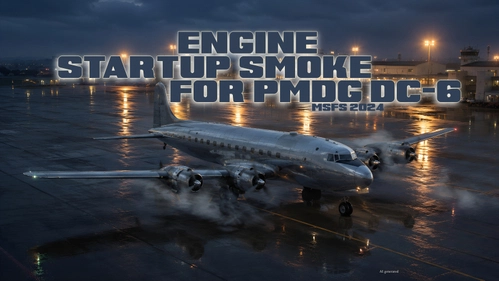
PMDG DC-6 Engine Startup Smoke for MSFS2024
This add-on introduces engine startup smoke effects for the PMDG DC-6 in Microsoft Flight Simulator 2024. The smoke is generated using default MSFS SDK tools, resulting in fixed density and color. Installation instructions are included as a PDF in the download. The effect is designed to work reliably during each engine start sequence.
par BenBlinding
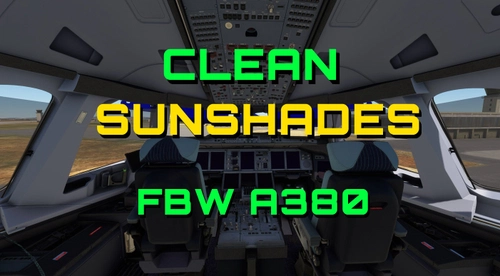
FBW A380 Clean Sunshades
This add-on provides clean sunshade textures for the FBW A380, enhancing the cockpit aesthetics by eliminating stains and smudges while introducing more appealing colors. Users can choose between applying the new sunshades universally across all A380s or targeting a specific aircraft livery. Installation instructions are included, ensuring a straightforward update for those looking to refresh their cockpits appearance.
par BenBlinding
Connectez-vous pour participer à la discussion
Se connecterCommentaires(60)
3 months ago
3 months ago
3 months ago
The simulator always gives priority to files in livery folders over those in the base installation. Either delete the relevant files from the livery folder or copy all 26 files from the “Clean Glass” mod into the livery folder and allow existing files to be replaced.
3 months ago
3 months ago
Copy the entire content of this folder (26 files).
Open the "flybywire-aircraft-a380-842" folder in your MSFS 2020 community folder.
Open "SimObjects" > "AirPlanes" > "FlyByWire_A380_842" > "texture".
Paste the 26 files into this texture folder. Replace the existing files when prompted.
Go back to the "flybywire-aircraft-a380-842" folder and find the file named "layout.json".
Drag and drop this file onto the "MSFSLayoutGenerator.exe" icon which also was included in the download.
A little window will pop up for a second - nothing to be worried about.
All your A380s should now have clean windows and instrument glass surfaces.
3 months ago
3 months ago
3 months ago
3 months ago
3 months ago
6 months ago
Is it possible to create a version where only the cockpit windows are clean, without the instruments?
Does the cockpit window have small scratches and minimal stains here and there?
6 months ago
6 months ago
That would be a great addition.
6 months ago
6 months ago
6 months ago
6 months ago
6 months ago
6 months ago