
Description
---NEW VERSION NATIVE FOR MSFS 2024--
SEPARATE FILE FOR MSFS 2024
!!!!!!!READ THE BOTTOM OF THE FEATURE LIST IN RED FOR DISCLAIMER FOR KNOWN ISSUES!!!!!!
Good day Everyone !
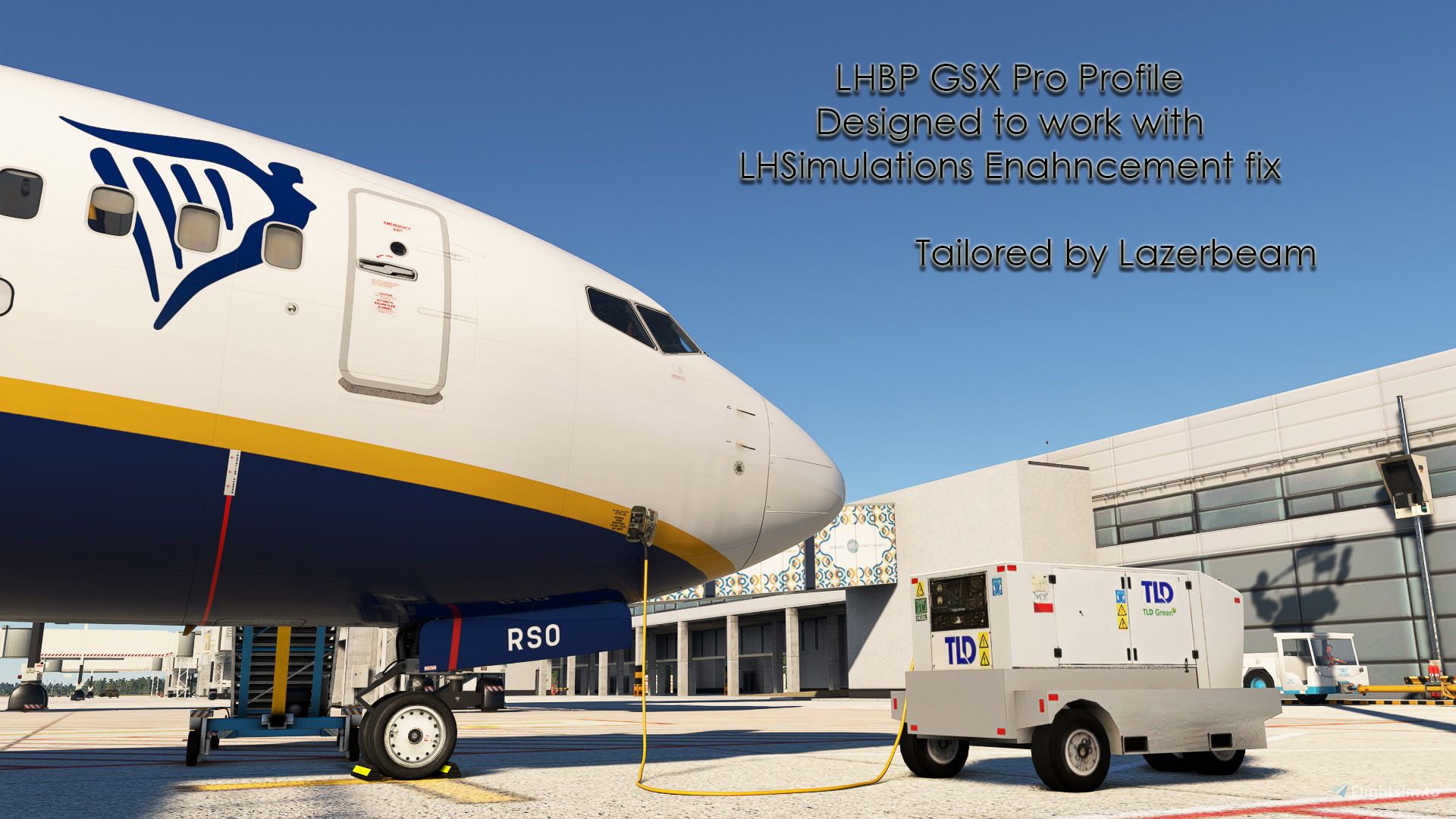
Maybe you came across that lovely LHBP enhancement which provides additional parking positions on T2B Pier on Terminal 2B but unfortunately it was not configured at all with GSX. Well I took some time and effort to bring you the ultimate LHBP GSX Pro profile !
Since I work at LHBP for 8 years now i can say i'm quite confident that this profile is as real as it gets. Please note that this thing is still in progress Terminal 2 is done, but i haven't touched the GA Apron and Cargocity those will come later as an update.
Features:
- Realistic true-to-life ground handlers which are: Celebi/Menzies/Malév Ground Handling
(MGH is non existent anymore but GSX does not have Airport Service Budapest textures) - Custom parking positions at all gates at Pier T2B (including L/R positions) and T2A
- Custom vehicle placement as i'd like to call it "spacious placing"
- Custom pushback directions with labels (Special and true-to-life procedures at gate 45 and 44 and 31)
- Custom Low Cost Pier T2A with walk-in gates
- Realistic VDGS types and placement
(please note that at some gates the parking position is aligned to the gate not the taxiway marking due to scenery limitations) - Custom R210/R211/R212 positions where no pushback is required
- And what I am the most proud of: Stand 37 with totally custom boarding and de-boarding waypoints which is identical to the real operation
(There is a jetway available on that stand as well but it is disabled to achieve the walk-in procedure) - You must install this enhancement pack in order to this proifle to work
https://flightsim.to/file/79168/lhsimulations-lhbp-budapest-lights-parking-enhancements - Delete every other GSX Pro profile you might have
Also important notes:
- I MUST give credit for those here on the site who had created the enhacement pack and a previous GSX profile
https://flightsim.to/profile/MarceloNahas ---------> The enhancement
https://flightsim.to/profile/UDomonkos ---------> The previous profile - Without these 2 creators my profile would not be possible so HUGE thank you !!!
Installation:
- Simply unzip the archive and copy the .ini file and the .py file to C:\Users\YOUR USERNAME\AppData\Roaming\Virtuali\GSX\MSFS
- After you unzip there will be 2 options use only 1 !!!!
- Full lowcost: Gate 37/38/39L/39R will have walk-in procedures jetways will be INOP (use this for FR/W6/U2 flights)
- Partial lowcost: Only Gate 37 will have walk-in
- Once you load in at a gate i highly suggest to use "Reposition at current gate" to have the accurate stop position at spawn !!!!
Known issues and workarounds:
- Stands 36/35/34(without L/R): certain afct types(mainly 737/A320 family) are not recognized at the correct stop position in these stands because of how the main scenery and the enhancement fix are working----> Solution: move your airplane using slew mode a bit forward or backward so GSX can recognize your airplane.
- Usage of 36/35/34(without L/R) are mainly used by heavies such as 787/777/A330 so try to park those planes there. Although the problem with plane recognition is present with these types as well-----> Solution: same as above move your plane in slew mode back or forward until GSX recognizes that you are on that stand.
- Namings of L/R positions in GSX menu are simply INOP (it is simply recognized as the main stand) you need to guess the gate to taxi in if it is not the one you liked than please reselect it------> Solution: on the 36/35/34 side of the pier the ones with WALK-IN option are the R positions on the other side between 39L and 39R is simply a guess i am sorry :D
For some reason LHSimulations decided to add a second VDGS object in one of their updates (i believe 2.2.0) to FS24 which is embedded to the scenery files and cannot be disabled
So it makes a bit hard to make a clean VDGS system on most of the stands
I tried my best to align the systems to make it look nice but it is basically impossible to do
You can see the display and they are functioning properly but it will be pretty ugly looking if you look at them up close but it is what it is i tried my hardest and those solutions are the ones which i came up with
LHSimulations LHBP V2 GSX Pro profile for enhancement fix
This add-on provides a comprehensive GSX Pro profile for LHBP Budapest Airport, enhancing the terminals ground handling experience with realistic features. It includes custom parking positions for both Pier T2A and T2B, along with true-to-life pushback procedures and vehicle placements. Users can expect meticulously crafted ground handling details that reflect actual operations at the airport. Future updates will address additional areas, enhancing the overall functionality of the profile.


Avis des utilisateurs
4 avis
Historique des versions
- Updated VDGS systems to match with the scenery update - Most likely corrected issues with two options but it is not a guarantee (full or partial lowcost) - Adjusted few vehicle placements - Relabeled some pushback options from gates 44/45 - Added a new alternative pushback to gate 45 (sometimes used in real life) - Added engine startup clearance points to gate 44/45
Présent dans des collections(1)


Similaires
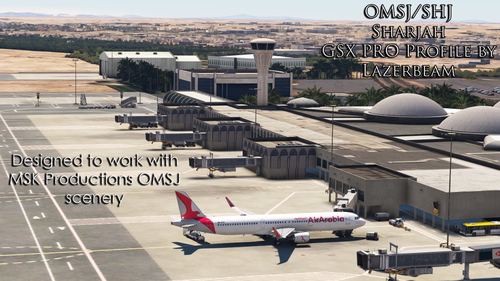
OMSJ GSX Pro Profile for MSK Productions Sharjah
This add-on features a detailed GSX Pro profile for OMSJ Sharjah Airport, specifically designed for use with MSK Productions scenery. It includes realistic ground services, custom vehicle placements, pushback procedures, and accurate ground handling provided by local services. The profile aims to replicate authentic airport operations, enhancing the realism of flying in and out of this key Middle Eastern hub.
par Lazerbeam
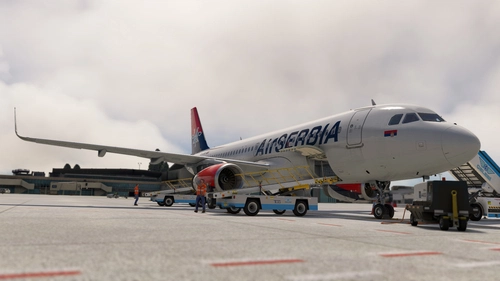
Fenix A320 family & Fslabs A321 NEO GSX loading profiles
This add-on provides GSX Pro loading profiles for the Fenix A320 family, specifically tailored for the A319, A320, and A321 models. It implements cargo and baggage loading adjustments based on real-world practices, emphasizing the prevalent bulk loading method in European airlines. Detailed configurations include engine variant settings and specific loading methods for airlines such as Turkish Airlines and Lufthansa. Installation requires users to transfer the add-on files to the appropriate directory in the GSX configuration.
par Lazerbeam
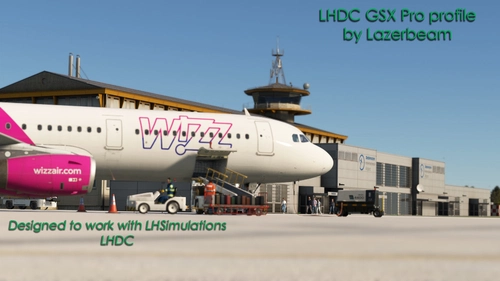
LHDC GSX Pro profile by Lazerbeam
This add-on provides a GSX Pro profile for Debrecen International Airport (LHDC), the largest airport in eastern Hungary. It includes realistic boarding and deboarding routes, handcrafted vehicle positions, and specifically adjusted stop positions for the Fenix A321, accommodating the airports limited traffic. The profile reflects the unique operational characteristics of this small airport, focusing on the two primary gates used for passenger access.
par Lazerbeam
Connectez-vous pour participer à la discussion
Se connecterCommentaires(40)
about 2 months ago
about 1 month ago
2 months ago
4 months ago
5 months ago
5 months ago
5 months ago
5 months ago
5 months ago
5 months ago
5 months ago
7 months ago
7 months ago
12 months ago
12 months ago
12 months ago
about 1 year ago
about 1 year ago
about 1 year ago
about 1 year ago