
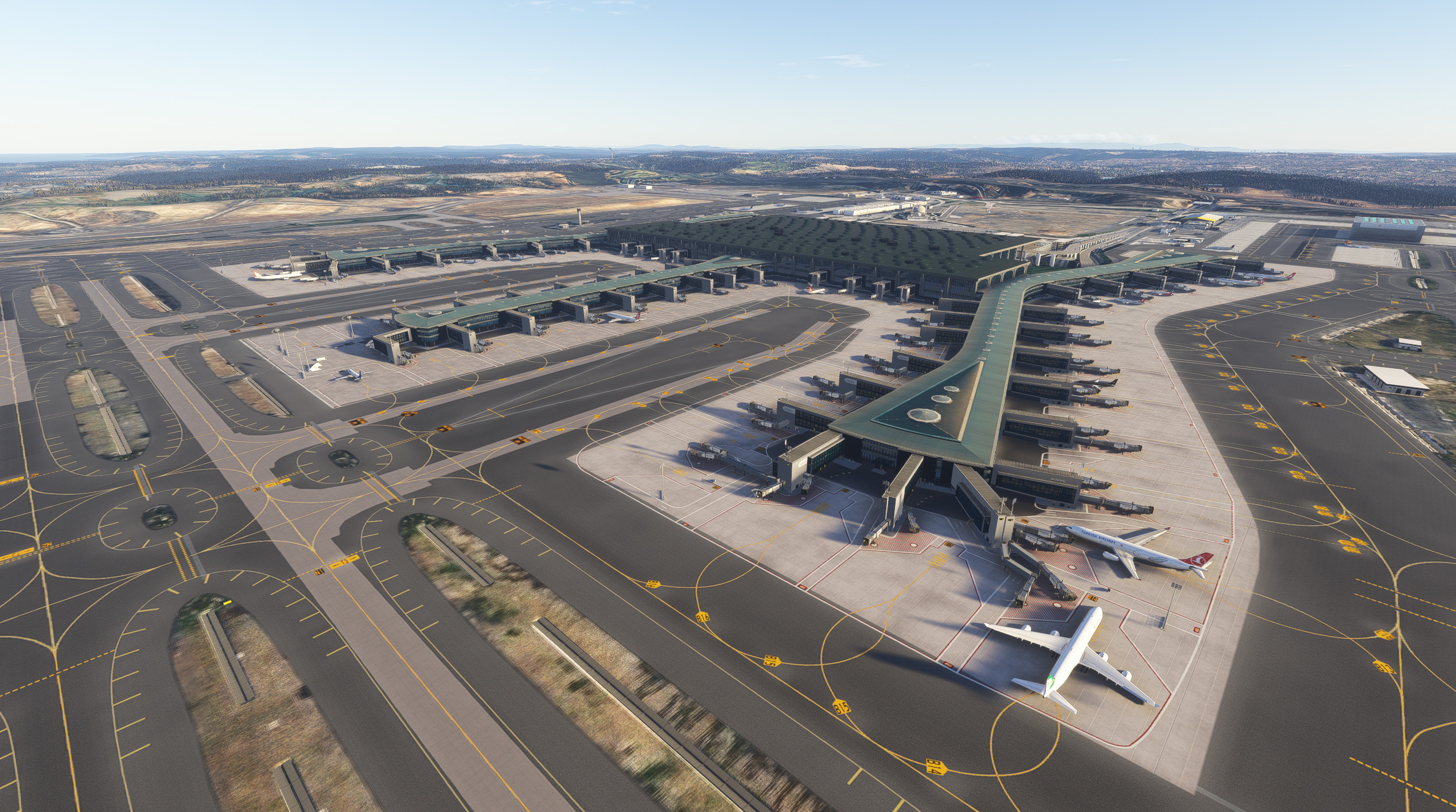
Description
Just added a separate GSX porfile file that I use in my setup (same one as in previous shared package).
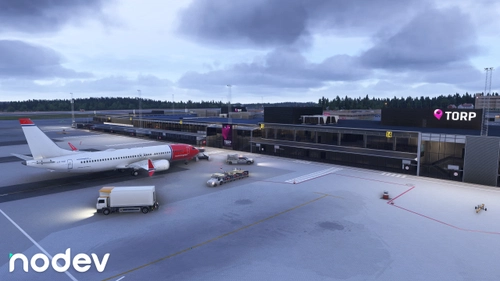
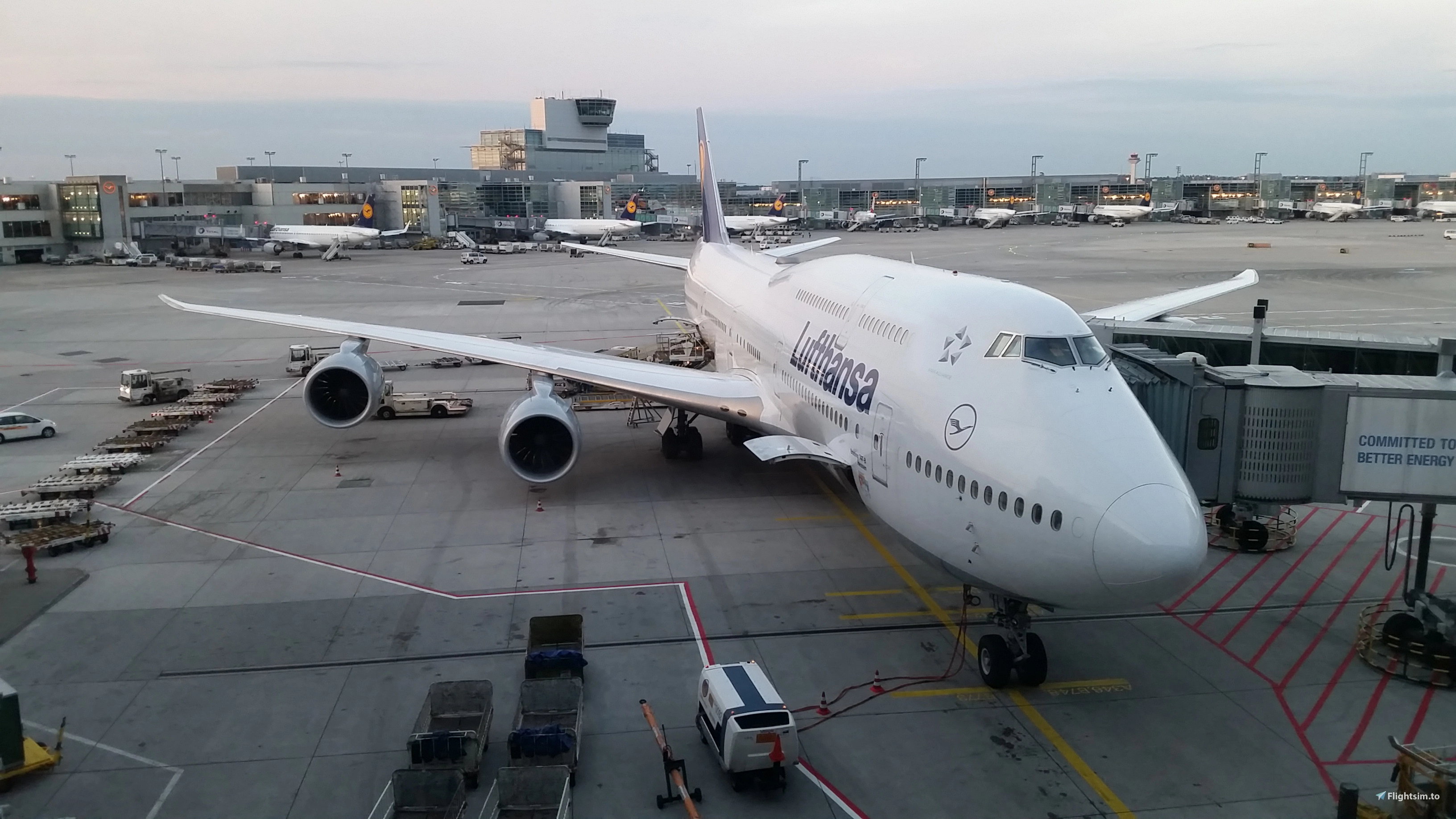
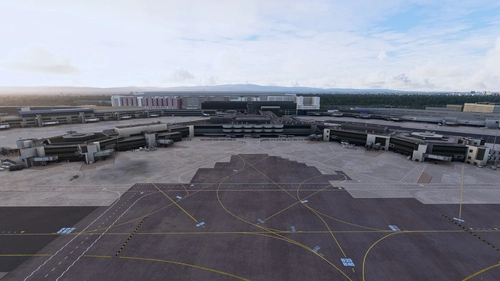
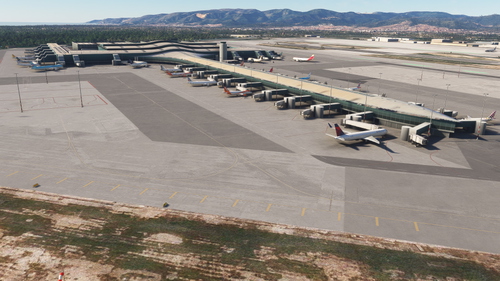
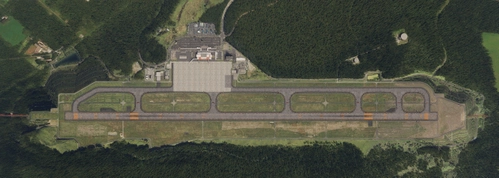
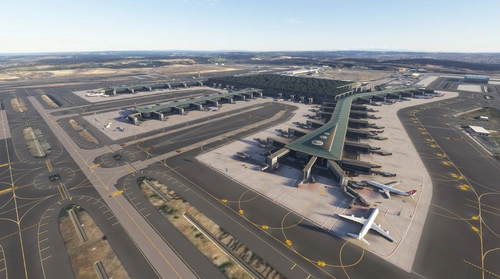
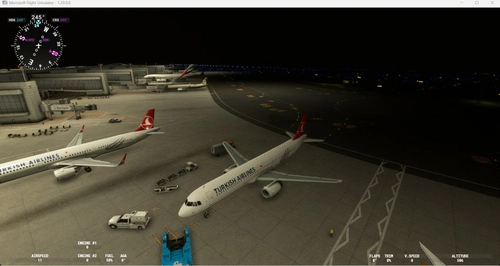
LTFM Istanbul scenery for MSFS 2020/2024 v2.0.40
- Added ILS data to all 6 approaches - many thanks to @ntnv for letting us use his data.
- Corrected more base mesh especially connecting taxiway F to N6 / N5 / N4 / N3 / N2 / N1 / NE and F7
- Darkened the asphalt color a bit for whole airport.
LTFM Istanbul scenery for MSFS 2020/2024 v2.0.30
- Added new Runway 09 (to be used only for take-offs)
- Added a few more 3d custom and stock models.
- Corrected many items including base mesh.
- Moved paint hangar to Apron 4.
- Added a secondary Tech hangar (Apron 5) where it is being built (a secondary copy of current one)
- Added underlying imagery - delete/remove any previous imagery folders you may have.
LTFM Scenery for MSFS 2020 v2.0.23 (also works in MSFS 2024)
This update probably is the last one until the new runway is finished and in operation.
In this update I mostly concentrated on taxi lights and many other corrections.
Important Note: DO NOT delete imagery files and GSX profile files from previous package (v1.9.98) and only replace
the scenery folder.
LTFM Scenery for MSFS 2020 v1.9.98 (also works in MSFS 2024)
It is confirmed that this update (still a W.I.P.) solved the missing SID and STAR problem which most probably
started after SU 4.
Countless changes applied to the scenery since v1.9.55, mostly corrections on mesh, taxi lights, drainage canals etc.
Important Note: DO NOT delete imagery files and GSX profile files from previous package (v1.9.55) and only replace
the scenery folder.
Enjoy.
LTFM Scenery for MSFS 2020 v1.9.55 (also works in MSFS 2024)
MSFS 2020 freeware scenery of LTFM Istanbul Airport updated to v1.9.50 (v2.0 to follow after Nov 2024)
and will be shared publicly in 2 web sites: Turkish Virtual Airlines (turkishvirtual.com) and here at
flightsim.to as before.
I spent more than 2 years to bring it up to this level as per all available charts and imagery, YouTube
videos as well as my personal videos and pictures I recorded and took during several r/l flights from
Istanbul.
In this version all 3D TERMINAL models are replaced with new ones and all the credit goes to M. Ali
Oguducu. Also Kamil Uzun and M. Firtina Ozcinar deserves credits for other 3D models used in this project.
Custom jetways used in this project are also created by Kamil Uzun and M. Ali Oguducu. Special thanks to
Emir Sert for his help with the alteration of the texture file for the jetways and piers.
This update is mostly concentrated on changes to Terminal model placements using new files. Also ground
markings and elevations are updated and drainage channels are placed. All ground markings, taxi lines and
taxiway lights are same as in v1.9.20.
Please note that there is a separate CGL folder included in this version which covers only the airport area.
WARNING:
************************************************************************************************************
You will see most multiplayer aircraft hovering at @ 15 m AGL and those are mostly people who are using the
payware scenery or MAY BE freeware v1.01a. This elevation difference is something that only ASOBO can fix.
IF THIS IS GOING TO BOTHER YOU, PLEASE DO NOT COMPLAIN AND SOURCE THE PAYWARE ONE AS WITH IT, YOU WILL NOT
FACE THIS PROBLEM.
I have spent many hundreds of hours to create the slopes of each runway and their connected taxiways as
well as all aprons. I forgot how many times I started from point zero to bring it to its current level. The
gradient is about 1% from South towards North as in r/l.
Installation:
***********************************************************************************************************
TO BE ON THE SAFE SIDE, PLEASE REMOVE ALL PREVIOUS FOLDERS RELATED TO LTFM SCENERY AND AERIAL IMAGERY
There are 3 folders in this package:
1- argaeus-airport-ltfm-istanbul
2- argaeus-ltfm-aerial
3- Virtuali
Extract #1 and #2 to your Community folder.
Extract #3 to ....\AppData\Roaming\Virtuali\GSX\MSFS folder.
PS. Make sure to remove any previous profile file related to LTFM.
SceneryIndexes folder located inside the LocalCache folder should also be deleted as well before starting
your simulator (which will be re-created from scratch).
A separate imagery file is still available for people who want to download it for better immersion.
-----------------------------------------------------------------------------------------------------------
This package covers the dual motorway at south side of the airport. As it is 1.78 GB in size, I had decided
to pull it out of the scenery CGL and only shared enough imagery to cover the airport area within the main
package.
The link to the secondary imagery file is (argaeus-ltfmsouth-aerial.zip):
https://drive.google.com/file/d/1bLsVTUuylfl0UFL4W_ZxDoRDp1SZciSj/view?usp=drive_link
Some models from freeware UK2000scenery are also used so you should have the library installed to see them.
IMPORTANT:
This scenery is NOT to be used in ANY type of COMMERCIAL simulators and the only way for this to happen is
to obtain our written consent and making a minimum donation of €2000 (Euros Twothousand %00 or equivalent
in local currency) to :
LOSEV Leukemia Foundation for Children. https://www.losev.org.tr/v6/
For those who intend to use this scenery in their personal computers for their personal joy, it is free of
charge but they can also make ANY amount of donation they wish to make to LOSEV. Based on the information
in the website, all credit cards with 3D secure payment can be used.
We do not need money for a coffee or a pint of beer but the charity needs it to treat those kids.
Errors may appear and will be corrected going forward and the package will be updated after MSFS 2024 is
released. Up until this moment, this package worked fine in MSFS 2024 Dev Alpha version and will be
converted fully to MSFS 2024 in the future.
Enjoy your flights to and from Istanbul Airport.
One final note: This scenery is working perfectly fine with MSFS 2024 Dev Alpha version and you can copy both folders
(#1 and #2) to your new "2024" Community folder to use the scenery in MSFS 2024.
Location
LTFM Istanbul Airport v2.0.40
This add-on provides a detailed freeware scenery of Istanbul Airport (LTFM) for Microsoft Flight Simulator 2020, updated to version 2.0.23. It features new 3D terminal models and enhancements to ground markings and elevations. The scenery is designed for personal use and includes installation instructions, while a separate imagery file is available for added immersion. Future updates are planned following the release of MSFS 2024.


Avis des utilisateurs
87 avis
Historique des versions
Details published on main page.
Présent dans des collections(4)


Similaires
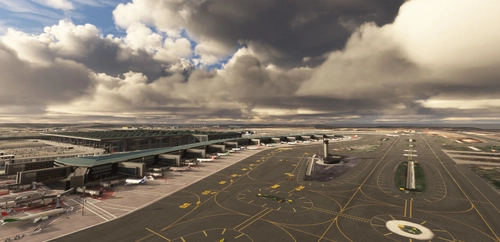
LTFM - Istanbul Airport 1.9.20
Experience a detailed rendition of Istanbul Airport with LTFM - Istanbul Airport 1.0.1a. This add-on provides more than 1000 ground markings and detailed imagery options for a realistic flying experience in MSFS 2020. Join the open beta version and look forward to upcoming updates focused on enhanced visuals and performance optimization. Explore Istanbul in a new light with this evolving project by Mali Oguducu and Hayri Buberci.
par Hayri Buberci, Mali Oguducu

LTFM Istanbul - LIGHTS FIX
Enhance your airport lighting with the LTFM Istanbul Lights Fix mod, designed to provide the most accurate lighting environment based on recent media and data. This mod is optimized for the SceneryTR Design LTFM addon but can work with other versions as well, although results may vary. Explore other recommended addons and easily install this mod to elevate your flight simulation experience. Share your feedback and discover more mods in the Airports Lights Fix series.
par valexyo
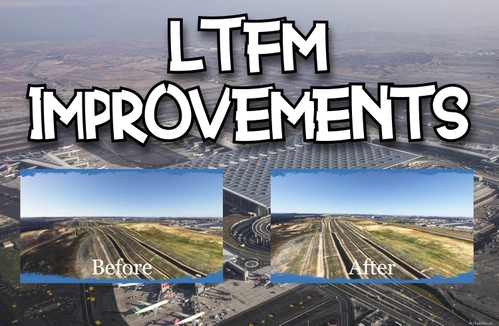
LTFM Airport Improvements
This add-on enhances the experience of flying into Istanbuls LTFM airport by improving the surrounding terrain. It addresses inaccuracies in the default scenery, particularly the representation of the Kuzey Marmara Otoyolu highway, providing more realistic elevations. Additional vegetation such as trees and bushes has also been added, contributing to a more natural look. Compatible with both SceneryTR and malioguducu LTFM versions, the addon aims to offer a more visually appealing environment.
par hktn42
Modification for LTFM - Istanbul airport (by SceneryTR)
This add-on modifies LTFM Istanbul Airport by rearranging cargo areas and assigning airlines to specific parking spaces based on the airports destinations. It includes modifications to existing parking areas without altering any original scenery files. Installation is straightforward, requiring users to unzip the contents into the "Community" folder of MSFS2020.
par skatesoft
Connectez-vous pour participer à la discussion
Se connecterCommentaires(411)
about 4 hours ago
9 days ago
12 days ago
Away from that it’s an absolute amazing airport
12 days ago
23 days ago
23 days ago
I’m going to share a "light" version that uses the initial "low poly" 3D model of the terminal and with only limited ground-level adjustments, but I need a bit more time for that.
24 days ago
23 days ago
25 days ago
25 days ago
24 days ago
27 days ago
Bende MSFS24 de hıç bir körük hıç bır kapıda görünmiyor
25 days ago
28 days ago
27 days ago
about 1 month ago
about 1 month ago
about 1 month ago
about 1 month ago
about 1 month ago