

Description
Simple trick to replace the default start up video by a splash screen, I created a quick video of the MSFS 2024 main image and replaced "Packages\fs-base-videos\Videos\PressStartVideo-4K.mp4" with this one
You'll get the loading bar at the bottom while this video loops during loading and then usual "Quit to desktop / Accessibility / Start"
Locations :
- MS Store : XboxGames\Limitless\Content\Packages\fs-base-videos\Videos
- Steam : Steam\steamapps\common\Limitless\Packages\fs-base-videos\Videos
Installation :
- (Optional) Rename "PressStartVideo-4K.mp4" to "PressStartVideo-4K.original" in case you want to revert
- Copy the newly downloaded "PressStartVideo-4K.mp4" into the folder and replace existing file if needed
Additional files (feedback welcome !) :
- WUHD for 21/9 aspect ratio screens
- DUHD for 32/9 aspect ratio screens
Alternative Startup Screen
This add-on allows users to replace the default startup video of Microsoft Flight Simulator 2024 with a custom splash screen featuring the main image of the game. The mod involves replacing the existing "PressStartVideo-4K.mp4" file with the new video while retaining the loading bar functionality during startup. Optional files for different screen aspect ratios (21/9 and 32/9) are also available for enhanced compatibility. Installation instructions are provided to facilitate the process, including steps to revert to the original video if desired.


Avis des utilisateurs
3 avis
Historique des versions
Updated video to 4K instead of FHD, much more pleasant on 4K screens :)
Similaires
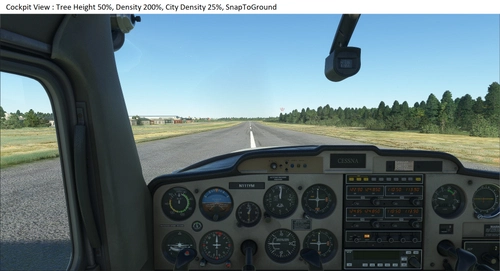
Shorter Trees and improved Density
Enhance your MSFS experience with the "Shorter Trees and Improved Density" mod. This modification adjusts default tree heights and vegetation density for a more realistic environment. Choose from different presets, experiment with settings, and easily install with provided instructions. Share your feedback and immerse yourself in a new level of detail while flying.
par YankeeMike01
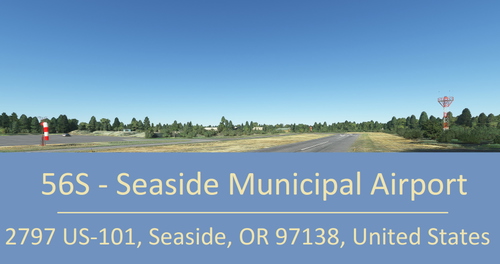
56S - Seaside Municipal Airport
Enhance your sim experience with the 56S - Seaside Municipal Airport mod, which removes trees on approach and adds realistic details such as windsocks and hangars. Update and installation instructions included for easy setup.
par YankeeMike01
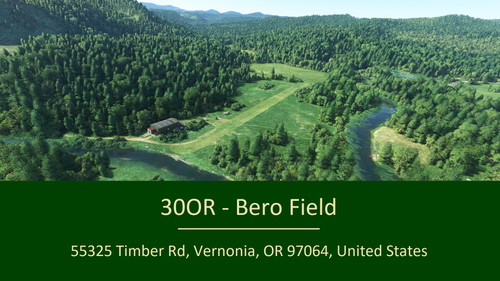
30OR - Bero Field
Enhance Bero Field with this simple scenery add-on, clearing approach paths, adding new structures and parking spots. Compatible with a tree mod for even better immersion. Install by dragging the file to your Community folder. Requires assets from various world updates.
par YankeeMike01
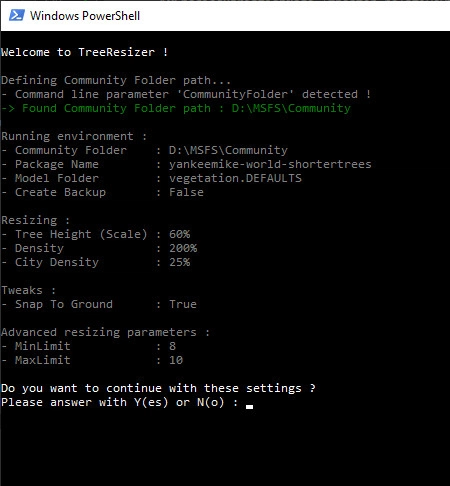
TreeResizer
A PowerShell script designed to create vegetation resize presets for tree mods in Microsoft Flight Simulator. Experiment with different tree heights and densities for various mods with a simple script setup. Easily adjust parameters such as tree height, vegetation density, city density, and more for a customized experience.
par YankeeMike01
Connectez-vous pour participer à la discussion
Se connecterCommentaires(11)
6 months ago
MSFS 2024
D:\SteamLibrary\steamapps\common\MSFS2024\Packages\fs-base-videos
MSFS 2020
D:\SteamLibrary\steamapps\common\MicrosoftFlightSimulator\Packages\fs-base-videos\Videos
12 months ago
C:\XboxGames\Microsoft Flight Simulator 2024\Content\VIDEOS
over 1 year ago
over 1 year ago
almost 2 years ago
almost 2 years ago
Good luck ! :-)
almost 2 years ago
https://www.youtube.com/results?search_query=wwise-unpacker
and:
https://www.youtube.com/watch?v=LA5MnSNcUlw
almost 2 years ago
almost 2 years ago
almost 2 years ago
almost 2 years ago