
Description
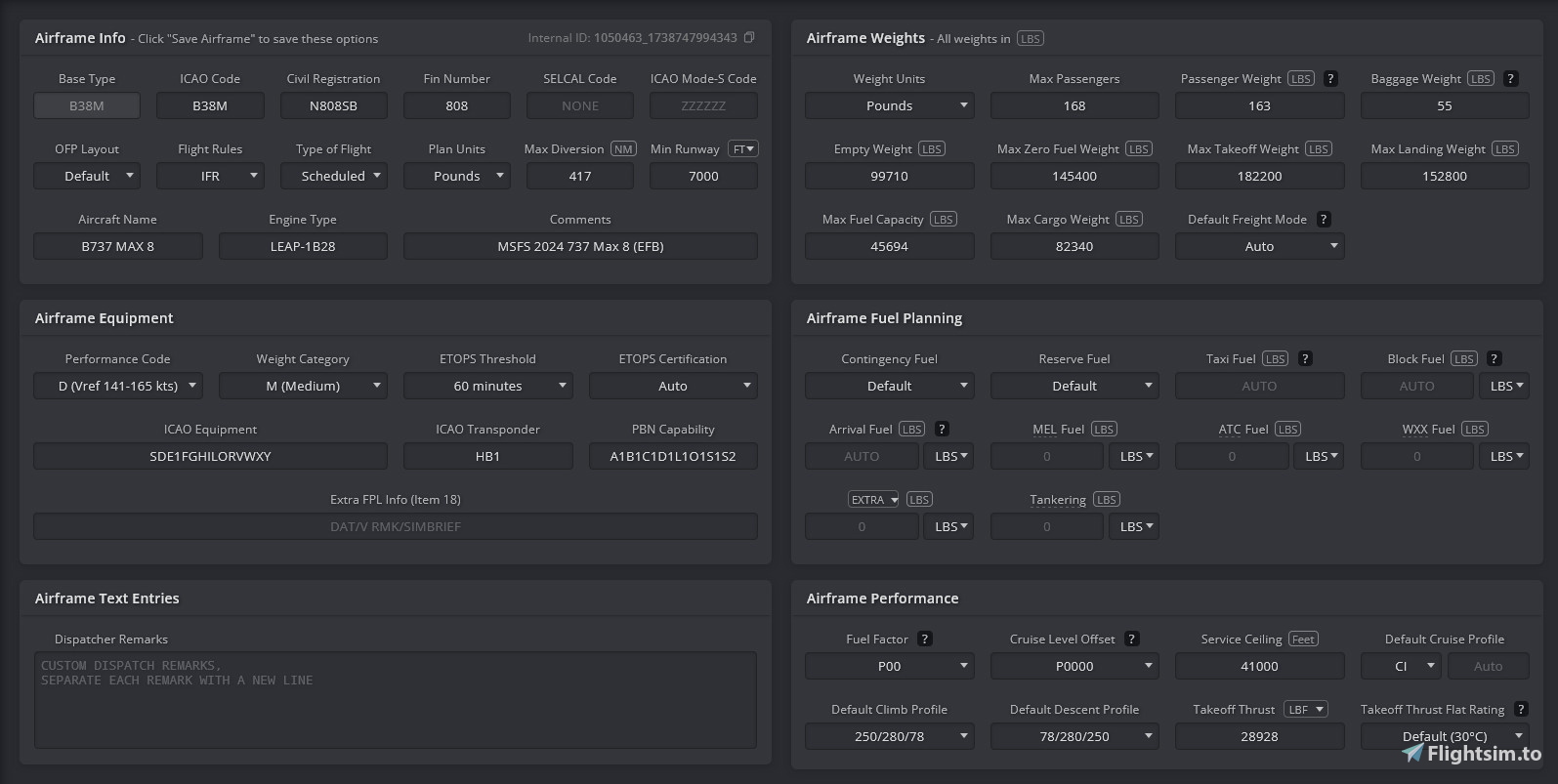
A custom made (mostly) functional Simbrief profile for the Asobo 737 Max 8. Comes in two variants, I recommend having both imported. One is for payload loading through the EFB, the other through the MCDU.
MCDU Profile: https://dispatch.simbrief.com/airframes/share/1050463_1738747923266
EFB Profile: https://dispatch.simbrief.com/airframes/share/1050463_1738747994343
Asobo 737 MAX 8 Simbrief Profile
This add-on provides a custom Simbrief profile specifically designed for the Asobo 737 MAX 8. It includes two variants for payload loading: one optimized for use with the EFB and another for the MCDU. Users are encouraged to import both profiles for full functionality.
Historique des versions
Aucun historique de version disponible.
Similaires
ESSA Stockholm Arlanda by Orbx GSX Profile
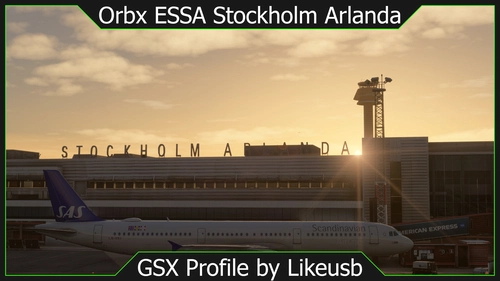
A detailed GSX profile for Orbx's ESSA Stockholm Arlanda airport. It includes custom stop positions for the most common aircraft types, the real life pushback procedures, correct VDGS units, including a GSX VDGS and a Nooalero VDGS option, walk in paths for passengers where needed, custom stand categorization, deicing pads where needed, and jetway height and midpoint customization
par Likeusb
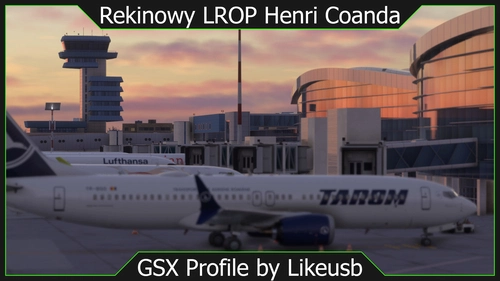
LROP Bucharest Henri Coanda by Rekinowy GSX Profile
A fully complete GSX profile for the freeware LROP Bucharest Otopeni airport by Rekinowy. In includes custom stop positions for the most common aircraft types, pushbacks, VDGS customization, real life ground handling and catering operators, and stand categorization.
par Likeusb
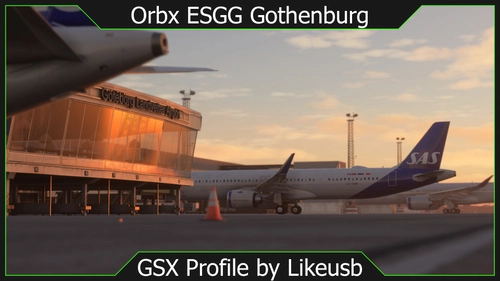
ESGG Gothenburg Landvetter by Orbx GSX Profile
A GSX profile for ESGG Gothenburg Landvetter by Orbx, it includes custom pushback procedures, stand categorization, ground handling operators, and stop positions.
par Likeusb
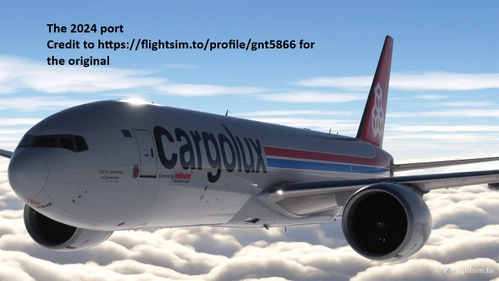
PMDG 777F Cargolux LX-VCD and Cargolux Italia LX-WCV
PMDG 777F Cargolux (LX-VCD) and Cargolux Italia (LX-WCV) liveries. I ported them to 2024 and got permission to share them publicly
par gnt5866
Connectez-vous pour participer à la discussion
Se connecterCommentaires(13)
2 months ago
2 months ago
8 months ago
8 months ago
over 1 year ago
over 1 year ago
over 1 year ago
over 1 year ago
1. Generate flight like how you would any other Simbrief flight, just using the EFB profile
2. Take the passenger count and multiply at 162.7 lbs or 73.8 kg and select approximately that many passengers in weight in the passenger section under Flight Performances > Weight and Balance
3. Select approximately the amount of cargo and fuel
4. Click Load Aircraft
You can then use the values given in the EFB from the info button to get Zero Fuel Weight and fuel on board. Takeoff weight is ground weight minus 200kg by default.
over 1 year ago
over 1 year ago
If you're still interested in that, you go to the MCDU main menu page, select options, and then weight & balance, and load it in through there, though this isn't encouraged because your Center of Gravity will be wrong, at least from what I recall. They may have fixed it
over 1 year ago
over 1 year ago
Also, does Simbrief load normally?
over 1 year ago