
Description
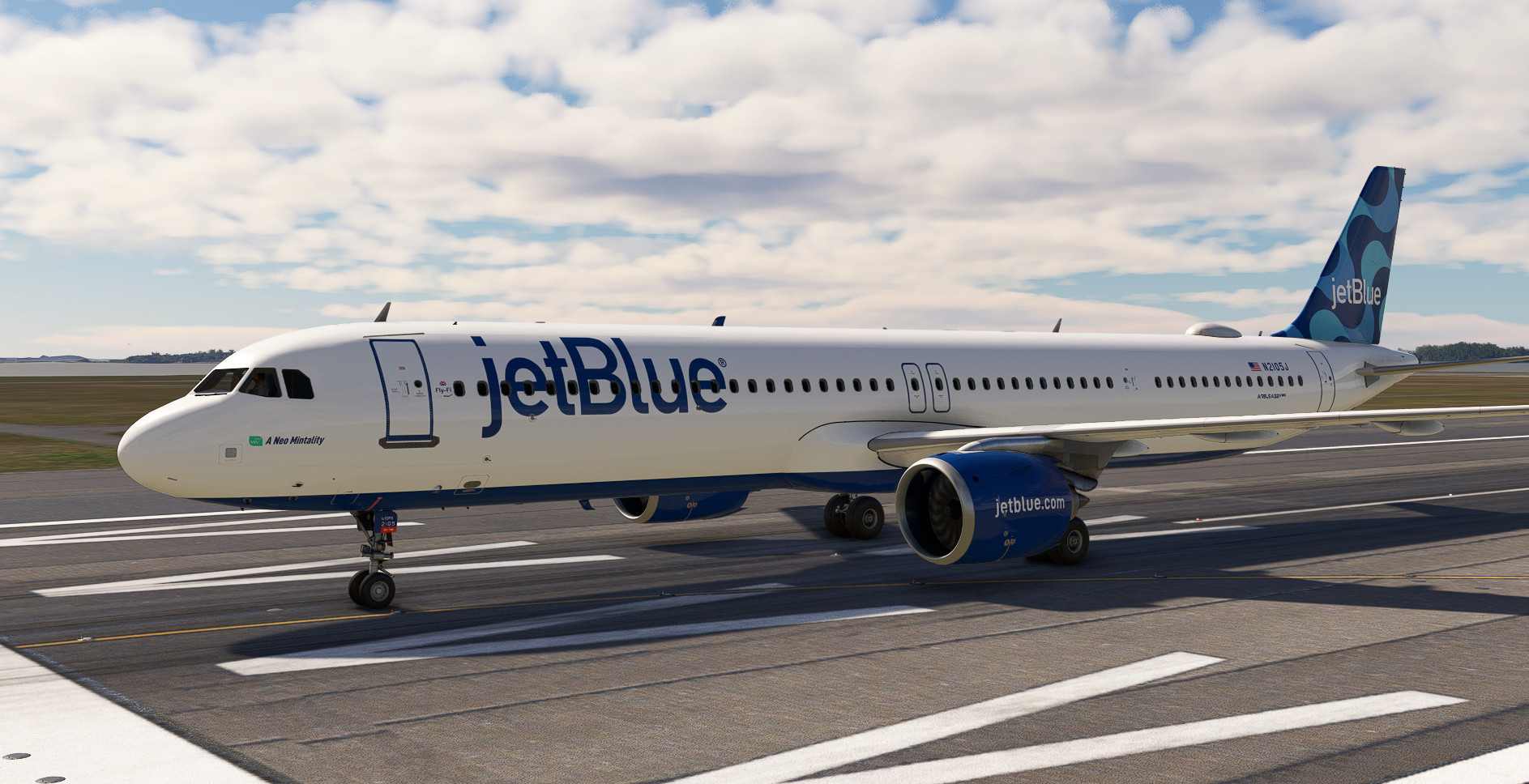
For all those impatient people who want this LEAP-powered aircraft, here's this livery.
JetBlue operates this model with Pratt & Whitney engines.
VERY IMPORTANT
Installation:
Unzip the file and copy and paste the folder to the following path:
"Community>fsl-a32x-liveries>SimObjects>Airplanes"
Then launch FSL CC so the livery is recognized.
/////
Para todos aquellos impacientes que deseen este avion empujado por motores LEAP os dejo esta librea.
JetBlue opera este modelo con motores Pratt & Whitney
MUY IMPORTANTE
Instalación:
Descomprime el archivo y copia y pega la carpeta en la siguiente ruta:
"Community>fsl-a32x-liveries>SimObjects>Airplanes"
Despues arranca el FSL CC para que la librea sea reconocida.
JetBlue N2105J (Fictional) | FSLABS A321-NEO
This add-on features a fictional JetBlue livery for the FSLABS A321-NEO, portraying a model typically powered by Pratt & Whitney engines. Installation instructions are provided for adding the livery to the Microsoft Flight Simulator community folder. This livery is designed for those interested in alternative engine options on this aircraft model.

Historique des versions
Aucun historique de version disponible.
Similaires
![[A32NX] FlyByWire | Airbus A320neo jetBlue N4022J in 8k](https://cdn.flightsim.to/images/17/flybywire-airbus-a320neo-jetblue-n4022j-in-8k-7UXtd.jpg?width=500)
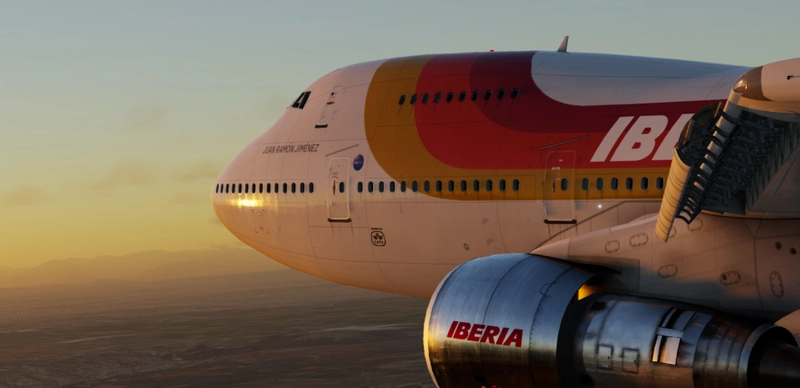
[A32NX] FlyByWire | Airbus A320neo jetBlue N4022J in 8k
Experience the sleek A320neo jetBlue N4022J livery in stunning 8k resolution with this FlyByWire version. Compatible with SimUpdate 8+, this mod features jetBlue Airlines iconic logo and colors for a realistic flying experience. Follow the simple installation steps and take to the skies with this detailed livery.
par Selcuk Dikilitas
![JetBlue - Mosaic [8K] - FBW A32NX](https://cdn.flightsim.to/images/13/1mBMNt6p.png?width=500)
JetBlue - Mosaic [8K] - FBW A32NX
Explore a new paint for the popular FBW A32NX aircraft with the updated JetBlue - Mosaic [8K] livery.
par mjv5757 (Mike V)
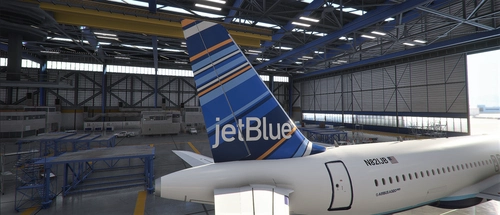
8K textures JetBlue "Barcode"
Experience the stunning recreation of JetBlues iconic "Barcode" livery for the A320neo, featuring over 8K ultra-high resolution textures. Upgrade your flight simulation with this complete overhaul for a truly immersive visual experience. Simply extract the file to your community folder and take to the skies!
par Xander548
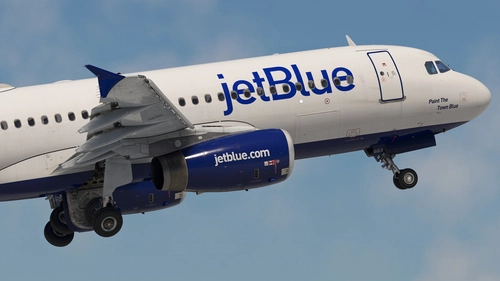
JetBlue Airways | Pack | w/Cabin | Fenix A320 V2 (8K + 4K)
JetBlue Airways 4-Pack for the Fenix A320 V2 featuring accurate airline-specific coloring, logos, and stencils, realistic equipment configuration, and JetBlue Airways cabin. Includes liveries: N587JB, N607JB, N630JB, and N663JB. Installation is simple - unzip, select liveries, and drag into your community folder.
par Jviation
Connectez-vous pour participer à la discussion
Se connecterCommentaires(13)
8 months ago
9 months ago
10 months ago
10 months ago
https://ibb.co/1Jq3p2gF
https://ibb.co/JWKZWw9D
https://ibb.co/1YTKnbPD
10 months ago
10 months ago
c:\Users\xxxxx\AppData\Local\Packages\Microsoft.Limitless_8wekyb3d8bbwe\LocalCache\Packages\Community\fsl-a32x-liveries\SimObjects\Airplanes\FSLabs A321-NEO LEAP JETBLUE\
10 months ago
about 1 year ago
about 1 year ago
"Community>fsl-a32x-liveries>SimObjects>Airplanes"
Then launch FSL CC for the livery to be recognized.
Close FSL CC.
Launch the Simulator
It´s working...please read carefully and follow the instructions....
over 1 year ago
over 1 year ago
"Community>fsl-a32x-liveries>SimObjects>Airplanes"
Then launch FSL CC for the livery to be recognized.
Close FSL CC.
Launch the Simulator.
over 1 year ago
over 1 year ago