
Description
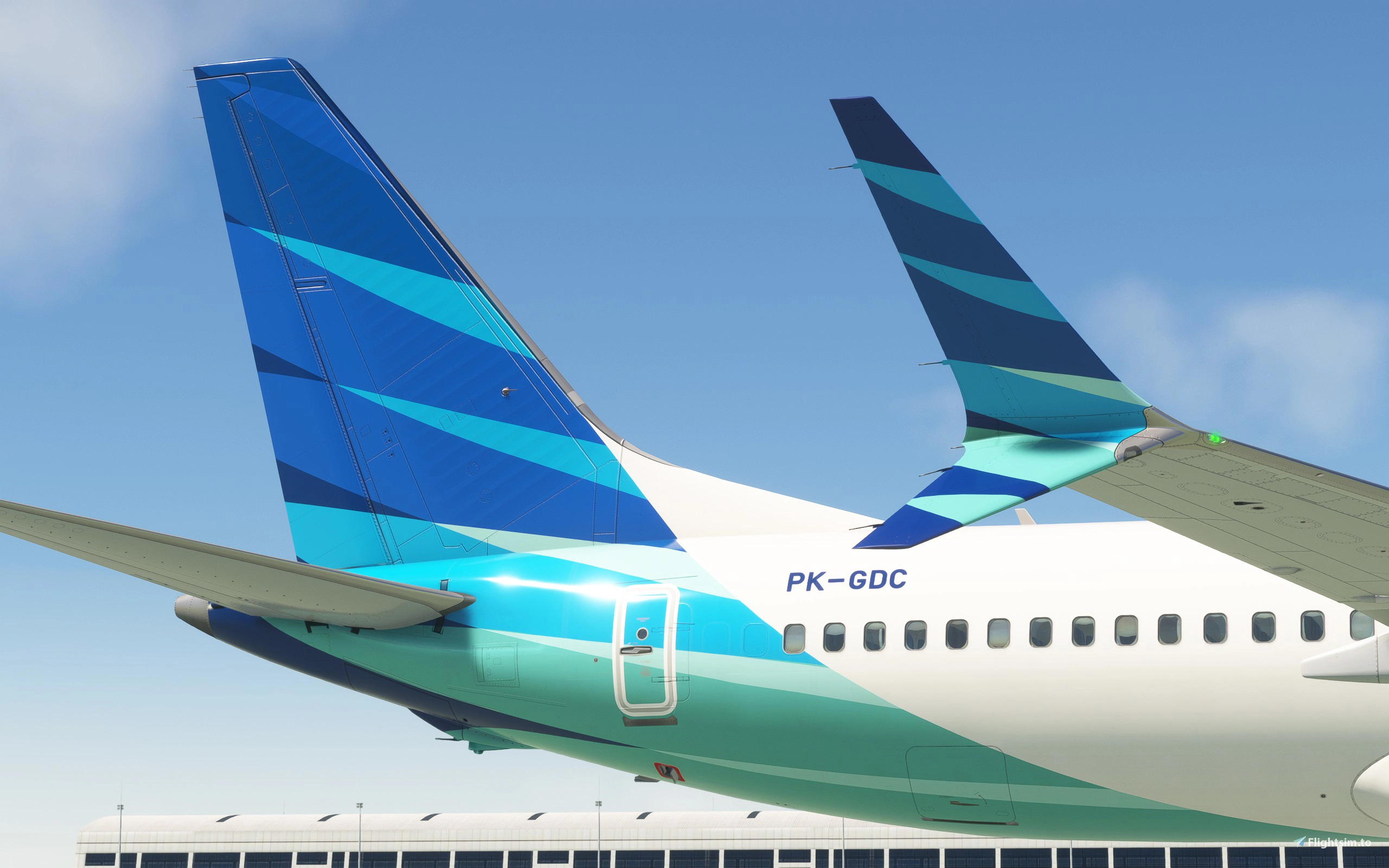
Livery featuring two iterations of PK-GDC, Garuda Indonesia's first Boeing 737-8 MAX after 6 years of hiatus on the type thanks to the worldwide MAX groundings and the pandemic.
After receiving fresh funds from the newly formed sovereign wealth fund Danantara under the Prabowo administration, Garuda ramps up its fleet revitalization efforts by leasing a single Boeing 737-8 MAX from BOC, marking its return to operating the type after the airline canceled all its MAX orders in 2019. The aircraft was meant for the Canadian ultra low-cost airline Lynx Air, but was not taken up due to the airline declaring bankruptcy and ceasing operations in early 2024. Air Canada was slated to be its next operator, but also haven't taken up the order as well, leaving the aircraft available for the Indonesian flag carrier to operate.
The aircraft was then ferried from Boeing Field (BFI/KBFI) in Seattle to Jakarta Soekarno Hatta Intl (CGK/WIII) via Kona (KOA/PHKO) and Guam (GUM/PGUM) from 16 through 19 July 2025. It was delivered in an all-white livery, still retaining the red-and-blue Lynx Air winglet colors, but already bearing the new registration and the Indonesian flag. It then entered service on 6 August 2025 as GA182, running a service from Jakarta to Medan's Kualanamu Airport (KNO/WIMM) for its first run, more than six years after the airline last operated the type in March 2019.
Two versions are included in the download:
- PK-GDC: Standard livery, painted after the aircraft arrived at Jakarta for its delivery flight.
- PK-GDC (ex-Lynx): All-white livery with Lynx Air winglets still present, what the plane looked like during its delivery flight throughout mid-July 2025.
Features include custom cabin textures, custom cockpit placard, and accurate cockpit configurations. 4K version is also included for lower-end systems.
INSTALLATION INSTRUCTIONS
To install the livery:
Simply drag and drop the "ifly-aircraft-737max8-gia-pkgdc" folder in your MSFS Community content folder.
To install the aircraft-specific configuration:
- Navigate to your AppData folder by typing %AppData% in File Explorer.
- (2020) Navigate to "Roaming\Microsoft Flight Simulator\Packages\ifly-aircraft-737max8\work" (Steam) or "\AppData\Local\Packages\Microsoft.FlightSimulator_8wekyb3d8bbwe\LocalState\packages\ifly-aircraft-737max8\work" (MS Store).
- (2024) Navigate to
"\AppData\Local\Packages\Microsoft.Limitless_8wekyb3d8bbwe\LocalState\WASM\MSFS2020\ifly-aircraft-737max8\work". - Drag and drop the "iFly 737-MAX8 Garuda Indonesia PK-GDC (178Seat).ini" file.
To support my work, please donate at paypal.me/fishbirb!
Garuda Indonesia PK-GDC for iFly 737 MAX 8 w/ Cabin
Features two versions of PK-GDC Garuda's first 737 MAX after 6 years. Liveries include standard version, and white w/ Lynx Air winglet colors for its delivery flight. Features 8K and 4K textures, custom cabin, and accurate cockpit configurations.

Avis des utilisateurs
6 avis
Historique des versions
Regenerated the layout.json file, fixing issues with loading the livery.
Similaires
![[8K] Garuda Indonesia](https://cdn.flightsim.to/images/14/63qg2F08.png?width=500)
[8K] Garuda Indonesia
[8K] Garuda Indonesia livery for the Airbus A320 Neo in Microsoft Flight Simulator, featuring the flag carrier airline of Indonesia with operations to various destinations globally, except the Americas and Africa. Simple installation process; just extract the folder into the Community folder of the simulator to enjoy this unique livery. Contact the creator for support or consider supporting their work for future developments.
par TheMaharaja
Headwind A330 NEO Garuda Indonesia PK-GHG Livery
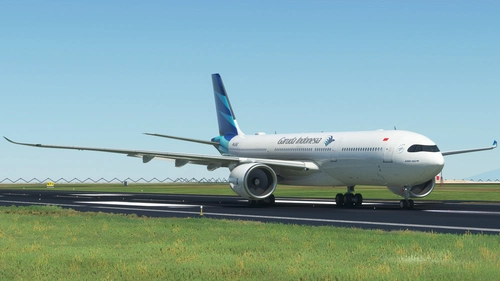
Fly in style with the Headwind A330 NEO Garuda Indonesia PK-GHG Livery, specially designed for the A330-900 NEO aircraft. Salam Flight Simulator Indonesia! - Irwin
par Alucard
PMDG 777-300ER Garuda Indonesia PK-GIH w/ Cabin
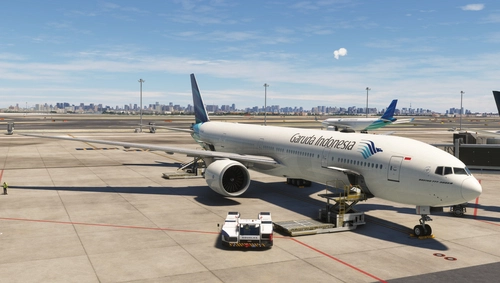
Experience three unique variations of the Garuda Indonesia PK-GIH livery for the PMDG Boeing 777-300ER, including the Standard Livery, BPKH Sticker, and (Vice) Presidential Aircraft RI 2 scheme. Created by Gabut Simulations, immerse yourself in these detailed liveries, each offering a different visual experience for your flights in Microsoft Flight Simulator.
par gabut.simulation
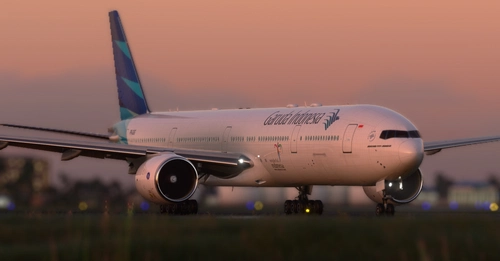
Captainsim B777-300ER Garuda Indonesia PK-GIG
Custom livery for the Payware Captainsim B777-300 featuring Garuda Indonesia PK-GIG design. Credits to UnitDeath for the Paintkit. Perfect for Indonesian flight simulation enthusiasts.
par irwin_rahartyo
Connectez-vous pour participer à la discussion
Se connecterCommentaires(17)
10 months ago
about 1 month ago
3 months ago
2 months ago
4 months ago
4 months ago
9 months ago
8 months ago
https://cdn.plnspttrs.net/07514/pk-gdc-garuda-indonesia-boeing-737-8-max_PlanespottersNet_1802134_cdc79940ae_o.jpg
12 months ago
about 1 year ago
about 1 year ago
11 months ago
10 months ago
about 1 year ago
about 1 year ago
about 1 year ago
about 1 year ago
about 1 year ago