
Description
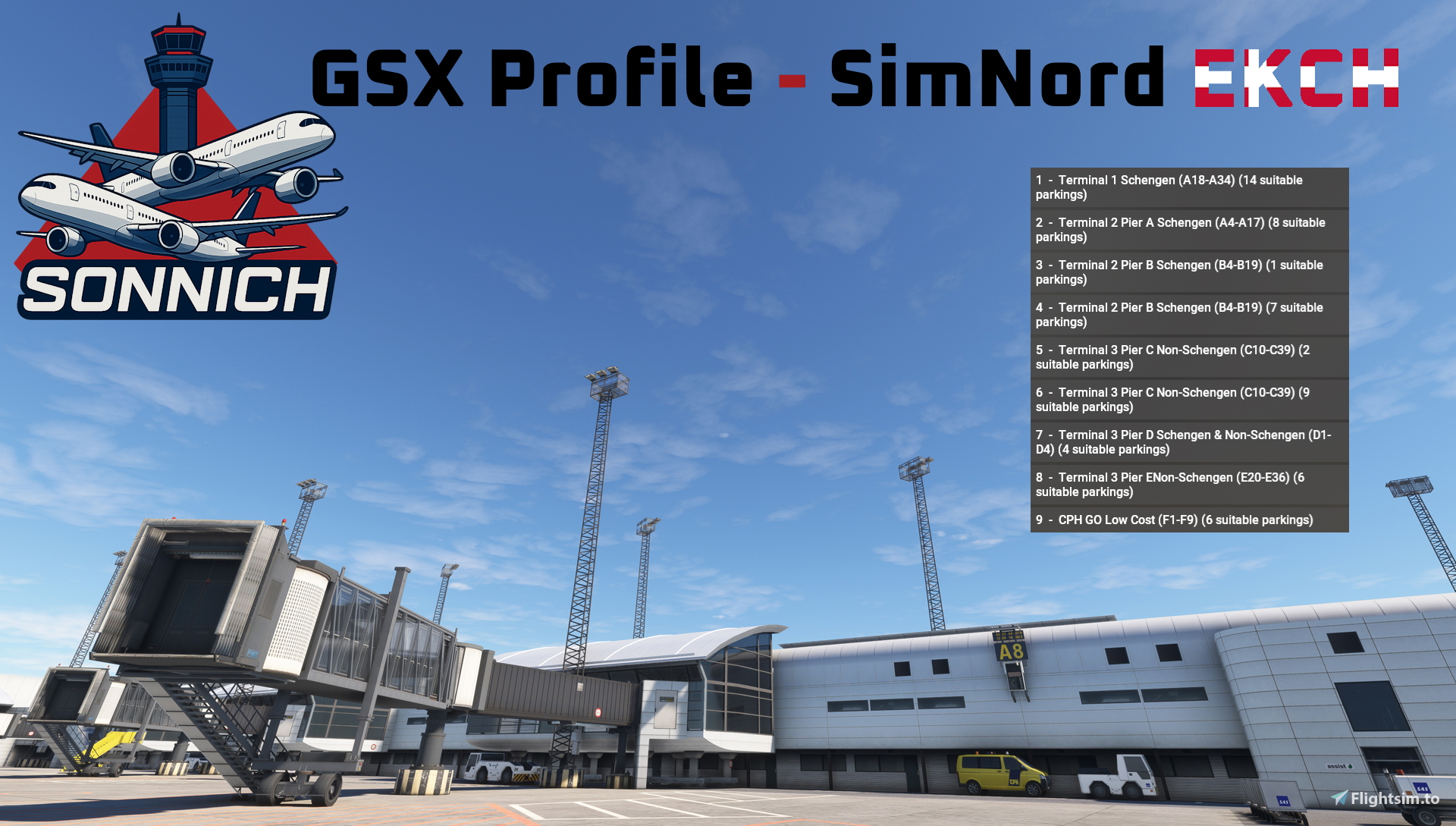
This is my updated GSX-Profile for Simnord's Copenhagen Kastrup Airport (EKCH).
What’s Included
- Custom vehicle placement to insure space when taxi in or pushing back
- Custom pushback positioning and naming
- Walk-in routes where appropriate
- VDGS placement where it is needed
- correct jetway root height
- correct grond handling and catering chioces based on CPH website
- working de-ice pads
- Custom Gate / Stand Naming
Gate / Parking location mention below has been tested with aircraft appropriate with the stands and added airline codes to correct stands
A Gates (Schengen Departure/Arrivals) - With Fenix A320
B Gates (Schengen Departure/Arrivals SAS and Air Greenland) - With Fenix A320
B10 (Air Greenland Primary Stand) with Inibuilds A330-200 (Default MSFS24)
C Gates (Non-Schengen Departure/Arrivals) - With PMDG 777-300ER & Inibuilds A350-1000.
C30 with Fenix A320, C27 (British Airways Primary Stand) with Fenix A320
D Gates (Schengen and Non-Schengen Departure/Arrivals (Including VA)) - With Fenix A320
CPH Go (Low cost, Ryanair, Easyjet, Wizzair and Transavia) - With Fenix A320
F1, F4, F5, F6, F7 and F8 - With iFly 737-MAX8 & Fenix A320
Remote F Stands (F89-F98) work with Microsoft ATR
G Stands (G120-G137 Cargo) With PMDG 777F (nosewheel on Blue line 1)
Improvement?
If you know more about the ground operations, I am trying to replicate, please let me know so I can improve my work and bring you the best possible profile.
GSX Profile | Simnord EKCH
This GSX Profile is designed for use with Simnords Copenhagen Kastrup Airport (EKCH), offering various enhancements to ground operations. It includes custom vehicle placement, pushback positioning, walk-in routes, and appropriate VDGS placements, ensuring smooth operations. Additionally, the profile accommodates correct jetway heights, ground handling choices, and de-ice pad functionality. Tailored for various aircraft, the profile supports multiple gates and stands, optimizing the experience for users of different planes.

Historique des versions
Enable de-ice in both directions on all De-Ice locations (De-ice A, B and V)
Connectez-vous pour participer à la discussion
Se connecterCommentaires(12)
8 months ago
8 months ago
the VDGS you see at the other gates can be the one that comes with the scenery it self as Simnord has model them
8 months ago
about 1 year ago
about 1 year ago
about 1 year ago
about 1 year ago
about 1 year ago
about 1 year ago
about 1 year ago
about 1 year ago