
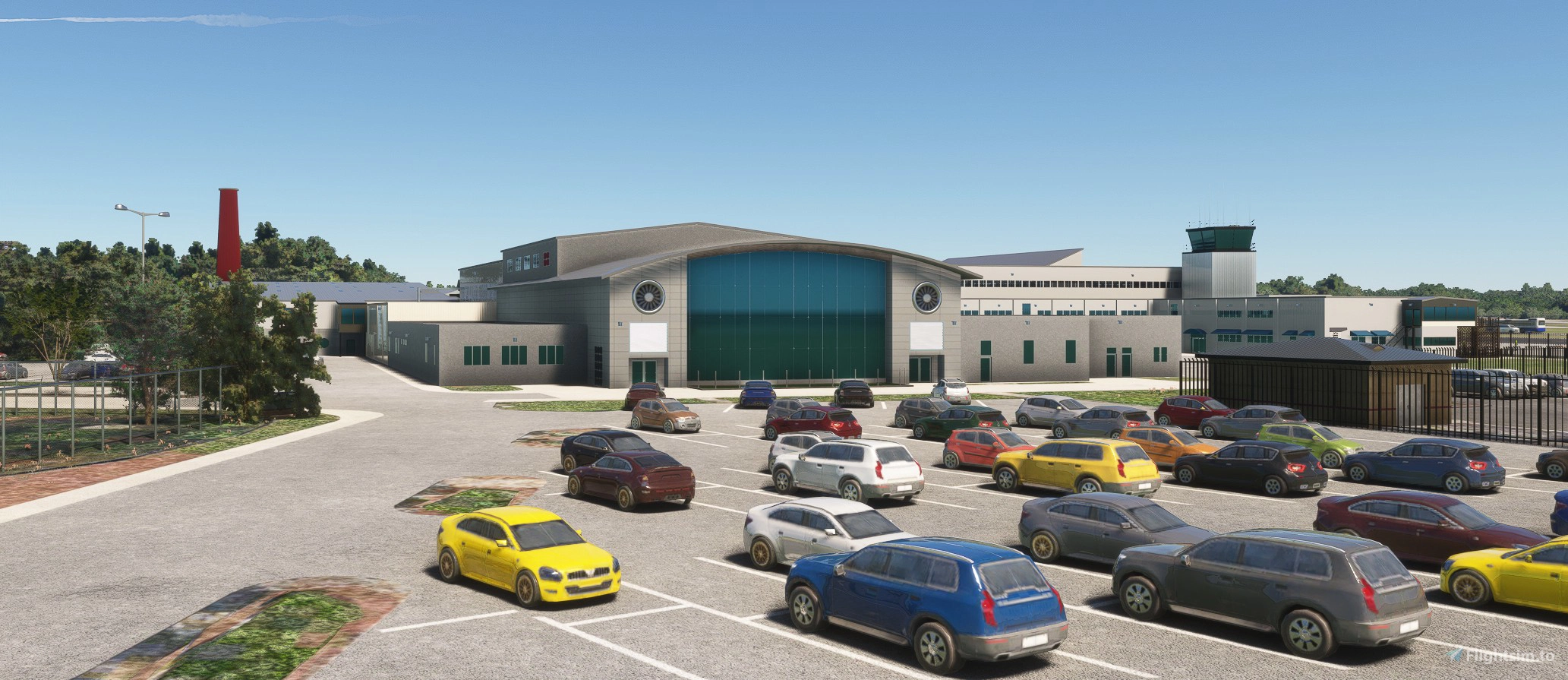
Description
KPDK Dekalb Peachtree Airport
DeKalb–Peachtree Airport (IATA: PDK, ICAO: KPDK, FAA LID: PDK), also known as Peachtree–DeKalb Airport, is a county-owned, public-use airport in DeKalb County, Georgia, United States. The airport is located in the city of Chamblee, just northeast of Atlanta. It operates 24 hours per day, although it is uncontrolled from 11:00 PM EST to 6:30 AM EST (Monday through Friday) or 7:00 AM EST (Saturday through Sunday). The airport has many hangars and is the second-busiest in Georgia. There is one helipad which is used by the four major network-affiliated television stations (WAGA, WANF, WSB and WXIA). PDK is also the home of AutoPILOT Magazine, an advertorial publication covering all things aviation-related. Nearly every building at the airport are handcrafted, with a few not done because the information from Google Earth was just to blurry and couldn't be determined what it is. Three open hangars, Atlantic Aviation, Signature Aviation. and Aero Center EPPS Aviation.
History
The area currently used by PDK was a Army training camp during World War I for the 82nd Division. In 1940 the land was converted into a Naval Air Station with operations beginning in March 1941, a few months before the United States entered into World War II. The NAS later moved to Marietta and was called Dobbins Air Reserve Base. NAS was eventually closed by base realignment and closure (BRAC). PDK was converted from military to civilian use from 1957 to 1959. Commercial shuttle service began in 2017. Ultimate Air Shuttle began operating commercial flights between PDK and Lunken Field in Cincinnati. Service was expanded to connect PDK with Charlotte Douglas International Airport in 2019. However, service was suspended in 2020 in response to the COVID-19 pandemic.
Install
Extract the archive and copy the package jd-airport-kpdk-atlanta to your FS2020 and/or FS2024 community folder.
Airport Flags
New custom flags added - delete existing package and copy new package to your community folder
Required
ESD Emerald Object Library (Market Place)
Windy Things (Flightsim.to)
UK2000 Scenery Airport Common Library (Market Place)
Location
KPDK Dekalb Peachtree Airport
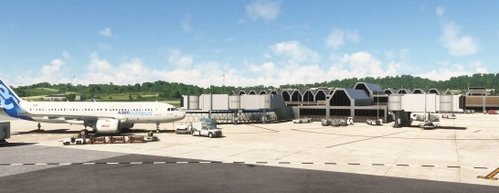
KPDK Dekalb Peachtree Airport is a detailed add-on for Microsoft Flight Simulator, featuring the second-busiest airport in Georgia, located just northeast of Atlanta. This airport, known for its historical military background and current civilian operations, includes handcrafted buildings, hangars, and a helipad used by local television stations. The add-on requires additional libraries for optimal performance and provides an authentic representation of the airports surroundings.

Soutiens
Avis des utilisateurs
15 avis
Historique des versions
kpdk-Dekalb-Peachtree-Airport_v1.0.9 Changes The doors re-opening problems in FS24 seems to fixed. Install Extract archive Delete existing package Copy new KPDK to your community folder No changes made to jd-Airport_Flags, no need to replace existing package. Scenery will work without this Dependencies - Scenery will work without these Windy Things - (Flightsim.to) - for flags ESD Emerald Object Library - for vegetation - (Market Place) Pitt Aircraft near restaurant - totof-aircraft-library V4 or latest
Similaires
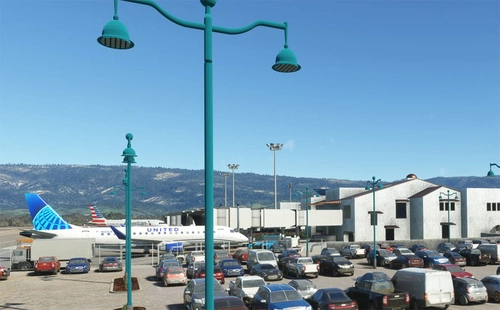
KSBA_Santa_Barbara
Explore KSBA Santa Barbara airport in this detailed add-on, offering a mix of buildings and scenery. Please note that due to outdated satellite imagery, the airport may not reflect its current real-life appearance. Experience some quirks with AI traffic control routing and parking, as well as stationary glass jetways in this scenery.
par danielsjam
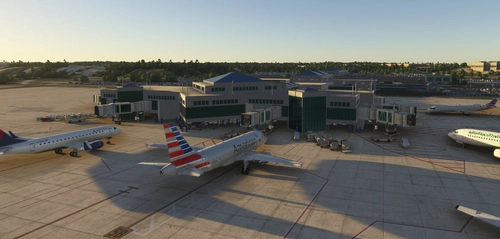
KCAE Columbia Metropolitan Airport
Explore KCAE Columbia Metropolitan Airport, a detailed hand-crafted scenery add-on for Microsoft Flight Simulator. The airport serves as the main commercial hub for Columbia, South Carolina, and features meticulously designed models, including a prominent UPS building. Key improvements include accurate taxiway layouts and historical context, enhancing your virtual experience of this regional cargo hub. This add-on requires specific scenery libraries to function properly.
par danielsjam
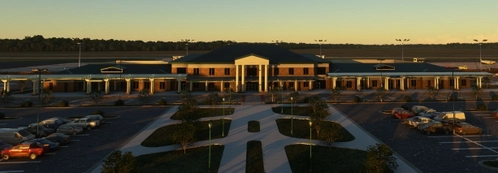
KAGS Augusta Regional Airport at Bush Field
Explore Augusta Regional Airport at Bush Field, serving Augusta, Georgia, with this detailed Microsoft Flight Simulator add-on. The airport features a new passenger terminal, two runways, and serves major airlines such as American Eagle and Delta Air Lines. Experience increased passenger usage and commercial flights during events like the Masters golf tournament.
par danielsjam
KTRI Tri-Cities Regional Airport
KTRI Tri-Cities Regional Airport (IATA: TRI) serves the Northeastern Tennessee and Southwestern Virginia regions, specifically the Tri-Cities area. This add-on features a handcrafted airport model with an open hangar that includes animated doors and a detailed terminal building. Additionally, it provides a realistic environment with an animated ASR on-site. Users may need to install specific object libraries to fully utilize the add-ons features in Microsoft Flight Simulator.
par danielsjam
Connectez-vous pour participer à la discussion
Se connecterCommentaires(59)
about 1 month ago
Just wanted you and your scenery users to know that I made some static scenery for your excellent KPDK which will hopefully add a bit more realism to this busy airport. It can be found here: https://flightsim.to/addon/114973/kpdk-static-aircraft-for-kpdk-scenery-by-danielsjam
about 1 month ago
about 1 month ago
about 1 month ago
about 1 month ago
about 1 month ago
Just wanted you and your scenery users to know that I made some static scenery for your excellent KPDK which will hopefully add a bit more realism to this busy airport. It can be found here: https://flightsim.to/addon/114973/kpdk-static-aircraft-for-kpdk-scenery-by-danielsjam
about 2 months ago
about 1 month ago
about 2 months ago
2 months ago
Does this only work for MSFS 2024?
2 months ago
jd-airport-kpdk-atlanta\SimObjects\Landmarks and see if you have 5 directories
atlantic-doors-front
atlantic-doors-rear
kpdk-epps-aviation-doors-front
kpdk-epps-aviation-doors-rear
kpdk-n-ramp1-hangar-doors
I'm using the MSFS Addon Linker to manage my addons so I don't use the default community folder location for mods.
If it's working in FS2024, then I would say that you have issues with FS2020, this verify that the download is good.
If all looks good, you can try a verify and repair using the XBox app. I use it don't lose any of my configuration settings. If you have the flight yoke hidden, the doors will remain open between midnight and 6am
2 months ago
2 months ago
2 months ago
2 months ago
2 months ago
2 months ago
2 months ago