
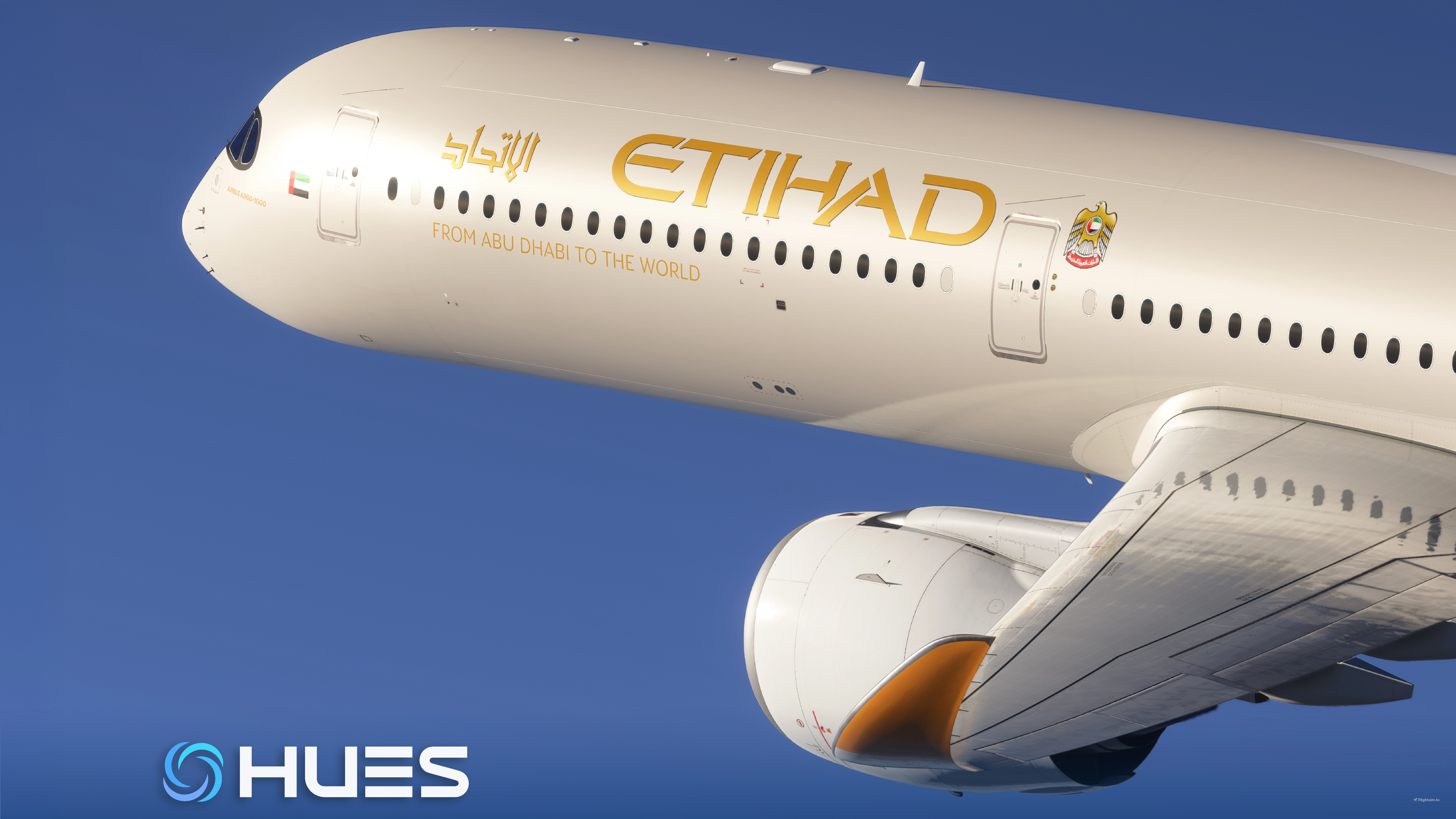
Description
Etihad Airways Fleet | A35K inibuilds
- Cockpit interactions are currently unavailable.
- The Inibuilds cockpit package is not compatible with these liveries (please use the default cockpit until this is resolved).
REGISTRATION
- A6-XWA
- A6-XWB
- A6-XWC
- A6-XWE
- A6-XWF
- A6-XWG
- A6-XWH
- A6-XWI
- A6-XWJ
- A6-XWK - (Not yet confirmed, possibly the next one)
FEATURES
- 8K ultra high-resolution textures for maximum immersion
- Created with Smart Decals, ensuring a large number of authentic stencils and markings across the fuselage
- Every part of the livery has been carefully crafted with precision and attention to detail
- Custom PBR maps for accurate fuselage colors, reflections, and materials
- Authentic golden titles, “From Abu Dhabi to the World” slogan, and detailed official seals
- Correctly applied registration and SELCAL code
- Optimized lighting and surface effects for enhanced realism
- High performance without sacrificing texture quality
- Fully compatible with Microsoft Flight Simulator 2020/2024
INSTALLATION
- Download the file "HUES - Etihad Airways Fleet - A35K ini - FS2* - GC"
- Extract the contents of the downloaded file if necessary.
- Drag and drop the paint folder directly into the Microsoft Flight Simulator Community folder.
- Start MSFS and check if the new "Etihad" livery is available in the A35K livery menu.
- Select the paint job and enjoy flying in style!
CREATOR'S NOTE
I invite you to join the HUES server, where you'll find a team of talented painters, amazing liveries, and constant new releases. Join us and enjoy!
This livery is the result of countless hours of dedication, meticulous research, and a steadfast commitment to excellence. If you appreciate this work, please consider supporting it with a donation, which ensures the continued development of high-quality projects for the community.
LEGAL DISCLAIMER:
Modifying, altering, or making any kind of changes to these files is only permitted with the explicit authorization of GabrielCorazza. This content is made available exclusively on https://www.flightsim.to/. Re-uploading or distributing these files on other websites, platforms, or media without permission is a violation of the terms you accepted when downloading. All assets included in this package are the intellectual property of their respective creators. Commercial use is strictly prohibited, and any violation will be treated as an infringement of both individual and collective copyright.
Etihad Airways Fleet | A35K inibuilds
The Etihad Airways Fleet add-on for Microsoft Flight Simulator features an array of meticulously crafted A35K liveries, including detailed registrations and authentic markings. With 8K ultra high-resolution textures and custom PBR maps, this add-on enhances realism through optimized lighting and reflections. It is designed for compatibility with both Microsoft Flight Simulator 2020 and 2024, ensuring high performance and visual fidelity while flying.


Soutiens

Avis des utilisateurs
12 avis
Historique des versions
Addition of the secal code in some regs and compatibility with the A350 update 1.1.7
Similaires
![[8K/4K] Etihad Airways A6-API | FlyByWire A380X](https://cdn.flightsim.to/images/27/8k4k-etihad-airways-a6-api--flybywire-a380x-520710-1730429174-Fu0gW.jpg?width=500)
[8K/4K] Etihad Airways A6-API | FlyByWire A380X
This add-on features the Etihad Airways A6-API livery for the FlyByWire A380X, providing a detailed and accurate representation of the airlines branding. It includes high-resolution textures available in both 8K and 4K, along with custom dirt effects to enhance realism. Installation is simple—just extract the chosen version into your Community folder.
par REM13
![Etihad [A6-BLL] Boeing 787-9 HorizonSim [8K+4K]](https://cdn.flightsim.to/images/26/176187-1698420306-lEFjp.jpg?width=500)
Etihad [A6-BLL] Boeing 787-9 HorizonSim [8K+4K]
Enhance your Microsoft Flight Simulator experience with the Etihad Boeing 787-9 livery by HorizonSim Mod. This add-on features a detailed retextured aircraft in 8K resolution, custom animations, and accurate liveries. Please note that this livery requires the MSFS Premium Deluxe Version and the Horizonsim B789 Modification for installation. Explore more liveries by visiting @Jviation and @Comet133.
par Atarium
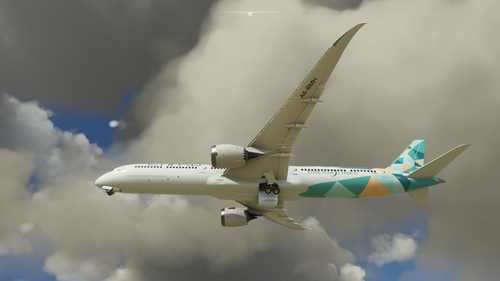
Drag and Drop Etihad 787-10 Green Special Scheme A6-BMH
Add a stunning green special scheme livery to your Etihad 787-10 (A6-BMH) with this easy drag and drop installation. Compatible with Microsoft Flight Simulator, this add-on is a must-have for livery enthusiasts. Copyrighted fragments included and licensed under Creative Commons Attribution-ShareAlike 4.0 International License. Also available on sinofsx.
par parker10101
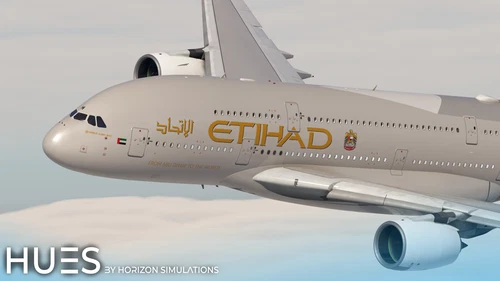
Etihad Fleet Pack | FBW A380X | 8K & 4K
The Etihad Fleet Pack for the FlyByWire A380X enhances the aircraft with accurately detailed Etihad stencils and custom COMPS for registrars A6-APF, A6-APG, A6-APH, and A6-APJ. This add-on features high-resolution textures in both 8K and 4K, along with realistic exterior weathering to provide an authentic flying experience. Installation is straightforward by simply dragging the files into the community folder.
par Hues_by_Horizon
Connectez-vous pour participer à la discussion
Se connecterCommentaires(37)
3 months ago
3 months ago
3 months ago
4 months ago
5 months ago
5 months ago
5 months ago
6 months ago
6 months ago
6 months ago
7 months ago
7 months ago
7 months ago
8 months ago
10 months ago
10 months ago
10 months ago
10 months ago
10 months ago
10 months ago