
Description
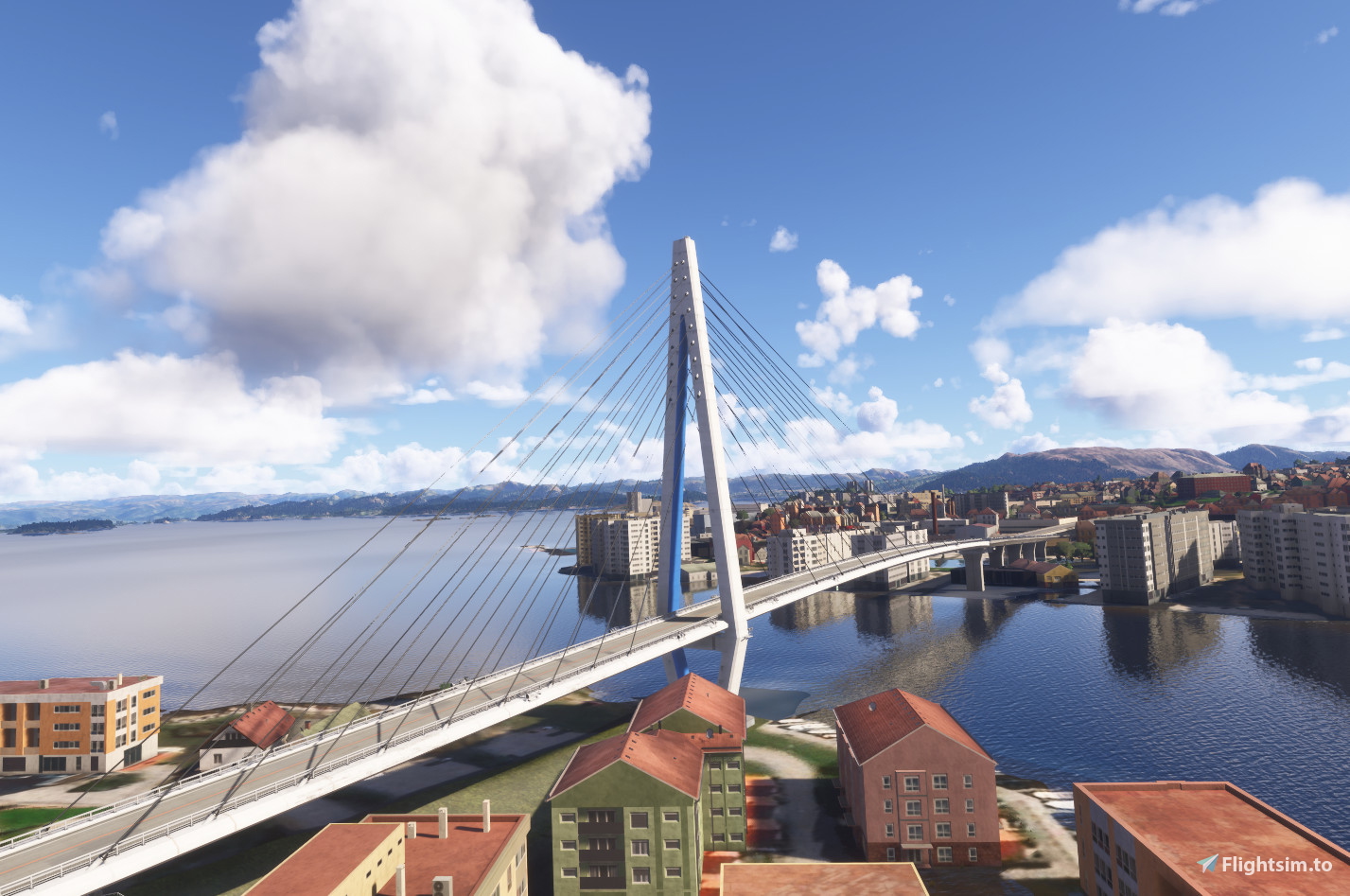
I have replaced three bridges in Stavanger, to make them look more like real life.
To install, download the file, extract it, navigate to the last folder, and place it in your Community Folder.
All permissions given.
Location
Stavanger Bridges
This add-on replaces three bridges in Stavanger, enhancing their appearance to more closely resemble real-life counterparts. It aims to improve the visual authenticity of the areas landmarks within Microsoft Flight Simulator. Installation is straightforward, requiring placement of the files into the Community Folder. All necessary permissions have been obtained for this modification.


Avis des utilisateurs
2 avis
Historique des versions
I have added a pedestrian bridge in Jørpeland, close to Stavanger.
Similaires

Sandnessundbrua (very close to ENTC)
This add-on features the Sandnessund Bridge, situated near Tromsø Airport (ENTC). It incorporates the bridge into Microsoft Flight Simulator, enhancing visual reference on approaches to runways 18 and 36. The bridge connects Tromsø to Kvaløya and adds to the realism of the areas landscape. Installation requires placing the extracted folder into the Community Folder.
par ErikHanoy

Rånåssfoss Bridge
The Rånåssfoss Bridge add-on showcases the historic structure spanning the Glomma River, Norways longest river, which was opened in 1927. This detailed recreation is situated in the eastern region of Norway, highlighting its architectural significance. Installation is straightforward, requiring the extraction of the provided files into your Microsoft Flight Simulator community folder. All necessary permissions are included for use.
par ErikHanoy

The Sotra Brigde (Sotrabrua)
The Sotra Bridge, known as Sotrabrua, connects multiple islands to Bergen, Norways second-largest city. This add-on enhances the representation of the bridge within Microsoft Flight Simulator. It is noted that there may be a rendering issue where cars approaching from the east appear to drive below the bridge, attributed to a potential bug in the MSFS2024 SDK. Installation involves extracting the downloaded file and placing the included folder into the Community Folder.
par ErikHanoy

Drammen Brigdes
This add-on features two newly created bridges in the center of Drammen, designed to enhance the landscape in Microsoft Flight Simulator 2024. The bridges are positioned over the river, addressing the default placement issue in the game. Installation is straightforward, requiring users to extract the files and place them into their Community Folder. All necessary permissions for use are included.
par ErikHanoy
Connectez-vous pour participer à la discussion
Se connecterCommentaires(7)
7 months ago
9 months ago
9 months ago
11 months ago
how about MSFS2020 compatibility?
11 months ago
11 months ago
Merci pour toutes vos réalisations, vous faites un travail énorme sur la Norvège.
C'est un vrai régal de voler sur ce pays.
Bonne continuation dans vos réalisations.
11 months ago