
Flightsim.to
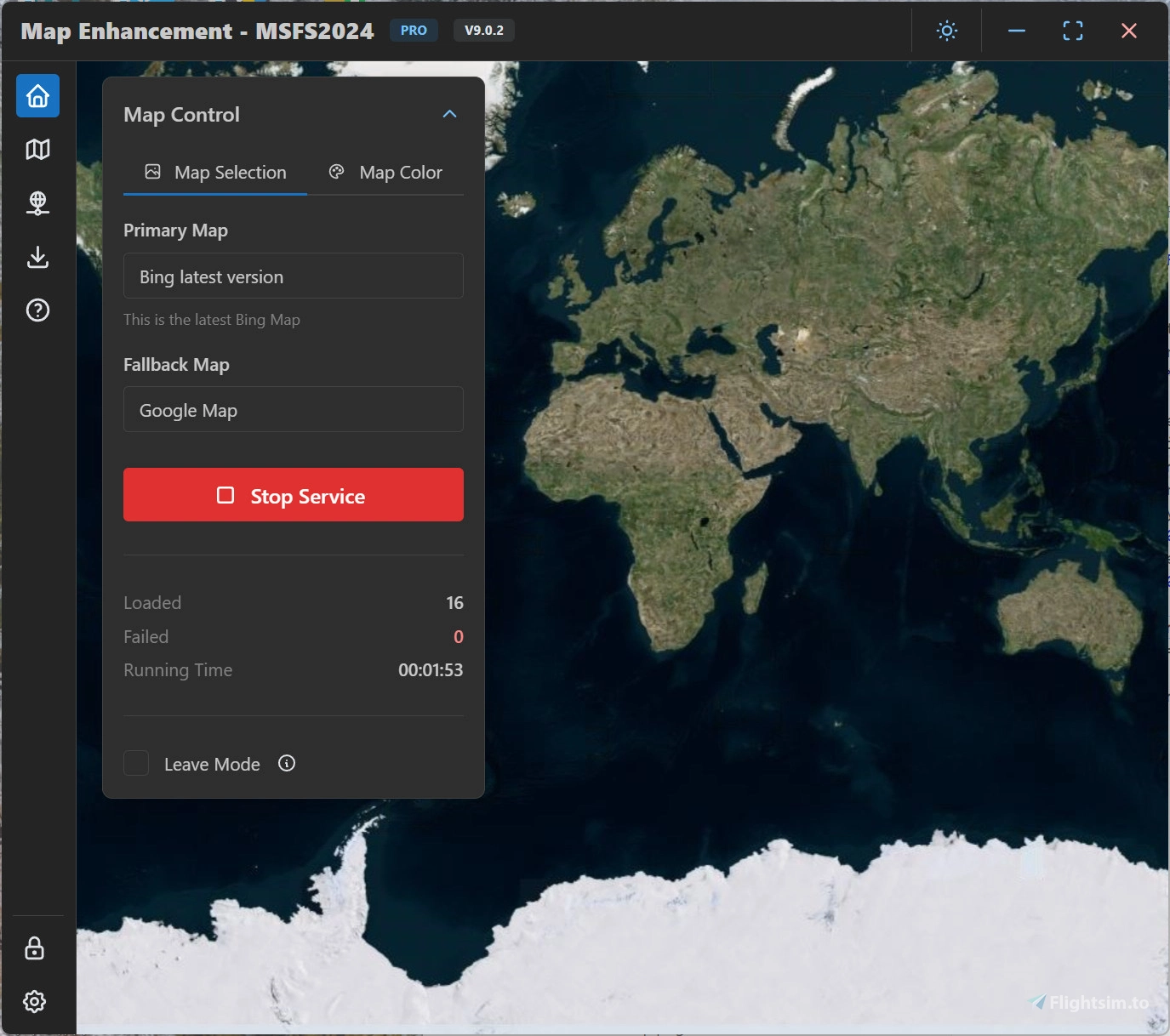
    MSFS Map Enhancement - Image 1

    Description

    Please read the user manual here: User manual

    Latest release: https://github.com/derekhe/msfs2020-map-enhancement/releases

    The official webiste: www.aiflygo.com

    If you have any issue to report, please visit: https://github.com/derekhe/msfs2020-map-enhancement/issues?q=is%3Aissue%20state%3Aclosed

    There are good comparison videos:

    Microsoft Flight Simulator Google MAPS ADDON | Bing Vs Google!

    Google Flight Simulator? Google Map Enhancement Mod in Microsoft FS2020 (Demo, Review, and Install)

    More videos:

    https://www.youtube.com/results?search_query=msfs2020+google+map

    About the licensing

    The app is completely free and same features as before, no license is needed for previous features. All maps it currently contains are free. Free features are always kept updated.
    Some advanced features (e.g. custom map provider and future features) need a pro license.

    You can find out how to get a pro license here: https://github.com/derekhe/msfs2020-map-enhancement/wiki/License

    Connectez-vous pour participer à la discussion

    Se connecter

    Commentaires(7,258)

    F

    about 10 hours ago

    I'm from Argentina, and there isn't a single city or town where the buildings have changed. With the mod activated, they're the same as those generated by FS2024, so it's useless to me. Besides, 300MB for all of South America probably won't make any difference.
    P

    about 18 hours ago

    Where it does wonders for FS2020, the free maps injections do little for 2024 terrain from vs.10 + If anything the TLOD is inhibited. I ended up locking down the USRcfg.opt file to 5.9 to bring back distant TLOD!
    C

    1 day ago

    Screenshots of the improvements made to the building, please? I don't see the difference.
    A

    about 23 hours ago

    There are none, it only changes the terrain
    J

    2 days ago

    Unfortunately I can't reply to the reply you sent me PaulHolmes, but here is some screenshots of the area of Boulogne. There is no photogrammetry involved.
    P

    2 days ago

    Thank you.
    P

    2 days ago

    Are you telling us the next version is injecting photogrammetry?
    J

    4 days ago

    Use Apple Maps, TLOD 400, High or Extreme settings for ground detail in this app, and ultra texture resolution in the game settings.

    With those settings using this app is very close to photogrammetry level details of the ground in most places and you can switch map provider for better images in areas where Apple are not the best (which is rare).

    5 stars the best app available to enhance your flight sim experience.
    P

    2 days ago

    Would you care to share some screenshots of Northern France around Boulogne...
    U

    11 days ago

    This comment has been deleted
    T

    11 days ago

    If there any chance of apple maps as an option? They've done a ton of work lately and it's incredible.
    A

    6 days ago

    Apple Maps is available in the paid version and has been my go to map for years with this mod!
    E

    13 days ago

    Where is the advanced options : I don't see thelm in your program (I see advanced options, but not with this option)
    w

    14 days ago

    Confused by the new update and the "Ground Detail Adjustment". Are 512x512px textures supported again? Confused how there can be higher detail than "Game Original" without support for High Definition Textures. This would be awesome if it's back!
    d
    derekheAuthor

    13 days ago

    It is not 512*512 textures but another magic happen. Just try and see the differences.
    w

    9 days ago

    Phenomenal work.
    D

    16 days ago

    The links to the manual and official website are not clickable.
    d
    derekheAuthor

    16 days ago

    Updated
    ...
    MSFS 2020MSFS 2024

    MSFS Map Enhancement

    Enhance your Microsoft Flight Simulator 2020/2024 map experience with the MSFS Map Enhancement add-on. Easily download, install, and run this mod to enjoy improved mapping features in the game. Check out comparison videos showcasing the enhanced maps in action and access additional resources for troubleshooting and updates. Upgrade to a pro license for advanced features, while enjoying the free and regularly updated basic functionalities.


    Téléchargements666K
    Version10.0.0
    Taille du fichier195.0 MB
    PubliéIl y a 5 ans
    Mis à jourHier
    Classification
    Utilities3.9 (952)
    derekhe
    derekhe

    Créateur communautaire

    1 add-ons • 740 abonnés

    Avis des utilisateurs

    3.9

    952 avis

    5
    56%
    4
    8%
    3
    4%
    2
    3%
    1
    12%

    Historique des versions

    Added Building Enhancement (Beta) for Microsoft Flight Simulator 2024. It provides updated building data for approximately 700 million buildings worldwide, improving building coverage and quality. To get started, open Building Enhancement from the sidebar, choose a data storage directory with sufficient free space, select the regions you fly in, and click Install / continue selected. Interrupted downloads can be continued later, and downloaded data is verified automatically. After the required regional packages are installed, enable Building Enhancement on the same page and keep Map Enhancement running while you fly. Disable it at any time to return to the original Microsoft Flight Simulator building data. Show automatically generated buildings is enabled by default. Turn it off if you prefer to hide the simulator's AI-generated buildings; note that this may reduce building coverage in some remote areas. Building Enhancement is currently free for all users until 2026-10-01. From that date, downloading, updating, and using building packages requires a Pro license.