
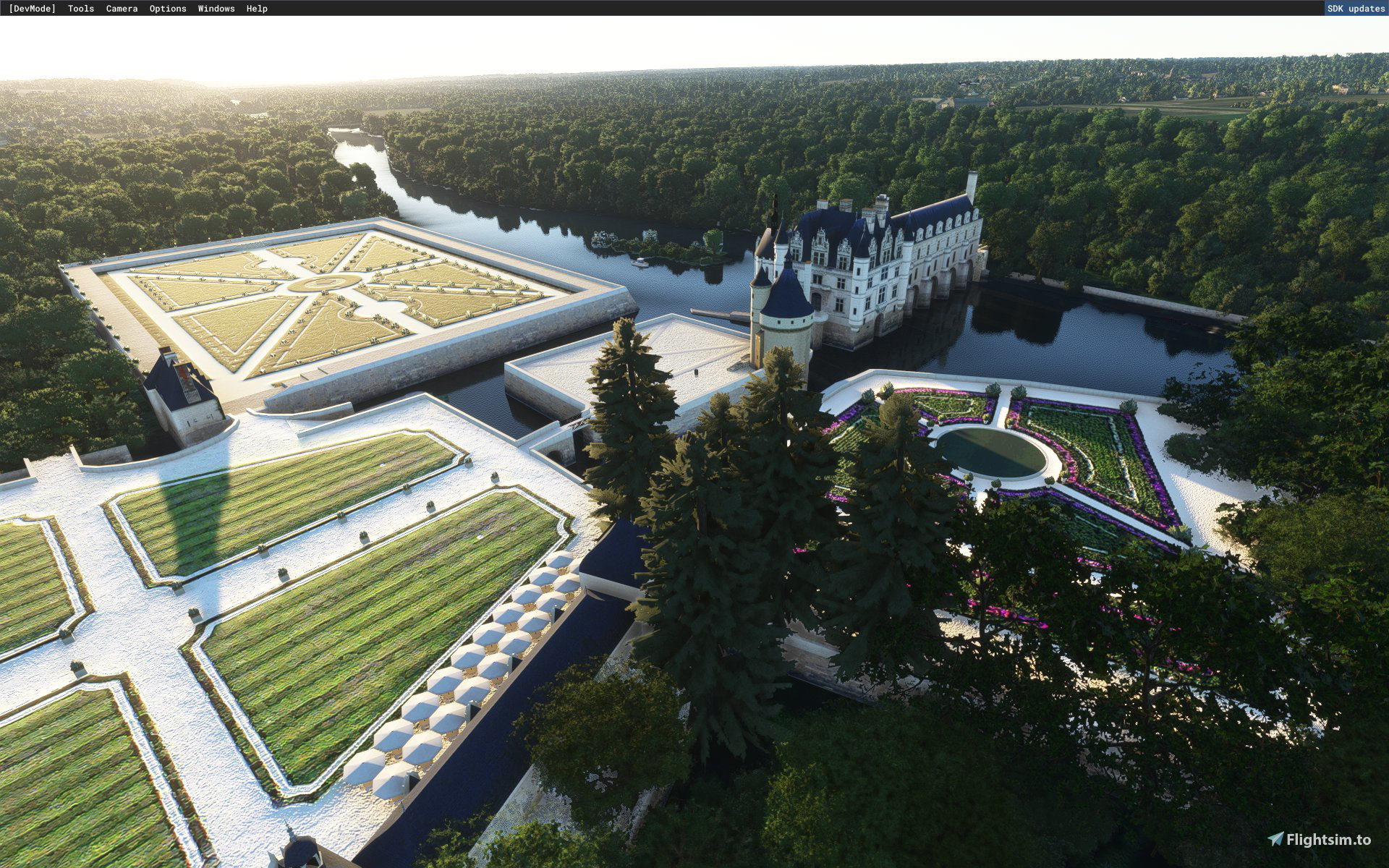
Description
Château de Chenonceau pour MSFS 2020
Installation : extraire puis copier-coller dans votre répertoire « Community »
aller dans "Carte du Monde" et rechercher "Château de Chenonceau"
Exclusion du POI de la "WU4" qui ne fonctionne pas:
Les nouveaux fichiers pour la WU4 s'installent dans le fichier "content.xml" à la fin du listing des scènes anciennement installées ce qui fait que les fichiers d'exclusions n'agissent pas sur les nouveaux POI ! Pour y remédier, il faut copier ce "content.xml" (pas obligatoire, mais c'est toujours mieux), une fois copié, supprimer l'original puis relancer MSFS, un nouveau "content.xml" va se régénérer automatiquement en réorganisant proprement les priorités d'affichages des scènes et enfin, l'exclusion tiendra son rôle.
Le "content.xml" se trouve pour la version Windows store dans
C:\Users\*****\AppData\Local\Packages\Microsoft.FlightSimulator_8wekyb3d8bbwe\LocalCache
https://www.chenonceau.com/
47.325110970564516, 1.0703026577393135
Merci à:
Microsoft
Asobo
Arno Gerretsen
Copyright : ftsxlw
ftsx.free.lw@gmail.com
Exclusivement pour diffusion gratuite et soumise à autorisation expresse de l’auteur.
Château de Chenonceau for MSFS 2020
Installation: extract then copy and paste in your "Community" directory
Go to world map and search "Château de Chenonceau"
Exclusion of the POI of the "WU4" which does not work:
The new files for the WU4 are installed in the "content.xml" file at the end of the listing of the previously installed scenes, which means that the exclusion files do not act on the new POIs! To remedy this, you must copy this "content.xml" (not compulsory, but it's always better), once copied, delete the original then restart MSFS, a new "content.xml" will regenerate automatically by reorganizing properly the display priorities of the scenes and finally, the exclusion will play its part.
The "content.xml" can be found for the Windows store version in
C:\Users\*****\AppData\Local\Packages\Microsoft.FlightSimulator_8wekyb3d8bbwe\LocalCache
https://www.chenonceau.com/en
47.325110970564516, 1.0703026577393135
Thanks to:
Microsoft
Asobo
Arno Gerretsen
Copyright : ftsxlw
ftsx.free.lw@gmail.com
Exclusively for free distribution and subject to the express authorization of the author.
Commentaires(28)
Connectez-vous pour participer à la discussion
Se connecterabout 2 years ago
about 4 years ago
Super boulot !! Merci beaucoup pour ce partage
almost 5 years ago
A very beautifully made add-on with high quality detail. I had made a showcase video base on this mod.
about 5 years ago
about 5 years ago
Je vais rajouter cette information indispensable !
Le "content.xml" se trouve pour la version Windows store dans
C:\Users\*****\AppData\Local\Packages\Microsoft.FlightSimulator_8wekyb3d8bbwe\LocalCache
about 5 years ago
I will add this essential information!
The "content.xml" can be found for the Windows store version in
C:\Users\*****\AppData\Local\Packages\Microsoft.FlightSimulator_8wekyb3d8bbwe\LocalCache
about 5 years ago
about 5 years ago
Si dans le content.xml la ligne suivante:
se trouve avant
l'exclusion ne fonctionnera pas, faites alors un couper de la ligne de ma création et coller la sous les POI de la WU4.
Pour les "non installés" cela n'a pas d'importance, dites vous qu'ils sont installés, ce qui est le cas pour nous tous.
about 5 years ago
about 5 years ago
about 5 years ago
merci
about 5 years ago
about 5 years ago
ma question est de savoir justement ce que tu as ajouté en plus par rapport à la version du WU tout simplement ;)
about 5 years ago
Version 0.9.9.2 is not here. File to download is the same old one.
about 5 years ago
over 5 years ago
over 5 years ago
over 5 years ago
over 5 years ago
Château de Chenonceau
Explore the exquisite Château de Chenonceau in Microsoft Flight Simulator 2020 with this detailed mod. Follow the installation steps to immerse yourself in this stunning French landmark. Dont miss out on this free add-on created by ftsxlw for an enhanced flight simulation experience.
Avis des utilisateurs
10 avis
Location
More Information
Historique des versions
Total native redesign with 3D software, the first versions were conversions with MCX. Multiple corrections on reversed textures. Full PBR texture with reflections on all windows. Various scenic objects. Refonte total native avec logiciel 3D, les premières versions étaient des conversions avec MCX. Corrections multiples sur des textures inversés. Texture complète en PBR avec reflets sur toutes les fenètres. Divers objets scénique.
Similaires
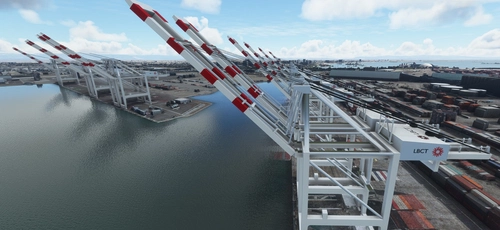
San Pedro Bay Port Facilities, Los Angeles & Long Beach CA USA (V3.0 MSFS2020) / (V1.3 MSFS2024)
This add-on provides detailed scenery enhancements for the San Pedro Bay port facilities in Los Angeles and Long Beach, California, specifically optimized for both MSFS2020 and MSFS2024. Version 3.0 for MSFS2020 features improved models, with significant updates including new cargo crane designs and streamlined asset management. The MSFS2024 version introduces additional upgrades and new details while ensuring compatibility with the latest simulator features.
par FreakyD
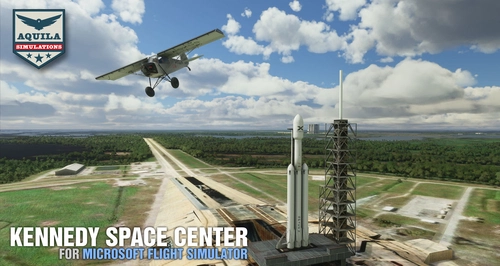
Kennedy Space Center
Explore the iconic Kennedy Space Center in Microsoft Flight Simulator with this detailed add-on, featuring key landmarks such as the VAB Building, Launch Control Building, and Launch Complexes 39A & 39B. Witness the impressive Falcon Heavy Rocket and SpaceX Rocket Assembly building as you embark on virtual space missions. Additional updates promise more buildings and assets to enhance your experience.
par Acktu
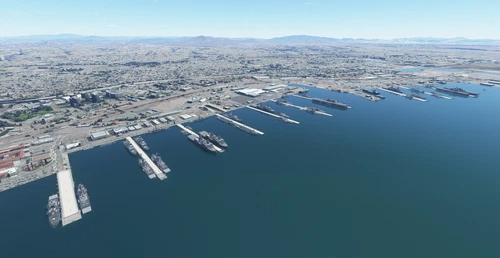
US Navy - San Diego V3.0.1
The US Navy - San Diego V3.0.1 add-on enhances the naval scenery around San Diego in Microsoft Flight Simulator. It includes a variety of updated ship models and improved textures, ensuring compatibility with both MSFS2020 and MSFS2024. Key features include detailed representations of the Rosecrans Submarine Base, multiple naval shipyards, and various classes of ships, including attack submarines and aircraft carriers. Recent updates have focused on model clean-up and the addition of interactive landing pads for helicopters.
par FreakyD
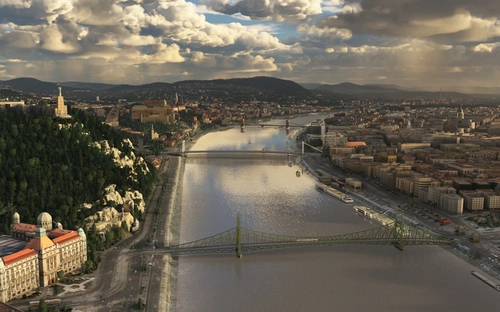
HungaryVFR FS2020
HungaryVFR is a package covering Hungary with airports and landmark sceneries, with its own library. The main goal is to bring as many airports and landmarks to Hungary as many we can, to have an authentic library for the are. The library can be used by other 3rd party scenery developers!
par ekre
over 1 year ago
La tour semble dédoublée. Le long mur, qui part de la tour et qui donne sur le Cher paraît beaucoup trop haut et se prolonger au delà des arbres, comme s'il s'agissait du toit d'un bâtiment.