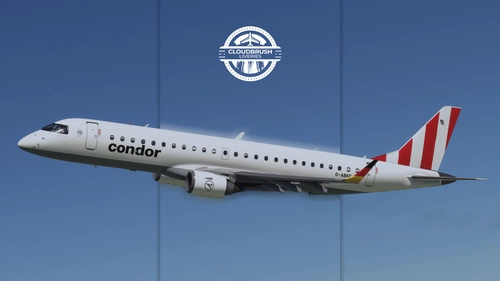
This add-on features a Condor livery operated by German Airways for the FSS E190 aircraft, specifically representing registration D-ABKE. The livery can be installed by moving it to the community folder. No additional configuration is required for setup. It is designed to enhance realism for users seeking authentic airline liveries.
This addon provides a Condor livery pack for the FlyByWire A32NX in Microsoft Flight Simulator. The pack includes liveries for aircraft registrations D-ANCK, D-ANCL, D-ANCX, and D-ANCZ. Each livery is tailored to reflect Condor's real-world branding on the A32NX. Suitable for users seeking realistic Condor liveries for their simulations.
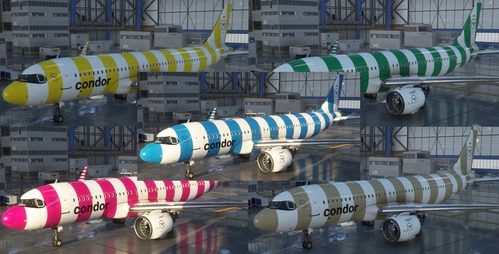
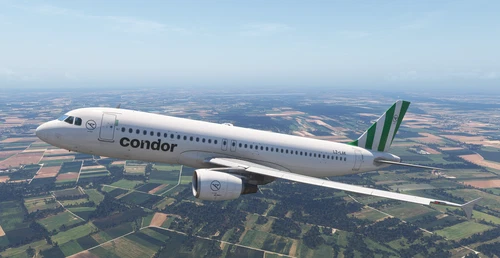
This add-on provides five additional Condor ring liveries for the Asobo A320neo, expanding on the existing Red Passion livery. Included are Green Island, Yellow Sunshine, Blue Sea, Beige Beach, and Fly Pink variants, each with unique registration numbers. The liveries are based on real Condor color schemes. Installation requires unzipping the folder and moving the liveries to the Community folder.
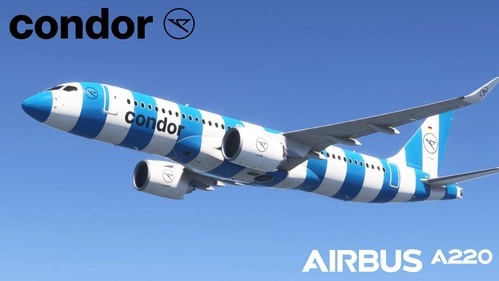
This add-on features a fictional Condor livery for the Synaptic A220-300 in a blue color scheme. The livery is not based on any real-world Condor aircraft. It is designed for Microsoft Flight Simulator users seeking alternative visual options for the A220-300. Currently, only the blue version is included.
This add-on package provides five Condor Subcharter A320 liveries for the Fenix A320, simulating aircraft operated for Condor out of Munich, Frankfurt & Hamburg during the summer season. Each livery features accurate details and unique custom cabins for the corresponding aircraft frames. The package aims for high fidelity in representing these specific aircraft used in seasonal operations.
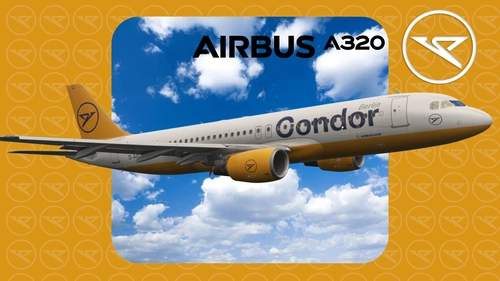
This add-on provides the Condor Berlin livery for the Fenix A320, registration D-AICJ, in 8K resolution. It is a livery request designed for the Fenix A320. Featuring a full Condor custom cabin and EFB Background. Suitable for users seeking an authentic Condor Berlin visual experience in Microsoft Flight Simulator.
Condor D-ANLC blue strips livery Inibuilds A321LR MSFS2024 (with cabin)
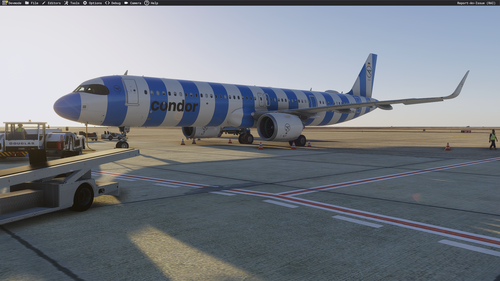
This add-on provides the Condor D-ANLC blue stripes livery for the Inibuilds A321LR in Microsoft Flight Simulator 2024, including a custom cabin. The livery represents the German airline Condor and is modeled after the aircraft delivered in March 2026. The package is based on user requests and aims for realistic detailing. Suitable for users seeking to replicate Condor fleet operations in the simulator.
Condor Airbus A321 Borussia Mönchengladbach Livery D-ABMG [Fictional]
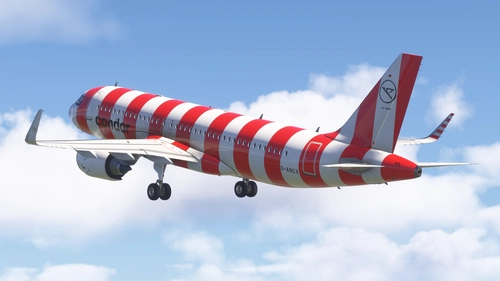
This add-on features a fictional Condor Airbus A321 livery themed after Borussia Mönchengladbach, with unique club-inspired colors and design elements. The aircraft bears the imagined registration D-ABMG in compliance with German aviation standards. A custom cabin with Borussia Mönchengladbach logos enhances in-flight immersion. Suitable for short and medium-haul flights within Microsoft Flight Simulator.
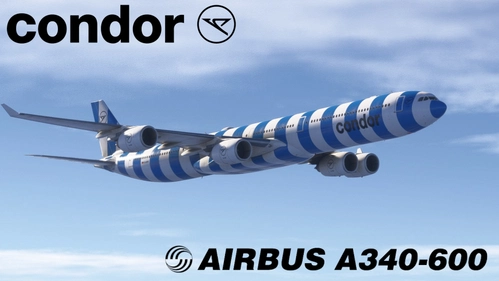
This add-on features a fictional Condor livery for the Aerosoft A340-600, based on the retired Lufthansa D-AIHV aircraft. The design incorporates Condor's classic stripe motif, reimagined for this aircraft model. The package is compatible with current UV maps, with support for future updates planned. Credits are given to Aerosoft, LoLiSS, and AJP_Creations for their contributions to the liveries and textures.
This add-on features a unique livery for Condor Airlines, specifically designed for use with the Fenix Simulations A320 in Microsoft Flight Simulator. Installation requires placing the extracted folder into your community folder. This livery allows users to enhance their flight experience by adding a distinct visual representation of Condor Airlines to their aircraft.
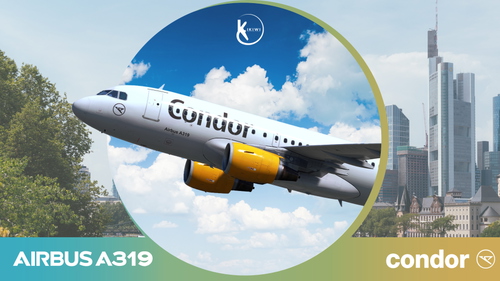
This add-on features a detailed 4K and 8K livery for the Fenix A319, representing Condor Airlines D-AHHB from 2019. Created by Kikiwi and requested by Cpt.Davis, the livery enhances the visual authenticity of the aircraft in Microsoft Flight Simulator. Installation is straightforward—simply unzip the folder and place it in the community folder. Please note that modifications or reuploads of this creation are not permitted.

![Condor Airbus A321 Borussia Mönchengladbach Livery D-ABMG [Fictional]](https://cdn.flightsim.to/images/28/20260425_030118_e8b19f9f5c1c9714_condor-airbus-a321-borussia-monchengladbach-livery-d-abmg-fictional.png?width=500)
![Condor Airlines (Heston Lease) [LY-NRU] - Fenix Simulations A320](https://cdn.flightsim.to/images/28/condor-airlines-heston-lease-ly-nru---fenix-simulations-a320-804551-1771675248-t1mIu.jpg?width=500)