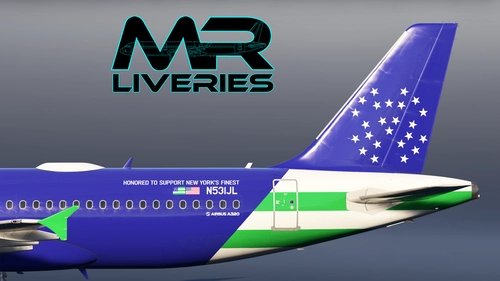
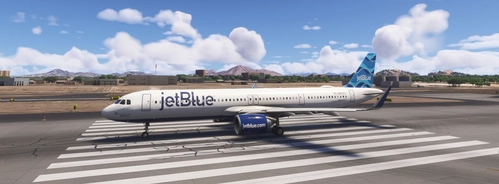
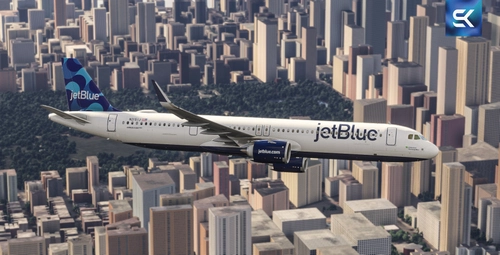
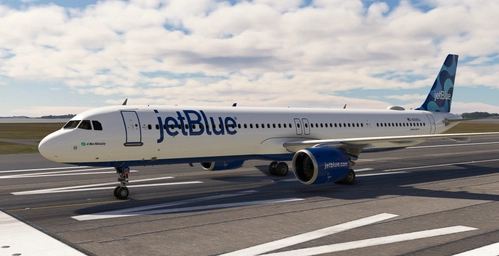
Fenix | Airbus A320 | jetBlue | N531JL 'Blue Finest'
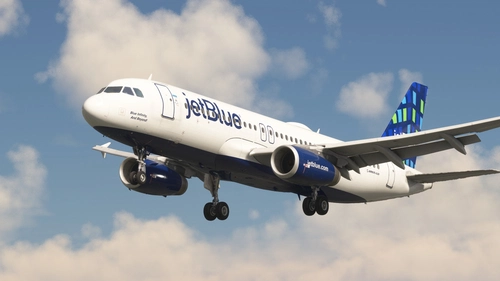
This add-on provides a detailed jetBlue Airways livery for the Fenix Simulations Airbus A320ceo, specifically for the aircraft registered as N531JL, known as 'Blue Finest'. It is designed for use with the IAE engine variant. The package includes installation instructions for adding the repaint to your simulator. No additional features beyond the custom livery are included.
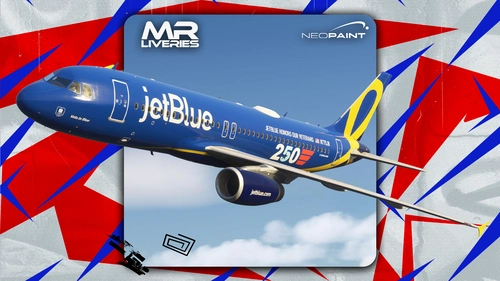
Fenix | Airbus A320 | jetBlue | N775JB 'Vets in Blue' '250 years'
This add-on provides a repaint for the Fenix Airbus A320ceo, featuring the jetBlue Airways N775JB "Vets in Blue" livery. The livery is designed for the A320 IAE variant. Installation instructions are included to add the repaint to your community folder. Suitable for users seeking a realistic jetBlue visual experience in Microsoft Flight Simulator.
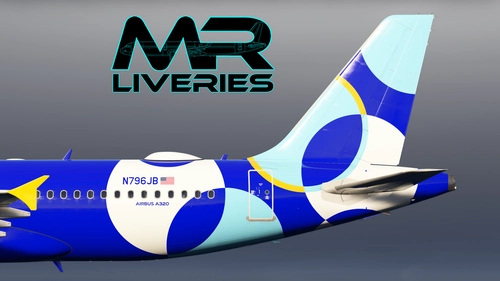
Fenix | Airbus A320 | jetBlue | N796JB (Requested)
This add-on provides a repaint of the Fenix Airbus A320ceo featuring the jetBlue Airways livery with registration N796JB. The livery is designed for the IAE engine version of the A320. Installation instructions are included for easy setup in Microsoft Flight Simulator. This repaint is created specifically for use with the Fenix Simulations Airbus A320ceo.
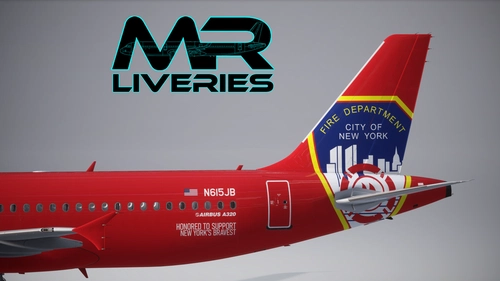
Fenix Airbus A320 | jetBlue | N615JB "Blue Bravest"
This add-on features a repaint of the Fenix Airbus A320ceo in the jetBlue Airways N615JB "Blue Bravest" livery. It is designed for the Fenix Simulations Airbus A320 with IAE engines. The package includes all necessary textures for accurate airline representation. Installation instructions are provided for adding the livery to your simulator.
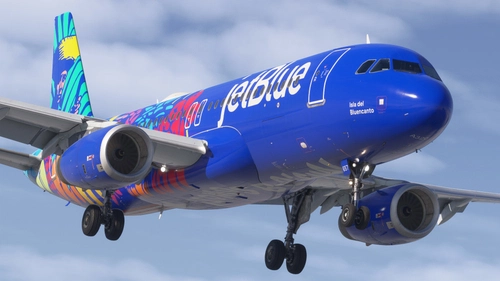
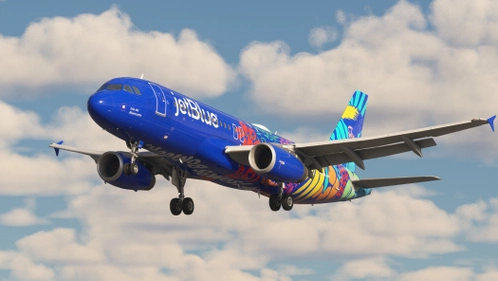
Discover the JetBlue Airways Isla Del Bluencanto livery for the Fenix A320 (V2), featuring authentic airline-specific colors, logos, and bilingual text. This add-on includes realistic cabin and cockpit features, with high-resolution 8K textures. Ensure a seamless installation by choosing only one version of the livery, whether from Flightsim.to or the Fenix Livery Manager, as differences are minimal.
This add-on features a realistic livery for the Fenix A320, specifically the JetBlue "Isla de Bluencanto" (N657JB) version with IAE engines. It includes detailed textures and artwork, although the decals near the boarding door are currently missing and will be updated in future versions.
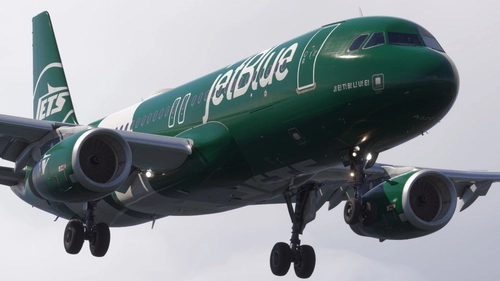
This add-on features a detailed JetBlue J! E! T! B! L! U! E! livery for the Fenix A320 (V2), including realistic airline-specific colors, logos, and bilingual text. It comes with an accurately configured cabin and cockpit, as well as high-resolution 8K textures. Users can choose from different versions of the livery available on Flightsim.to and the Fenix Livery Manager, with specific differences outlined in a provided document.
JetBlue (Highrise / Blue Infinity And Beyond - N784JB) - Fenix A320 (V2) (IAE)
This add-on features the JetBlue livery, "Highrise / Blue Infinity And Beyond," specifically designed for the Fenix A320 (V2) with IAE engines. It offers a detailed and realistic representation of the aircrafts unique paint scheme for flight simulation enthusiasts.
This add-on features the JetBlue livery N4076J for the iniBuilds Airbus A321neo, specifically designed for Microsoft Flight Simulator 2024. Installation instructions are provided for both Windows Store and Steam users. The livery allows for an enhanced visual experience while flying with JetBlue Airlines.
iniBuilds A321neo | Jetblue- N2151J (The Understood The AssignMint) +w/Cabin (8K)
This add-on features the JetBlue A321neo N2151J, part of the special "Mint" livery series, providing a visual representation of the airlines premium travel experience. Designed to showcase residential touches and modern comforts, this aircraft is equipped for select routes across North America, the Caribbean, and transatlantic flights. The add-on includes an 8K cabin interior for enhanced realism. Installation instructions are included for easy integration into your Microsoft Flight Simulator environment.
This add-on features a fictional JetBlue livery for the FSLABS A321-NEO, portraying a model typically powered by Pratt & Whitney engines. Installation instructions are provided for adding the livery to the Microsoft Flight Simulator community folder. This livery is designed for those interested in alternative engine options on this aircraft model.