
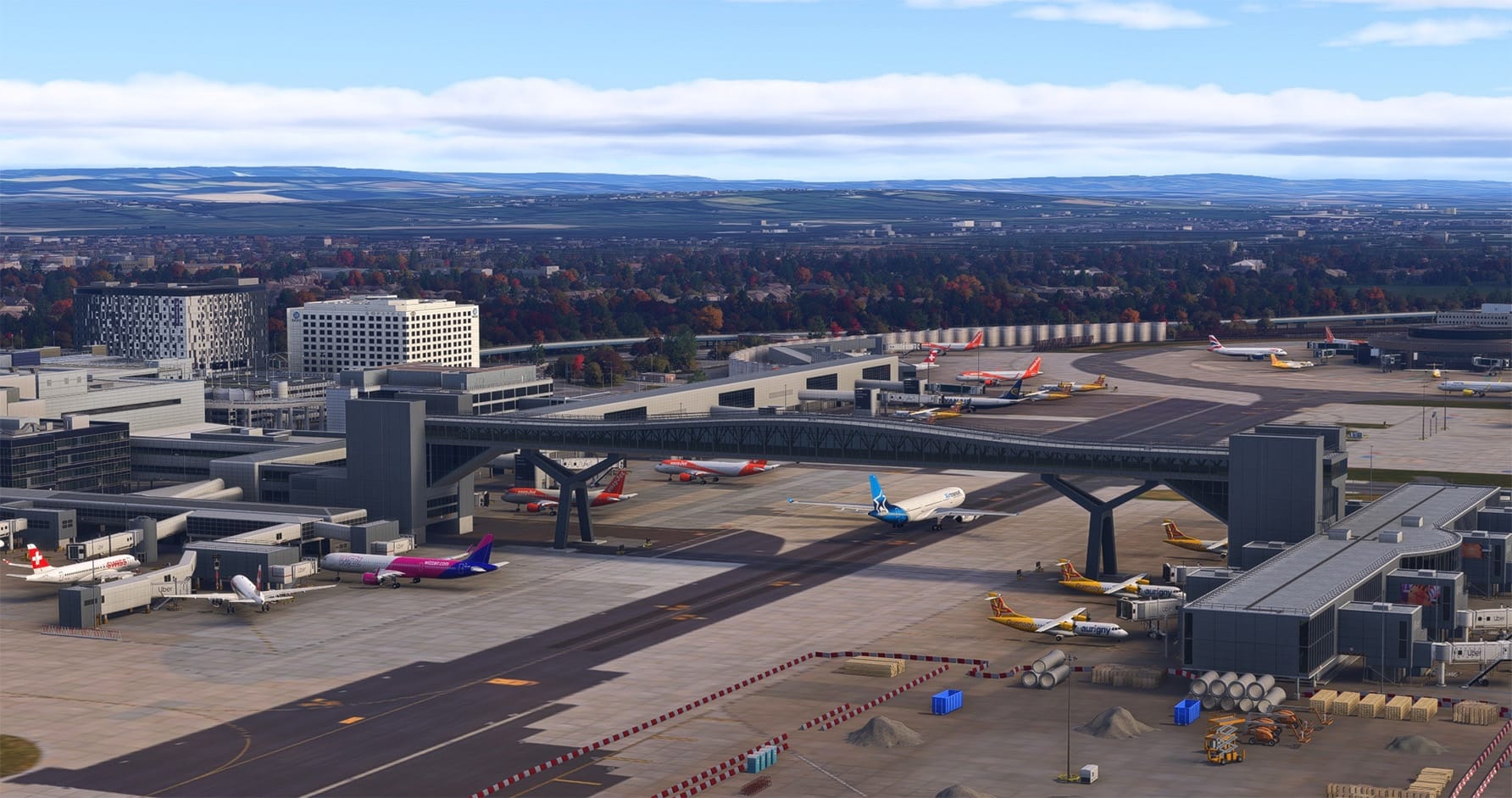
Real-world air traffic has long been one of the most requested immersion features in Microsoft Flight Simulator. The default AI traffic in MSFS 2024 can populate an airport, but it rarely reflects what is actually happening there. Over the past few weeks, the Flightsim.to community has seen a small wave of freeware tools that use public ADS-B data to fill the skies and aprons with the flights operating in the real world. The latest is 🔆 Traffic2U by Mylano, a creator previously known on the platform for GSX profiles.
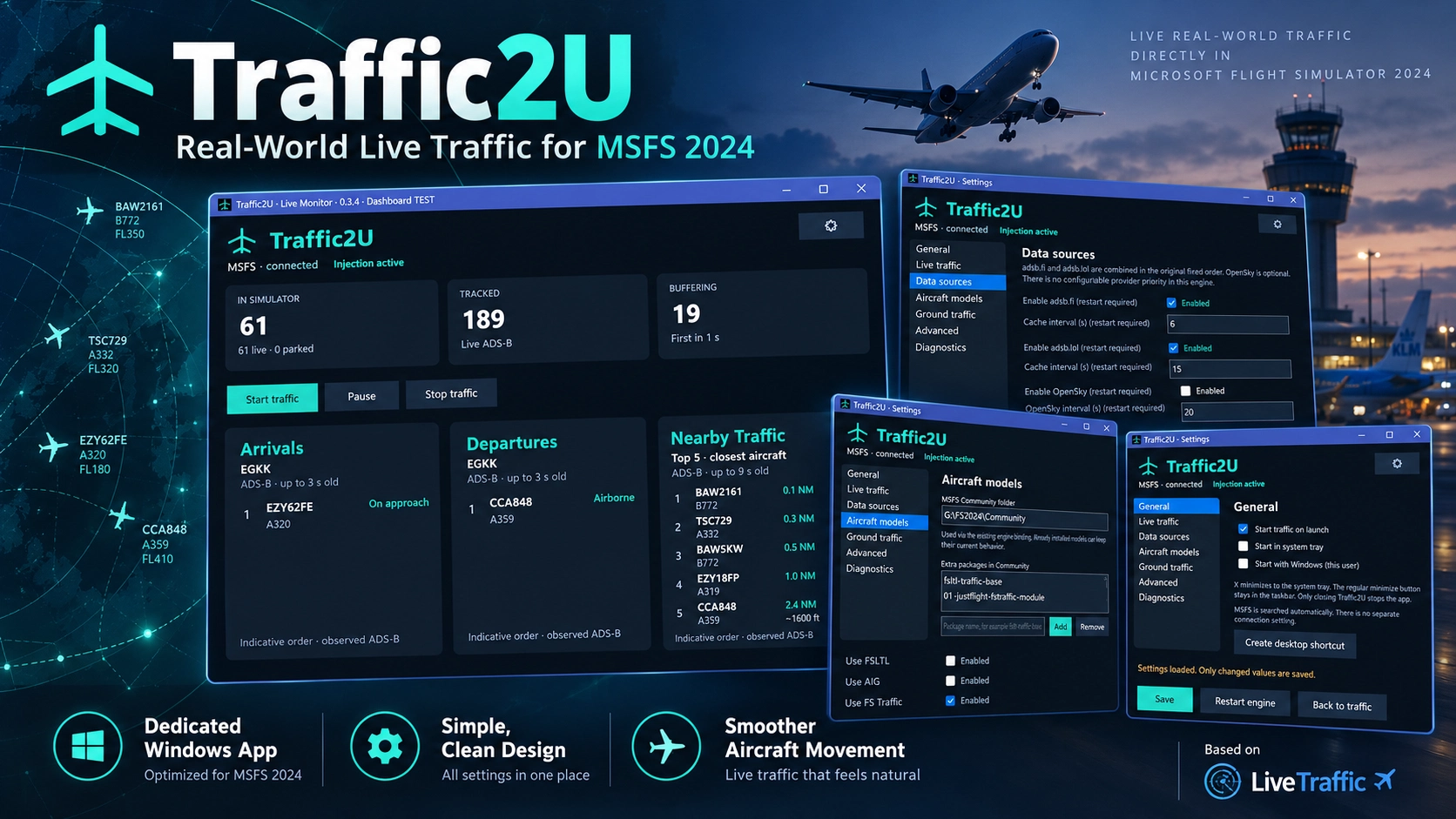
Traffic2U does not try to reinvent the traffic engine. It is openly built on LiveTraffic MSFS, and the developer credits the original author, who gave permission for this modified version to be published. Traffic2U's contribution is mainly in presentation and handling. The original tool is started through a batch file and runs in a command prompt window. Traffic2U packs the same core functionality into a standalone Windows application, where you can start, pause and stop traffic injection, check the injector's status, and adjust traffic limits, display radius and model matching from one graphical interface. Once traffic is running, you can minimize the app to the taskbar or system tray and it keeps working in the background.
The data pipeline is the same as LiveTraffic's. Aircraft positions come from the community-run ADSB.fi and ADSB.lol networks, with OpenSky available as an optional source. The engine buffers incoming position reports and interpolates between them, so aircraft move continuously instead of jumping from one ping to the next. Each flight is matched to whatever AI models and liveries you have installed. FSLTL, Just Flight's FS Traffic and AIG are all supported, so the variety of airframes you see depends on your existing traffic library. An earlier experimental Flightradar24 integration has been removed entirely in the most recent build.
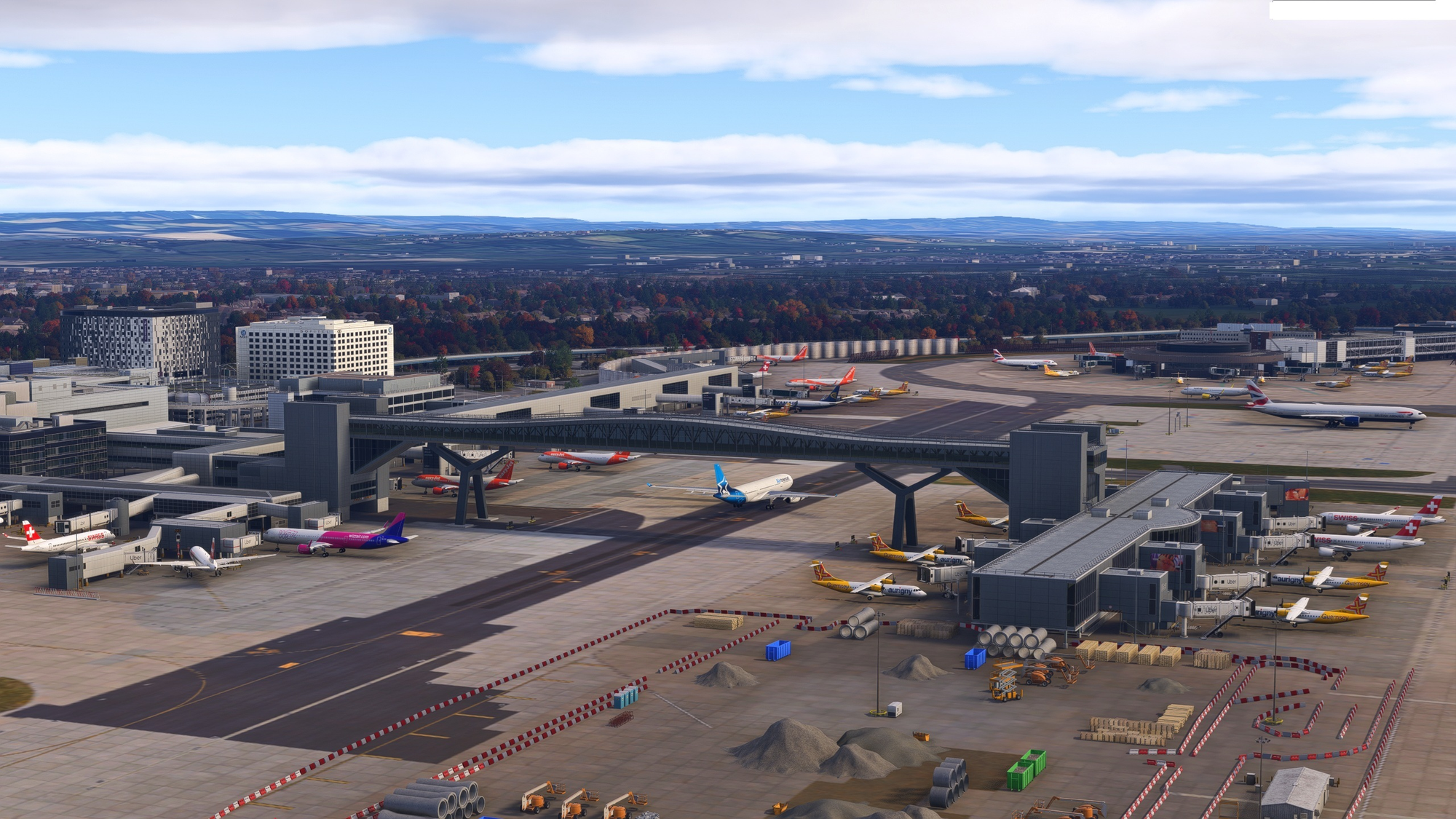
Traffic2U has also changed quickly since its first release on October 9. Version 0.3.21, released on October 22, introduces what the developer calls the Motion Plus engine. Several previously separate motion systems are now combined under one setting, and ground handling gets most of the attention. The update smooths taxiway cornering through better path interpolation and adds an "Idle Lock" to stop stationary aircraft from jittering. It also reduces the unrealistic spinning that could happen during low-speed steering, and pushback is now detected from actual aircraft movement rather than from heading changes alone.
Parked traffic is another area under active development. Early builds used an "evidence" strategy by default, which only keeps aircraft at stands if they were actually observed parked before dropping out of ADS-B coverage. At airports with weak ground reception, that can leave gates almost empty. In the comments, the developer pointed users to a "legacy" option under the Ground Traffic settings, which fills stands with plausible aircraft based on airport and airline data.
As with any ADS-B-based injector, data coverage determines what you get. Approaches, departures and especially ground movements can be incomplete or reconstructed where reception is patchy, and the injected aircraft are invisible to the simulator's native ATC. The developer also advises against running Traffic2U alongside any other live traffic injector, since this will produce duplicate aircraft.
Comparison to other freeware tools
Traffic2U arrives in a crowded space, and the comparison with its two closest relatives is worth making. 🔆 LiveTraffic by AVAILOFF, the project Traffic2U is built on, is the more established of the two newer tools. It has around 6,000 downloads and dozens of user reviews. It supports both MSFS 2020 and 2024, and its feature list focuses on operational realism: replay with a deliberate delay of about one minute, three-degree glide paths with touchdown-zone landings, taxi routing based on your installed airport's layout, ground traffic that holds behind your aircraft, and a map window where you can hide individual flights or keep your own stand free. Its interface, however, is still launched from a batch file. Traffic2U is aimed at simmers who want that same foundation with a more conventional desktop app, and its description lists only MSFS 2024 as a requirement.

🔆 MSFS Live Traffic Utility by PW_12345678 is the oldest of the three, first released in April 2026. It takes a lighter approach. At its core it is a live ADS-B map viewer that pulls data from adsb.lol, with altitude-coloured markers and trail tracking. Spawning traffic in the simulator is an optional experimental mode that relies on FSLTL Base Models, and the tool switches between map mode and injection mode automatically depending on whether MSFS is running. Its developer is open about the remaining issues, including rate-limit errors from the data source at peak times and model mapping that still needs work. Its author has also said in the comments that his GPL-licensed project predates both newer tools and shares some of their core ideas. He added that he is open to working with the other developers, and a community member has already suggested the three projects combine their efforts.
For now, choosing between them mostly depends on your priorities. Live Traffic Utility is the lightweight, map-first option. LiveTraffic offers the most mature traffic behaviour and the broadest simulator support. Traffic2U wraps that behaviour in a friendlier Windows application and adds its own tuning, particularly for ground movement. All three are free and all three are evolving quickly, so it is worth keeping an eye on their changelogs.
Traffic2U is available now as a free download on Flightsim.to. If the tool adds life to your airports, consider supporting Mylano through the PayPal donation option on the add-on page. Contributions help keep a solo developer working on frequent updates, especially for a project that has already gone through ten releases in its first two weeks. Download 🔆 Traffic2U now on Flightsim.to.