Browse Night Lighting scenery add-ons for Microsoft Flight Simulator 2024 and 2020. Discover stunning landscapes and landmarks. Parcourez 82 add-ons publiés par notre communauté.
NorwayLightpoles is an add-on designed to introduce lampposts along the roads in Microsoft Flight Simulator, addressing a gap in the simulators default scenery. The package is expected to expand over time with additional lampposts as updates roll out. Although it has not been tested in MSFS 2020, the creator is optimistic about its functionality. Users are encouraged to suggest locations for lamppost additions, fostering a community-driven enhancement of the simulator’s environment.
This add-on enhances the Seattle Space Needle in Microsoft Flight Simulator by adding a night lighting feature to the landmark. Designed for both FS2020 and FS2024, it addresses the issue of the Space Needle appearing dark at night. Installation is straightforward; simply place the "mod-spaceneedle" folder into the community folder.
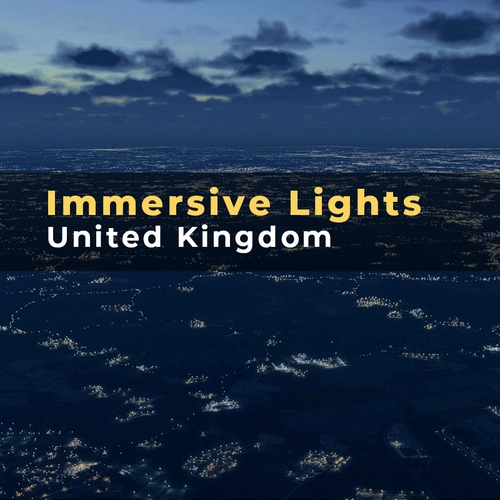
Immersive Lights - Germany & Netherlands enhances nighttime visuals in Microsoft Flight Simulator with realistic, data-driven lighting. This add-on replaces generic lights with accurately placed real-world illuminations across urban and rural areas, ensuring an authentic after-dark flying experience. The highly optimized lighting remains visible at high altitudes and does not affect performance, providing an immersive environment for night flying.
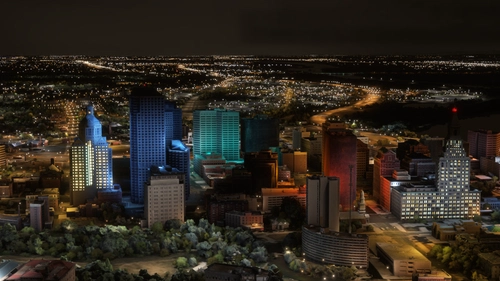
Enhance your night flying experience in the Los Angeles area with Immersive Lights. This add-on replaces standard lighting with accurately placed, real-world data-driven lights, reflecting the true layout of the city. The optimally designed lights maintain visibility from high altitudes without impacting performance, providing a more realistic urban environment during nighttime flights.
Innmersive Lights: Bariloche enhances the nighttime lighting experience in Microsoft Flight Simulator, specifically for the areas of Bariloche and San Martin de los Andes. This add-on is part of a series focused on improving the visual quality of city lights. Users can expect a more realistic representation of these locations during night flights.
This add-on modifies the night lighting in New Zealands North Island by removing street and residential lights from rural roads and state highways outside urban areas. It aims to enhance realism during lower altitude flights and approaches by maintaining a few strategically placed lights for interest while efficiently reducing unnecessary illumination. Users may note that distant lights remain due to the limitations in mod application around the aircraft.
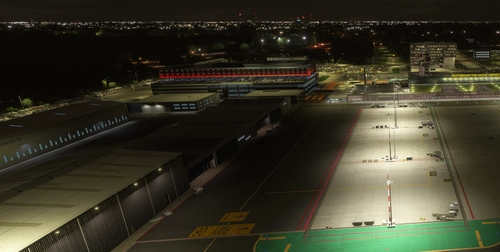
This add-on provides a lighting enhancement for Dublin Airport (EIDW), featuring brighter apron lights that aim to improve realism. The mod is designed to enhance the visual experience of the airport environment in Microsoft Flight Simulator. Installation is straightforward; simply unzip the file into your community folder.
Street-lights excluded for all of metropolitan France and all of overseas France
This add-on for Microsoft Flight Simulator 2024 enhances the realism of night flying over metropolitan and overseas France by excluding unnecessary street lights and other illumination outside urban areas. It aims to replicate the true lighting conditions of the region, addressing the excessive and unrealistic light presence along roads and highways. Users should be aware of potential bugs that may affect the effectiveness of the exclusions when installed in the "Community" directory.
This add-on addresses the issue of unrealistic night lighting in northern Bavaria within Microsoft Flight Simulator. It removes inaccurate highway and rural road lights that do not exist in real life, enhancing the nighttime flying experience. The coverage includes major autobahns like A9, A73, and A93, as well as numerous federal highways in the region. Ongoing updates are planned to further refine the lighting setup over time.
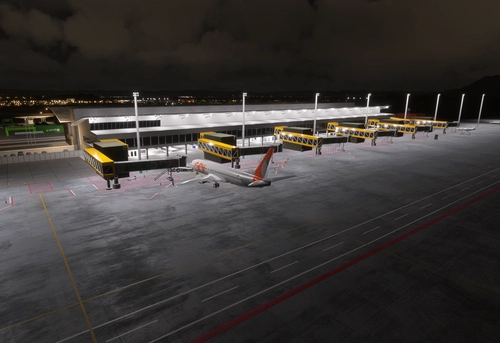
This add-on enhances the lighting systems at LIPE Bologna Borgo Panigale airport, featuring improved apron lighting and a white-green tower beacon. To fully utilize the apron lights, users are required to install the additional EDHK Lights & Objects Developers Pack. Installation involves copying the designated folder into the community folder of Microsoft Flight Simulator.