Flightsim.to

    UtilitiesApplications

    Browse Applications utilities and tools for Microsoft Flight Simulator 2024 and 2020. Parcourez 522 add-ons publiés par notre communauté.

    Dernière mise à jour
    View all utilities
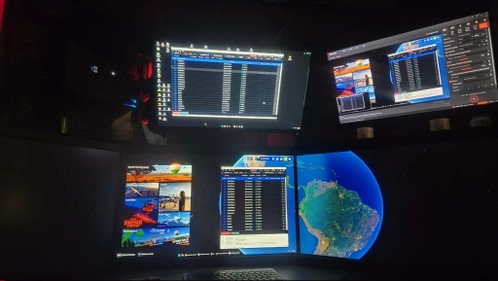
    MobiFlight on a Second PC Connecting to MSFS 2024 via Network SimConnect

    MobiFlight on a Second PC Connecting to MSFS 2024 via Network SimConnect

    This guide provides step-by-step instructions for running MobiFlight on a second computer and connecting it to Microsoft Flight Simulator 2024 via Network SimConnect. By shifting MobiFlight’s processes away from the main sim PC, this setup frees system resources for improved MSFS performance. Users are guided through necessary installations and network configuration. The document covers prerequisites, setup, and ensuring both PCs communicate correctly over the local network.

    sgeti
    MSFS2020/24
    0.0(0)
    99
    65.2 KB
    2 months ago
    SimRate Control

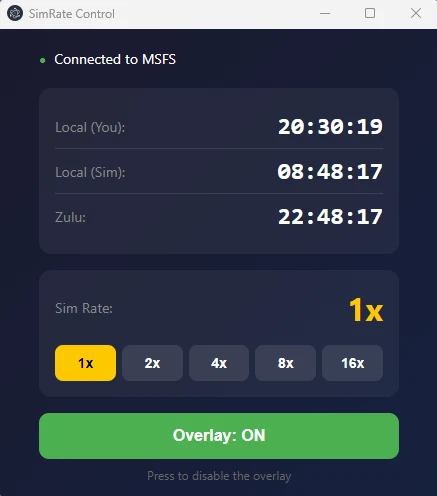
    SimRate Control

    SimRate Control is a standalone utility for Microsoft Flight Simulator 2024 that enables users to control and monitor the simulation rate with a real-time overlay. The tool provides quick-access buttons to change sim rates and displays current speed, local, and Zulu times. An always-on-top overlay shows essential information during flight and updates instantly in sync with the simulator. The application requires Windows 10 or 11 and operates without consuming unnecessary CPU resources.

    PascalPati
    MSFS2024
    0.0(0)
    228
    103.5 MB
    1 month ago
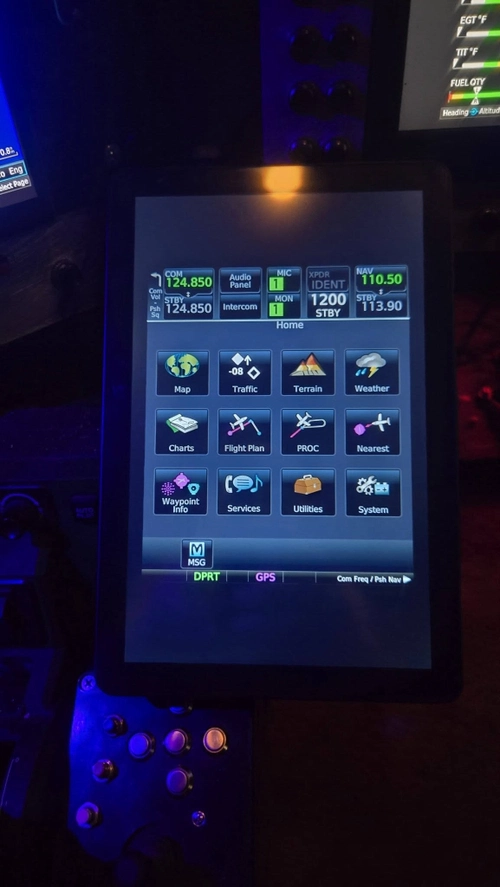
    Apollo + Artemis Streaming Flight Sim Panels to a Tablet in Portrait Mode Alternative to Space Desk

    Apollo + Artemis Streaming Flight Sim Panels to a Tablet in Portrait Mode Alternative to Space Desk

    This guide explains how to stream Microsoft Flight Simulator popout panels, such as the GTN750 and GTN650, to a tablet in portrait orientation using Apollo as the host and Artemis as the client. It provides a practical alternative to Space Desk and does not require Air Manager. The solution ensures correct portrait mode streaming, addressing limitations of standard Moonlight and Sunshine setups. It is designed for sim pit builders using their existing avionics.

    sgeti
    MSFS2020/24
    0.0(0)
    114
    500.5 KB
    2 months ago
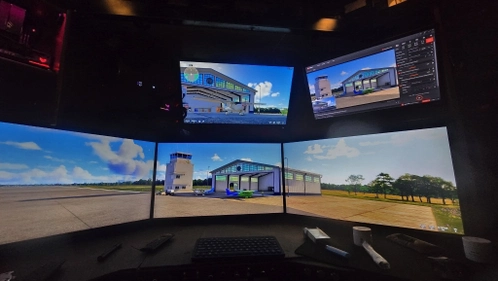
    Standalone NDI Screen Capture for MSFS  Sim Pits

    Standalone NDI Screen Capture for MSFS Sim Pits

    NDISender is a lightweight C# application designed for dual-PC simulator setups. It captures a specified region of your screen and broadcasts it as an NDI source over your local network. This allows recording or streaming from a second PC without running OBS on the main sim computer. The tool effectively isolates specific monitors in multi-display setups and operates with minimal resource usage.

    sgeti
    MSFS2020/24
    0.0(0)
    38
    304.2 KB
    2 months ago
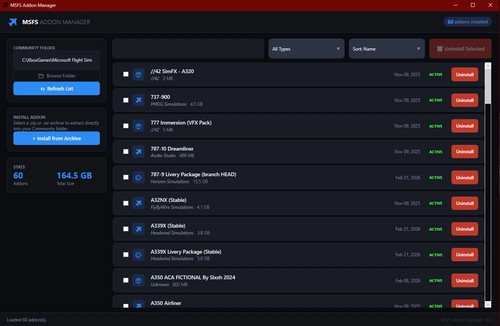
    MSFS Addon Manager

    MSFS Addon Manager

    MSFS Addon Manager is a tool for Microsoft Flight Simulator 2020 that helps users manage their mods. It allows easy activation, deactivation, installation, and uninstallation of addons. The utility is designed to streamline mod organization and usage. User feedback for improvements is encouraged.

    RaG3
    MSFS2020
    5.0(2)
    227
    56.1 MB
    2 months ago
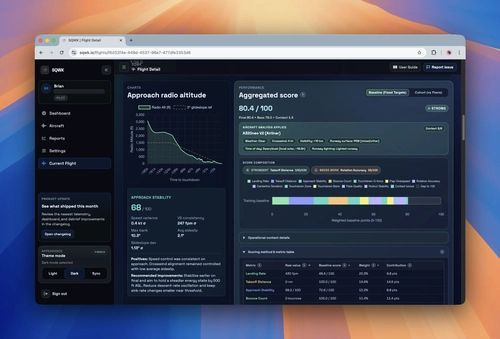
    SQWK Flight Review

    SQWK Flight Review

    Auto-records every MSFS flight and turns it into a real post-flight debrief with approach scoring, landing analysis, exceedance callouts, and full replay. Track improvement with weekly and monthly trend reports and unlimited flight history.

    bcsavage
    MSFS2020/24
    5.0(3)
    964
    99.3 MB
    2 days ago
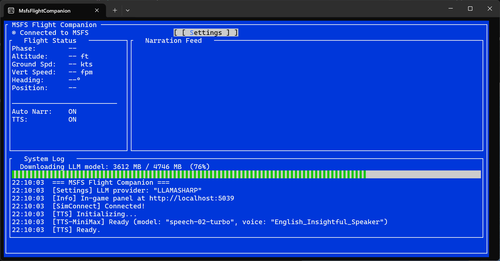
    MSFS Flight Companion

    MSFS Flight Companion

    MSFS Flight Companion integrates with Microsoft Flight Simulator to provide real-time narration about your flight environment, points of interest, and landing performance. It connects through SimConnect to access live flight data and uses a language model for contextual commentary. Narration is delivered via a text-to-speech engine, with both offline and cloud-assisted options available. The application operates entirely on your desktop without requiring external devices.

    mariusmyburg
    MSFS2020/24
    0.0(0)
    63
    2.4 GB
    2 months ago
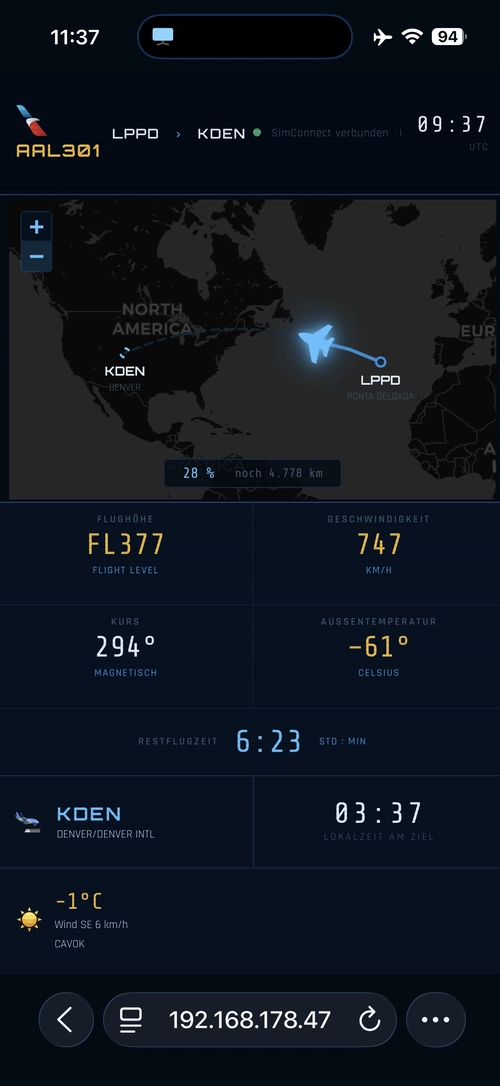
    Seatback InFlightinformation

    Seatback InFlightinformation

    Seatback InFlightinformation is a lightweight companion tool for Microsoft Flight Simulator 2024 that displays real-time flight data on your mobile device via a local network. It uses SimConnect to provide current position, flight duration, and destination weather in a mobile-friendly interface. The tool also displays the airline logo based on the selected ICAO code. All data remains private, running entirely on your own machine without cloud dependency.

    thilo76
    MSFS2020/24
    0.0(0)
    79
    18 KB
    2 months ago
    Passenger2x

    Passenger2x

    Passenger2x is a standalone airline management add-on for Microsoft Flight Simulator and other major simulators, allowing users to create and manage their own airlines. Features include fleet and route expansion, customizable in-flight services, and real-time passenger feedback. The add-on offers various management modes from full control to simplified gameplay and includes AI-driven operations to continue airline growth when offline. Passenger2x supports multiple languages and integrates flight simulation features such as GSX Pro synchronization and emergency scenarios.

    Passenger2
    MSFS2020/24
    0.0(0)
    18.57 MB
    2 months ago
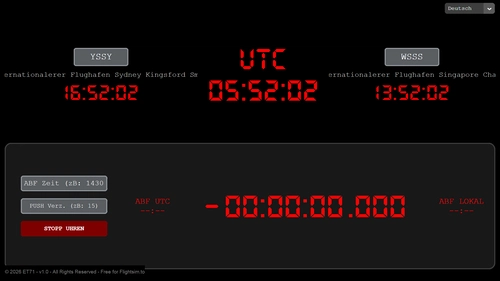
    Flight Clock

    Flight Clock

    Flight Clock is a standalone application designed to help virtual pilots manage their time across various flight simulators. It offers real-time UTC and local clocks, smart countdown timers, and seamless SimBrief integration for flight data import. The tool supports a global offline airport database and features a dynamic, resizable interface in six languages. All timing features use the 24-hour format for accuracy and clarity.

    ET71
    MSFS2020/24
    5.0(1)
    164
    14.1 MB
    1 month ago
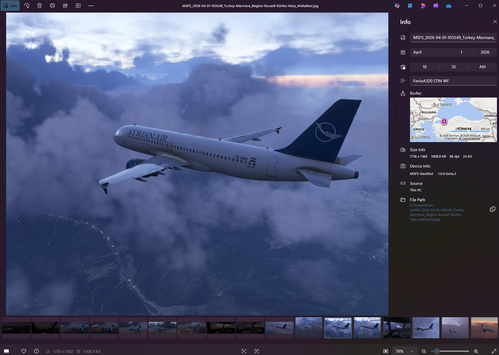
    GeoShot - Geotagged Screenshots (MSFS 2020 + 2024)

    GeoShot - Geotagged Screenshots (MSFS 2020 + 2024)

    GeoShot allows users to capture geotagged screenshots in Microsoft Flight Simulator 2020 and 2024. Each image includes embedded GPS coordinates, altitude, speed, heading, and aircraft name in its metadata. Screenshots are named by date, time, and location, and can be browsed on a map using compatible tools. The add-on requires no installation and is operated by running a standalone executable.

    Fitzroymckay
    MSFS2020/24
    0.0(0)
    90
    50.8 MB
    2 months ago
    Showing 73 - 84 of 522 results
    1...4568910...48