
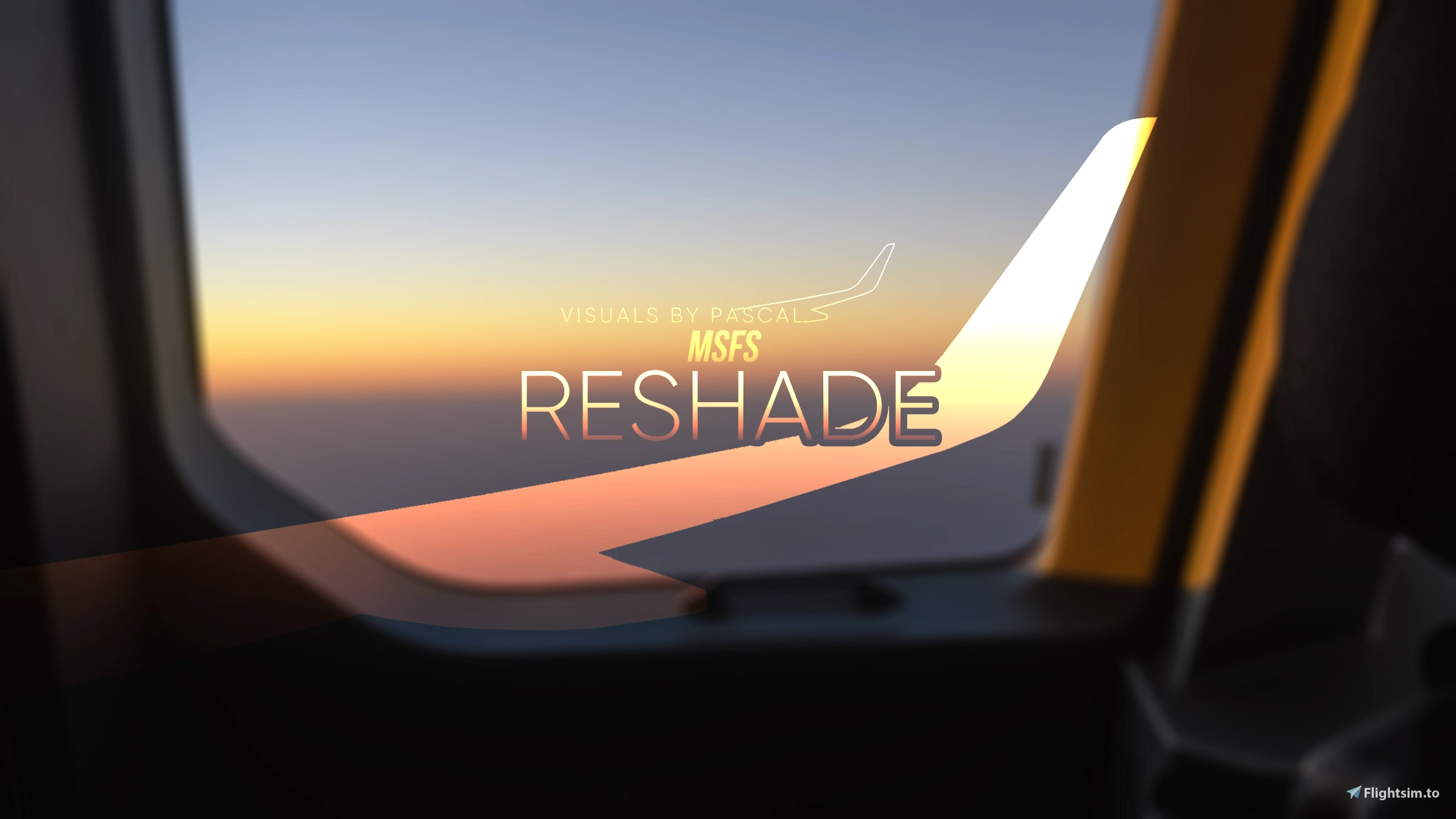
Description
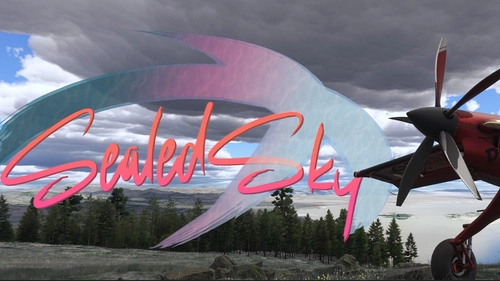
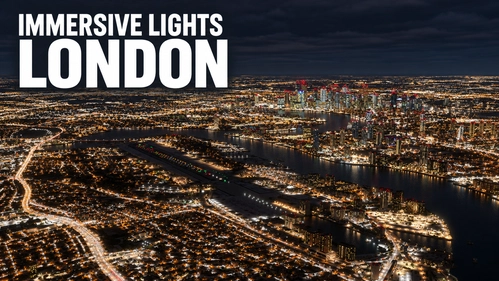
Experience Microsoft Flight Simulator in a whole new visual dimension. “MSFS ReShade – Visuals by Pascal” is designed to bring out the very best in the simulator’s graphics, delivering natural lighting, enhanced contrast, realistic colors, and crisp image clarity.
The preset creates a balanced and authentic atmosphere at any time of day - from golden sunrises to night approaches - and performs consistently across all seasons. Best of all, it maintains full game performance with no noticeable FPS loss - just a beautifully enhanced visual experience.
If you’re looking for a clean, vibrant, and natural-looking upgrade to your simulator visuals, this preset is the perfect addition to your setup.
Features:
- Natural and realistic lighting
- Rich contrast and clear visuals
- Authentic, well-balanced colors
- Crisp image sharpness without over-processing
- Optimized for all times of day and seasons
- No performance impact
For detailed information & installation instructions please read the provided ReadMe carefully.
You are not allowed to upload my files somewhere in the internet or on social networks! Furthermore, please ask me if you want to review this package.
I hope you enjoy this package and as always happy landings!
© Pascal A.
(Last update: October 2026)
VisualsByPascal on YouTube: https://www.youtube.com/@visualsbypascal
VisualsByPascal on Facebook: https://www.facebook.com/visualsbypascal
MSFS ReShade - Visuals by Pascal
"MSFS ReShade - Visuals by Pascal" is a realistic ReShade-preset for Microsoft Flight Simulator 2020 & 2024.

Avis des utilisateurs
16 avis
Historique des versions
ReadMe adjusted: • Updated the ReadMe file in order to match with latest update New ReShade effect added: • Added “SurfaceBlur.fx“ to enhance the overall image-quality & to reduce image-noise
Présent dans des collections(1)

Similaires
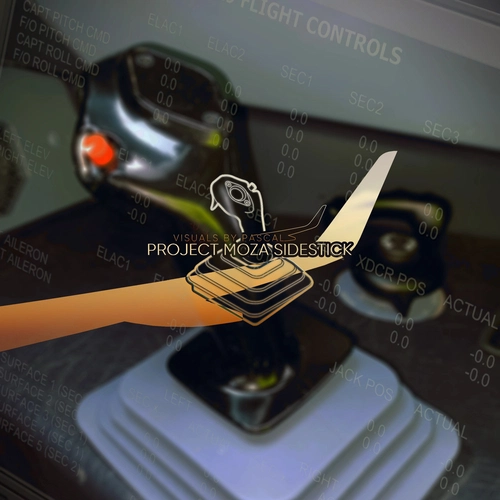
Project MOZA Sidestick
This add-on provides customized Sidestick profiles for the MOZA AB9 base, designed to closely replicate the feel of a real Airbus A32X Sidestick - based on measured Sidestick forces, EFCS & technical data.
par VisualsByPascal
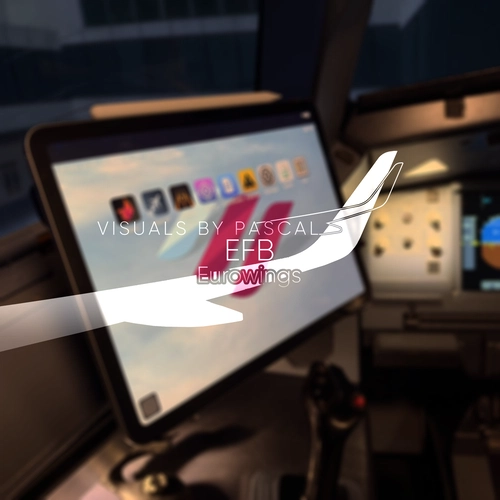
Fenix A32X - Eurowings EFB
Enhance your Fenix A32X experience with this realistic Eurowings EFB-Wallpaper and interactive eQRH Normal-Checklist, bringing an authentic Eurowings touch to your virtual cockpit.
par VisualsByPascal
Fenix A32X - Lufthansa EFB
Enhance your Fenix A32X experience with this realistic Lufthansa EFB-Wallpaper and interactive eQRH Normal-Checklist, bringing an authentic Lufthansa touch to your virtual cockpit.
par VisualsByPascal
Fenix A32X - easyJet EFB
Enhance your Fenix A32X experience with realistic easyJet EFB-Wallpapers and an interactive eQRH Normal-Checklist, bringing an authentic easyJet touch to your virtual cockpit.
par VisualsByPascal
Connectez-vous pour participer à la discussion
Se connecterCommentaires(149)
about 1 month ago
Sommerflieger V1.1 - Experimental
Sommerflieger V4.1
Sommerflieger V1.1
about 21 hours ago
about 6 hours ago
19 days ago
19 days ago
26 days ago
26 days ago
11 days ago
30 days ago
30 days ago
about 1 month ago
about 1 month ago
about 1 month ago
about 1 month ago
about 1 month ago
about 1 month ago
Sommerflieger V1.1 - Experimental
Sommerflieger V4.1
Sommerflieger V1.1
about 1 month ago
It definitely enhances the sim with a clean, incredibly realistic look without feeling overdone or artificial. The preset is very efficiency: there is practically zero impact on performance/FPS. The v1.4 update delivered another noticeable visual jump, dialing in lighting and contrast even further.
Outstanding work – an easy 5 stars!
about 1 month ago
about 1 month ago
about 1 month ago
about 1 month ago