
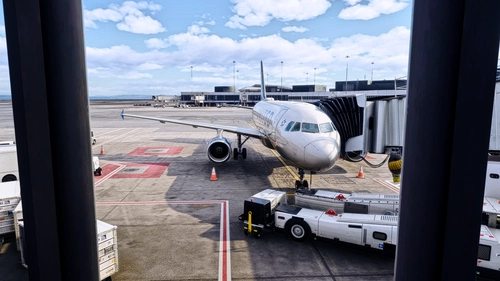
User ContentReshade Presets
DLSS Ultimate Reshade
A great Reshade Profile for DLSS 5. You can use with Rex Atmos Core and comes with a separate one for night.
 RotateAviation
MSFS2024
0.0(0)
47
17.9 KB
10 hours ago
Browse Reshade Presets user content for Microsoft Flight Simulator 2024 and 2020. Parcourez 190 add-ons publiés par notre communauté.
A great Reshade Profile for DLSS 5. You can use with Rex Atmos Core and comes with a separate one for night.
RotateAviation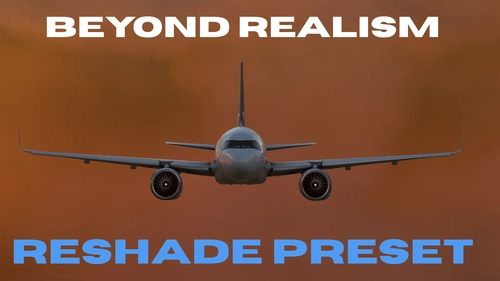
BEYOND REALISM is a ReShade preset for Microsoft Flight Simulator 2020 aimed at enhancing visuals with natural color balance, improved clarity, and subtle vibrance. It uses six tailored post-processing effects to refine highlights, add detail definition, and maintain a cinematic yet realistic look. The preset does not alter in-game textures or assets and requires ReShade with specified shaders installed. Visual results depend on simulator settings, lighting conditions, and display configuration.
 A2L7K
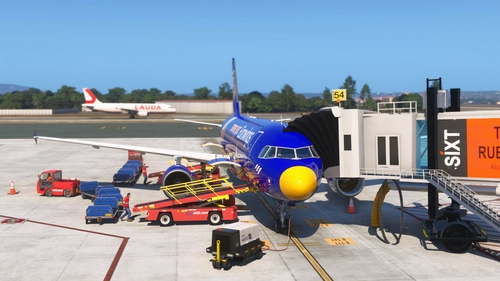
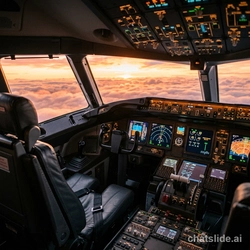
This add-on provides a custom ReShade preset designed to enhance the visual quality of Microsoft Flight Simulator, particularly in combination with REX Atmos Core. The preset is delivered as an ini file and works independently of NVIDIA filters. Simple installation instructions are included, and performance mode is recommended for optimal results. Compatibility considerations for both Steam and Microsoft Store versions of the simulator are noted.
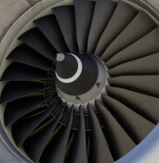 Marius KY
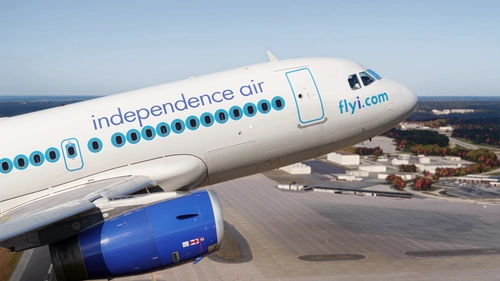
DLSS X - ReShade is a preset designed to enhance atmospheric lighting and color correction in Microsoft Flight Simulator 2024. It introduces a more realistic blue hue, improved fog depth, and vibrant color rendering optimized for DLSS 5 but works without it. The preset requires ReShade and is not dependent on REX Atmos Core. It is recommended to adjust in-sim exposure settings for the best results.
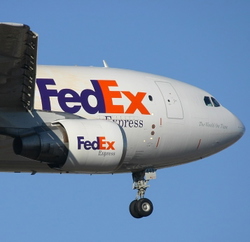 Zoke_Aye
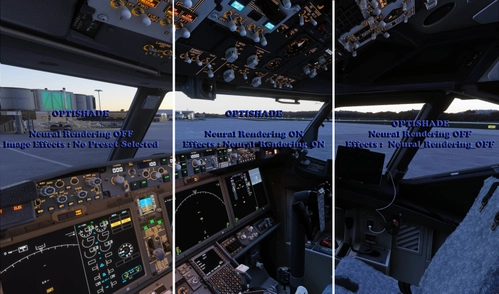
OptiShade Image Effects (Reshade) Presets provide visual enhancements resembling DLSS 5.0 Neural Rendering without significant GPU power draw or performance loss. The included presets can be imported into OptiShade for improved image quality. Users can easily swap between presets for different visual styles. Caution is advised when using actual DLSS 5.0 Neural Rendering due to potential GPU risk.
 BuckeyeBrutus
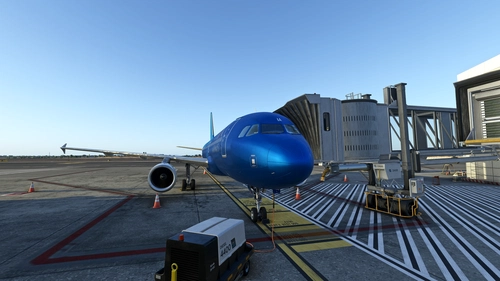
This add-on provides a detailed ReShade preset optimized for 4K OLED screens, enhancing sharpness and visual clarity, particularly in urban environments. Designed to work seamlessly with standard ReShade packages, it is compatible with the Nimbus profile from REX Atmos and Enviro. Users can expect improved details and a refined appearance throughout their flights. Suitable for those seeking a premium visual experience in Microsoft Flight Simulator. Important, AMD sharpen at 0
 Alexeltanque
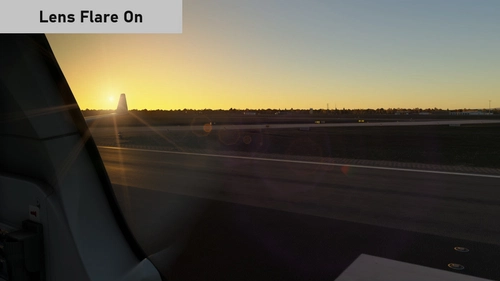
A ReShade add-on that removes the "filmed with a camera" look from MSFS 2024: the lens flare, bloom with lens dirt, and the star rays on city, airport and aircraft lights.
 PdPanoo
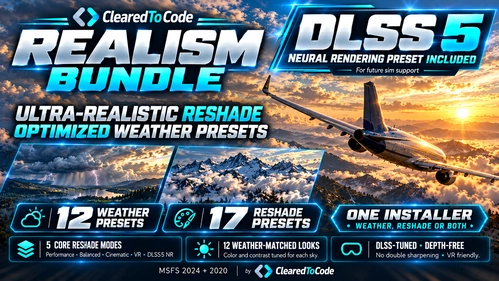
This add-on offers 12 Highly detailed weather presets tailored to realistic aviation conditions, featuring accurate wind layers, cloud formations, and atmospheric variables. It also includes 17 ReShade presets, specifically tuned for DLSS and various visual environments, aiming to correct common graphical issues. The installer allows separate or combined installation for weather and ReShade options. Compatible with both MSFS 2020 and 2024, it supports DX11, DX12, and VR modes.
 ClearedToCode
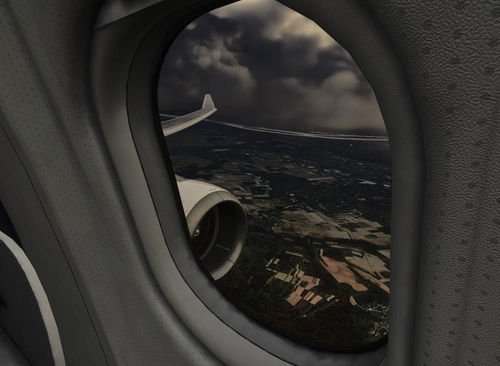
This add-on provides a custom Reshade preset designed to enhance the graphics of Microsoft Flight Simulator. Installation requires the Reshade tool and simple file placement in the simulator's main directory. The preset aims to modify visual elements for a unique graphical experience. No specific adjustments or detailed configuration are included in this package.
frosch67_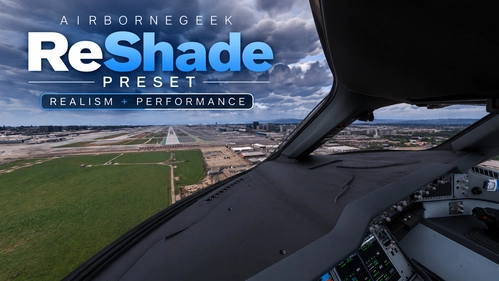
Your All-in-One Flight Sim Reshade Preset Make Your Flight Sim Look REAL — Whether it Morning, Evening, Day or Night!
 AirborneGeek

zFlink 1.3 is a ReShade preset for Microsoft Flight Simulator 2024, focused on providing a neutral and realistic visual experience. It enhances blue skies, shadow depth, night lighting, and color balance for natural imagery without oversaturation. The preset works best with REX Atmos Core and specific environmental presets and requires the chromatic_matrix_0.55.fx shader to function correctly. Recommended settings and adjustments are provided for optimal visual quality.
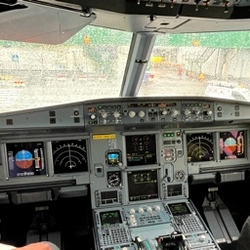 Filippaflink, tvvzz, chr0mz