
Flightsim.to
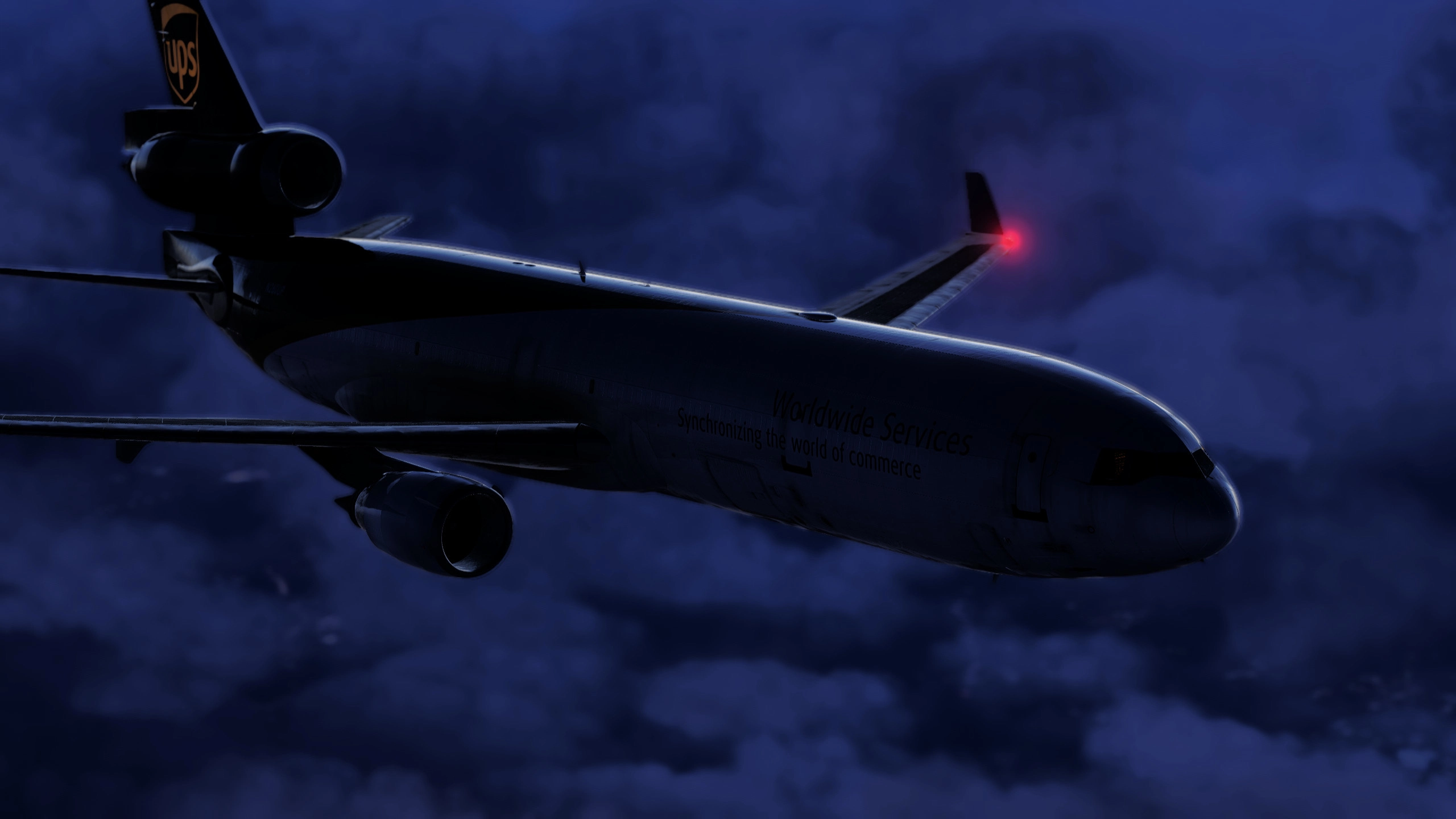
    TrueToLife Reshade   - Image 1

    Description

     Welcome to TrueToLife Reshade 

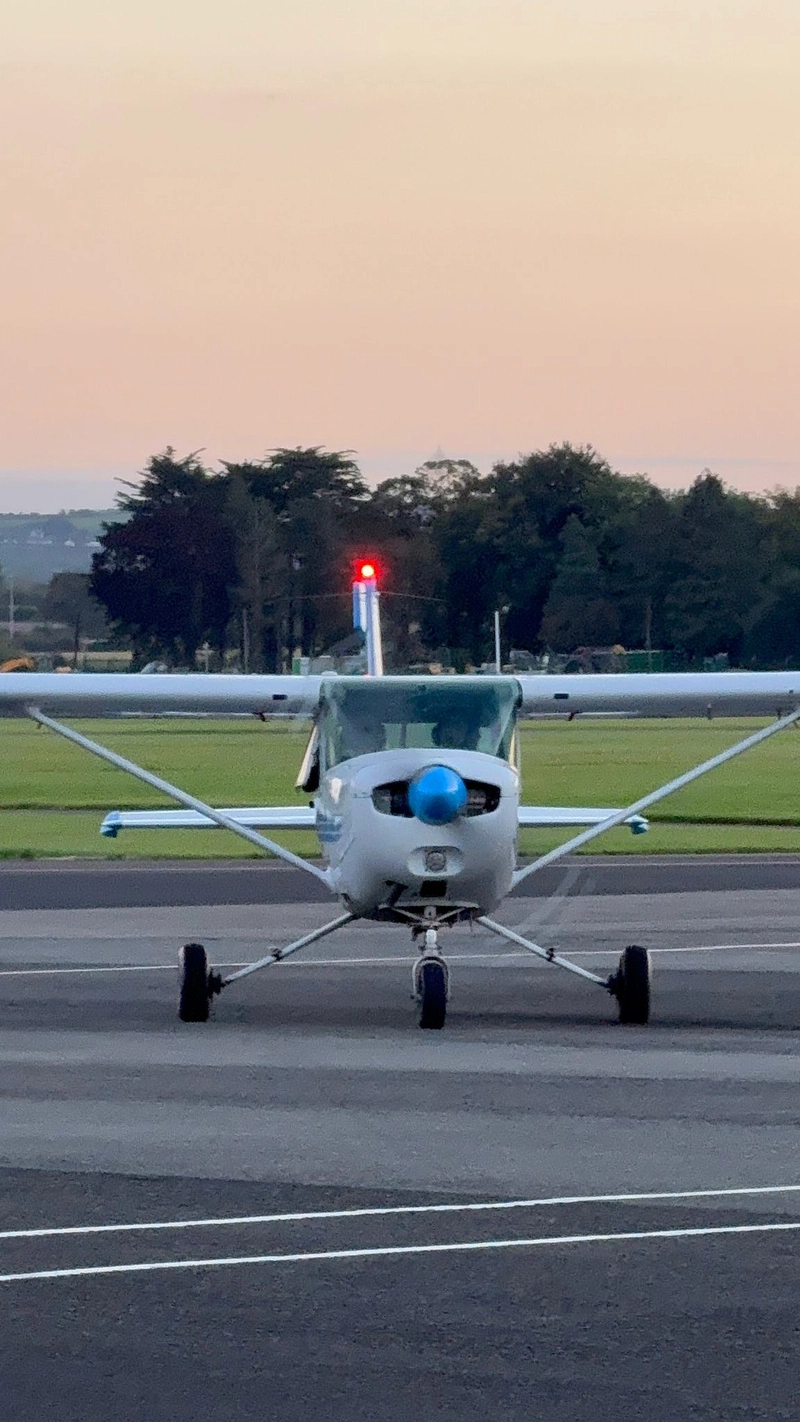
    This ReShade preset is designed to bring a natural and realistic look to The Sim , enhancing lighting, colors, and atmosphere with a simple yet effective setup.Making it In my Opinion one of the closest to real life preset made so far , 

    TrueToLife Reshade uses the following effects to achieve its realistic visuals:

    • Lightroom.fx – makes atmoshpere realistic bluish color 
    • AmbientLight.fx – improves overall lighting and contrast during the day
    • Vibrance.fx and PD80_03_Shadows_Midtones_Highlights.fx – subtly enriches colors and brings out natural tones, Darkens Black Color.


    Please note that using other mods, monitor settings, NVIDIA filters, or HDR may affect the overall look. For FS2024, lowering the Exposure Compensation EV inside the simulator settings to around +1.5 can help manage overly bright scenes caused by the eye-adaptation effect.

    (Minimal FPS Lost , (-5fps- 10fps  )

    For detailed information and installation instructions, please refer to the included ReadMe.

    Enjoy the enhanced visuals, and as always, happy flying! ✈️

    Commentaires(13)

    Connectez-vous pour participer à la discussion

    Se connecter
    s

    28 days ago

    Looking Gooooooooooooooooood like really good it's better than the photos in the sim i'm not even lying
    v
    veezyAuthor

    23 days ago

    ahahhah
    s

    3 months ago

    i can't really see a difference should i download it as normal like excract it double click it then drag in to the comunity folder or is there something else
    v
    veezyAuthor

    3 months ago

    -Good Evening to you sir, Negative this addon is For Reshade "APP" and not community folder -
    i recommend you watch this
    https://www.youtube.com/watch?v=JKbbN16gRSM
    s

    28 days ago

    ty
    c

    4 months ago

    I will say this preset is very good although the shadows are quite intense outside and in the cockpit. in the cockpit it is way too dark and nothing like real life. The colors also look a bit too washed out. I compared my southwest livery to pictures online and in the game the reds and yellows were washed out. Other than that i have no more complaints. Don't get demotivated by the little bit of flaws with the preset, keep up the good work!
    v
    veezyAuthor

    4 months ago

    Hey , Thank you so much for reaching out it means a lot >
    As mentioned before i would to just let you know That i personally use the Windows HDR Not ingame and Also That my sim Exposure is set to 1.5 Try that :D ,
    I Promise you will Change your Mind ...
    Keep me updated
    c

    4 months ago

    Sorry I forgot to mention that to fix the shadows problem I unchecked some of the effects. When I went to turn them back on they didn't work so I didn't get to test it out with HDR in windows settings. By the way I'm on MSFS 2020 and I didn't see any way to change the sim exposure in settings.


    D

    7 months ago

    I'm going to leave only 3 stars for now because I feel like it has potential, but it's not really quite there yet. On one hand, it captures colors in MSFS very vividly, making it incredibly realistic from that pov. However, and that's why for now it's only 3 stars, I feel like the shadows are very underexposed. Flying at night, you basically can't see the clouds being illuminated by the surrounding light pollution, and the cockpit feel very dark, almost as if no light is entering it.
    v
    veezyAuthor

    7 months ago

    I appreciate The comment and Photo"s Provided , Thanks for the Tip, I strongly Recommend to Adjust Your "Exposure Compensiation EV in the "2024 setting-Graphic"For me 1.4 works really well the cockpit is nice and bright and the outside hasnt changed ,I also have to add that i personaly use The windows HDR, NOT MSFS HDR" This improves Drastically The shadows/Colors/Light Sensitivity/ Etc ,That depending on if your monitor is HDR Capable, I strongly advice Trying it Out with my Reshade Profile :)
    s

    3 months ago

    Looks like you’re on approach to RWY 32R at LEMD!
    a

    7 months ago

    thanks, but no readme file included
    v
    veezyAuthor

    7 months ago

    i will try to upload it as soon as possible , Do you like the Shade ?
    MSFS 2020MSFS 2024

    TrueToLife Reshade

    TrueToLife Reshade is a custom ReShade preset designed to enhance the visual realism in Microsoft Flight Simulator by improving lighting, colors, and atmosphere. It features effects such as Lightroom.fx, AmbientLight.fx, and Vibrance.fx to achieve a more lifelike appearance. Users are advised that other mods and monitor settings may impact the visual output, with minimal FPS loss expected. For installation and detailed usage instructions, a ReadMe file is included.
    Téléchargements865
    Version6.8
    Taille du fichier18.31 KB
    PubliéIl y a 6 mois
    Mis à jourIl y a 3 mois

    Avis des utilisateurs

    4.0

    3 avis

    5
    33%
    4
    33%
    3
    33%
    2
    0%
    1
    0%

    More Information

    Simulateur
    MSFS2020/24
    CatégorieUser Content
    Sub-CategoryReshade Presets

    Historique des versions

    A Insertion of a dynamic Contrast >Real life White tone.
    Similaires