
Description
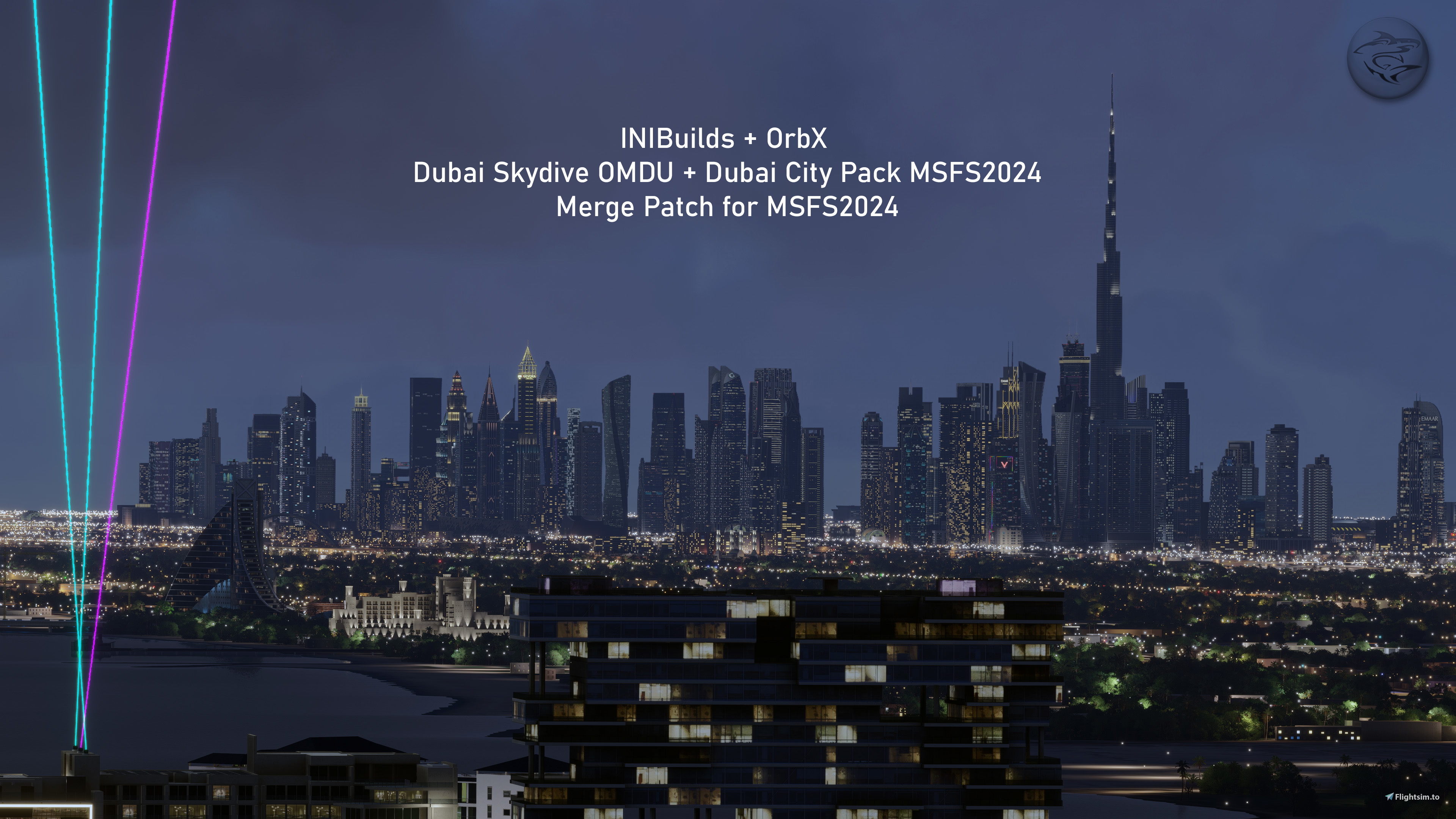
Since the last updates, the wonderful compatibility patch by Maxest no longer works flawlessly in MSFS2024, so I decided to give you a completely redone version, created from scratch for MSFS2024 specifically. I also added some ground details.
This small patch is intended to combine iniBuilds OMDU Dubai Skydive Airport Freeware and OrbX Dubai City Pack for MSFS2024 in MSFS2024.
No external libraries are required, except iniBuilds OMDU available at the iniBuilds website and the Landmarks Dubai City Pack for MSFS2024 from OrbX.
Important: for the scenery to show up correctly first of all rename the "inibuilds-airport-omdu-skydive-dubai" folder to "zz-airport-omdu-skydive-dubai". This way the iniBuilds scenery will be loaded after the ORBX but before this pack.
Installation: Just unzip the "zz-tsdesign-dubai-merge" folder into your "Community" folder.
P.S. This pack does not modify the original scenery in any way nor does it include any of the official content! It just makes both sceneries compatible in MSFS2024 and adds some of my own work to it.
Location
Merge ORBX + iniBuilds Dubai landmarks
This add-on provides a compatibility patch designed to merge the iniBuilds OMDU Dubai Skydive Airport and the OrbX Dubai City Pack within Microsoft Flight Simulator 2024. Created from scratch for the latest version of the simulator, it includes additional ground details for an enhanced experience. No external libraries are required except for the aforementioned scenery packages. Users need to rename the iniBuilds folder to ensure correct layering for proper display.

Avis des utilisateurs
2 avis
Historique des versions
Aucun historique de version disponible.
Similaires
Skydive Dubai - OMDU
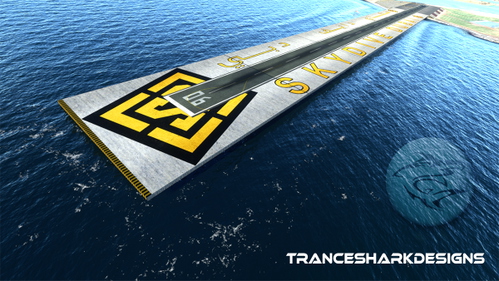
Experience the evolution of Skydive Dubais floating runway with this add-on, featuring a spectacular 550-meter runway extending into the Arabian Gulf next to Palm Jumeirah. The runway is meticulously recreated as a full 3D object with stunning 4K PBR texturing. Simply move the "tsdesigns-omdu" folder to your Community folder for installation.
par Tranceshark
GNS530 profile for StreamDeck XL (for LORBY's AAO SD plugin)
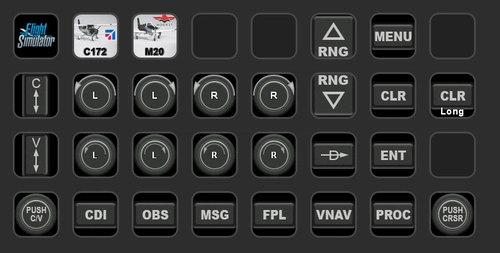
A GNS530 StreamDeck XL profile and icons designed for LORBYs AxisAndOhs (AAO) plugin, requiring the StreamDeck Plugin. Features all GNS530 system buttons for enhanced functionality, specifically crafted for the Mooney M20R aircraft. Compatible with the PMS50-GNS530 enhancement package and Carenado M20R updates. Freeware package by Tranceshark with no distribution rights.
par Tranceshark
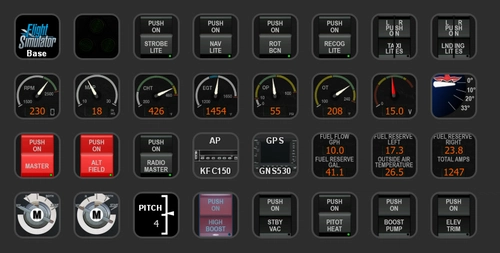
Carenado Mooney M20R profile for StreamDeck XL (for LORBY's AAO SD plugin)
Enhance your flight simulation experience with the Carenado Mooney M20R Ovation StreamDeck XL Profile. This package by Tranceshark includes animated mainpanel aux steam gauges, digital gauges for various systems, and recreated buttons and switches for electrical systems and lights. Please note some known restrictions regarding button functions. Download now to customize your cockpit controls with this freeware add-on.
par Tranceshark
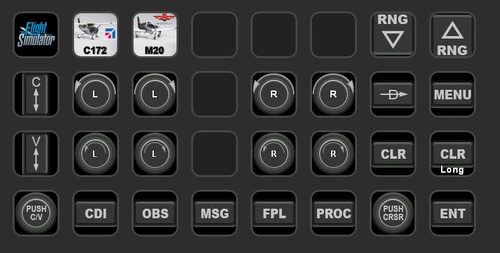
GNS430 profile for StreamDeck XL (for LORBY's AAO SD plugin)
Enhance your cockpit experience with the GNS430 StreamDeck XL Profile for LORBYs AAO SD plugin by Tranceshark. This package includes recreated and functional buttons for the GNS430 system. Please note that LORBYs AAO and its StreamDeck Plugin are required to run this profile. Find the GNS530 profile from the same creator for a complete set of cockpit controls.
par Tranceshark
Connectez-vous pour participer à la discussion
Se connecterCommentaires(9)
about 1 month ago
about 2 months ago
about 2 months ago
4 months ago
10 months ago
11 months ago
11 months ago
11 months ago
11 months ago