
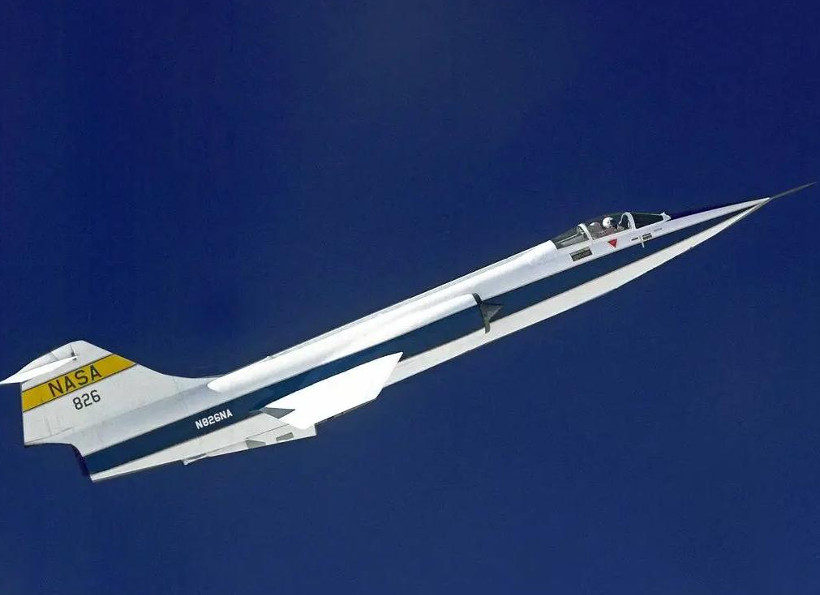
Description
*LIST OF FEATURES*:
- Compatibility of the original MSFS2020 addon with MSFS2024
- Completely new and external (not Asobo's FM based) professional Flight Model
- Detailed and realistic recreation of most aircraft systems (ADV):
* Flight Control System including real aircraft SAS
* AFCS/Autopilot with all real modes implemented
* Hydraulic HYD1, HYD2 & RAT
* Electrical GEN1, GEN2 & RAT, including all buses/systems
* J79-GE-11 custom engine model, including T2Reset, T2 Cutback, Boundary Layer system, compressor stalls, etc...
* Realistic Landing Gear structural and brakes model
* Realistic Air Data System (ADS) including Mach, Airspeed and Altitude errors - Random Failures affecting all aircraft systems
- Improved Sounds and effects
- High level of configurability
- User Guide included (PLEASE, DO READ IT!)
*REQUIRES Sim-Skunk-Works FRF F-104G v1.3.10*
-------------------------------------------------------------------------------------------------------------------------------------------------------------------------
** DONATIONS **
If you're really enjoying this mod and want this developer to continue improving these mods and creating new ones, please donate
Paypal: jacn1277@gmail.com
THANK YOU! **
F-104G ADV
The F-104G ADV add-on offers a comprehensive and realistic simulation of the Lockheed F-104G Starfighter, now compatible with both MSFS2020 and MSFS2024. This add-on features a professionally developed flight model independent of Asobos, alongside an extensive recreation of the aircrafts systems, including flight control, autopilot, electrical, and hydraulic systems. Users can expect added realism with random failures, improved sound effects, and a high level of configurability. A user guide is included to assist with the add-ons features.


Avis des utilisateurs
9 avis
Historique des versions
- Late F-104G cockpit upgrade (German Luftwaffe late 70's): + Enhanced cockpit ergonomics + Radioaltimeter implemented - The watch's stopwatch function has been fixed - UserGuide updated
Similaires
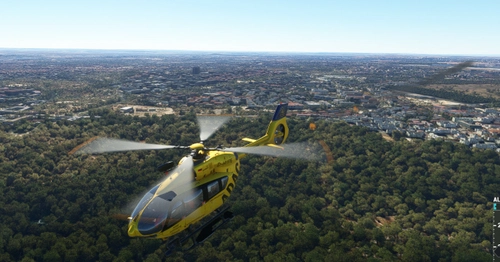
HPG H145 & H160 Realism Mod
Enhance realism with this mod designed for the HPG H-145 & H-160 helicopters. Experience various emergency situations encountered by real-life pilots, improving the immersive simulation experience by incorporating operational failures and structural damage effects. Compatible with default systems, the mod includes random failure events, realistic damage propagation, and icing effects on engines, pushing players to react with proper judgment during critical moments.
par ACN
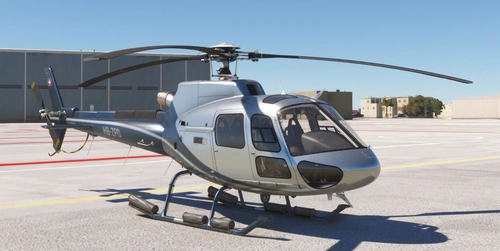
CowanSim H-125 Realism Mod
The CowanSim H-125 Realism Mod is a freeware enhancement designed specifically for the CowanSim H-125 helicopter. Key features include a detailed Vortex Ring State model, custom engine hotstart behavior, and a realistic hydraulic system. Additionally, it incorporates a stress damage model for critical components and introduces random failure simulations based on actual aviation statistics. Users can also experience blade icing effects, further enhancing the simulations realism.
par JACN12
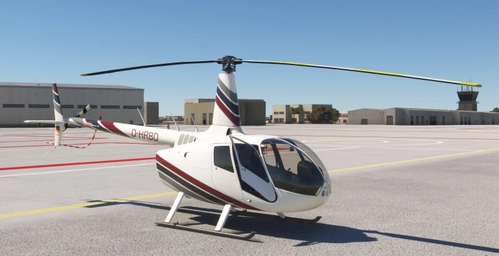
CowanSim R-66 Realism Mod
The CowanSim R-66 Realism Mod is a freeware enhancement designed to improve the realism of the CowanSim R-66 helicopter in Microsoft Flight Simulator. This mod includes advanced features such as a Vortex Ring State model, custom torque and engine oil models, and realistic helicopter performance, along with damage effects for the rotors and engine. Additional elements focus on failures, icing effects, and improved electrical systems, aiming to provide a comprehensive simulation experience.
par JACN12
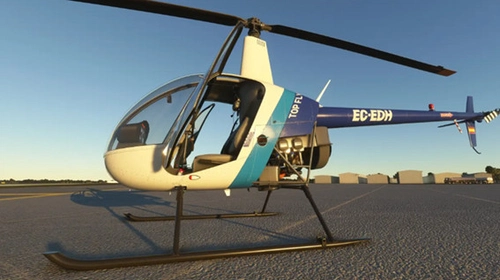
CowanSim R-22 Realism Mod
The CowanSim R-22 Realism Mod adds a layer of realism to the CowanSim R-22 helicopter in Microsoft Flight Simulator. This freeware module introduces features such as a realistic Vortex Ring State model, icing effects on the carburetor, and a stress damage model affecting various helicopter components. It also implements a random failures system based on authentic aviation rates and includes a mast bumping damage model.
par JACN12
Connectez-vous pour participer à la discussion
Se connecterCommentaires(60)
about 14 hours ago
You start it cold and dark, and the plane appears rolling coming to a stop, passing by your avatar (chocks are ignored haah). when you get inside of it, open the cockpit again, 2 clicks on the handle, the first click it doesn´t reconize the command. open the kneeboard, cant change the values on any fuel tank, call epu (works) Plug the cart, and engage it..... i can hear the sound of it working, but no lights in the cabin, nor the engine starter on the knee board turns red to activate starter warning.. it just flickers real fast occasionally.. as well as the lights on the plane..
if you click the starter.. you can only hear the spark clicking... and nothing else happens..
if you rework the layout.jason file doesn´t change anything... you have to delete the whole plane e do it from the start (instal and repatch + json rework) to make it run just for once.
I even tried this on the comunity folder, and the comunity 2024 folder.. same thing..
And no, im not using no mods besides this one.. all of my other planes are purchased on msfs2024 store..
running the Sim-Skunk-Works FRF F-104G v1.3.10
about 5 hours ago
Engine start: never use the tablet for engine start, use it only to energize the EPU. It will break the mod custom engine start. Use only engine starter switches for engine start with EPU energized.
Fuel: standard behaviour with msfs2024. Fuel must be loaded from tablet. The mod will limit Fuel quantities based on configuration.
Other issues: unable to replicate. I would recommend you a fresh addon installation follow by my mod.
If after the second aircraft load the mod fails, that's because something else is interfering with it. It's beyond my reach to know what specific peculiarities of your setup is causing it.
Nevertheless, if the default ssw 104 is working fine for you in msfs2024, avoid my mod.
BR
8 days ago
p.s. and this stuff is glitchy btw, some time it's just start prevent taxi turn even if use unlock button.
8 days ago
You have to hold the NWS switch in the stick ( "Horn" sim command) for allowing nose wheel deflection (left/right).
Once airborne, the pedals are used normally (like you would do in a cessna). So, no clue on the effects you're describing.
My mod is intended for "standard" hardware setups: joystick, throttle and pedals.
If your setup/condiguration is not standard and/or you are not happy with the mod, easy, uninstall it. No refunds allowed ;)
Have a great day
8 days ago
msfs 2024 1.9.16.0 x65f@velocityone rudder... all standard, but game version:)
9 days ago
9 days ago
12 days ago
11 days ago
13 days ago
However, I don't have a clue how to activate/deactivate NWS. I am not at all familiar with sim evcents and Horn_trigger events. I use hardware such as rudder, throttle, stick etc for controling planes.
Please can somebody explain to me how to get NWS to work for me.
12 days ago
19 days ago
Thanks
Francesco
19 days ago
SSW F-104G Light Mod (FS2020) - Aircraft Enhancements for MSFS | Flightsim.to https://share.google/rZt2fbWZeKPcVCqsG
Fyi: my mod is not affecting external lights. (=default Ssw)
25 days ago
Thanks,
David
25 days ago
2) Make sure there are no other mods or addons running (FX/shaking effects, FSUIPC, etc...)
23 days ago
Thanks, David
23 days ago
22 days ago
22 days ago
In this case (SB) the sim is governing it,always that HYD2 is online. So it's odd.
I will try check it as soon as I can (now busy on other projects).
For the moment try a fresh F-104 + mod installation, avoid Beta Sim versions, search for duplicated bindings and move your button to another hardware device or keyboard. I think I found some strange behaviors on this respect in other aircraft and some joystick buttons