
Flightsim.to
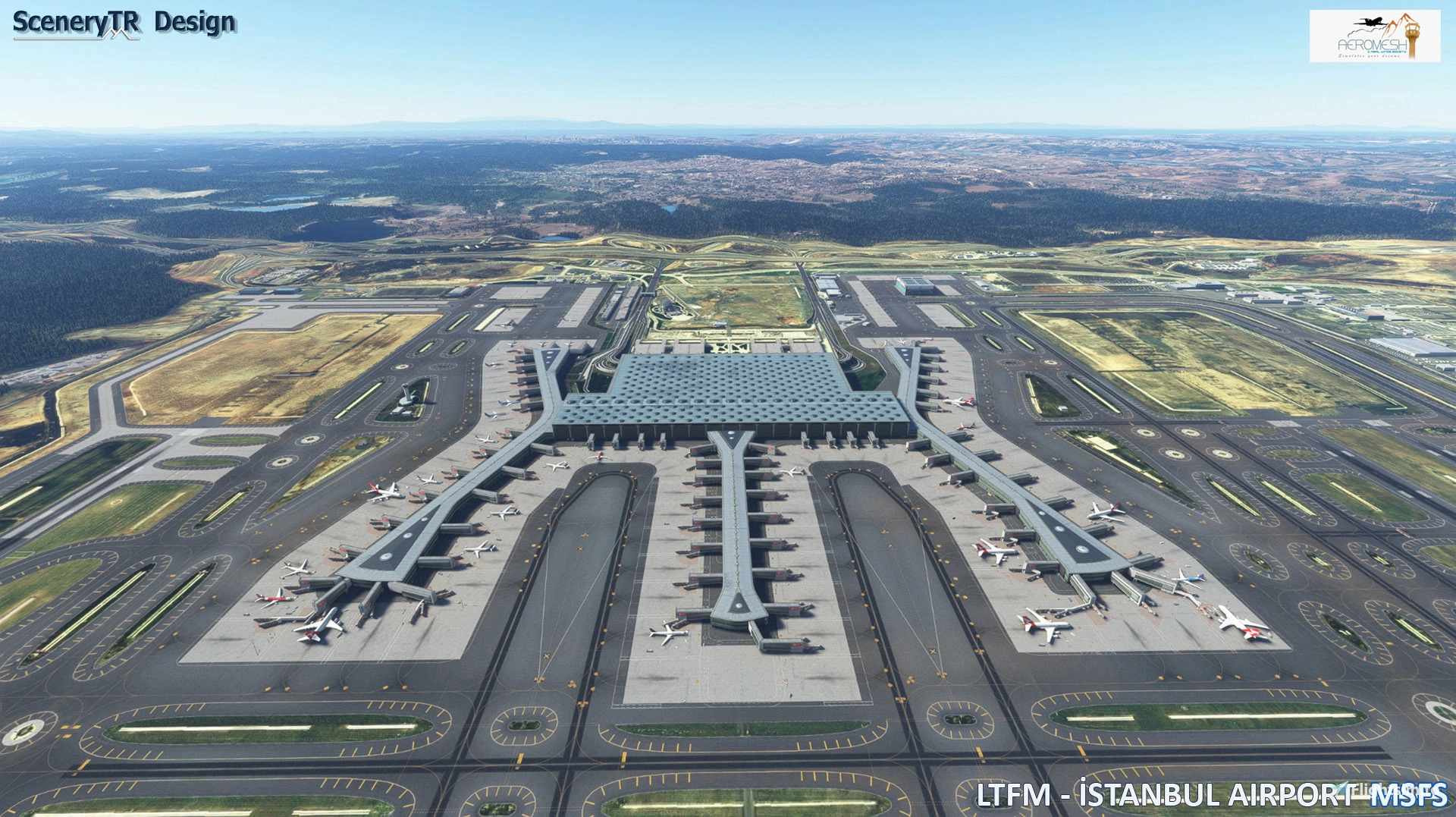
    GSX Profile for LTFM Istanbul Airport by SceneryTR Design - Image 1

    Description

    This is a GSX Pro Profile for LTFM Istanbul Airport made by SceneryTR Design.

    What comes with this Profile:
    - Renamed positions
    - renamed pushback labels
    - DeIcing Areas
    - customized vehicle positions
    - VGDS
    - adjusted Jetway height for pax
    - customized stoppositions

    Concerning DeIcing Apron 2, the positions are currently facing north. I am not sure if that makes sense/if it matches the real life operation.
    If any of you has accurate information on those, please let me know.

    For installation, just unpack and drop the two files in ...\Virtuali\GSX\MSFS folder.

    I created this with MSFS2020 and since some user-feedback the profile works in MSFS2024 as well.

    If you face any issues, let me know the position and plane you used and I will see if I can fix it.

    Have fun and let me know if something needs to be changed :)

    Activité des interactions
    TéléchargementsCommentairesÉchelles distinctes pour les téléchargements et les commentaires
    21 oct. Téléchargements: 10 Commentaires: 1 Bug: 122 oct. Téléchargements: 10 Commentaires: 023 oct. Téléchargements: 16 Commentaires: 024 oct. Téléchargements: 15 Commentaires: 025 oct. Téléchargements: 22 Commentaires: 026 oct. Téléchargements: 12 Commentaires: 027 oct. Téléchargements: 16 Commentaires: 028 oct. Téléchargements: 16 Commentaires: 029 oct. Téléchargements: 7 Commentaires: 030 oct. Téléchargements: 191 Commentaires: 031 oct. Téléchargements: 92 Commentaires: 001 nov. Téléchargements: 59 Commentaires: 002 nov. Téléchargements: 45 Commentaires: 003 nov. Téléchargements: 28 Commentaires: 004 nov. Téléchargements: 31 Commentaires: 005 nov. Téléchargements: 17 Commentaires: 006 nov. Téléchargements: 23 Commentaires: 007 nov. Téléchargements: 26 Commentaires: 008 nov. Téléchargements: 31 Commentaires: 009 nov. Téléchargements: 13 Commentaires: 010 nov. Téléchargements: 13 Commentaires: 011 nov. Téléchargements: 12 Commentaires: 012 nov. Téléchargements: 14 Commentaires: 013 nov. Téléchargements: 19 Commentaires: 014 nov. Téléchargements: 17 Commentaires: 015 nov. Téléchargements: 22 Commentaires: 016 nov. Téléchargements: 13 Commentaires: 017 nov. Téléchargements: 18 Commentaires: 018 nov. Téléchargements: 9 Commentaires: 019 nov. Téléchargements: 9 Commentaires: 1 Avis: 1
    21 oct.04 nov.19 nov.
    826
    Téléchargements
    2
    Commentaires
    Dernier commentaire aujourd’hui
    Le créateur répond à 63% des commentaires

    Connectez-vous pour participer à la discussion

    Se connecter

    Commentaires33

    ononiko
    Avis·about 9 hours ago
    Works well
    MucahidTR33Bug·29 days ago
    Hi, pushback from each stand stops before the taxi line after the latest SU7 update, happend with 330 and 350 from several stands
    helikackterAuthor·28 days ago
    thanks for the feedback, will check asap
    helikackterAuthor·28 days ago
    I can confirm the problem. Seems like it is a scenery issue. Until I implement custom pushback routes it remains as that, sorry for that. Fortunately I got back again to do some GSX stuff, so expect an update of the profile.
    MucahidTR33·24 days ago
    Thanks, I will waiting for the new update from you
    eddy36
    Général·about 1 month ago
    Schmeckt
    Kaanss
    Retour·about 1 month ago
    Thank you really much for the help, Best Regards Kaan. :)
    KaanssQuestion·about 1 month ago
    Hi, I Followed the steps but i cant see the VGDS please help
    helikackterAuthor·about 1 month ago
    Hi there! Please have a first look at the GSX folder, if there is another profile(.ini-file) for LTFM. If so, please delete it.
    And you can also check in the GSX Customization window, which profile is loaded.
    GSX-Menu -> Customize Airport Positions -> At the top of the "GSX Customization" window it is shown which file is used at the moment.
    MrG0ffre222222
    ·3 months ago
    great gsx profile but i have this issue
    helikackterAuthor·3 months ago
    Thanks for your feedback!
    Can you please specify what this issue is about?
    MrG0ffre222222·3 months ago
    it doesnt stop on the taxiway lines.
    helikackterAuthor·3 months ago
    I suppose the "straight back" pushback option was used? Then this would happen. Sometimes this happens to me as well, that GSX chooses this option by itself and I cant do anything about it. "Facing x/y" pushback options will bring you to the taxiway facing the desired direction. Can you tell me the exact position/gate you used so I can doublecheck?
    MrG0ffre222222·3 months ago
    I honestly dont remember it was on the north apron some where 130 - 149 stands
    piloteren52·5 months ago
    I can't see any special pushback procedures in this Profile. For example position 10 no available for gate G9.
    helikackterAuthor·5 months ago
    Because there are no.
    Do you have specific information on real ops regarding pushback routes? Feel free to share/send me a pm and I'd be happy to implement those.
    beleew
    ·5 months ago
    Hello in any remote parking area (No Jetway) only operator FUGO is available but its not like that in reallife. Besides that this is a good profile I recommend it (I fixed it myself and you guys can too with using Customize this Parking Position in GSX menu and choose Apron 1-4 ETC. and do it)
    helikackterAuthor·5 months ago
    Hi there, thank you for your feedback. If you know, feel free to share who the real operators are for these aprons. I'd be happy to implement
    beleew·4 months ago
    TGS, TK, HAVAS, CELEBI
    MervA
    ·5 months ago
    Thank you for you GAX Profile Great !
    MSFS 2020MSFS 2024

    GSX Profile for LTFM Istanbul Airport by SceneryTR Design

    This GSX Pro Profile for LTFM Istanbul Airport, designed by SceneryTR Design, offers customized vehicle placements and adjusted Jetway heights for passenger convenience. It includes renamed positions and a VDGS system, tailored specifically for terminal positions and cargo aprons, with plans for future updates. Installation requires placing two files in the designated GSX folder, though compatibility with MSFS2024 is uncertain.


    Téléchargements5K
    Version2.6
    Taille du fichier85.6 KB
    PubliéIl y a 9 mois
    Mis à jourIl y a 2 semaines

    Avis des utilisateurs

    4.8

    10 avis

    5
    80%
    4
    20%
    3
    0%
    2
    0%
    1
    0%

    Historique des versions

    - implemented custom pushback routes for all Terminal and Cargo Aprons, other Aprons may follow - revised Cargo Aprons - minor fixes

    Similaires
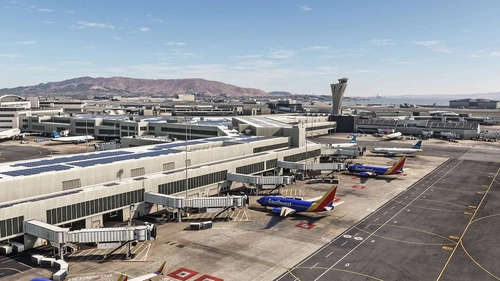
    GSX Profile for KSFO San Francisco Intl Airport by FlightBeam

    GSX Profile for KSFO San Francisco Intl Airport by FlightBeam

    This GSX Pro Profile enhances the experience at San Francisco International Airport (KSFO) by FlightBeam, featuring customized positions for terminals and cargo areas, along with vehicle placements and VDGS support. Installation is straightforward, requiring users to unpack and copy files into the appropriate GSX folder. For optimal performance, adjustments to apron equipment visibility are recommended. Compatibility with MSFS2024 is not guaranteed as its designed for MSFS2020.

    par Zwackelpeter
    5.0
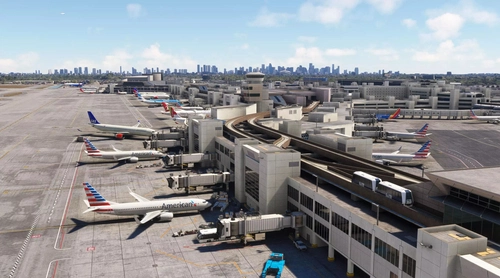
    GSX Profile for KMIA Miami International Airport by GlideslopePro

    GSX Profile for KMIA Miami International Airport by GlideslopePro

    This add-on provides a GSX Pro Profile specifically for Miami International Airport (KMIA), developed by GlideslopePro. It features customized vehicle positions, renamed positions, and a VDGS, focusing initially on Concourse D. Future updates are planned to include additional commercial concourses and cargo aprons. Installation is straightforward, involving file placement in the designated GSX folder.

    par Zwackelpeter
    4.3
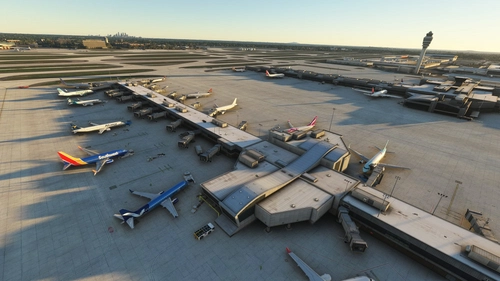
    GSX Profile for KATL - Hartsfield–Jackson Atlanta International Airport by imaginesim

    GSX Profile for KATL - Hartsfield–Jackson Atlanta International Airport by imaginesim

    This add-on provides a comprehensive renaming of parking positions at Hartsfield–Jackson Atlanta International Airport (KATL) in MSFS2020, aligning them with official FAA charts. Created for use with the Imagine Simulation - KATL scenery, it includes nearly all positions except for D1A, D8A, and D11A. Future updates may include a GSX profile based on availability.

    par Zwackelpeter
    5.0
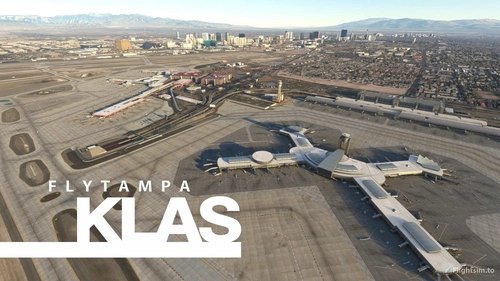
    GSX Profile for KLAS Las Vegas McCarran Intl Airport by FlyTampa

    GSX Profile for KLAS Las Vegas McCarran Intl Airport by FlyTampa

    This GSX Pro Profile is designed for KLAS Las Vegas McCarran International Airport, created specifically for the FlyTampa scenery. It features renamed and customized vehicle positions, along with VDGS for enhanced ground services. Installation is straightforward: simply unpack the files into the specified GSX folder. Compatibility with MSFS2024 has not been confirmed.

    par Zwackelpeter

    0.0