
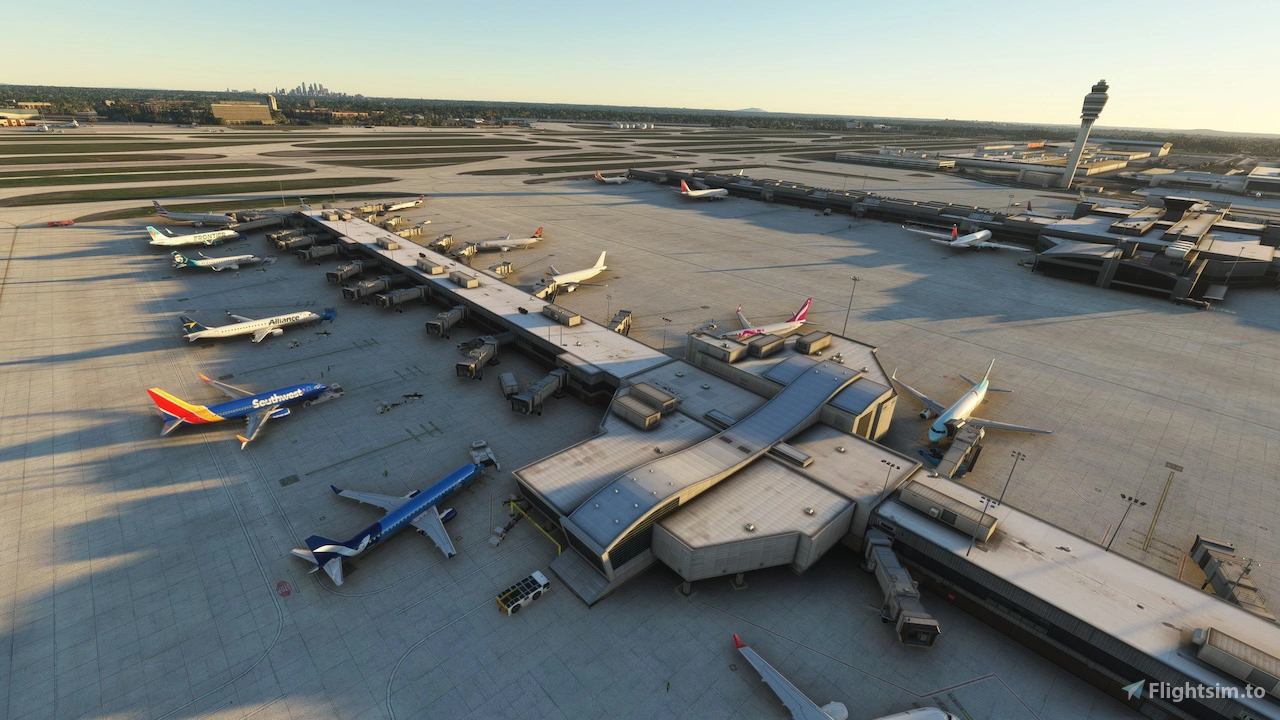
Description
This is a GSX Pro Profile for KATL Hartsfield–Jackson Atlanta International Airport that was made by imaginesim.
What comes with this Profile: Renamed positions, customized vehicle positions, customized stoppositions, VDGS(GSX and Nool, choose one of the files), adjusted ground handlers in different areas and custom pushback routes.
The only positions I left out, are the GA-positions on Ramp 20.
Installation:
For GSX-VDGS or Nool-VDGS, choose the according file ("GSXVDGS" or "NOOLVDGS")
If you prefer the positions names being sorted after Terminal names, choose the "...-TERMINALNAMES.py" file or
go with the "...-CHARTNAMES.py" file, to have the namingconvention following the Airportchart. (See pictures)
Just unpack and drop the files in ...\Virtuali\GSX\MSFS folder.
Make sure you choose only ONE .ini and ONE .py file
If you have more detailed information about ground handlers or stuff that might not fit real life ops, let me know.
Also if you face any issues, let me know the exact position and plane you used, so I can reproduce in the best way possible and fix.
Created in MSFS2020 and according to some user feedback it works in MSFS2024 as well.
Happy Flying!
GSX Profile for KATL - Hartsfield–Jackson Atlanta International Airport by imaginesim
This add-on provides a comprehensive renaming of parking positions at Hartsfield–Jackson Atlanta International Airport (KATL) in MSFS2020, aligning them with official FAA charts. Created for use with the Imagine Simulation - KATL scenery, it includes nearly all positions except for D1A, D8A, and D11A. Future updates may include a GSX profile based on availability.


Avis des utilisateurs
1 avis
Historique des versions
- adjusted and customized stoppositions - changed pushbacklabels for the Cargo Ramps - added some customized pushbackroutes for the Cargo Ramps - minor fixes - shout out to NipsNTurkeyDips for sharing knowledge and a template
Similaires
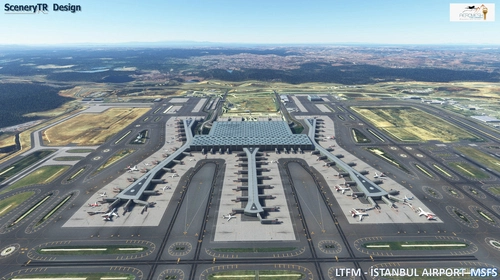
GSX Profile for LTFM Istanbul Airport by SceneryTR Design
This GSX Pro Profile for LTFM Istanbul Airport, designed by SceneryTR Design, offers customized vehicle placements and adjusted Jetway heights for passenger convenience. It includes renamed positions and a VDGS system, tailored specifically for terminal positions and cargo aprons, with plans for future updates. Installation requires placing two files in the designated GSX folder, though compatibility with MSFS2024 is uncertain.
par Zwackelpeter
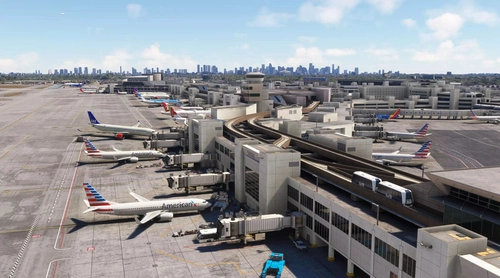
GSX Profile for KMIA Miami International Airport by GlideslopePro
This add-on provides a GSX Pro Profile specifically for Miami International Airport (KMIA), developed by GlideslopePro. It features customized vehicle positions, renamed positions, and a VDGS, focusing initially on Concourse D. Future updates are planned to include additional commercial concourses and cargo aprons. Installation is straightforward, involving file placement in the designated GSX folder.
par Zwackelpeter
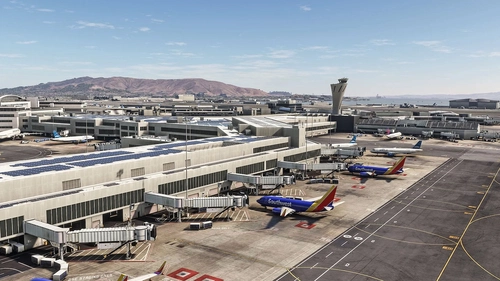
GSX Profile for KSFO San Francisco Intl Airport by FlightBeam
This GSX Pro Profile enhances the experience at San Francisco International Airport (KSFO) by FlightBeam, featuring customized positions for terminals and cargo areas, along with vehicle placements and VDGS support. Installation is straightforward, requiring users to unpack and copy files into the appropriate GSX folder. For optimal performance, adjustments to apron equipment visibility are recommended. Compatibility with MSFS2024 is not guaranteed as its designed for MSFS2020.
par Zwackelpeter

GSX Profile for KLAS Las Vegas McCarran Intl Airport by FlyTampa
This GSX Pro Profile is designed for KLAS Las Vegas McCarran International Airport, created specifically for the FlyTampa scenery. It features renamed and customized vehicle positions, along with VDGS for enhanced ground services. Installation is straightforward: simply unpack the files into the specified GSX folder. Compatibility with MSFS2024 has not been confirmed.
par Zwackelpeter
Connectez-vous pour participer à la discussion
Se connecterCommentaires(6)
6 months ago
6 months ago
I just don't set the compatibility to 2024 as well, unless I get confirmation it does work.
Just give it a go and let me know if it works for you :)
6 months ago
6 months ago
8 months ago
8 months ago
I will implement pushback routes when I find the time :)