
Description
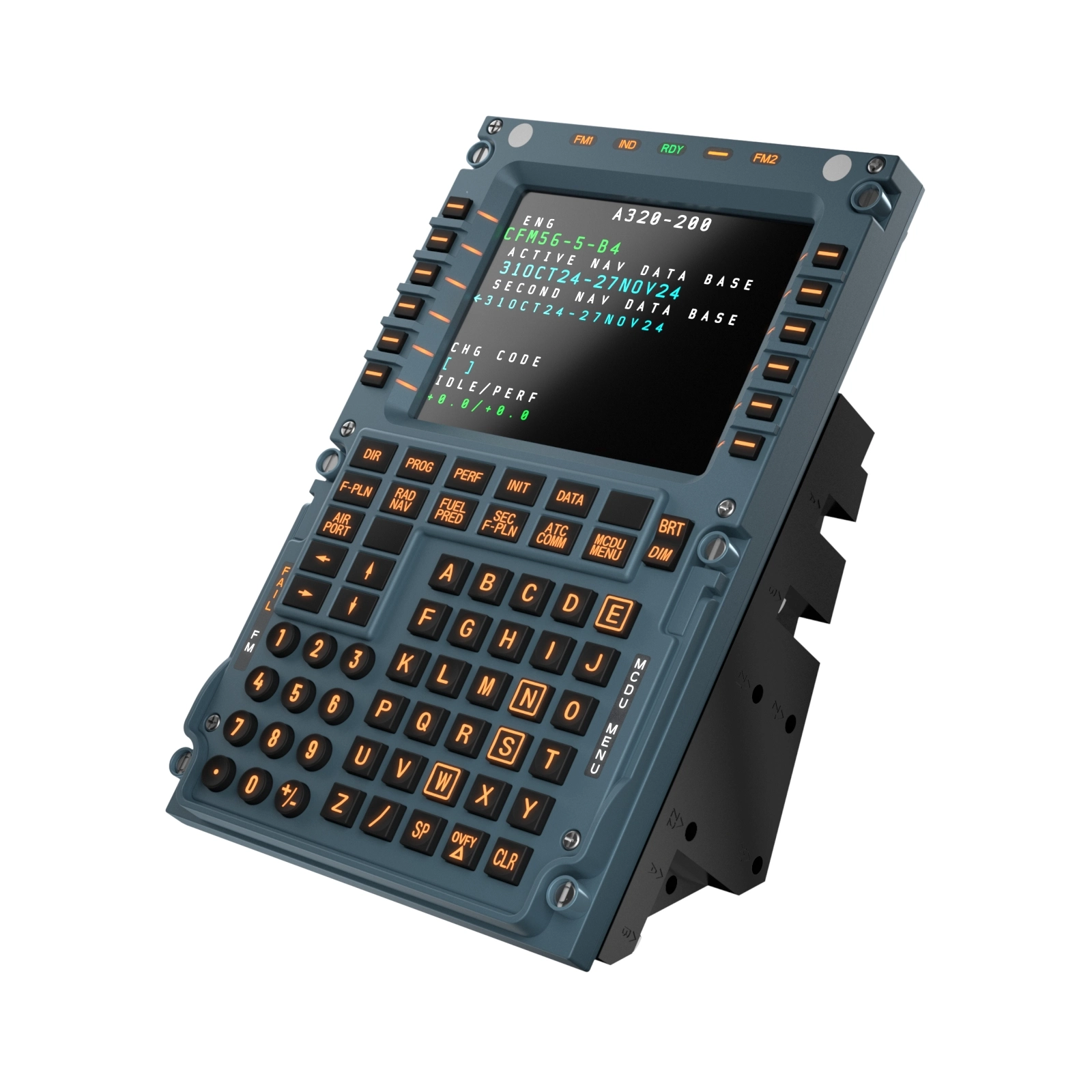
Mobiflight profile for the Winctrl MCDU Capt + FO.
Mobiflight 11.1.0.3 Introduces support for the MCDU Display. Version 1.0.3 of the Aircraft is also required for this to work.
All buttons and LEDS working. backlight and LED & LCD brightness working.
Aerosoft A340-600 Winctrl MCDU CAPT+FO Profile for Mobiflight
This Mobiflight profile enables full functionality of all buttons and LEDs, including backlight and LED brightness, for the Winctrl MCDU Captain, First Officer and 3rd MCDU panels on the Aerosoft A340-600. Mobiflight 11.1.0.3 or newer and Aircraft 1.0.3 required for full compatibility


Avis des utilisateurs
3 avis
Historique des versions
Enable LCD backlight brightness Include tab for 3rd MCDU
Similaires
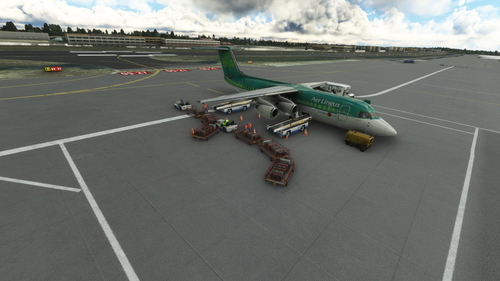
GSX Pro BAE 146 Aircraft Profile
A detailed aircraft profile for the JustFlight BAE-146 series, featuring the 146-300 variant. Please note that due to the small aircraft size, cargo vehicles may clip into each other and the aircraft. Updates have been made to address earlier issues, allowing for a smoother experience. Installation instructions are included in the update.
par theegg52
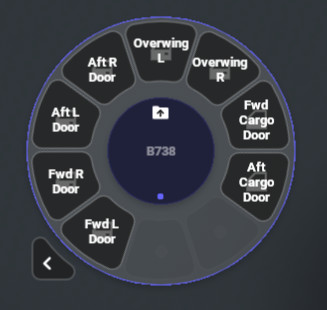
Flow Pro Scripts for PMDG 73x Doors & Ground Handling
Enhance your PMDG 73x experience with Flow Pro Scripts, allowing you to control doors and ground handling efficiently by simulating keypresses on the FMC. Simply power on the FMC for the scripts to work and easily switch between different ground handling elements like stairs, catering, and loaders.
par theegg52
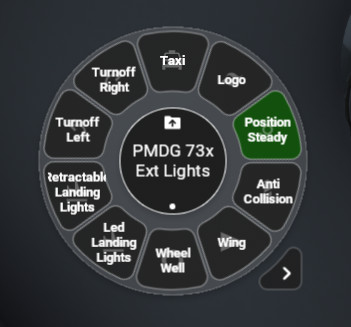
Flow Pro Script for PMDG 73x External Lights
Enhance your control over the External Lights on the PMDG 73x aircraft with these Flow Scripts. Toggle On/Off for two position switches and cycle through different modes for multi position switches, including Position Light, Landing Lights with Pulse, and Retractable Landing Lights.
par theegg52
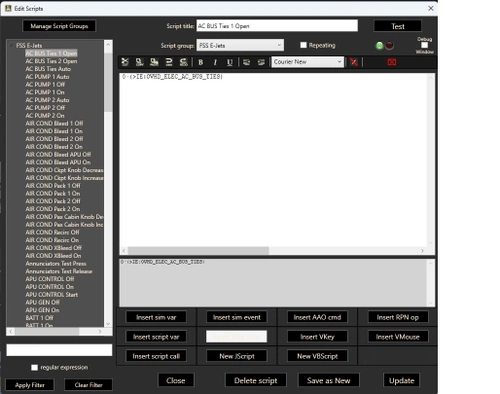
AAO RPN Scripts for FSS E-Jets
Enhance your FSS E-Jet experience with this collection of RPN scripts, designed to improve performance across the E-Jet family. Tested on the E175 model, these scripts are adaptable for use on other jets within the series.
par theegg52
Connectez-vous pour participer à la discussion
Se connecterCommentaires(30)
about 8 hours ago
1 day ago
1 day ago
about 14 hours ago
about 2 months ago
about 2 months ago
3 months ago
3 months ago
3 months ago
3 months ago
3 months ago
3 months ago
4 months ago
4 months ago
4 months ago
4 months ago
4 months ago
4 months ago
4 months ago