
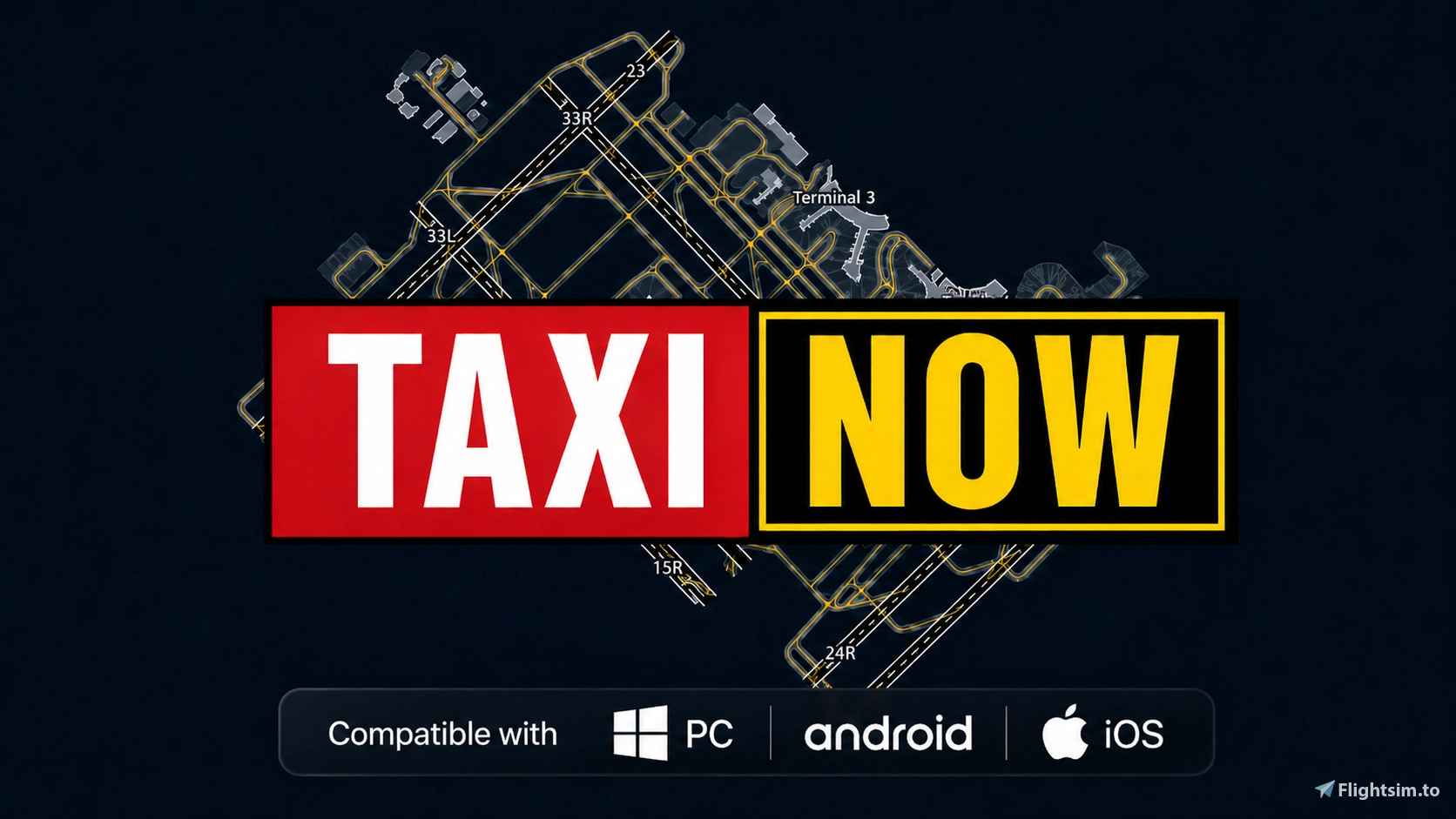
Description
TaxiNow Pro is a Windows desktop application installed and run locally on the user's computer. It is not a hosted website, cloud service, or standalone web application.
TaxiNow Pro is a flight-simulation companion that combines detailed Airport Moving Maps (AMM), live aircraft tracking, taxi-route planning, and en-route visualization in one application.
For airport operations, TaxiNow Pro displays the aircraft's live position and heading while taxiing and provides airport search, taxi-route planning, map downloads, map management, and customizable storage options.
TaxiNow Pro V2.0 also introduces a dedicated Route workspace with SimBrief flight-plan import, 2D/3D route visualization, route waypoints, traffic and weather overlays, terrain information, and a vertical route profile showing planned altitude, terrain, altitude constraints, and live simulator telemetry where available.
TaxiNow Pro can also be accessed from phones and tablets, including iPad, through its built-in local hosting service.
The Windows PC client must remain running, and the mobile device must be connected to the same local network. TaxiNow Pro is not a standalone Android or iOS application.
Compatibility
TaxiNow Pro currently supports:
Microsoft Flight Simulator 2020
Microsoft Flight Simulator 2024
X-Plane 12
MSFS integration uses SimConnect, while X-Plane 12 telemetry is supported through its local UDP DataRef interface.
TaxiNow Pro is provided free of charge for personal, non-commercial flight-simulation use only.
It is not certified aviation software and must never be used for real-world navigation, flight planning, terrain avoidance, or operational decision-making.
Important Copyright Information
MUST READ If You Want to Reuse Any Part of TaxiNow Pro
TaxiNow Pro remains copyrighted software despite being distributed free of charge.
Unless explicitly authorized, TaxiNow Pro, its source or compiled code, assets, data-processing methods, protected implementation techniques, or other original materials may not be copied, redistributed, incorporated into derivative works, reverse engineered, or supplied to AI systems for training, distillation, extraction, or reproduction of its implementation.
If you are interested in developing a project based on methods, concepts, or technologies demonstrated by TaxiNow Pro, please contact me directly through DM or GitHub.
I am open to discussing selected implementation methods and technical approaches where appropriate permission, attribution, and source acknowledgement are provided.
Commercial use of TaxiNow Pro code, assets, or other protected materials is strictly prohibited without explicit authorization. This includes projects that generate revenue or solicit donations using TaxiNow Pro materials or protected implementation.
A substantial amount of time and resources has gone into developing TaxiNow Pro and making it freely available to the flight-simulation community.
Please respect that work and contact me before attempting to reuse, reproduce, or incorporate any protected part of TaxiNow Pro into another project.
简介
TaxiNow Pro 是一款安装并运行于用户本地 Windows 电脑上的桌面软件,不是托管网站、云端服务,也不是独立的 Web 应用。
TaxiNow Pro 是一款面向模拟飞行的综合辅助工具,将详细的机场地面地图(AMM)、飞机实时位置跟踪、滑行路线规划以及航路可视化整合在同一个应用中。
在机场地面运行方面,TaxiNow Pro 可以在滑行过程中显示飞机的实时位置和航向,并提供机场搜索、滑行路线规划、地图下载、地图管理以及自定义地图存储位置等功能。
TaxiNow Pro V2.0 进一步加入了独立的航线工作区,支持 SimBrief 飞行计划导入、2D/3D 航线浏览、航路点显示、交通及天气图层、地形信息,以及垂直航线剖面。垂直剖面可显示计划高度、地形、高度限制,并在模拟器提供有效遥测数据时显示飞机实时位置及高度等信息。
TaxiNow Pro 还可通过内置的本地托管服务在手机和平板设备上使用,包括 iPad。
使用移动设备时,Windows PC 客户端必须保持运行,并且移动设备需要与电脑连接至同一局域网。TaxiNow Pro 并不是独立的 Android 或 iOS 应用。
兼容性
TaxiNow Pro 当前支持:
Microsoft Flight Simulator 2020
Microsoft Flight Simulator 2024
X-Plane 12
MSFS 通过 SimConnect 与 TaxiNow Pro 连接;X-Plane 12 则通过本机 UDP DataRef 接口提供遥测数据。
TaxiNow Pro 免费提供,仅限个人、非商业模拟飞行用途。
TaxiNow Pro 并非经过认证的航空软件,严禁用于真实飞行导航、飞行计划、地形避让或任何实际飞行运行决策。
重要版权声明
如果你希望复用 TaxiNow Pro 的任何部分,请务必阅读
TaxiNow Pro 虽然免费提供,但仍属于受版权保护的软件。
除非获得明确授权,不得复制、重新分发 TaxiNow Pro,不得使用其源代码或编译代码、素材、数据处理方法、受保护的实现技术或其他原创内容制作衍生作品,也不得进行逆向工程,或将相关内容提供给 AI 系统用于训练、蒸馏、提取或复现其实现方式。
如果您希望基于 TaxiNow Pro 所展示的方法、理念或技术开发自己的项目,请通过私信或 GitHub 与我直接联系。
在获得适当许可,并提供合理署名及来源说明的情况下,我愿意视具体情况讨论和分享部分实现方法及技术思路。
未经明确授权,严禁将 TaxiNow Pro 的代码、素材或其他受保护内容用于任何商业用途。其中包括利用相关内容获取收入,或以相关项目名义接受、募集捐赠等行为。
TaxiNow Pro 的开发投入了大量时间和资源,并免费提供给模拟飞行社区使用。
希望其他开发者能够尊重这些投入,并在尝试复用、复制或将 TaxiNow Pro 的任何受保护内容整合进其他项目之前,先与我联系。
Authorized TaxiNow Pro Partners / Integrators | TaxiNow Pro 授权合作伙伴
Updated: Aug 10, 2026
- Virtual Malaysian Airlines (vMAS) 虚拟马来西亚航空
TaxiNow Community Contributors
@睡务局局长
Would like to contribute to TaxiNow?
Check the source code and fork your own copy. Make an issue in the original repo and then work on it. Once completed, create a pull request.
Questions fréquemment posées
TaxiNow Pro
TaxiNow Pro is a free flight-simulation companion for Microsoft Flight Simulator 2020/2024 and X-Plane 12. It combines detailed airport moving maps, live aircraft position and heading, taxi-route guidance, SimBrief route import, 2D/3D route exploration, vertical flight profiles, traffic, weather and terrain overlays in one workspace. It can also be accessed from phones and tablets on the same local network. TaxiNow Pro is for personal, non-commercial flight simulation use only and must not be used for real-world navigation.

Avis des utilisateurs
21 avis
Historique des versions
Introducing TaxiNow Pro V2.0 - Build 207 TaxiNow is now TaxiNow Pro. V2.0 expands the original airport taxi map into a complete flight companion, connecting airport ground navigation, route exploration and a new vertical route profile in one workspace. The new Route workspace is now the default view, featuring an interactive 2D/3D globe, SimBrief flight plan import, route waypoints, planned altitude and automatic departure/arrival airport map downloads. A new full-screen vertical profile displays terrain, planned altitude, altitude constraints, aircraft position, MSL/AGL altitude, terrain clearance and distance to destination using live simulator telemetry. The Route view also adds VATSIM controllers and traffic, weather radar, GNSS interference and terrain overlays, plus persistent aircraft tracking. X-Plane 12 is now supported alongside Microsoft Flight Simulator 2020 and 2024. V2.0 also introduces improved airport download fallback sources, redesigned light and dark themes, a more compact interface, better aircraft following, improved mobile access, updated reporting and update tools, and numerous UI, localization and reliability improvements. Existing TaxiNow installations can be upgraded directly to TaxiNow Pro while keeping existing maps and user data.
Similaires
![[Wingflex] TFDI MD11 Profile - Wingflex Combo Cube (EFIS/FCU/RMP)](https://cdn.flightsim.to/images/28/20260725_065109_65312ac660f93b2d_wingflex-tfdi-md11-profile-wingflex-combo-cube-efis-fcu-rmp.jpg?width=500)
[Wingflex] TFDI MD11 Profile - Wingflex Combo Cube (EFIS/FCU/RMP)
This unofficial community profile enables support for the Wingflex Combo Cube hardware with the TFDi MD-11 aircraft in Microsoft Flight Simulator 2024. It provides integration for EFIS, FCU, and RMP modules, though some display and lighting elements may not function as expected. Certain features, such as transponder code entry and expanded RMP support, are not implemented. The profile is provided as is without official support or guaranteed updates.
par skylarkning
![[Wingflex] PMDG737 - Wingflex A320 Overhead Panel](https://cdn.flightsim.to/images/28/20260722_004252_53ca4324dd10e06a_wingflex-pmdg737-wingflex-a320-overhead.jpg?width=500)
[Wingflex] PMDG737 - Wingflex A320 Overhead Panel
This MobiFlight profile enables the Wingflex A320 Overhead Panel to interface with the PMDG737 in Microsoft Flight Simulator 2024. Some hardware functions have been remapped due to differences between the aircraft types. Not all overhead functions are available, and update support is not guaranteed. This profile is unofficial and not endorsed by Wingflex.
par skylarkning
![[Wingflex] PMDG777 Profile - Wingflex A320 Overhead Panel](https://cdn.flightsim.to/images/28/20260725_234328_879deae009f5f991_wingflex-pmdg777-wingflex-a320-overhead-panel.jpg?width=500)
[Wingflex] PMDG777 Profile - Wingflex A320 Overhead Panel
This is an unofficial community profile for the PMDG 777 that maps A320 overhead panel functions to the aircraft using the Wingflex system. Various PMDG 777 and A320 controls are cross-mapped for improved compatibility. The profile has been tested only with the PMDG 777 and provides no guarantee of updates or support. It is not endorsed by Wingflex and is distributed as is.
par skylarkning
![[Wingflex] TFDI MD11 Profile - Wingflex A320 Overhead Panel](https://cdn.flightsim.to/images/28/20260725_035354_ef7ea08452d9b847_wingflex-tfdi-md11-profile-wingflex-a320-overhead-panel.jpg?width=500)
[Wingflex] TFDI MD11 Profile - Wingflex A320 Overhead Panel
This MobiFlight profile enables the use of the Wingflex A320 Overhead Panel with the TFDi Design MD-11 in Microsoft Flight Simulator 2024. Several key MD-11 functions are mapped to corresponding hardware switches, although not all features are supported due to panel differences. The profile has been tested only in MSFS 2024 and is provided without official support or ongoing updates. Some aircraft functions may have unique behaviors or limitations in use.
par skylarkning
Connectez-vous pour participer à la discussion
Se connecterCommentaires(109)
22 days ago
This means that TaxiNow Pro is now an “open-source” project. However, you still need to refer to the license documentation in the repository if you want to reuse anything from TaxiNow Pro.
If you spot any security vulnerabilities, feel free to open an issue on GitHub or reach me directly.
Again, TaxiNow doesn’t contain any malicious code or virus, and everyone is welcomed to inspect the source code to verify that.
Thank you for using TaxiNow Pro.
about 10 hours ago
2 days ago
22 days ago
This means that TaxiNow Pro is now an “open-source” project. However, you still need to refer to the license documentation in the repository if you want to reuse anything from TaxiNow Pro.
If you spot any security vulnerabilities, feel free to open an issue on GitHub or reach me directly.
Again, TaxiNow doesn’t contain any malicious code or virus, and everyone is welcomed to inspect the source code to verify that.
Thank you for using TaxiNow Pro.
22 days ago
22 days ago
22 days ago
21 days ago
21 days ago
24 days ago
Although I could probably fix that by re-generating a taxi path when I’m on the correct side of the terminal building?
22 days ago
19 days ago
18 days ago
27 days ago
27 days ago
about 1 month ago
28 days ago
28 days ago
28 days ago
about 1 month ago