
Description
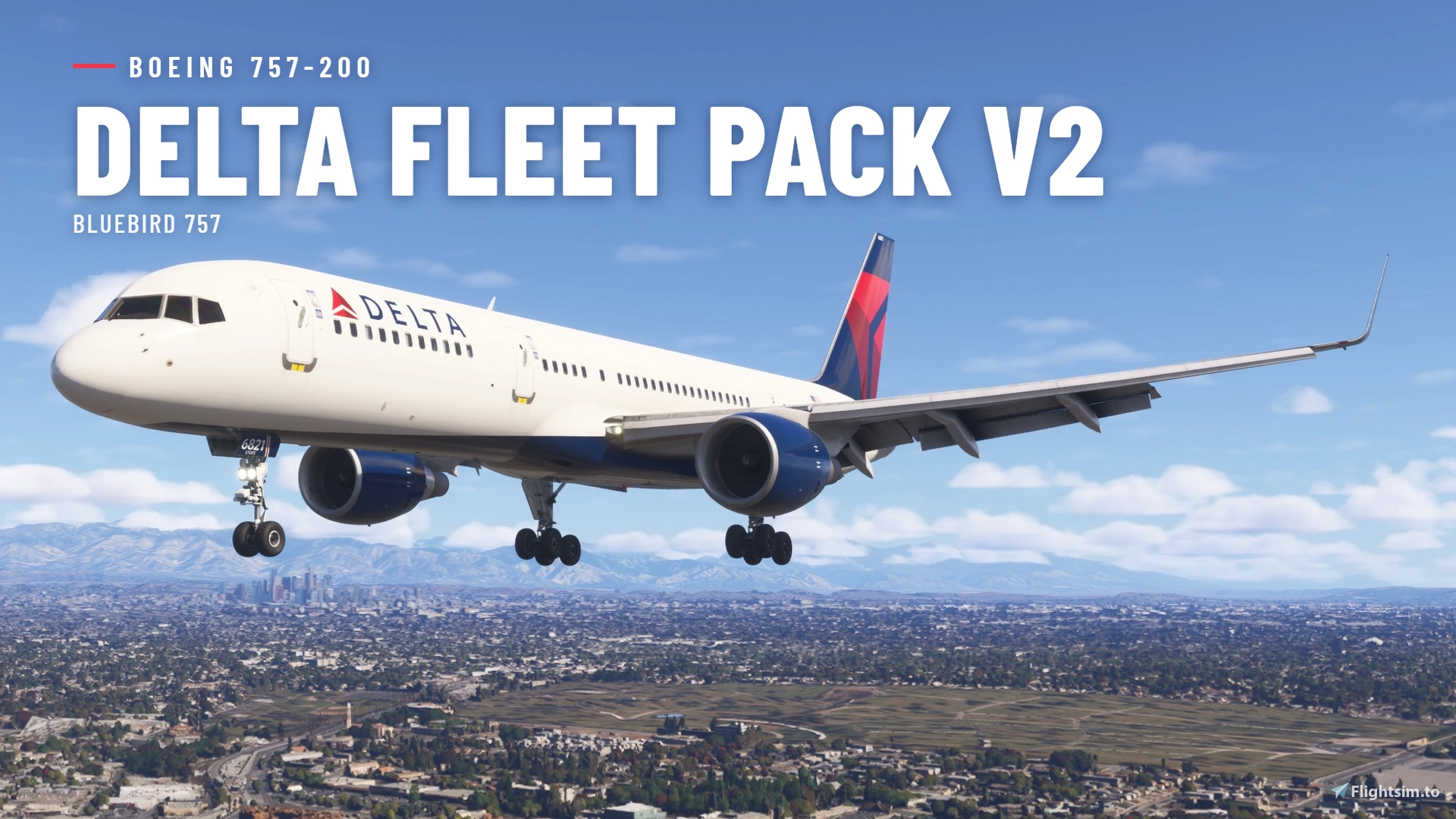
This Delta fleet pack for the Bluebird 757 includes a seperate active standard livery mainline and charter Delta 757-200 pack. This pack includes Delta specific cabin and cockpit textures, as well as a mod to overhaul the EADI to accurately represent Delta's older config. All airframes have correct door and winglet configs. Thanks to @NateMSP for the cabin textures
Bluebird 757 Delta Fleet Pack
This add-on features a Delta fleet pack for the Bluebird 757, covering all active standard livery mainline and charter Delta 757-200 aircraft. Each airframe is provided with accurate door and winglet configurations. Nose stickers will be included in a future update. Suitable for users seeking authentic Delta 757 fleet representation.
Avis des utilisateurs
6 avis
Historique des versions
-Removed Need for Default Delta Liveries -Split Charter and Mainline Pack -Overwing Exit Textures Fixed -ETOPS Added on Nose Door -Delta EADI Added -Delta Cabin Added -Charter Door Stickers Removed
Similaires

[A32NX] Delta Air Lines "2007 livery"
A detailed livery add-on featuring the Delta Air Lines "2007 livery" for your A32NX aircraft. Simply extract and install the files in the "community" directory for an enhanced visual experience during your flights.
par UnitDeath
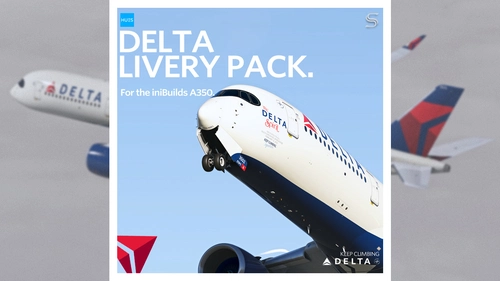
Delta Air Lines Livery Pack w/ Cabin | iniBuilds A350 | Smart Decals
The Delta Air Lines Fleet Pack for the iniBuilds A350 offers realistic livery designs featuring accurate stencils and detail representations of the aircraft. This add-on includes a custom cabin layout with bespoke seating and in-flight entertainment screens, along with custom exterior weathering effects. The package includes several specific aircraft models, enhancing the overall immersive flying experience. Installation is straightforward, requiring only a drag-and-drop into the community folder.
par SilkySmooth
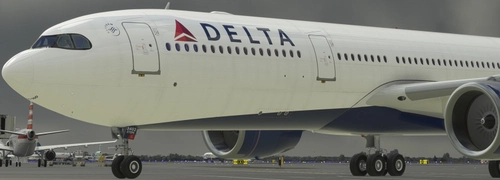
DELTA AIRLINES N402DX A330-900 8K
Repaint of the Delta Airlines N402DX A330-900 aircraft for Microsoft Flight Simulator. Install by unzipping and placing in your Community Folder for an enhanced visual experience during your flights.
par JanT73

[A32NX] FlyByWire | Airbus A320neo DELTA AIRLINES N325US - Dirty in 8k
A new livery for the Airbus A320neo DELTA AIRLINES N325US featuring a dirty design in 8k resolution, now compatible with FlyByWire. Easily install the livery in your community folder and take to the skies in style. Share your experience and support future livery requests with a rating or donation.
par Selcuk Dikilitas
Connectez-vous pour participer à la discussion
Se connecterCommentaires(36)
about 2 hours ago
3 days ago
The DH is bugged. The knob should adjust it by 1's. On your mod, it adjusts by 10's and creates a discrepancy between the DH indicator and what's on the PFD.
10 days ago
12 days ago
12 days ago
In the delta-bluebird-752-fleetpack -> data -> liveries -> N####-opt - Copy this file and place it in the WASM AC folder.
If you look up "MSFS WASM folder location" there are two different places it could be dependent on if you have MSFS from Steam or the Microsoft Store.
Under WASM -> MSFS2020 (even if you have 2024) -> bluebird sim-aircraft-757-200 -> work -> liveries - and paste the N#####-opt file there.
Additionally I also used the MSFS Layout Generator tool to update the layout.json files in the community folder for both the DL pack and Bluebird liveries.
IDK this seemed to fix it. I could be wrong tho.
Some of the tail #'s are missing satcom domes, which you can toggle on. You can edit the N####-opt file (The one placed in the WASM folder) and there should be a line item for "satcom" 0-3 seem to be no satcom (probably will be some future variants from BB) and 4 seems to be the modern Viasat dome. This seems to work on some liveries and not on others, works on the DL pack though.
Let me know if nay of this helps, it worked on my end but not 100% I'm doing this right.
11 days ago
12 days ago
12 days ago
13 days ago
14 days ago
14 days ago
15 days ago
EDIT: Disregard, saw the previous comment requiring the BBS liveries
15 days ago
16 days ago
16 days ago
Only issue I can see is that the ETOPS birds is missing their ETOPS decal below the nose gear fin number.
I attached an example of how it should be on the ETOPS tails.
N819DX for example have ETOPS certification, and have an ETOPS sticker below the fin/tail numbers on the nose gear doors, other than that, splendid work!!
16 days ago
16 days ago
16 days ago