
Description
V3.0 - Made compatible with MSFS2024
V2.5 - Cleaned up model vertex count. Revised textures. NOTE: Delete V2.4 from your community folder, then install V2.5 to save about 80MB on your HDD space.
V2.4 - Corrected some terrain height issues. Corrected water mask issues that resulted in flooded bridges.
V2.3 - Corrected any conflict errors with modellib.bgl files
V2.2 - Added scenery, including
- Docomo Building
- Mazda Headquarters
- Mazda West Factory and shipping facility
- 2Chome-5-1 Building
- Cultural Center
Added Points-of-Interest markers
Adjusted various lighting sources
(NOTE: This is my last planned update for Hiroshima)
V2.1 - Added scenery, including
- Righa Royal Hotel
- Shukeien School Building
- Central City Library
- Hiroshima Museum of Art
V2.0 - updated textures to better match FS color scheme. Also cleaned up the models vertices to reduce file size.
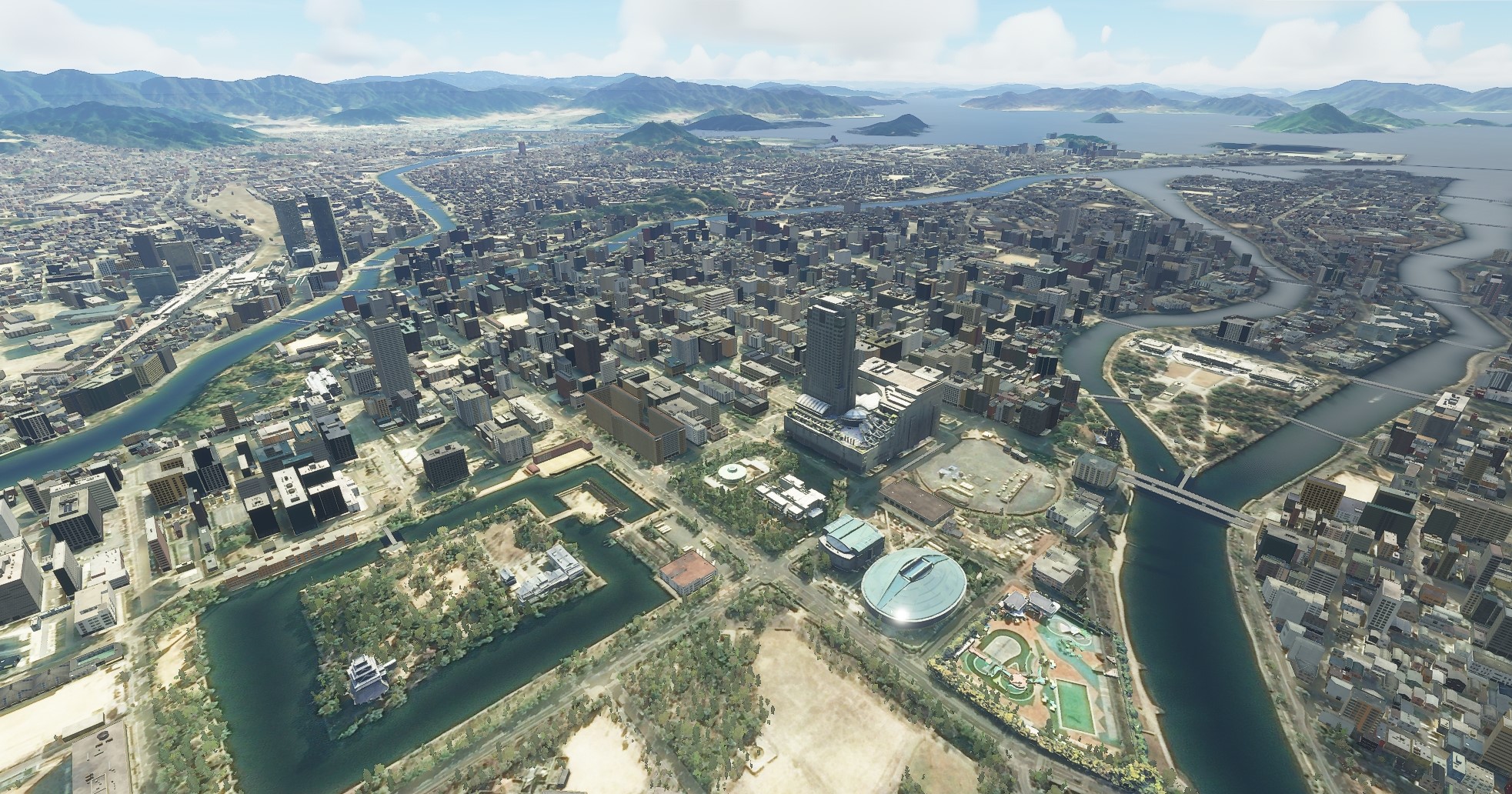
V1.0 Updated scenery for Hiroshima Japan, including
- Mazda ZoomZoom Stadium, home of the Hiroshima Carp
- Hiroshima Station and adjacent buildings
- A-Bomb Dome
- World Peace Park and Museum
- Hiroshima Castle
- Hiroshima Green Arena/Gymnastics Center
Hiroshima Japan - V3.0
Explore the vibrant city of Hiroshima in Microsoft Flight Simulator with this detailed scenery add-on. Version 2.5 features cleaned up models, revised textures, and optimized file size. Discover iconic landmarks such as Hiroshima Castle, Mazda Headquarters, and more, with added Points-of-Interest markers for a fully immersive experience.
Avis des utilisateurs
5 avis
Historique des versions
MSFS2024 compatiblity
Similaires
Honolulu
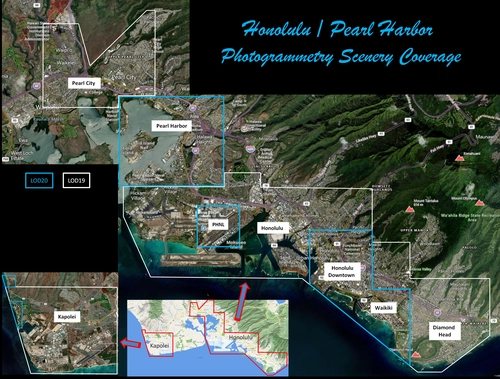
Explore the photogrammetry scenery of Honolulu, including the iconic Pearl Harbor area with optimized performance for better FPS. Discover Waikiki, Honolulu downtown, and more with this detailed addon. Enhance your experience by adding free mods for carriers, battleships, and military airplanes in Pearl Harbor and surrounding bases. Support the creator for future updates if you enjoy this mod.
par steveli
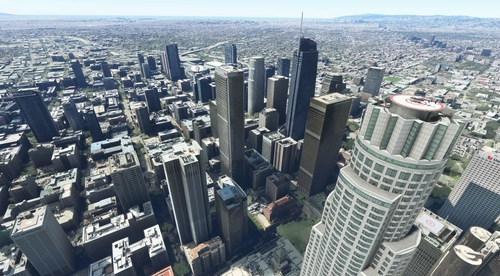
Downtown Los Angeles
Various buildings and monuments that are missing from Los Angeles in the game that shoudn't be. Wilshire Grand Center, SoFi Stadium, 801 S Grand, 825 S Hill, 888 S Hope, 1000 Grand, Apex the One, Atelier, Aven Apartments, Metropolis Towers, Level Los Angeles
par senecadriver
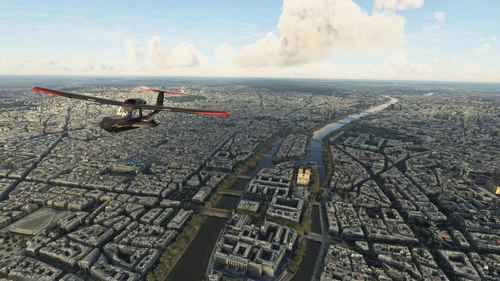
Paris
Explore the iconic cityscape of Paris in Microsoft Flight Simulator. This detailed add-on captures the essence of the French capital, featuring famous landmarks and architectural marvels. With accurate GPS coordinates, immerse yourself in the beauty of Paris, known for its historical significance and vibrant culture. Download now and experience the City of Light from a whole new perspective.
par Thalixte
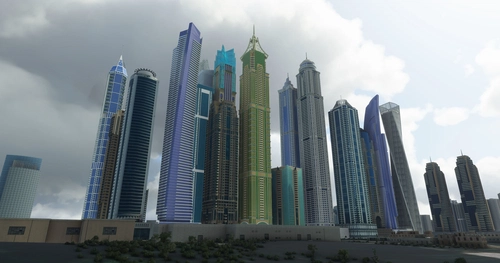
Dubai City Pack
Explore a detailed rendition of Dubai City and Jebbel Ali Port featuring over 250 custom buildings and various landmarks like the iconic hotels and tourist attractions. While focusing on enhancing the daytime visuals, this pack offers improved textures for select buildings, promising a refreshing experience for simmers. Additionally, adjustments have been made to SkyDive Dubai Airport to address previous elevation issues, ensuring a more immersive flight into this dynamic cityscape.
par risuali
Connectez-vous pour participer à la discussion
Se connecterCommentaires(15)
about 1 year ago
Still a 5 star for the textures. Perhaps an update could include the new Edion Stadium (where the park is to the west of Hiroshima Castle).
I really would like to get the colors natural so they show up as in the screenshots above. Trying to attach one showing how mine looks.
over 2 years ago
ありがとうございます!!
about 5 years ago
Is this compliant with SU5? I know your Long Beach is working, but there is still a compatibility warning on your pages.
about 5 years ago
Yep, it's working.
about 5 years ago
good, you can make the bar green now.
over 5 years ago
over 5 years ago
almost 6 years ago
almost 6 years ago
https://forums.flightsimulator.com/t/scenery-creators-please-move-or-rename-your-modellib-bgl/307563
almost 6 years ago
almost 6 years ago
almost 6 years ago
almost 6 years ago
almost 6 years ago
about 6 years ago