
Description
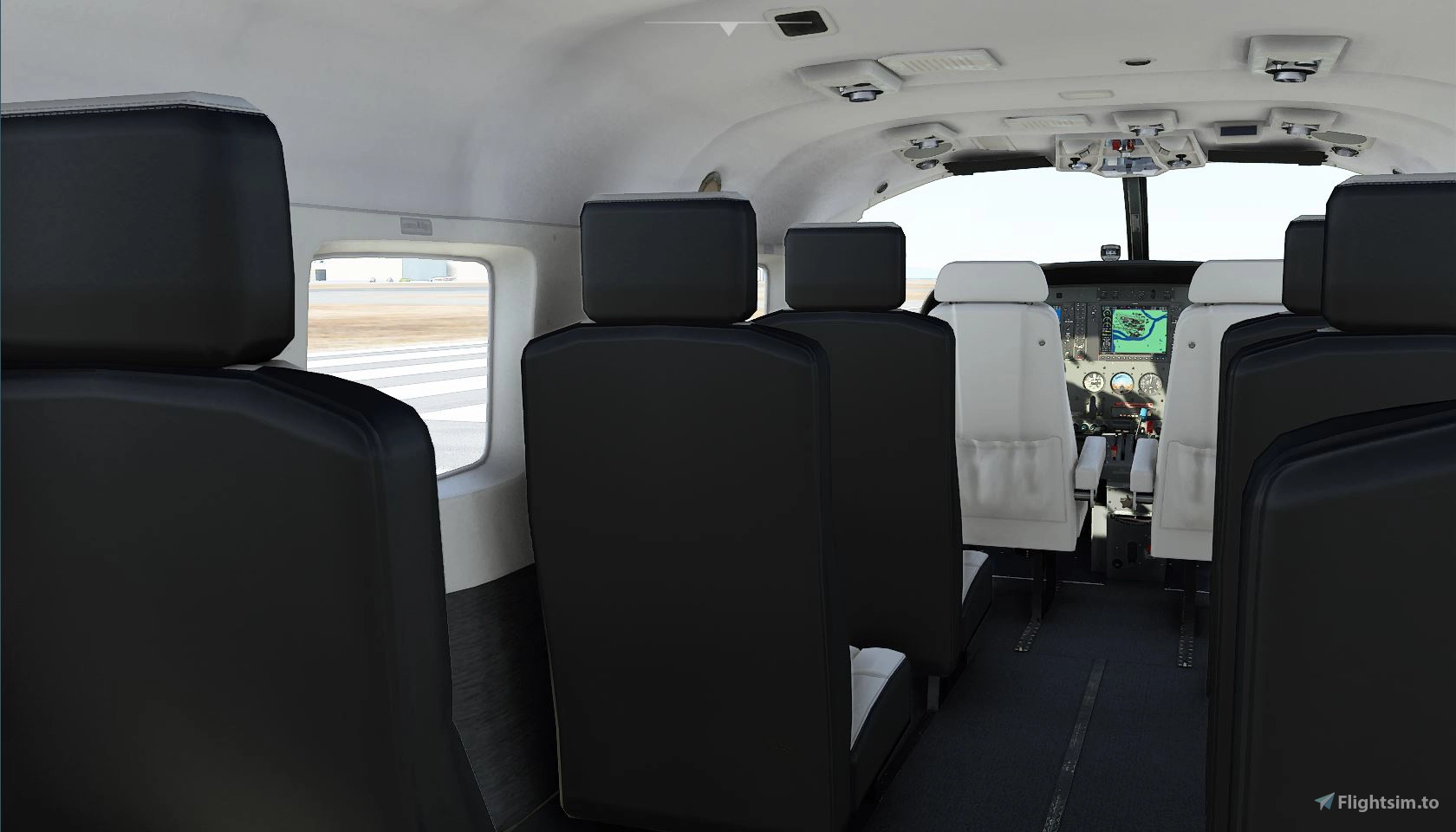
This package contains custom camera views for each aircraft that came with the Microsoft Flight Simulator Premium Deluxe.They offer wing and cabin views, many of them beyond the virtual cockpit movement restrictions.
Version 1.1 corrects the WT CJ4 views, and adds the views for FlyByWire A320 NEO.
The custom cameras have been defined as follows (with the num pad keys arrangement in mind):
Custom camera 0 and 7 - pilot view
Custom camera 9 - copilot
Custom camera 8 - panel view
Custom camera 4 - left wing or engine view in the middle of cabin
Custom camera 6 - right wing or engine view in the middle of cabin
Custom camera 5 - cabin view in the middle of cabin
Custom camera 1 - left wing view at the back of cabin
Custom camera 3 - right wing view at the back of cabin
Custom camera 2 - cabin view from the back of the cabin
Installation instructions:
!!WARNING!! These custom camera files need to be copied in the main MSFS location, not the Community folder. Proceed only you feel comfortable with the following instructions:
- locate the "Airplanes" folder in the main Microsoft Flight Simulator installation location. This folder contains sub-folders for each airplane for which you have already saved custom camera views. Inside each subfolder there is a CAMERAS.CFG file with the custom camera views for each airplane. If you haven't saved custom camera views, then the "Airplanes" folder might be empty, or not present.
For the Microsoft Store installation, the path is as follows:
C:\Users\[UserName]\AppData\Local\Packages\Microsoft.FlightSimulator_8wekyb3d8bbwe\LocalCache\SimObjects\
For Steam installation the path is:
C:\Users\xxxxx\AppData\Roaming\Microsoft Flight Simulator\SimObjects
- !!IMPORTANT!! make a backup of the "Airplanes" folder (see the jpg picture showing the folder location), in case you want to revert to your own saved camera views.
- Unzip this package in a temporary location
- copy the "Airplanes" folder into the "SimObjects" folder
- launch the Microsoft Flight Simulator and make sure that you have assigned keys or buttons (on controllers) for the custom views. You do this in OPTIONS > CONTROLS.
Please read the Readme file included in the package.
Enjoy!
Custom Camera Views
This package provides custom camera views for aircraft in Microsoft Flight Simulator, including wing and cabin views beyond the virtual cockpit constraints. Version 1.1 improves WT CJ4 views and adds views for FlyByWire A320 NEO. Instructions are included for copying custom camera files to the main MSFS location, not the Community folder. Customize your flying experience with these enhanced camera perspectives.


Avis des utilisateurs
22 avis
Historique des versions
Version 1.1 corrects the WT CJ4 views, and adds the views for FlyByWire A320 NEO.
Similaires
CYLW Kelowna, British Columbia
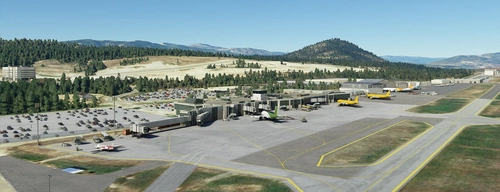
Enhance your Microsoft Flight Simulator experience with the CYLW Kelowna, British Columbia scenery add-on. This mod brings corrected aircraft parking, realistic building replacements, night lighting, control tower, and improved taxiways to the airport. Version 1.12 includes fixes for ILS issues and taxiway lights, ensuring a more immersive flying experience in this Canadian destination.
par Ciprian Nistor
KBLI Bellingham, WA
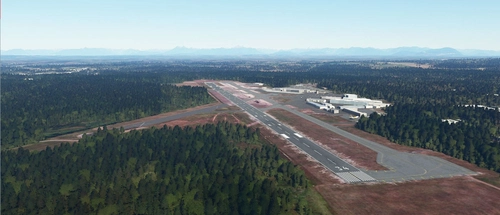
Enhance Bellingham, WA airport in Microsoft Flight Simulator with this scenery mod, featuring added parking spaces, static objects, and night lighting. This addon utilizes default terminal and buildings from the SDK. Update 1.4 improves taxiway edge lights for a more realistic experience. Simplified installation instructions for a seamless upgrade process.
par PropellerBC
CYCW Chilliwack, BC
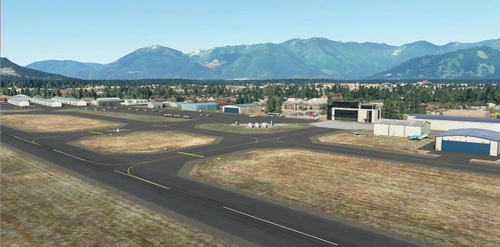
Enhance the realism of CYCW Chilliwack Airport with this add-on which replaces default buildings, adds night lighting, static planes, hangars, and more. Version 1.3 brings corrected runway numbering in accordance with Canadian standards. Simply unzip and copy the files to your MSFS Community folder for an improved flying experience.
par PropellerBC
CYBL Campbell River, British Columbia
Explore the detailed CYBL Campbell River scenery in British Columbia, featuring GA parking spots, static planes, and night lighting. This add-on includes static elements, hangars, and updated versions with improvements like corrected runway lights and visible ILS frequency in the FMC/MCDU. Simply install by unzipping and adding the folder to your MSFS Community directory.
par PropellerBC
Connectez-vous pour participer à la discussion
Se connecterCommentaires(168)
over 1 year ago
almost 5 years ago
Hello, I am not sure if you may have some answers, but I am struggling here. My version of the game is on Steam. I believe I have done everything as you described in your instructions to install the mod. However, when I am in the game and hit the keys to select a certain camera view, it doesn't change to the view I am trying to select. For example, when I try to select the custom camera 5 view, it pans to a certain area of flight controls in the cockpit. When I go into the controls settings I see where is says save custom camera and load custom camera, but when I hit the keys it doesn't take me to a cabin camera view. I am not sure if there is something else I need to do with setting certain keys up to select the desired camera views. Any insight you may have into what I am doing wrong would be greatly appreciated.
almost 5 years ago
Hello, unfortunately it is very difficult for me to say what could be wrong there, but my suspicion is that there might be multiple assignments for the keys or key combinations associated with the camera views. As a first step I would recommend making sure that you have unique keys or key combinations for the camera views.
almost 5 years ago
First off THANK YOU. I recently purchased QUEST 2 VR headset.
Seems these custom views are not the same with VR modes.
Anyone figure out how to have these in VR? can they simply be copied?
almost 5 years ago
Hello and happy new year!
Unfortunately I don't have a VR headset and can't tell whether or not these camera views can be used in VR mode. Hopefully somebody else can chime in with some information.
almost 5 years ago
Is there available tracker camera for MSFS what can follows the AI planes?
almost 5 years ago
Hello, no, I don't think so, I have never heard of a camera that follows the AI planes. Try checking the forums and see if there is any talk about such camera.
over 4 years ago
There was many solutions to view AI and real traffic planes in FSX and many other simulators.
over 4 years ago
None that I know.
over 4 years ago
I want similar as Super Traffic Board or AI Tracker X. I choose the AI aircraft or boat name, and the camera follows that automatically.
almost 5 years ago
Would it be possible to provide a front view without any cockpit obscuration? Like old MSFS / X-Plane / P3D have? I am using a physical cockpit and all the workarounds from the forums are just not right. Basically I want the good old "W" back.
almost 5 years ago
The only thing that I can suggest is moving the viewpoint forward until you get out of the cockpit in front of the plane, and save the view or assign it to a different key. If you can't get it saved then let me know, and I'll try to get it done for you. Let's continue this discussion on private messaging.
almost 5 years ago
What about this path? (for the NEO320 for example
Z:\MSFS2020\Official\OneStore\asobo-aircraft-a320-neo\SimObjects\AirPlanes\Asobo_A320_NEO
almost 5 years ago
The camera views should work regardless of the path where the official content is installed.
almost 5 years ago
Hi there, I really miss this mod, any news on an update further to SU7?
almost 5 years ago
Hello, thank you for your kind words.
These camera views have never been affected by any of the sim updates because Asobo hasn't changed the way the camera works. I'm still using them and they are working on my system without any modification. The only things that have been affected by the SUs were the keyboard mappings (the key combinations to load or save the custom camera views in Control Options >>> Keyboard >>> Camera), so you might want to look into that.
almost 5 years ago
Thanks Man - I will look into this - keep up the great work - I really use these views alot!