
Description
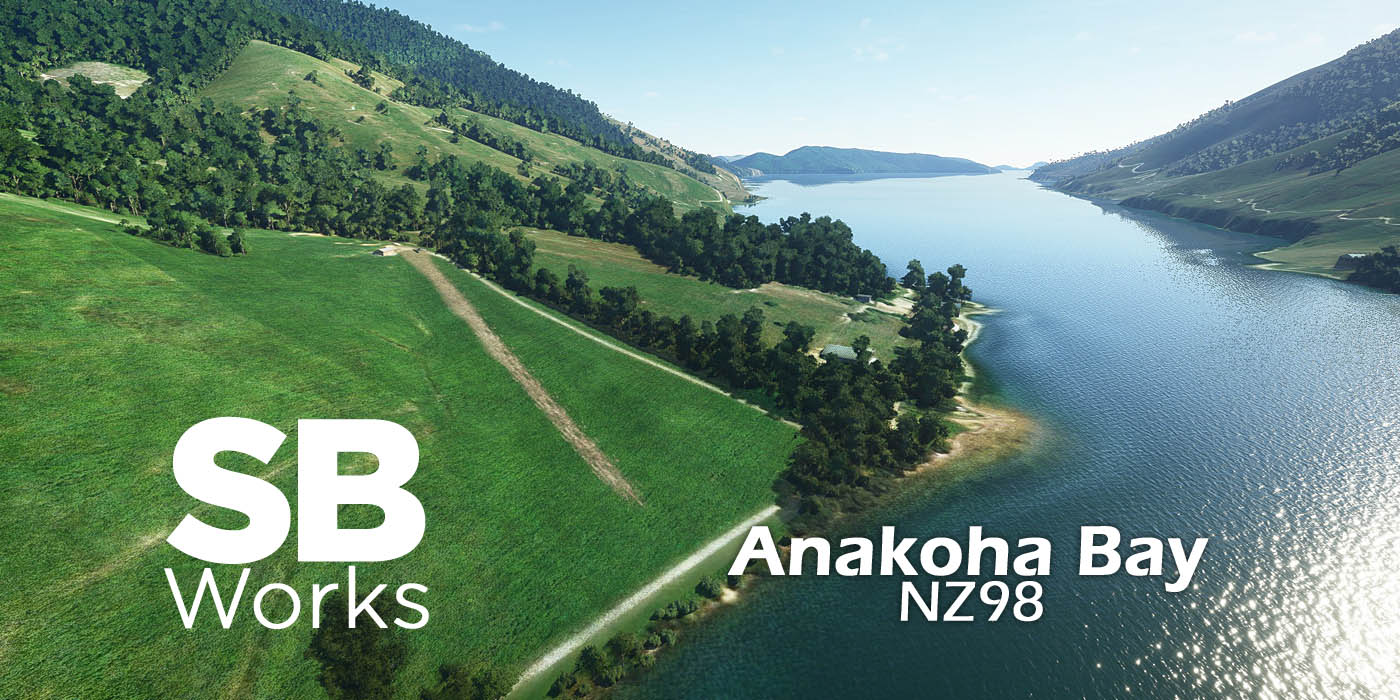
Anakoha Bay Airstrip for MSFS
Real-life airstrip with fictitious ICAO code NZ98
Version 1.5
--Description--
In Marlborough, New-Zealand one can find several small airstrips. Indeed, accessing some places by road takes hours and it's not much shorter by boat. Some airstrips are also used for agriculture work like fertilizer spreading.
This little strip is located in Anakoha Bay on the slopes of Mt Stokes.
The approach is the challenge as you have to approach low and slow over the sea frol the north and make a sharp right turn. Watch your speed. Another, maybe safer approach would be to arrive from the valley heading mostly north above the river and gently turn left on the airstrip.
--The scene--
It's a new airfield as it doesn't exist in default MSFS. I used default assets and also some from Mikea.at's library and from Beekay's one. Please make sure you have both of them installed in your "Community" folder.
The surrounding has been edited a bit (vegetation...).
--What's new--
v1.5
Made compatible with World Update 12 "New Zealand" from February 2023.
v1.4
Reworked to use some assests from my library.
Added some people.
v1.3
Removed the Airport Services definition files that caused services to disappear from not only this airfield (as intended) but also all the airports in the region or even worldwide (bug from SU5).
So now you may see marshaller or pushback here even if it's not realistic at all, waiting for this situation to be corrected by Microsoft/Asobo.
v1.2
Reworked to make it compatible with Sim Update 5
v1.1
- introduction of specific version for better compatibility with Orbx 10m mesh
- changed a default building with custom top dressing bin
- added fences (OM version only)
- bushes instead of autogen vegetation at runway threshold
- added missing vegetation in the vicinity
v1.0
- initial release
--Installation--
First remove any previous version from your community folder.
Just unzip and drop the "sbworks-airport-nz98-anakohabay" folder into your "Community" folder of MSFS.
Be sure to download and install my asset library (v1.1 or later):
https://flightsim.to/file/21396/sbworks-asset-library
It is recommended to install those libraries:
- BeeKay-Pack1 v5.0 (https://fr.flightsim.to/file/8887/beekay-pack1)
- Mikea.at AssetPack (https://fr.flightsim.to/file/1923/mikea-at-assetpack)
This scenery is part of my "Marlborough airstrips project" and so it is well completed with:
- Titirangi Bay Airstrips (NZ97) -> https://www.flightsim.to/file/16263/titirangi-bay-airstrips-nz97
- Koutumai Point Airstrip (NZ99) -> https://www.flightsim.to/file/14590/koutuwai-point-airstrip-nz99
--Credits--
All work done by SBWorks (Stéphane Beilliard).
May 2021/February 2023.
Location
Anakoha Bay Airstrip (NZ98)
Experience the challenge of landing at Anakoha Bay Airstrip (NZ98) in Marlborough, New Zealand. This custom airstrip, located in Anakoha Bay on the slopes of Mt Stokes, offers a unique approach over the sea or through the valley. Version 1.5 is now compatible with the World Update 12 "New Zealand" and includes additional assets and enhancements to the surrounding terrain. This add-on is part of the "Marlborough airstrips project" by SBWorks, offering a collection of small airstrips in the region.

Avis des utilisateurs
2 avis
Historique des versions
Made compatible with World Update 12 "New Zealand" from February 2023.
Similaires
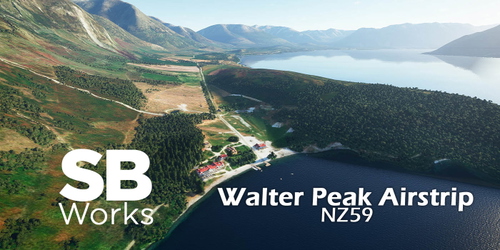
Walter Peak Airstrip (NZ59)
Discover Walter Peak Airstrip in New Zealand, a real-life airstrip with a fictitious ICAO code NZ59. This add-on version 1.5 is now compatible with World Update 12 "New Zealand." Located on the shore of Lake Wakatipu, this flat airstrip is perfect for a smooth landing with aircraft like the Cessna Caravan. Enjoy the scenic surroundings crafted with custom buildings and assets in MSFS.
par SBWorks
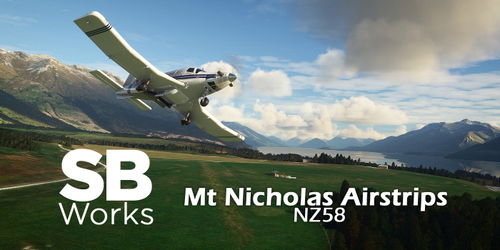
Mt Nicholas Airstrips (NZ58)
Explore the remote Mount Nicholas Airstrips in New Zealand with this MSFS add-on. Featuring real-life airstrips with a fictitious ICAO code, NZ58, nestled in the scenic Lake Wakatipu area of South Island. Enhance your sim experience with custom handcrafted buildings and detailed edits to the surrounding landscape. Ideal for those seeking a challenging landing experience and a great addition to the Lake Wakatipu airstrip collection.
par SBWorks
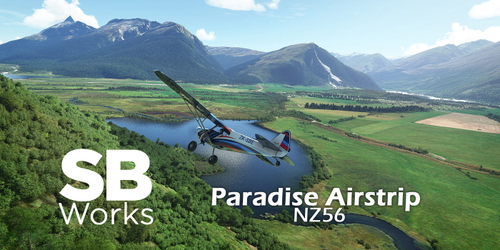
Paradise Airstrip (NZ56)
Discover the remote Paradise Airstrip in New Zealand, a real-life airstrip with a fictitious ICAO code NZ56 for MSFS. Situated in a stunning location amidst the landscapes of The Lord of the Rings trilogy, this add-on features two grass runways at the foot of Mt Alfred/Ari. Experience a peaceful aviation retreat in this unique destination compatible with World Update 12.
par SBWorks
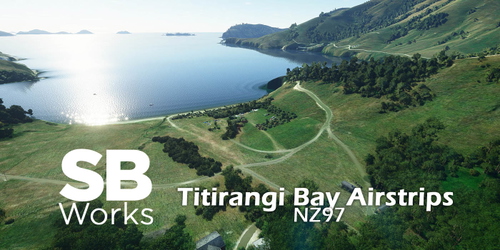
Titirangi Bay Airstrips (NZ97)
Explore the picturesque Titirangi Bay Airstrips in New Zealand with this MSFS add-on featuring three unique runways. Situated near Puzzle Peak, this scenery includes a farm airstrip, a sloping topdressing airstrip, and a challenging airstrip near Melville Cove. Immerse yourself in the enhanced vegetation, terraforming, and detailed surroundings to enhance your flight simulation experience. Updated to be compatible with World Update 12, this add-on is part of the "Marlborough airstrips project" by SBWorks.
par SBWorks
Connectez-vous pour participer à la discussion
Se connecterCommentaires(6)
over 4 years ago
Excellent skill-level landing scenery. I made a video to highlight your great workmanship & detail. https://youtu.be/sRtvKtCNPQo
over 4 years ago
Thanks!
Thanks for the video. I suspect you are not using the NZ Mesh from Orbx, this should explain the abrupt end of the runway on the top end. But I wonder why there are two pick-ups. I need to check my file, but are you sure you don't have the scenery twice in Community folder? :/
over 4 years ago
I am not using NZ Mesh from Orbx, I have bought enough products form Orbx . I believe I only put, the scenery in once. but I like the way, it turned out, if even by mistake, as it was a great challenge, and I believe it is what makes MSFS 2020 unique, with unusual, different variants, in it.
over 5 years ago
Hello first of all congratulate you for the scenarios you have created, they are great.
But I have a question, in the scenery I have a different hangar than the one you have introduced in the scenery, do you know what could be the reason?
i have installed Mikea.at - AssetPack and also BeeKay-Pack1 v5.0
over 5 years ago
Hi,
Thanks!
you mean the hangar which is at the upper end of the runway? It's indeed not the one you see in the pictures anymore. Indeed in v1.1 I changed the default building with a custom one. So that's normal (the screenshots show v1.0)
over 5 years ago
Ok thank you very much, great job on the altisurfaces you create, I am a pilot in real life and I fly a lot in the alps making landings and takeoffs by the altisurfaces of the area, and I love to see these sites recreated.
I hope you will be encouraged to continue making sloping runway scenaries.
best regards
Tuxuera