
Description
Update Beta 1.3.2
-------
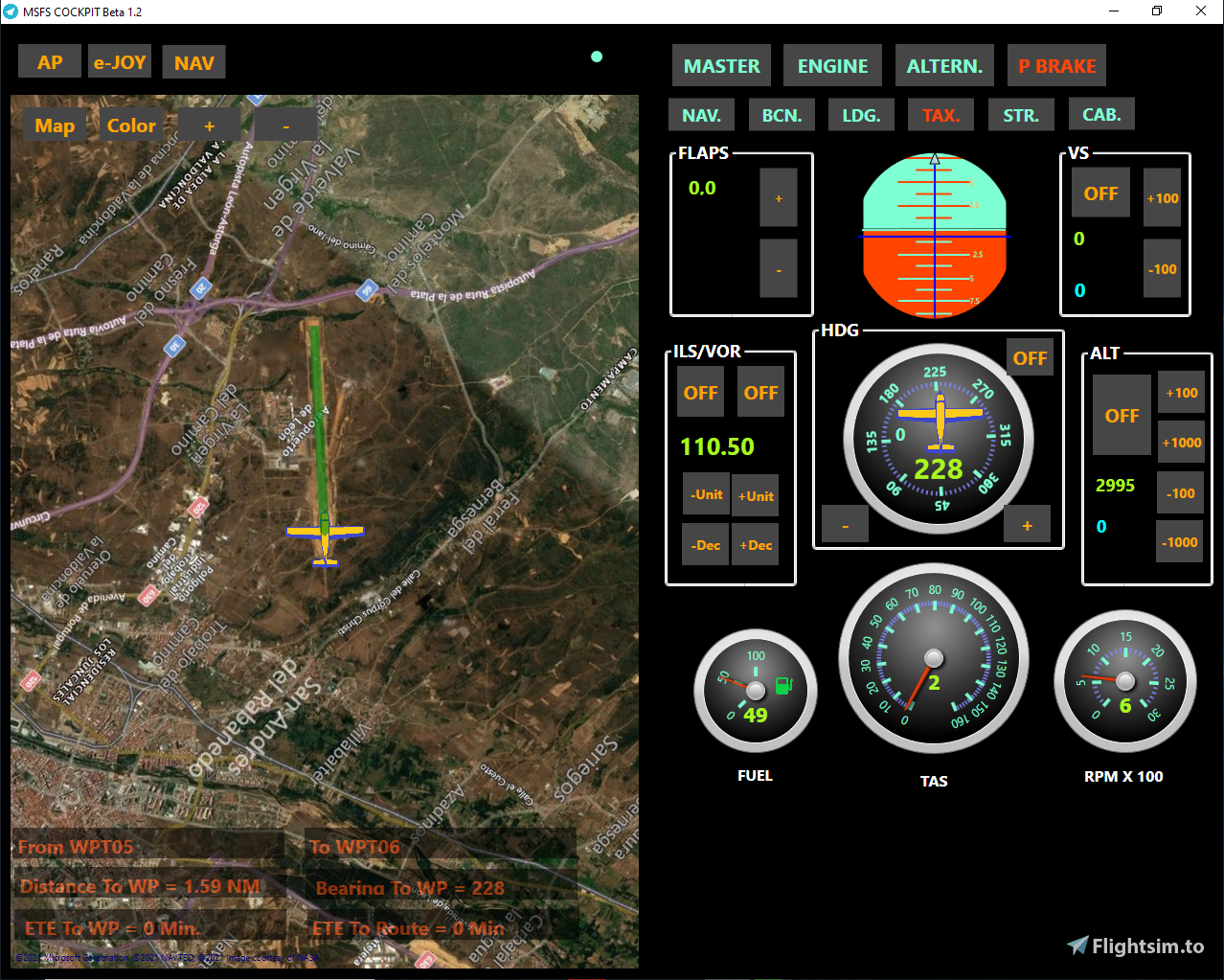
MSFS COCKPIT - Beta 1.2
It is an add-on for MSFS 2020, scheduled to run on Windows, that contains indispensable elements of a cockpit.
It must be installed and run on the computer where MSFS 2020 is located and is intended to be displayed on a second monitor or laptop.
In this way, the external view of the aircraft is displayed on one monitor and the control panel on another.
If you want to use a Laptop as a second monitor here are the instructions https://www.techadvisor.com/how-to/laptop/laptop-second-monitor-3674679/
Dependencies
For its operation you have to install previously:
NET Framework 4.6.1, https://www.microsoft.com/es-ES/download/details.aspx?id=49982 (It may already be installed with Windows 10 updates.)
FSUIPC 7, http://www.fsuipc.com (No registration required)
Installation
MSFS COCKPIT is installed using the MSFSCOCKPITSetup.exe which you can download from this page.
ABOUT
Vmtorregrosa. Please report errors and comments to msfscockpit@gmail.com
Commentaires(26)
Connectez-vous pour participer à la discussion
Se connecterover 2 years ago
over 2 years ago
almost 5 years ago
2020で動作しました。マップの選択肢も多く素晴らしい。ITS GREAT APP!!! THANK YOU!!
almost 5 years ago
This is an amazing tool and a good alternative for paid softwares. The only thing is that while flying you should be able to see many instruments at once. At takeoff for instance you should monitor engine gauges and speed at almost the same time. Besides that, if there was a possibility to customize panels for specific planes it would be even more amazing. Maybe share it at github so the community can help on improvements? I would be glad to help.
almost 5 years ago
Very interesting and very useful, but is there a way to close the map? It's very bothering as I use Navigraph, you could add this option in a coming beta version. Congrats, it's a great tool.
almost 5 years ago
close all the time to me dont work i install all i use 2 monitors
about 5 years ago
Win10 tells me this software is an extreme threat
about 5 years ago
It may be a false positive
about 5 years ago
Peccato che non va qualcosa dopo averlo avviato il gioco impazzisce e l'aereo va tutto verso sinistra
about 5 years ago
Por favor, indíqueme la versión de su msfs
about 5 years ago
También la versión del fsuipc
about 5 years ago
Uso l'ultima versione di Msfs è l'ultima versione di Windows 10
about 5 years ago
Forse sbaglio io qualcosa perché appena attivo il programma il gioco impazzisce
about 5 years ago
No se decirte. Creo recordar que a mi me paso algo parecido. Prueba a desinstalar Fsuipc y volver a instalar la ultima version
almost 5 years ago
OK grazie ci proverò
about 5 years ago
Not working here. Don’t know why but when I start the software the yoke gets crazy and move fully left. It’s a conflict for sure. if I turn it off it centers and function as expected.
about 5 years ago
Enviar comentarios
Resultado web con enlaces de sitiohttps://translate.google.com › .
about 5 years ago
Muito interessante, mas consome alguns frames.
MSFSCOCKPIT Update 1.3.2
MSFSCOCKPIT Update 1.3.2 is an add-on for MSFS 2020 designed for Windows systems, featuring essential cockpit components. This update allows for a split-screen setup with the external view on one monitor and the control panel on another, ideal for second monitor or laptop use. Ensure prior installation of NET Framework 4.6.1 and FSUIPC 7 for seamless operation. Contact vmtorregrosa for feedback and support.

Avis des utilisateurs
3 avis
More Information
Historique des versions
Similaires
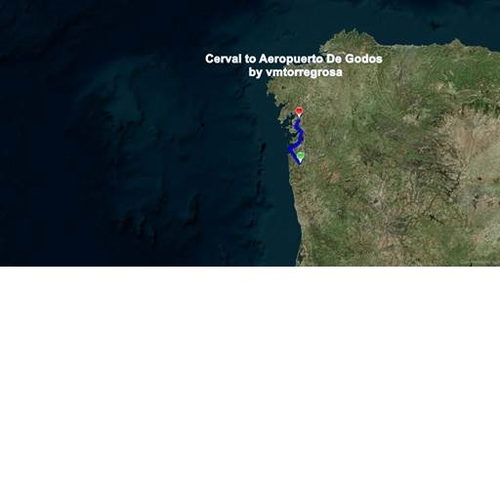
BushTrip VFR Aeródromo De Cerval (LPVA) a Aeródromo De Godos (LEPO)
Embark on a VFR bush trip from Aeródromo de Cerval (LPVA) to Aeródromo de Godos (LEPO) with points of interest including Islas Cíes, VIGO, Puente de Rande, and Pontevedra. This add-on features voice instructions in Spanish.
par vmtorregrosa
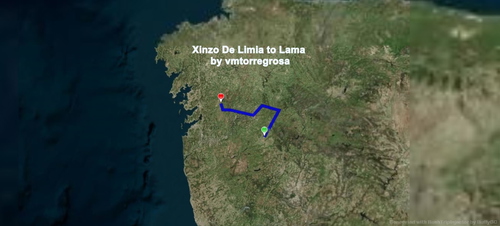
LEXI Xinzo de Limia a LELB Aeródromo de Beariz
Explore the scenic journey from LEXI Xinzo de Limia to LELB Aeródromo de Beariz, passing through Cañón del Río Sil and Los Peares in Orense. Enhance your flight experience with Spanish voice instructions included. Simply install in your Community folder.
par vmtorregrosa
over 2 years ago
That would have been the ideal tool for me. Unfortunately, this makes the flight very restless, the plane moves jerkily. So I switched to the tool that works on Android phones and tablets. Here I have no disturbance when flying, the flight is smooth and steady