
Description
KFCM - Flying Cloud Airport - Eden Prairie, MN
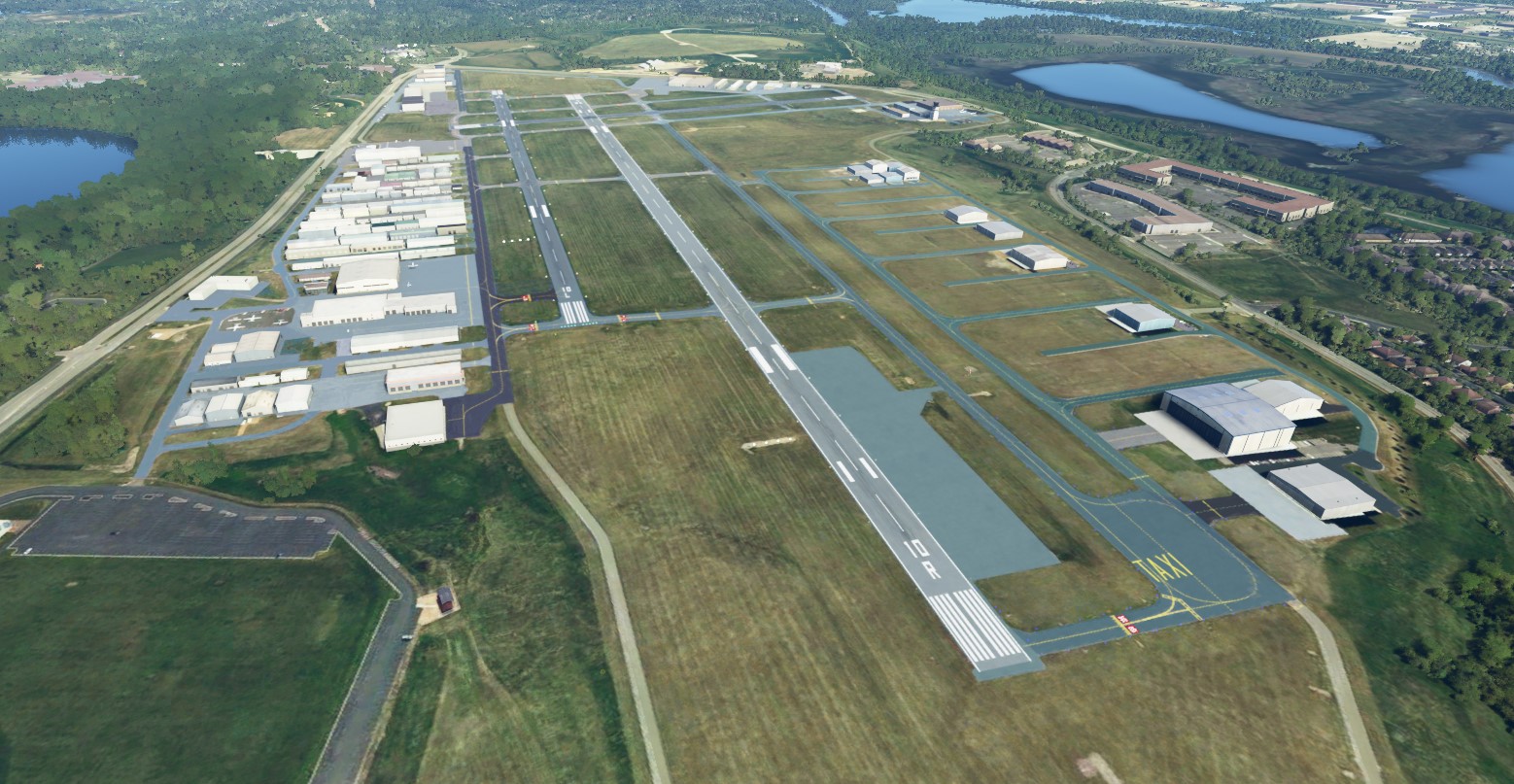
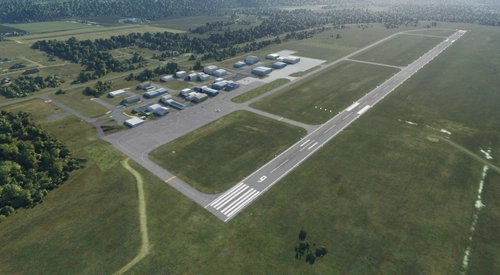
Flying Cloud airport is one of the Twin Cities reliever airports, and also the busiest of the Twin Cities outside of KMSP. It has three runways, one North/South runway and parallel East/West runways. It boasts a good mix of General Aviation with multiple flight schools operating out of the field, as well as a fair amount of corporate aviation with at least three FBO's. It is common to have Cessna 172's in the pattern with buisness jets going in and out. It also has the Wings of the North hangar which has numerous WWII aircraft including a F4U Corsair and P-51 Mustang. It has a Class D status with ATC for all but the overnight hours. It also sports an ILS approach with GPS approaches to all runways and a VOR on the field.
Changes/Improvements
By default the airfield was partially finished. There were some AI generated hangars on the north and east side and that was about it. All of the new hangar complex on the south side was not populated by hangars/taxiways and (as usual for MSFS in it's current state) the taxiway names were incorrect. I used nearly all stock Asobo objects with the exception of one additional library listed below.
A list of modifications I can recall from the top of my head:
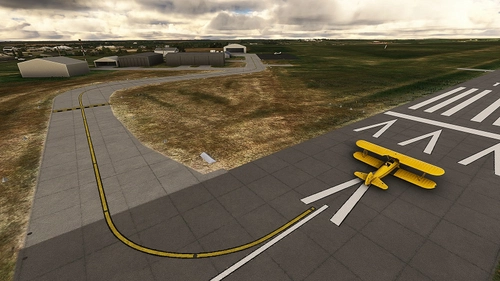
- Renamed Taxiways and updated taxiway signs to match the current Taxiway Diagram as of July 2021
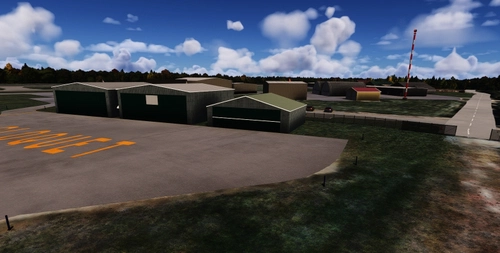
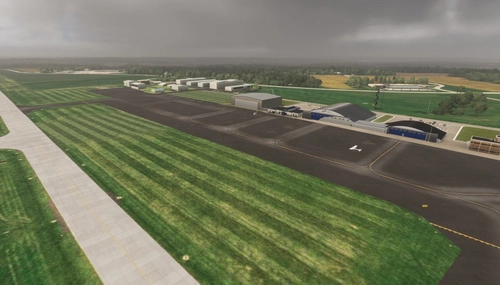
- Addition of hangars/taxiways to the south complex (currently this section is seeing the most improvements to the field). I left most of the AI generated hangars intact.
- Relocation of Taxiway A3. It is my understanding that it was moved west slightly to aid in preventing aircraft departing the FBO ramp from entering runway 10L mistaking it for taxiway A
- Taxiway lights heavily modified to match proper locations
- Terraforming of the south complex to fix elevation discrepencies and various ridges
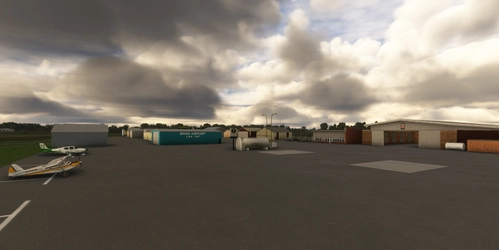
- The Thunderbird FBO was missing. I made something sort of resembling it out of stock objects. Also the hangar next to Thunderbird was enormous as generated by AI so I replaced it with one of appropriate size
- Runway guard lights (wig-wag lights) added to all taxiways to aid in preventing runway incursions to match the real life airport. The wig wag light object is stock Asobo, but it does not flash. I added an object from the EDHK lights pack which will add the flashing motion. If you want to enable the flashing lights, you will need to install the library found here. Install the library to your community folder. Without it you will have static runway guard lights which is still better than the default of nothing.
- Other random scenery additions like fences, aircraft, and fuel objects.
- Tower added with rotating beacon (which suffers from the lack of intensity of all beacons at thins point in MSFS)
- Night lighting added, primarily to the FBO's
Installation:
Extract to your community folder. Install the above listed lighting library to your community folder if you want the flashing wig-wag lights.
Change Log:
v1.1 - Removed the AI generated control tower leaving only my placed scenery control tower object which is of more appropriate size.
As always, enjoy flying in Minnesota!
Location
KFCM - Flying Cloud Airport - Eden Prairie, MN
Experience the bustling activity of KFCM - Flying Cloud Airport in Eden Prairie, MN with this mod. Enhancements include accurate taxiway layouts, additional hangars, improved terraforming, and realistic runway guard lights. Dive into this detailed recreation and enjoy a more immersive flight simulation experience at this busy regional airport.


Avis des utilisateurs
2 avis
Historique des versions
Présent dans des collections(2)


Similaires
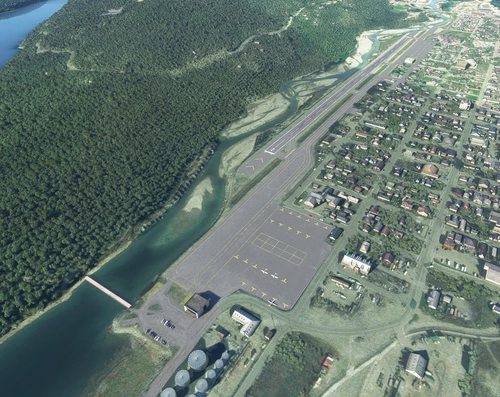
PAGY - Skagway Airport - Skagway, AK
Explore PAGY - Skagway Airport in Alaska, known for its historic significance in the 1898 gold rush. This VFR airport features a unique approach over the mountainside, catering to tourist and cargo flights. Experience enhanced realism with terraforming, updated aprons, helipads, and additional parking. Immerse yourself in the scenic beauty of Skagway with added city objects and night lighting.
par spidermanMN
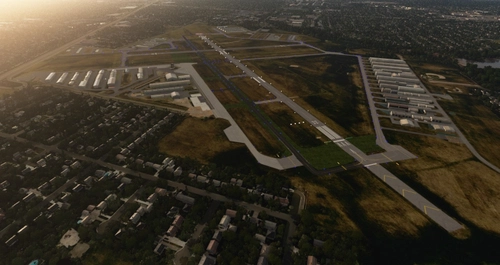
KMIC - Crystal Airport
Experience the revamped KMIC - Crystal Airport in Minnesota with this scenery add-on. Explore the removal of runway 14R-32L, extension of runway 14L-32R, and updated taxiway layout. Additionally, enjoy added taxiway signs, generic hangars, and missing approaches for a more immersive flight experience.
par spidermanMN
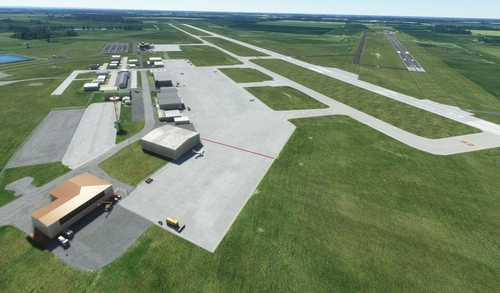
KABR - Aberdeen Regional Airport - Aberdeen, South Dakota
Enhance your simulation experience with the KABR - Aberdeen Regional Airport add-on, bringing updates to the airport in Aberdeen, South Dakota. This modification adjusts the runway location, taxiway names, and adds new features like static scenery objects and night lighting. Stay up-to-date with the latest versions for improved details and realism.
par spidermanMN
KRGK - Red Wing Regional Airport
Explore KRGK - Red Wing Regional Airport, located in Red Wing, MN. This detailed scenery adds generic hangars, corrects taxiway names, and enhances parking options. Fly in and experience this small airport across the Mississippi River in Wisconsin.
par spidermanMN
Connectez-vous pour participer à la discussion
Se connecterCommentaires(17)
4 months ago
4 months ago
4 months ago
9 months ago
9 months ago
I would say to give it a try. I do have most of my projects loaded in 2024 where 75% of them still works. There are some duplicate hangars where I placed objects in places that hangars didn't exist in 2020 but now are auto-generated in 2024. The only project I've updated for 2024 was KMIC but sadly don't have the time to fix more.
over 4 years ago
My local field. Such an improvement, thank you!
over 4 years ago
Thanks for the comment! I got to fly (as a passenger) out of FCM once a few years ago. Such a good mix of GA operations going on there.
about 5 years ago
Nice! I've added this as a recommended dependency for my Travis Ludlow flight plan and bush trip. Travis visited this airport on his world solo trip. Links:
https://flightsim.to/file/20231/travis-ludlow-s-around-the-world-solo-trip-flight-planhttps://flightsim.to/file/18812/travis-ludlow-s-around-the-world-solo-tripabout 5 years ago
Awesome! I wasn't aware that FCM was part of it. Thanks for including the scenery!
about 5 years ago
As a fellow MN virtual flier, I really appreciate your work! Makes GA trips around the area much more real. Now hoping someone tackles KMSP (Flightbeam?) for MSFS.
about 5 years ago
Thanks! Glad it helps to add more realism to your time in the sim. We'll see if anyone can do KMSP, it would be quite the project!
about 5 years ago
Just in-time for AirExpo! Thank you so much for doing this one too, it is excellent! Just taking a quick test flight, I noticed that the old control tower is still present, with the taller control tower rising up through it.
about 5 years ago
Thanks for the heads up about the tower. I didn't see that in my sim but I can put in an exclude to hide the default. Not sure if it will get done this week though - I will be out of town. Sad that I won't be around for Air-Expo though - maybe next year!
Edit - I made the change to remove the AI tower in version 1.1
about 5 years ago
Awesome! I was about to request this one from you and you beat me to it.
about 5 years ago
Ha! Great minds think alike. Enjoy!
about 5 years ago
Thank You
about 5 years ago
You're welcome! Hopefully it can help to increase the realism of the airport for you.