
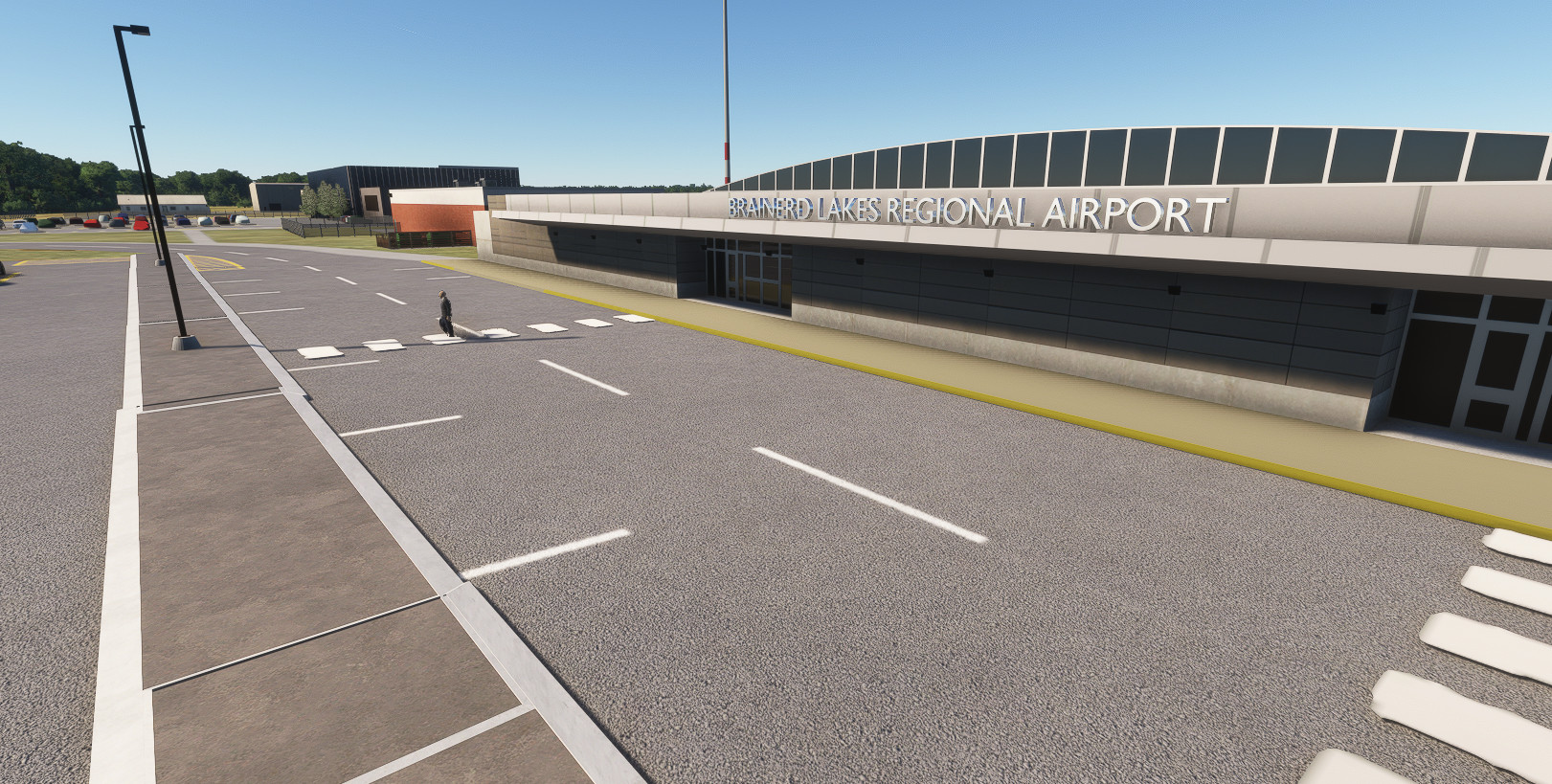
Description
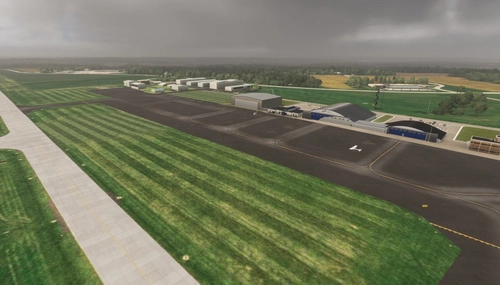
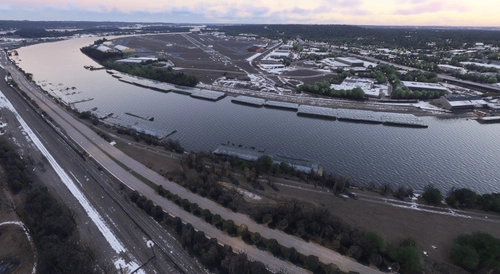
Brainerd Lakes Regional Airport
Located in Crow Wing Country, Minnesota, this great little Airport boasts a modern terminal, two Fire and Rescue Centers and though mainly General Aviation, Skywest operate a service to from Minneapolis St Paul (KMSP) and back except - according to FlightAware - on Tuesday and Wednesday.
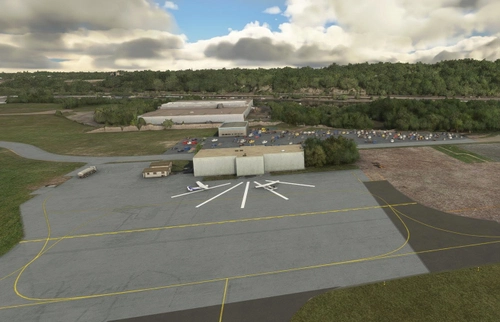
There are two runways, 5-23 and 16-34 and an FBO called NorthPoint Aviation. LifeLink also operate helicopter medical services from relatively new facilities.
Version 1.0 2024
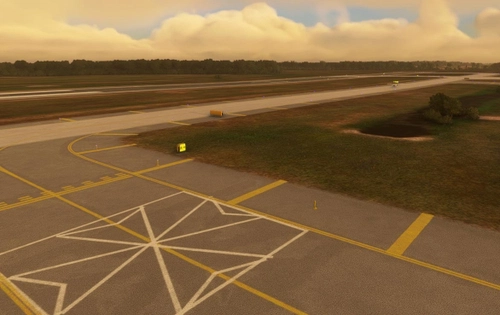
In this version, I have redrawn all the lighting and Edge Markings, the latter being too large for the size of taxiways. Every edge light should be in the exact position seen from Google Earth. All the fencing has been added, along with some automatic gates, though I have not triggered those to open, yet.
Street and Airport lighting has been reproduced as accurately as I can manage, and the new Firestation that was required by the FAA has been constructed.
Version 1.2 Oct 2024
Jetway
I have used a Jetway from EDM, Munich Airport produced by Microsoft. I suspect that if you don't have the Germany World Scenery loaded, you will not see the Jetway. This one has been tested with the FBW A320 Neo, but not with the Citation. It may work with AI aircraft, but they only land twice a day, so I have yet to see it happen.
All the GA Hangars have been been custom drawn to make them as close as possible to reality. I am currently hampered by poor resolution satellite imagery.
Taxiway signs are now double sided provided the library mgcscenery-modelib-tsassets is installed. Distance remaining signs have been added.
Direction signs - Blue Information Signs - have been placed wherever they apply to the airport. Custom helicopter landing pad with lighting added, with green lights as indicated by FAA documents.
The Brainerd Tanker Base has been constructed, and two Fireboss aircraft added. My attempt at creating aircraft is not high quality, but it looked wrong without them.
The Wings Cafe sign and flower bed outside the door has been modelled, minus any flowers. Street Lighting has been added where I can find it, and we now have Fire Hydrants just to add a bit of extra realism.
Installation and Dependencies
This new version 1.3, only needs the one folder to be copied to Community. mnsd-modellib-airport-models, mgcscenery-modellb-tsassets, mgc-mgcibrary are not required, but it will do no harm if they are still in the Community Folder.
In order to see an Oskosh Fire Truck in the Firehouse, please download WombiActual-aircraft-truck and wombiActual-Assetpack-enxx from Flightsim.to
Fuel Tanks required EmeraldObjectLibrary by rotornut44 from Flightsim.to
I recommend using FSLTL Traffic Injector to provide parked aircraft and scheduled services.
Version 1.4
This is the stable version for the moment. There were some flaws in the lighting on 1.3, where the GA Hangar lights appeared to be on during the day. This has been fixed. I've changed the window emissive color on the terminal buildings as it looked wrong to me. The Airport Welcome sign was invisible at night, so the letters now emit light. I'm not sure if that is right, and would be glad to hear from anyone with first hand knowledge.
The Cafe has a fenced off outside area on the air side, which has now been modelled.
Version 1.5
I must apologise for not checking on this, but the Terminal Apron was showing up as a checker board for some users. This was caused by the use of a texture from the Free Paderborn scenery being used. As Paderborn is a 1GB download, and not all users will want that sitting on their drives, I have replaced the texture with an Asobo Generic material in this version. If you don't have the problem, there is no need to download this fixed version.
Version 1.6
A user kindly reported that there was a sharp dip in the runway surface on runway 34 just before exit C2. This must be related to the Asobo Mesh underneath I think, but I have overcome it by Terraforming the runway and raising it slightly. Please let me know if this doesn't fix it for you. I work on modest machinery with low Terrain Detail, so I can't be sure we are seeing the same things.
Comments and Suggestions
Please feel free to make suggestions for improvements, or corrections of inaccuracies. I've never been there, so I rely on publically available images and satellite data.
Texture Credits
Many Textures have come from Textures.com, downloaded before they changed access to free resources.
MSFS 2024
A lot of work will be needed to make our airports fully compliant with 2024, but that doesn't mean the 2020 versions can't be used.
Dépendances
Location
(KBRD) Brainerd Lakes Regional
Brainerd Lakes Regional Airport (KBRD) is a detailed add-on for Microsoft Flight Simulator, located in Crow Wing County, Minnesota. This mod features accurate representations of the airports structures including a modern terminal, two fire and rescue centers, and custom-built general aviation hangars. Enhancements in this version include improved lighting, correctly positioned edge markings, and additional signage, as well as the construction of new facilities and models to enhance realism. Notable features also include a jetway and a newly created helicopter landing pad with proper lighting.

Avis des utilisateurs
4 avis
Historique des versions
Smoothed out Runway 34-16 in region of C2
Présent dans des collections(1)

Similaires
KEAU - Chippewa Valley Regional Airport
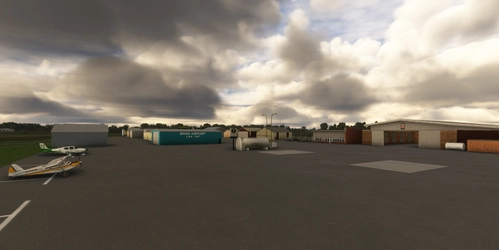
Chippewa Valley Regional Airport, located in Eau Claire, Wisconsin, features two runways and is served by Sun Country Airlines with flights to Minneapolis St Paul Intl and Orlando. This scenery add-on aims to accurately model the airport based on available information, with plans for updates based on feedback. Simply drag the downloaded folder into your community folder to install this initial release.
par connomar
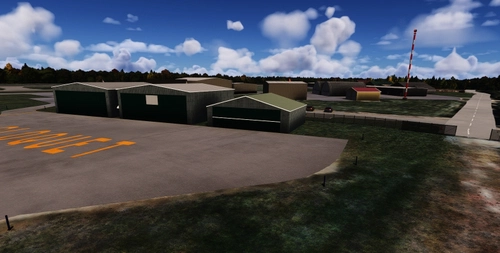
KBRD - Brainerd Lakes Regional Airport, Minnesota - For MSFS2024
This add-on for Microsoft Flight Simulator 2024 brings a detailed rendition of Brainerd Lakes Regional Airport (KBRD) in Minnesota, featuring enhanced lighting designed to create a more realistic atmosphere. Version 3.0 introduces dynamic snow piles that adjust with the seasons, alongside seasonal visibility of the Fireboss aircraft. While the Jetway remains static, the airport includes assets such as a fire truck, enhancing the operational environment.
par connomar
ST PAUL DOWNTOWN HOLMAN FLD (KSTP)
Enhance St. Paul Downtown Holman Field (KSTP) in Microsoft Flight Simulator with this add-on, aiming to bring the airport up to date with 2021 VASI data and improvements to taxiways. Experience a more accurate representation of the airport post-2016, addressing issues such as glide slope and taxiway labeling for a more realistic flying experience.
par connomar
St Cloud Regional MN-2021
Enhance St Cloud Regional Airport in Microsoft Flight Simulator with updated taxiways and runways based on the current 2021 airport diagram. This add-on features the extension of runway 31, a recreated terminal building, and additional details based on available information. Explore the improvements and additions to bring a more realistic experience to your flights at this airport.
par Martin Connor
Connectez-vous pour participer à la discussion
Se connecterCommentaires(10)
3 months ago
3 months ago
Thank you for your feedback regarding the Jetway. The inclusion of the Jetway was based on Google Images as late as 2024, but following your remark, I have searched for more recent confirmation and found a photograph dated Feb 2026 showing it as present. If it has been removed since then, please let me know.
3 months ago
3 months ago
over 1 year ago
over 1 year ago
over 1 year ago
Thanks again,
Martin
almost 2 years ago
over 2 years ago
Also I'm sure you have your hands full with the MSP project, but when you get a chance would you be able to fix the jetway and the FBO/terminal buildings?
over 2 years ago