

Description
Thank you for downloading this Loganair livery for the Aerosoft DHC-6 Twin Otter. Make sure you have the aircraft purchased and installed from the Aerosoft website or MSFS Marketplace.
https://www.aerosoft.com/en/microsoft-flight-simulator/msfs-aircraft/3437/aerosoft-aircraft-twin-otter
Installation:
- Head to your Microsoft Flight Simulator directory and go inside the Community folder. You can find this folder at 'Microsoft Flight Simulator\Community'.
- Drag and drop the 'aerosoft-aircraft-twin-otter-loganair-drawyah' folder into the Community folder. DO NOT insert into the 'aerosoft-aircraft-twin-otter' folder.
- Load up Microsoft Flight Simulator and select the DHC-6-300 Twin Otter PAX variant, the Loganair livery should now appear in the selection menu.
Disclaimer:
De Havilland Aircraft of Canada and Loganair colours, logos and aircraft are trademarks under their own respective organisations. This is a freeware livery with the aim of adding real-world liveries into Microsoft Flight Simulator. This pack is available for FREE, you should not purchase this pack for any financial transaction.
You can find me on YouTube via the link below.
https://www.youtube.com/drawyah/
Loganair DHC-6-300 Twin Otter Livery
Loganair livery for the Aerosoft DHC-6 Twin Otter, now available for Microsoft Flight Simulator. Easily install this freeware livery to enhance your aviation experience. Please note this pack is free to download and not for sale.


Avis des utilisateurs
14 avis
Historique des versions
- Tail code font bold & raised. - Belly neatened up, blue streaks on body meet (no more white gaps). - Lines on body neatened up & angle adjusted to meet tail Saltire. - 'Operated by Loganair' inscription resized & position adjusted.
Similaires
(IMPROVED!) IVAO Altitude X-CSL Model Matching
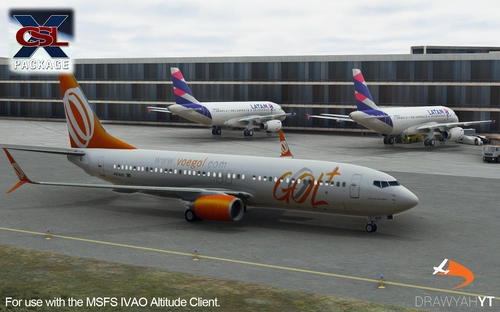
Enhance your IVAO AI traffic experience with this model matching mod, increasing the variety of aircraft liveries from 1,230 to 2,248. Discover a wide range of models including Boeing 737, Airbus A330, A340, A380, and more. Simply replace the mtl.dat file in your IVAO PilotCore folder to enjoy a more diverse virtual sky. Note: occasional issues may occur, but updates will be provided to address them.
par Drawyah
Aer Lingus Airbus A330-300 Livery
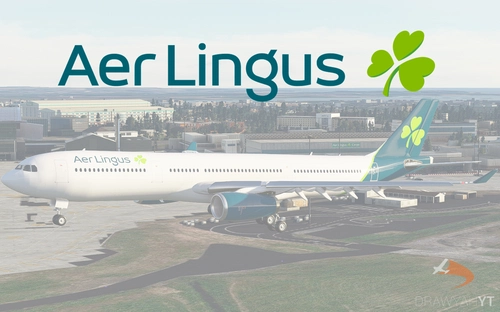
Aer Lingus livery for Project Mega Pack A330-300, featuring authentic colors and logos. Install it easily to enhance your Microsoft Flight Simulator experience with this free and realistic livery.
par Drawyah
Winair DHC-6-300 Twin Otter Livery
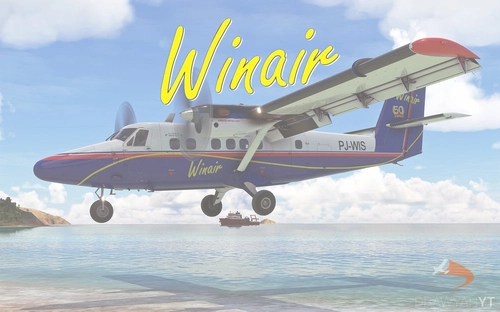
Enhance your Aerosoft DHC-6 Twin Otter experience with this Winair livery! Follow easy installation steps and enjoy the realistic touch it adds to your Microsoft Flight Simulator aircraft selection. Remember, this freeware livery is designed to enrich your virtual flying experience with authentic detail.
par Drawyah
Tara Air DHC-6-300 Twin Otter Livery
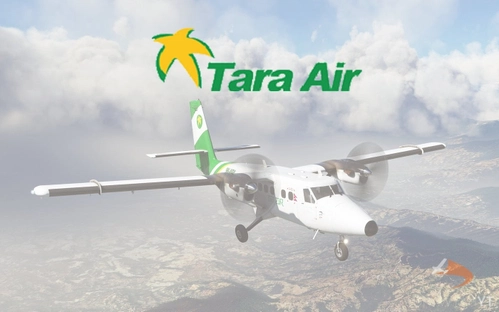
This Tara Air livery for the Aerosoft DHC-6 Twin Otter brings a touch of authenticity to your Microsoft Flight Simulator experience. Simply follow the installation instructions to start enjoying this freeware livery in-game.
par Drawyah
Connectez-vous pour participer à la discussion
Se connecterCommentaires(49)
over 1 year ago
over 4 years ago
Without the official painkit, how did you manage the layer (map) for the metallic parts (engines exhaust...) ?
over 4 years ago
It's mainly a case of using Blander to paint your livery on top of one of the already existing ones the aircraft comes with, then painting white any of the original that 'leaks' through your own design. A tedious process, but lets you preserve the original work of Aerosoft for finer details and changing what you want added to the plane.
over 4 years ago
Oh ok I understand. I have painted my futur liveries but on a white new one (in blender), i'm waiting for the paintkit, I hope there will be weathered/washout layers :)
over 4 years ago
Basic skin, but it's so sexy looking. Good work
over 4 years ago
Think I might purchase the Twin Otter just so I can fly this great Loganair Scotland livery.
over 4 years ago
Hello from Sweden. I see your Logan Air work and would really appreciate to have a SWEDAIR DHC-6 300 livery since I have flown those IRL for approx.5000 hrs. in the 70:s and 80:s. Latest years on Scandinavias shortest route between Malmoe and Copenhagen for Scandinavian Airlines. Great fun aircraft to operate.
Best from Bjorn Harlin, in Stockholm
Retired F/C now 80+ :-)
over 4 years ago
I flew on SE-GEC from Copenhagen to Malmo in 1977....wonder if you operated that!
(mind you, in fog all the way so didn't see anything other than runways!)
over 4 years ago
Hello again,
Probably, since I was one of the 4 captains from SWEDAII stationed in Malmoe at that time. :-)
A lot of fun to fly the Otters with some very special arrangements by ATC in Copenhagen. We used to land on mostly RWY 30 to stop 300 meters before the intersection with 22L. No problem to do so but once a JAL B747 on short approach for 22L saw our landing lights and was scared off for a expensive go-around:-) In low ceinlings and low visibility (550 meters) we were radar vectored to 04 or 22 to short final and there made a 90 degree turn to the runway. Very efficient handling of our flights at Copenhagen by the Danish ATC.
I really hope that you can get some time to make the SWEDAIR livery - requested on Flightsim.to. so I can fly the ESMS-EKCH route again for fun in FS2020 VR.
Best, Bjorn
bjorn.harlin@oulook.com
over 4 years ago
thanks for that......most interesting
over 4 years ago
Very nice livery, thank you for your effort. I especially like the engine exhaust trails, looks very realistic, since I have flown a couple of times in a real DHC6..
over 4 years ago
Fantastic, and so quick after release