
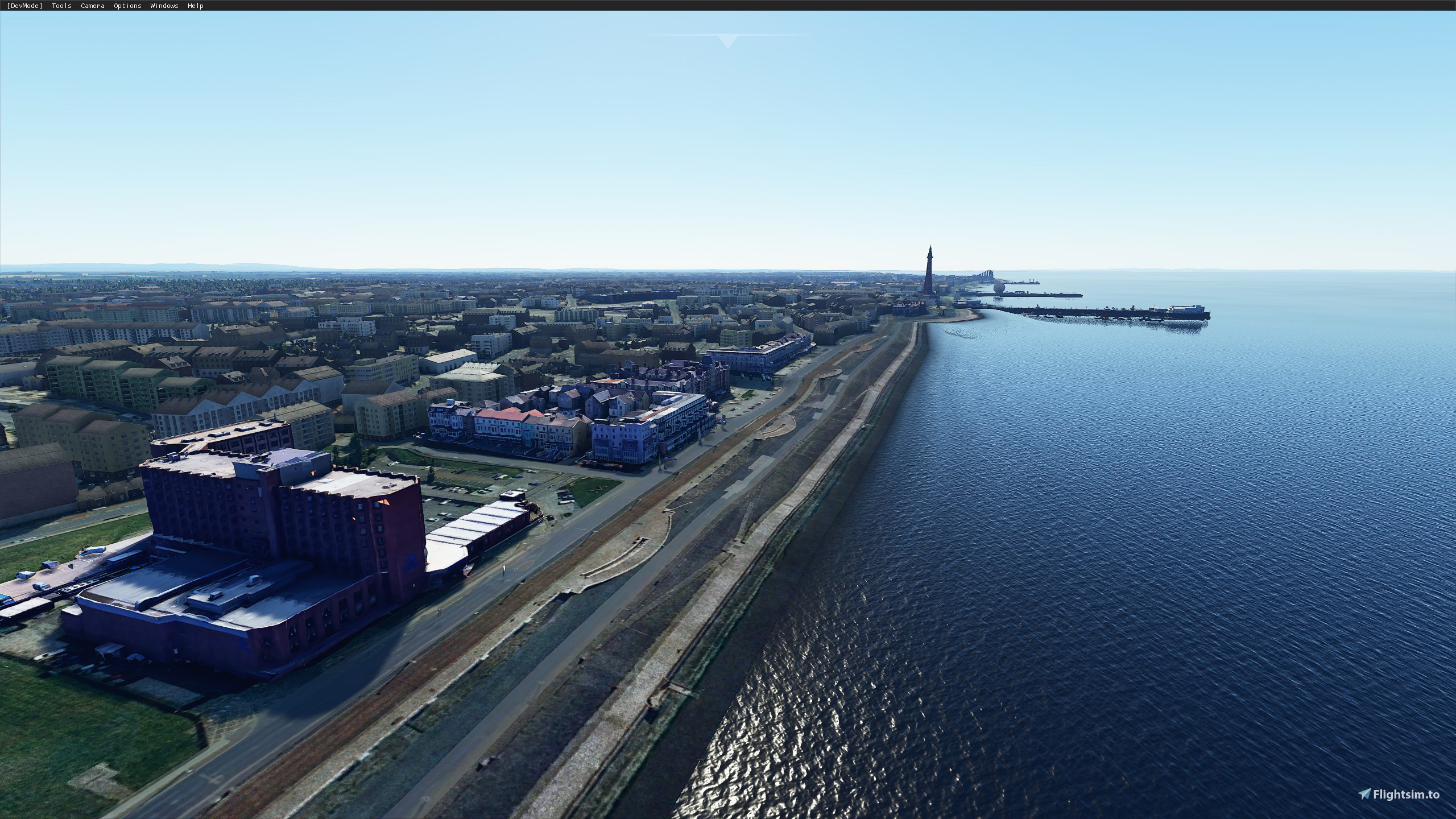
Description
So far it includes:
Grand Hotel
Imperial Hotel
Britannia Hotel
Sainsbury's + train station
Stadium
Blackpool Tower
Sandcastle waterpark
Pleasure beach
North, Central and South Piers
World War memorial
IMPORTANT
So for those people having trouble with landmarks not showing, please navigate to your content.xml file. For me I am installed through Steam and this was located in:
C:\Users\yourusername\AppData\Roaming\Microsoft Flight Simulator
If it's not here then it may be in:
C:\Users\"username"\AppData\Local\Packages\Microsoft.FlightSimulator_"some random numbers"\LocalCache\Content.xml
Edit the content.xml and ensure it contains the following:
<Package name="blackpooltower" active="true"/>
<Package name="northpier" active="true"/>
<Package name="centralpier" active="true"/>
<Package name="southpier" active="true"/>
<Package name="blackpoolwaterpark" active="true"/>
<Package name="pleasurebeach" active="true"/>
<Package name="blackpoolstadium" active="true"/>
<Package name="britannia" active="true"/>
<Package name="blackpooltrain" active="true"/>
<Package name="blackpoolsainsburys" active="true"/>
<Package name="blackpoolimperial" active="true"/>
<Package name="blackpoolgrand" active="true"/>
<Package name="bpmemorial" active="true"/>
<Package name="blackpoolstrand" active="true"/>
<Package name="blackpoolapartments" active="true"/>
<Package name="blackpooltownhall" active="true"/>
Save the Content.xml
Blackpool UK landmarks
Explore iconic landmarks of Blackpool, UK in Microsoft Flight Simulator with this add-on, featuring detailed representations of famous sites such as Blackpool Tower, Sandcastle waterpark, Pleasure beach, and more. Make sure to follow the instructions to ensure all landmarks are visible in your simulator.


Avis des utilisateurs
12 avis
Historique des versions
IMPORTANT So for those people having trouble with landmarks not showing, please navigate to your content.xml file. For me I am installed through Steam and this was located in: C:\Users\yourusername\AppData\Roaming\Microsoft Flight Simulator If it's not here then it may be in: C:\Users\"username"\AppData\Local\Packages\Microsoft.FlightSimulator_"some random numbers"\LocalCache\Content.xml Edit the content.xml and ensure it contains the following: <Package name="blackpooltower" active="true"/> <Package name="northpier" active="true"/> <Package name="centralpier" active="true"/> <Package name="southpier" active="true"/> <Package name="blackpoolwaterpark" active="true"/> <Package name="pleasurebeach" active="true"/> <Package name="blackpoolstadium" active="true"/> <Package name="britannia" active="true"/> <Package name="blackpooltrain" active="true"/> <Package name="blackpoolsainsburys" active="true"/> <Package name="blackpoolimperial" active="true"/> <Package name="blackpoolgrand" active="true"/> <Package name="bpmemorial" active="true"/> <Package name="blackpoolstrand" active="true"/> <Package name="blackpoolapartments" active="true"/> <Package name="blackpooltownhall" active="true"/> Save the Content.xml
Similaires
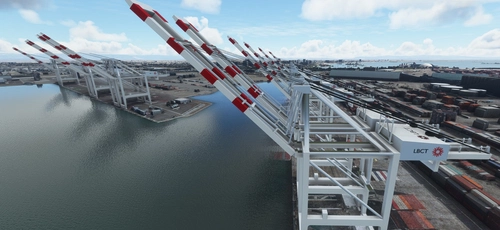
San Pedro Bay Port Facilities, Los Angeles & Long Beach CA USA (V3.0 MSFS2020) / (V1.3 MSFS2024)
This add-on provides detailed scenery enhancements for the San Pedro Bay port facilities in Los Angeles and Long Beach, California, specifically optimized for both MSFS2020 and MSFS2024. Version 3.0 for MSFS2020 features improved models, with significant updates including new cargo crane designs and streamlined asset management. The MSFS2024 version introduces additional upgrades and new details while ensuring compatibility with the latest simulator features.
par FreakyD
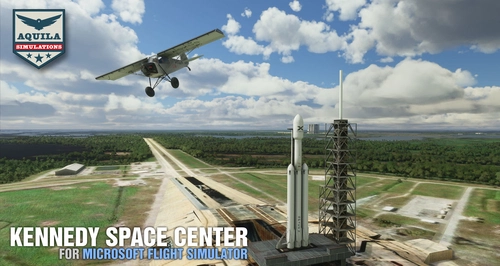
Kennedy Space Center
Explore the iconic Kennedy Space Center in Microsoft Flight Simulator with this detailed add-on, featuring key landmarks such as the VAB Building, Launch Control Building, and Launch Complexes 39A & 39B. Witness the impressive Falcon Heavy Rocket and SpaceX Rocket Assembly building as you embark on virtual space missions. Additional updates promise more buildings and assets to enhance your experience.
par Acktu
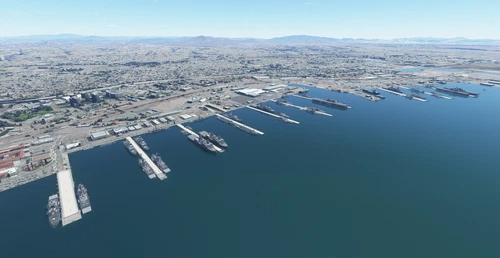
US Navy - San Diego V3.0.1
The US Navy - San Diego V3.0.1 add-on enhances the naval scenery around San Diego in Microsoft Flight Simulator. It includes a variety of updated ship models and improved textures, ensuring compatibility with both MSFS2020 and MSFS2024. Key features include detailed representations of the Rosecrans Submarine Base, multiple naval shipyards, and various classes of ships, including attack submarines and aircraft carriers. Recent updates have focused on model clean-up and the addition of interactive landing pads for helicopters.
par FreakyD
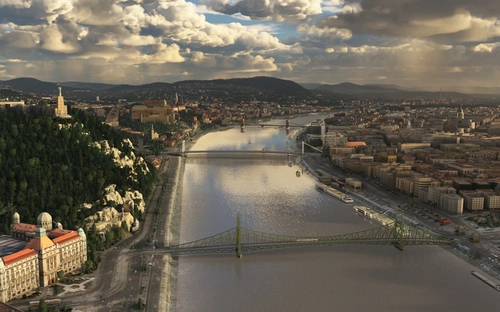
HungaryVFR FS2020
HungaryVFR is a package covering Hungary with airports and landmark sceneries, with its own library. The main goal is to bring as many airports and landmarks to Hungary as many we can, to have an authentic library for the are. The library can be used by other 3rd party scenery developers!
par ekre
Connectez-vous pour participer à la discussion
Se connecterCommentaires(66)
over 5 years ago
Very well one
over 5 years ago
over 5 years ago
almost 6 years ago
almost 6 years ago
almost 6 years ago
almost 6 years ago
about 6 years ago
about 6 years ago
about 6 years ago
about 6 years ago
I have requests, though, rather than fixes!
1) Can you add lights to the tower (and any others that I didn't notice) so it shines out at night (and I don't inadvertently slam into it). I assume it's lit up at night, but I'm not a native Blackpool...ian(?), so if it isn't then great.
2) Could you add the Blackpool Illuminations as an extra which we can turn on and off at our discretion?
Amazing work though, really.
about 6 years ago
about 6 years ago
Hope this works.
about 6 years ago
about 6 years ago
about 6 years ago
about 6 years ago
about 6 years ago
C:\Users\yourusername\AppData\Roaming\Microsoft Flight Simulator
If it's not here then it may be in:
C:\Users\"username"\AppData\Local\Packages\Microsoft.FlightSimulator_"some random numbers"\LocalCache\Content.xml
Ensure it contains the entry:
If not, add it. This should fix it.
about 6 years ago
about 6 years ago