
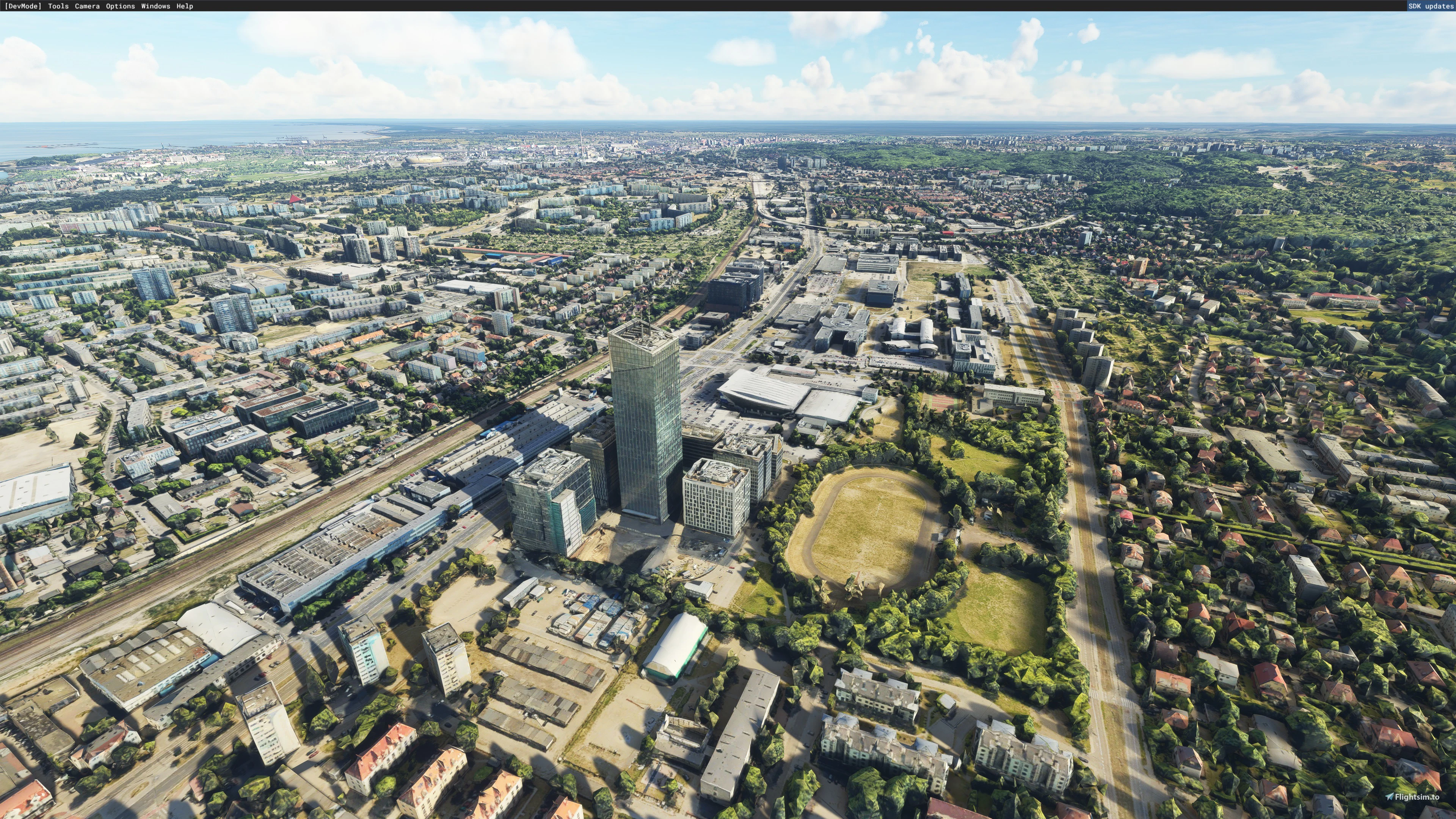
Description
Gdańsk is a city on the Baltic coast of northern Poland. With a population of 470,805, Gdańsk is the capital and largest city of the Pomeranian Voivodeship and the most prominent city in the geographical region of Pomerania. It is Poland's principal seaport and the country's fourth-largest metropolitan area.
The city is situated at the southern edge of Gdańsk Bay, in a conurbation with the city of Gdynia, the resort town of Sopot, and suburban communities; these form a metropolitan area called the Tricity (Trójmiasto), with a population of approximately 1.5 million. Gdańsk lies at the mouth of the Motława River, connected to the Leniwka, a branch in the delta of the Vistula River, which drains 60 percent of Poland and connects Gdańsk with the Polish capital, Warsaw.
Install:
Download the 7 compressed files under Gdansk - Part 1 and under Gdansk - Part 2.
Make a directory called "Gdansk" (or whatever) and unpack them all. That's it.
Many thanks:
- Jonah Hex 111 for Google Earth Decoder
- Thalixte for Google Earth Decoder optimization tools
Clean weather, good flight!
Gdansk - Part 2
Explore the captivating city of Gdańsk in northern Poland with this add-on, featuring detailed scenery and landmarks. Discover the port citys rich history and vibrant culture as you fly over its picturesque landscapes and iconic architecture. Enhance your virtual aviation experience with this meticulously crafted rendition of Gdańsk and its surrounding areas. Enjoy a seamless installation process and take to the skies for an immersive flight simulation journey.

Avis des utilisateurs
3 avis
Historique des versions
Aucun historique de version disponible.
Similaires
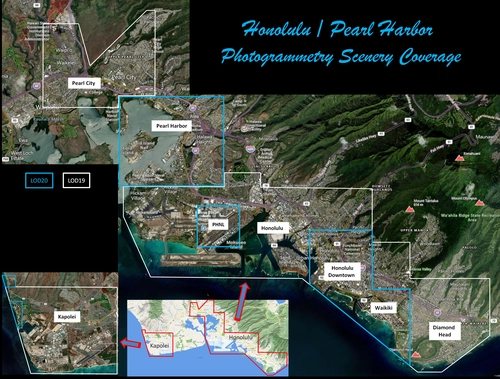
Honolulu
Explore the photogrammetry scenery of Honolulu, including the iconic Pearl Harbor area with optimized performance for better FPS. Discover Waikiki, Honolulu downtown, and more with this detailed addon. Enhance your experience by adding free mods for carriers, battleships, and military airplanes in Pearl Harbor and surrounding bases. Support the creator for future updates if you enjoy this mod.
par steveli
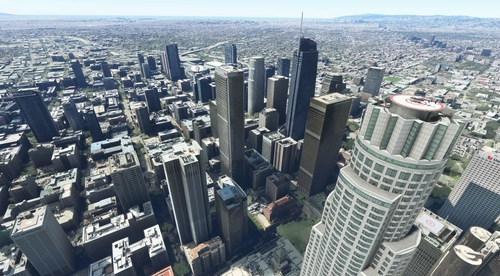
Downtown Los Angeles
Various buildings and monuments that are missing from Los Angeles in the game that shoudn't be. Wilshire Grand Center, SoFi Stadium, 801 S Grand, 825 S Hill, 888 S Hope, 1000 Grand, Apex the One, Atelier, Aven Apartments, Metropolis Towers, Level Los Angeles
par senecadriver
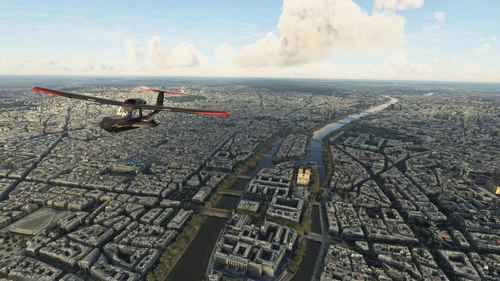
Paris
Explore the iconic cityscape of Paris in Microsoft Flight Simulator. This detailed add-on captures the essence of the French capital, featuring famous landmarks and architectural marvels. With accurate GPS coordinates, immerse yourself in the beauty of Paris, known for its historical significance and vibrant culture. Download now and experience the City of Light from a whole new perspective.
par Thalixte
Dubai City Pack
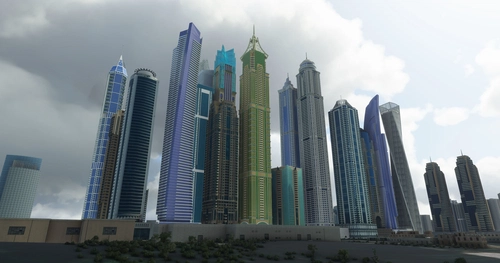
Explore a detailed rendition of Dubai City and Jebbel Ali Port featuring over 250 custom buildings and various landmarks like the iconic hotels and tourist attractions. While focusing on enhancing the daytime visuals, this pack offers improved textures for select buildings, promising a refreshing experience for simmers. Additionally, adjustments have been made to SkyDive Dubai Airport to address previous elevation issues, ensuring a more immersive flight into this dynamic cityscape.
par risuali
Connectez-vous pour participer à la discussion
Se connecterCommentaires(22)
9 months ago
https://imgur.com/a/2bwBinE
almost 3 years ago
I have problems with installation.
Each archive from 1 to 7 contains a folder called gdansk-1 to 7 and in them there are 2 folders: scenery, contentinfo and 2 files: manifest.json and layout.json. If I create a Gdańsk folder inside the community folder and copy FOLDERS 1 TO 7 with their contents to it, FS does not see this scenery. However, if I copy THE CONTENTS of the gdansk-1 to 7 folders to the Gdańsk folder, some of the files are repeated and I have to overwrite them (at least the manifest.json and layout.json files are in each archive) and the scenery is not displayed correctly. I would be grateful for a hint as to what I am doing wrong.
Thank you and best regards
about 4 years ago
Co zrobić , żeby sceneria była podświetlona w nocy?
about 4 years ago
Tervbe van véve! :-)
over 4 years ago
Witam. Ja mam problem z tą scenerią przy początku pasa 29 i dróg kołowania w pobliżu. Posiadam scenerie płatną lotniska od Fly Design. Teren na początku pasa29, oraz wokół niego jest pofałdowany i poprzerywany. Samolot podskoczy
lub się zatopi w gruncie, albo wjedzie w szczelinę jak po trzęsieniu ziemi. Wtedy oczywiście jest - Crash. Pozostaje mi startować jedynie z pasa11 i szybciej zrobić rotację.
over 4 years ago
Módosítottam a repülőtér környékén - a Gdansk - Part 1 -ben lévő gdansk-7 -et kell letöltened és cserélned. Lásd ott, a "Changelogs" alatt.
over 4 years ago
Ok. teraz działa bez problemu. Dzięki
over 4 years ago
jaki rozmiar Gb po rozpakowaniu?
over 4 years ago
Körülbelül 18 GB
over 4 years ago
It is awesome, thank you! : ) About the bumps, indeed there are some (in case of EPGD available in Flightsim.to) I think that exclusion of everything West from the highway before the rwy 29 approach could help - I think that it is not covered by 3d data anyway!
Cheers! And once again thank you!
over 4 years ago
over 4 years ago
Sure, one second
over 4 years ago
Here you go https://imgur.com/a/hfZvLMG & https://imgur.com/a/abkdxbt
Bumps cover most of the airport terrain. I think that area in the red rectangle may be easily (with no loss to entire scenery) excluded from the scenery. There are no Google 3d objects there.
Cheers!
over 4 years ago
Thank you! I'll start tomorrow and make the change.
over 4 years ago
Something else came to mind: Are you using this program? : https://flightsim.to/file/19345/msfs-2020-google-map-replacement
over 4 years ago
Nope, nothing but freeware EPGD scenery. Anyway, removal of 7th file which covers area of airport helped :) Cheers!
over 4 years ago
The scenery itself is wonderful and would deserve 10 stars! BUT THERE IS A PROBLEM with the elevation / mesh at the airport: The RWY is unflat / absolutely bumpy! This refers to both existing sceneries (freeware + payware) of EPGD. Hope that can be adjusted...
over 4 years ago
https://kepkuldes.com/image/LptboL
and I don't see any bumps.
https://kepkuldes.com/image/LptueY
over 4 years ago
Thank you for your reply! Then the problem (only at RWY 29 until the 300 Meter - sign) must be caused by something else...
over 4 years ago