
Description
Important:
Before installing this newer version, delete all files from the previous version.
This scenery has two zip-files that both have to be downloaded for it to work.
How to install:
Step 1: Extract both zip-files into the same location
Step 2: Within the extracted folder (seb-manchester-1) there is one subfolder. Place this subfolder in the MSFS2020 community folder.
The subfolder has the following name:
seb-manchester-main
Discription:
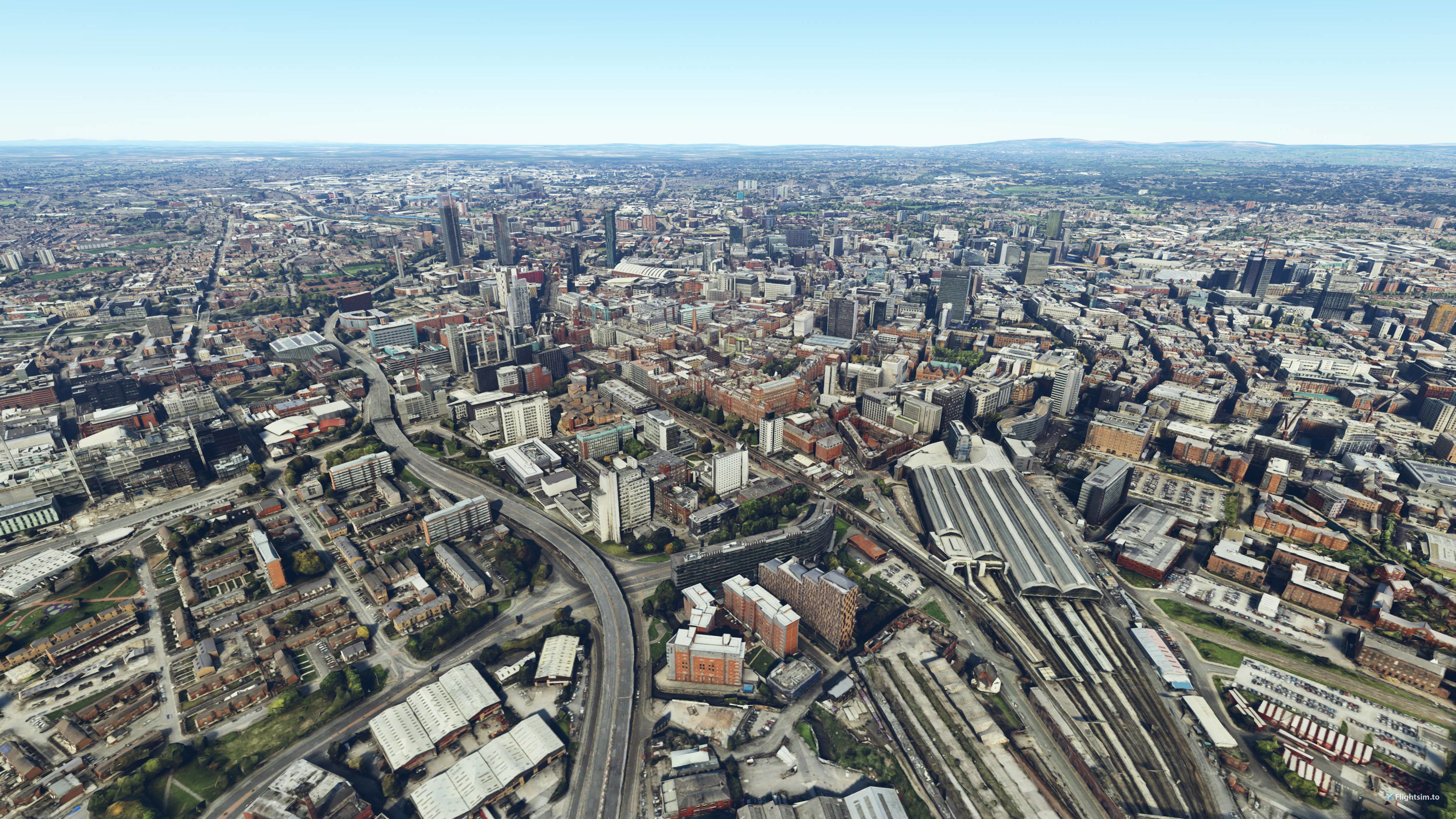
This scenery covers the centre of Manchester with photogrammetry. It is part 1 out of 10 in a series that combined covers the Greater Manchester Area. All parts in this series work together & seperatly.
The scenery has been optimized with the use of lily texture packer, to greatly reduce file loading times.
The detail level is LOD 16-19.
Changelog (Version 2.0):
- Better colours & contrast
- Twice the area covered in total
- More performance-friendly LOD's used
- CPU usage optimized by adding colliders for each tile
- Reduced RAM usage
Links to other parts of the series:
Part 2 - Manchester West
https://flightsim.to/file/33110/greater-manchester-2-0-pt-2-manchester-west
Part 3 - Manchester South
https://flightsim.to/file/33112/greater-manchester-2-0-pt-3-manchester-south
Part 4 - Trafford
https://flightsim.to/file/33114/greater-manchester-2-0-pt-4-trafford
Part 5 - Airport
https://flightsim.to/file/33123/greater-manchester-pt-5-airport
Part 6 - Stockport
https://flightsim.to/file/33124/greater-manchester-pt-6-stockport
Part 7 - Tameside
https://flightsim.to/file/33126/greater-manchester-pt-7-tameside
Part 8 - Oldham & Rockdale
https://flightsim.to/file/33159/greater-manchester-pt-8-oldham-rockdale
Part 9 - Bury
https://flightsim.to/file/33160/greater-manchester-pt-9-bury
Part 10 - Bolton
https://flightsim.to/file/33161/greater-manchester-pt-10-bolton
Location
Greater Manchester Pt. 1 - Manchester Centre
Explore the heart of Manchester with this photogrammetry scenery add-on, the first part of the Greater Manchester series. With optimized textures for faster loading times and LOD levels 16-19, immerse yourself in a detailed urban landscape. Version 2.0 offers enhanced visuals, improved performance, and an expanded coverage area. Check out the other parts of the series to complete your Greater Manchester experience.

Avis des utilisateurs
5 avis
Historique des versions
Aucun historique de version disponible.
Similaires
Honolulu
Explore the photogrammetry scenery of Honolulu, including the iconic Pearl Harbor area with optimized performance for better FPS. Discover Waikiki, Honolulu downtown, and more with this detailed addon. Enhance your experience by adding free mods for carriers, battleships, and military airplanes in Pearl Harbor and surrounding bases. Support the creator for future updates if you enjoy this mod.
par steveli
Downtown Los Angeles
Various buildings and monuments that are missing from Los Angeles in the game that shoudn't be. Wilshire Grand Center, SoFi Stadium, 801 S Grand, 825 S Hill, 888 S Hope, 1000 Grand, Apex the One, Atelier, Aven Apartments, Metropolis Towers, Level Los Angeles
par senecadriver
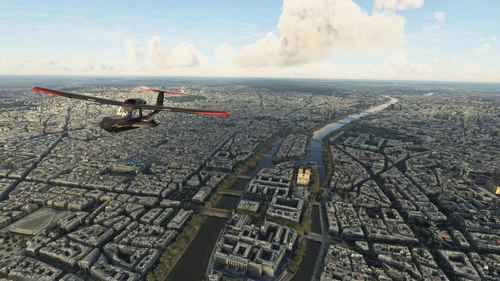
Paris
Explore the iconic cityscape of Paris in Microsoft Flight Simulator. This detailed add-on captures the essence of the French capital, featuring famous landmarks and architectural marvels. With accurate GPS coordinates, immerse yourself in the beauty of Paris, known for its historical significance and vibrant culture. Download now and experience the City of Light from a whole new perspective.
par Thalixte
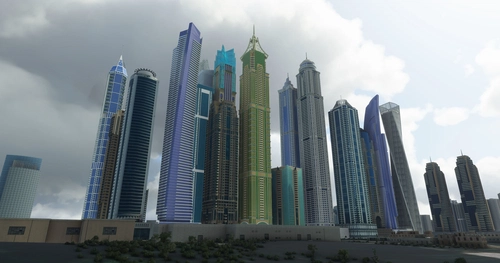
Dubai City Pack
Explore a detailed rendition of Dubai City and Jebbel Ali Port featuring over 250 custom buildings and various landmarks like the iconic hotels and tourist attractions. While focusing on enhancing the daytime visuals, this pack offers improved textures for select buildings, promising a refreshing experience for simmers. Additionally, adjustments have been made to SkyDive Dubai Airport to address previous elevation issues, ensuring a more immersive flight into this dynamic cityscape.
par risuali
Connectez-vous pour participer à la discussion
Se connecterCommentaires(33)
over 1 year ago
over 2 years ago
over 2 years ago
Love your 10 part Greater Manchester photogrammetry and have been using it now for quite some time.
I should like to consult your expertise for help in how I can either make appropriate revisions to the scenery or else to request the appropriate adjustments to ensure full compatibility with the scenery addon titles linked below!!
https://flightsim.to/file/61064/manchester-hand-crafted-pois
https://flightsim.to/file/973/beetham-towers-manchester
https://flightsim.to/file/614/etihad-stadium-manchester-city-england
https://flightsim.to/file/31198/egcb-barton-surroundings-hand-crafted
https://flightsim.to/file/20858/stockport-egcc-approach-pois-hand-crafted
https://flightsim.to/file/934/ikea-manchester-ashton
https://flightsim.to/file/974/tesco-mcdonalds-signs-for-man-approach
https://flightsim.to/product/manchester-int-l-airport-msfs
https://flightsim.to/file/3302/egcb-barton (includes city heliport)
https://flightsim.to/file/18354/uk-major-trauma-hospital-helipads-support-project (Royal Manchester Children's Hospital VH-24)
https://flightsim.to/file/60215/manchester-royal-infirmary-helipad
https://flightsim.to/file/60735/wythenshawe-hospital-helipad
Your work and talents are much appreciated as they enhance this busy area and bring it to life in the sim!
Thank you for your efforts!
almost 3 years ago
almost 3 years ago
almost 3 years ago
In fact, too plainly, the borders between these add-ons and the base MSFS scenery were terribly visible as straight ugly borders of mismatched ground textures/colours. But also in places the boundaries were also apparent as sever differences in height producing a long sausage-shaped slope at the boundaries.... horrible.
Lastly, they appear to be an FPS killer for my set-up with frame rates dropping to 3fps and total freezes lasting seconds flying over Manchester and the airport. So, after all that, they dont work for me at all..... but thats on my set-up (3060ti 8GB GPU, i5 10400F CPU, 16GB DDR4) .... so might be perfect for others. Plus you cant take away the effort put into all these addons by the developer !!!
about 3 years ago
Personally..... as it stands right now..... the downloads are a waste space.
almost 3 years ago
almost 3 years ago
In fact, too plainly, the borders between these add-ons and the base MSFS scenery were terribly visible as straight ugly borders of mismatched ground textures/colours. But also in places the boundaries were also apparent as sever differences in height producing a long sausage-shaped slope at the boundaries.... horrible.
Lastly, they appear to be an FPS killer for my set-up with frame rates dropping to 3fps and total freezes lasting seconds flying over Manchester and the airport. So, after all that, they dont work for me at all..... but thats on my set-up (3060ti 8GB GPU, i5 10400F CPU, 16GB DDR4) .... so might be perfect for others. Plus you cant take away the effort put into all these addons by the developer !!!
about 3 years ago
if you say there is another folder somewhere, could you please tell us what it is called?
Thanks
almost 3 years ago
about 3 years ago
about 3 years ago
over 3 years ago
over 3 years ago
about 4 years ago
I love the description
Part 8 - Oldham & R o C k D a L e
over 4 years ago
SUperb - sorted it :)