
Description
This scenery has two zip-files that both have to be downloaded for it to work.
How to install:
Step 1: Extract both zip-files into the same location
Step 2: Within the extracted folder (seb-manchester-5) there is one subfolder. Place this subfolder in the MSFS2020 community folder.
The subfolder has the following name:
seb-manchester-airport
Discription:
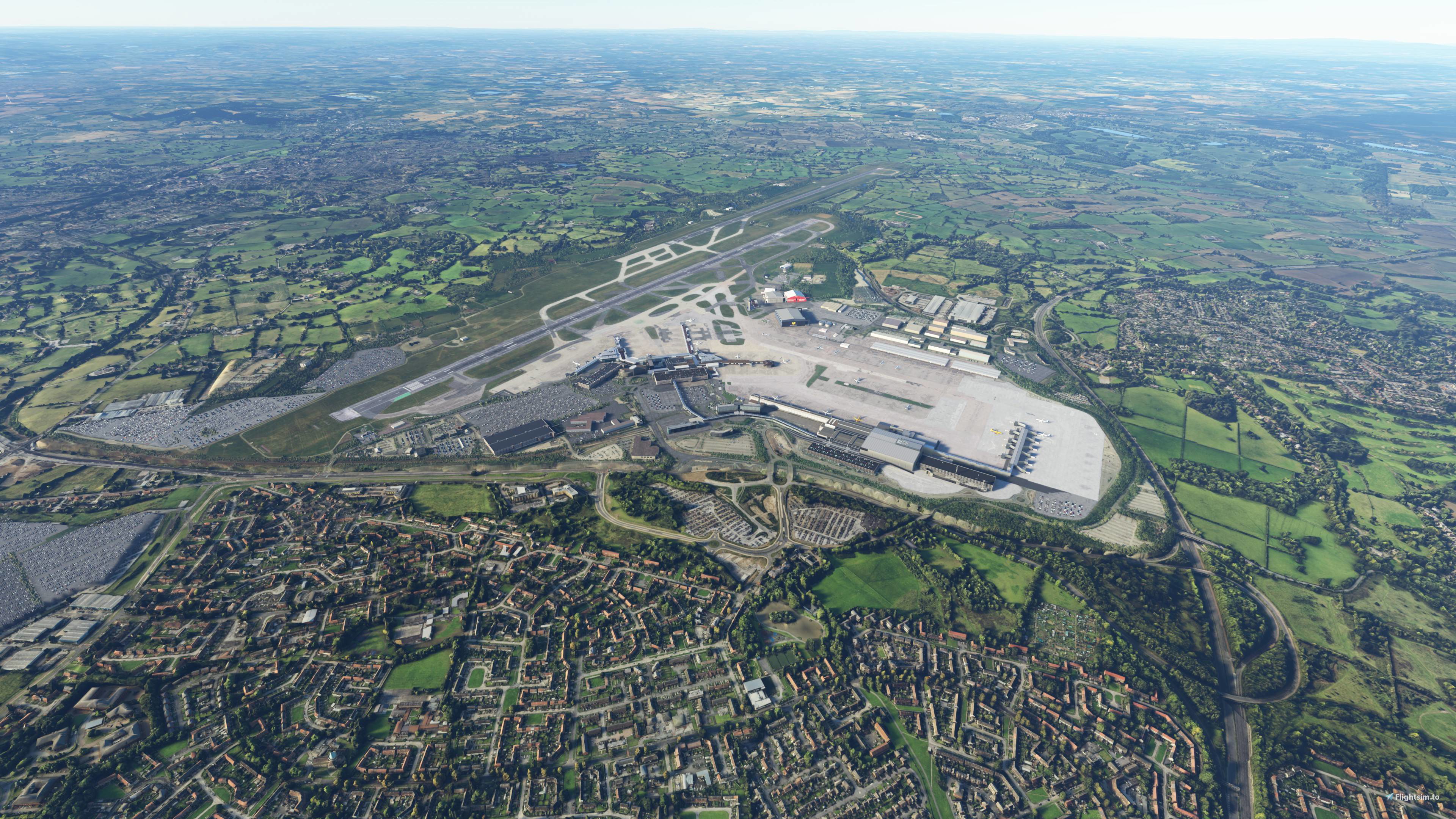
This scenery covers the area around Manchester Airport with photogrammetry. It is part 5 out of 10 in a series that combined covers the Greater Manchester Area. All parts in this series work together & seperatly.
The scenery has been optimized with the use of lily texture packer, to greatly reduce file loading times.
The detail level is LOD 16-19.
Changelog (Version 2.0):
- Better colours & contrast
- Twice the area covered in total
- More performance-friendly LOD's used
- CPU usage optimized by adding colliders for each tile
- Reduced RAM usage
Compatibility:
The scenery is compatible & tested with Macco Simulations version of Manchester Airport
Links to other parts of the series:
Part 1 - Manchester Centre
https://flightsim.to/file/33109/greater-manchester-2-0-pt-1-manchester-centre
Part 2 - Manchester West
https://flightsim.to/file/33110/greater-manchester-2-0-pt-2-manchester-west
Part 3 - Manchester South
https://flightsim.to/file/33112/greater-manchester-2-0-pt-3-manchester-south
Part 4 - Trafford
https://flightsim.to/file/33114/greater-manchester-2-0-pt-4-trafford
Part 5 - Airport
https://flightsim.to/file/33123/greater-manchester-pt-5-airport
Part 6 - Stockport
https://flightsim.to/file/33124/greater-manchester-pt-6-stockport
Part 7 - Tameside
https://flightsim.to/file/33126/greater-manchester-pt-7-tameside
Part 8 - Oldham & Rockdale
https://flightsim.to/file/33159/greater-manchester-pt-8-oldham-rockdale
Part 9 - Bury
https://flightsim.to/file/33160/greater-manchester-pt-9-bury
Part 10 - Bolton
https://flightsim.to/file/33161/greater-manchester-pt-10-bolton
Location
Greater Manchester Pt. 5 - Manchester Airport
Explore Manchester Airport and its surrounding area with this photogrammetry scenery add-on, a part of the Greater Manchester series. Featuring optimized details, improved performance, and compatibility with Macco Simulations Manchester Airport, this update includes enhanced colors, increased coverage area, and efficient CPU and RAM usage. Experience the fifth installment of this series seamlessly integrated with previous and upcoming parts for a complete Manchester metropolis adventure.

Avis des utilisateurs
4 avis
Historique des versions
Aucun historique de version disponible.
Similaires
Greater Manchester Pt. 1 - Manchester Centre
Explore the heart of Manchester with this photogrammetry scenery add-on, the first part of the Greater Manchester series. With optimized textures for faster loading times and LOD levels 16-19, immerse yourself in a detailed urban landscape. Version 2.0 offers enhanced visuals, improved performance, and an expanded coverage area. Check out the other parts of the series to complete your Greater Manchester experience.
par Sebastian1911
Liverpool Pt. 1 - Liverpool Centre & Birkenhead
Explore the vibrant city of Liverpool and Birkenhead with this photogrammetry scenery add-on, part 1 of a comprehensive series capturing the Liverpool Metropolitan Area. Featuring high level of detail (LOD 16-19) and optimized textures, immerse yourself in the historical port city known for its rich maritime heritage and iconic landmarks. Follow the installation instructions to merge the contents of two zip files and enhance your Microsoft Flight Simulator experience.
par SebastianJ
York
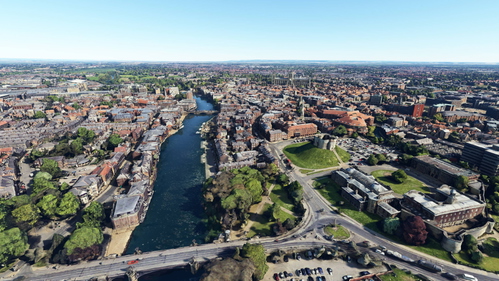
Explore the city of York in Microsoft Flight Simulator with this photogrammetry scenery add-on. Discover the historic landmarks and structures of York, including its cathedral, castle, and ancient city walls. Immerse yourself in the Roman origins of this cathedral city located at the confluence of the rivers Ouse and Foss in North Yorkshire, England.
par Sebastian1911
Liverpool Pt. 4 - Speke & Bebington
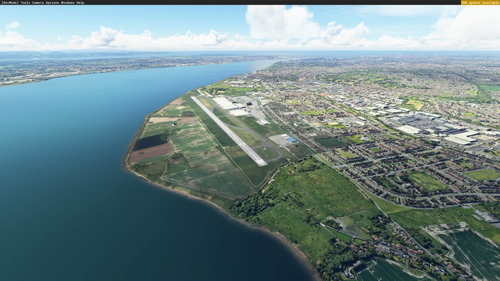
Explore Speke & Bebington in Liverpool with this photogrammetry scenery add-on. Part of a series covering the Liverpool Metropolitan Area, this mod features LOD 16-19 detail and is optimized with lily texture packer. Discover Speke Hall and Liverpool John Lennon Airport in stunning detail.
par SebastianJ
Connectez-vous pour participer à la discussion
Se connecterCommentaires(19)
about 1 year ago
over 2 years ago
almost 4 years ago
Guess its broken with all the people saying its pink (like me)
almost 4 years ago
Hey my scenary is all pink / purple? I have follwed all steps what have i missed?
about 4 years ago
Hi guys, any idea why mine is pink? i know it must be a texture file somewhere, but all 10+ parts are pink checkered
over 4 years ago
Great improvement for the Manchester area, only thing I would ask is would it be possible to put the 23R approach landmarks in, the B&Q building and the Pyramid please? They were in a previous mod which I replaced with your more up to date scenery. Thanks
over 4 years ago
The buildings are already included in my Stockport scenery
over 4 years ago
Ah ok, that's odd then. I have all your Manchester scenery but don't see B&Q or the pyramid
over 4 years ago
i need to ask a question i downloaded all 10 they work but one prob im having is im stuttering like crazy it freezes for about 2 or 3 seconds need to know why its so bad
over 4 years ago
Most likely the sceneries are straining your cpu too much. I would suggest trying to use fewer sceneries at once or flying in a slower aircraft. Also as mentioned in other comments the combination of my scenery with Macco Manchester Airport is quite demanding.
over 4 years ago
Thank you!
over 4 years ago
Lovely scenery I tried it along with the Stockport one. Unfortunately it's causing me fps drop and bad pauses/stuttering so I will have to remove it which is a shame as it looks great.
over 4 years ago
In combination with the Macco Airport it is indeed the most demanding of all the Manchester sceneries. Probably due to both of them loading in at once.
There are as I see it three possible solutions:
Use slower aircraft. This stresses the simulator less Disable this scenery while keeping the other sceneries such as Stockport.Disable the Macco Airportover 4 years ago
Hey thanks for your reply! I am indeed also using Macco EGCC. I think for doing some VFR in a low and slow aircraft it would be fine, just a bit taxing in combination with the PMDG 737 (or FENIX A320 now!).
Great scenery though, brings Manchester and the surrounding area to life :)
over 4 years ago
For some reason the airport itself isn't showing up, it still has the default Asobo one, although I think the surrounding area has changed. Strange also that the default EGCC doesn't show up in content manager either so I can uninstall it. (EGCB does).
I did previously have the Macco version installed but I've uninstalled that and also set it to false in the content manager but I just can't get your version of the airport to show up.
over 4 years ago
The scenery adds photogrammetry around the airport. It doesn't change the airport itself. If you don't have the Macco version installed then the default Asobo airport will show up. The airport on the screenshots is the Macco version of EGCC.
over 4 years ago
Ah I see, I did have the Macco one but it caused too many stutters. I use VR and it seems that if you have two different add on sceneries in the same view point then frame rates drop off a cliff and wont recover unless you reset the sim. I would rather use your Manchester scenery than the Macco EGCC one.
over 4 years ago
Hi Is this compatible with the MACCO Version of EGCC?
over 4 years ago
Yes it's tested with it